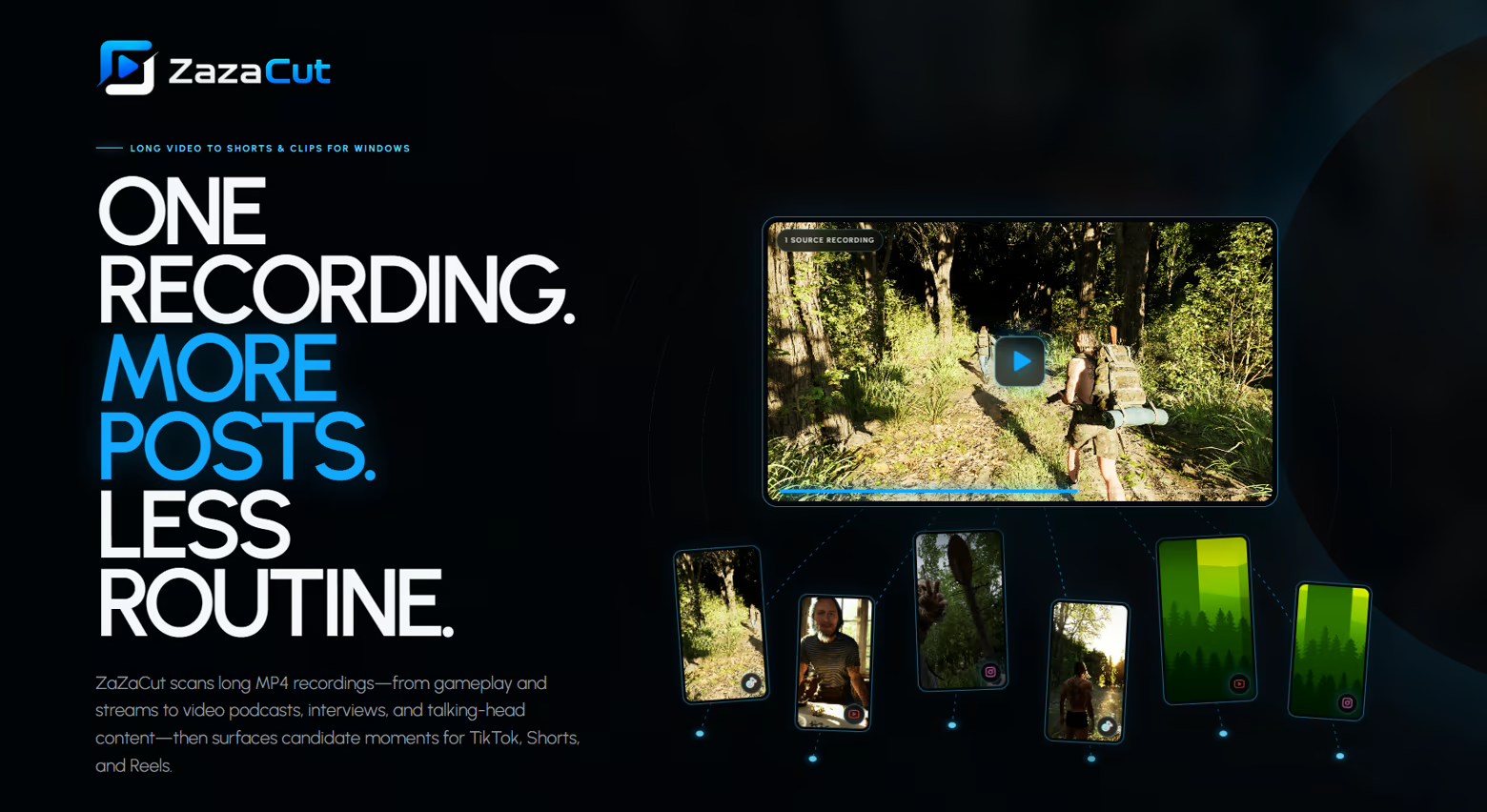
Automatically find the loudest and most intense moments in your gameplay recordings, then export ready-to-post clips for TikTok, YouTube Shorts, Reels, and Steam promotion. No AI. No cloud. Just fast local analysis.
Release Date:
Coming soon
Developer:
Publisher:
Tags

Sign in to add this item to your wishlist, follow it, or mark it as ignored

This game is not yet available on Steam

Coming soon

Interested?
Add to your wishlist and get notified when it becomes available.
 

About This Software

ZaZaCut is a local Windows desktop tool that turns long gameplay recordings into short, publish-ready clips faster.

Stop hunting through hours of footage by hand. ZaZaCut helps you find loud highlights, visual flashes, intense moments, and also split long videos into clean sequential parts when you do not need highlight detection.

No AI. No cloud upload. No account. Your videos stay on your PC.

Two Ways to Cut Gameplay

ZaZaCut is built around two practical creator workflows:

  • Highlight Detection ? detects gunshots, screams, jumpscares, explosions, fights, attacks, brightness flashes, loud reactions, and other moments that stand out.

  • Smart Split ? divides longplays, walkthroughs, streams, podcasts, tutorials, and archive videos into sequential clips of a chosen length.

Everything is based on deterministic local analysis such as RMS loudness, silence before peaks, brightness flashes, simple scoring, and timeline splitting. No neural networks are used.

Review Before Export

After analysis, ZaZaCut fills a Detected Clips table so you can decide exactly what gets exported.

  • Select or deselect individual clips before export.

  • Export all detected clips or only the strongest moments.

  • Use Best 10 / Best 20 for highlight workflows.

  • Use Smart Split for continuous chronological parts without ranking.

Made for Shorts, TikTok, Reels and Steam Promotion

Export your clips in creator-friendly formats:

  • Original ? keep the original video format.

  • 9:16 Crop ? vertical gameplay crop for fast Shorts-style content.

  • 9:16 Cinematic ? preserve the full gameplay frame inside a 1080x1920 vertical canvas with space for branding.

  • 9:16 Stream ? vertical layout for gameplay with a webcam zone, placing gameplay above and webcam below.

Use it for TikTok, YouTube Shorts, Instagram Reels, Steam wishlist promotion, horror atmosphere clips, FPS action clips, and indie game marketing.

Visual Branding Editor

ZaZaCut includes a lightweight branding editor so exported clips can look ready to publish.

  • Place your game logo and CTA image directly inside the preview.

  • Add intro and outro videos to exported clips.

  • Preview TikTok, YouTube, Instagram, and universal safe zones.

  • Merge Logo and CTA so they alternate instead of taking too much screen space.

  • Use gameplay preview screenshots generated from your own video after analysis.

The preview is designed to match export placement: what you see in the editor is what gets rendered into the final clip.

Local and Private

ZaZaCut runs locally on your Windows PC using FFmpeg and simple signal analysis.

  • No cloud processing.

  • No online video upload.

  • No subscription server required.

  • No internet required for processing.

Who Is ZaZaCut For?

ZaZaCut is useful if you record gameplay and need clips faster without opening a full video editor for the first pass.

  • Game developers promoting a Steam page.

  • Streamers and YouTubers cutting long recordings.

  • TikTok, Shorts, and Reels creators.

  • Horror, FPS, action, survival, and atmospheric game creators.

  • Anyone who manually searches audio waveforms for moments worth posting.

Key Features

  • Automatic audio peak highlight detection.

  • Brightness flash detection for muzzle flashes, lightning, explosions, and jumpscares.

  • Moment scoring and Best Clips filtering.

  • Smart Split for sequential long-form video slicing.

  • Clip review table with manual selection.

  • Original, 9:16 Crop, 9:16 Cinematic, and 9:16 Stream export modes.

  • Logo, CTA, intro, outro, safe zone, and alternating branding support.

  • Local processing with no AI and no cloud upload.

ZaZaCut does not replace professional editing software. It helps you get to the moments worth editing much faster.

System Requirements

    Minimum:
    • Requires a 64-bit processor and operating system
    • OS: Windows 10 64-bit
    • Processor: Intel Core i5-6500 / AMD Ryzen 3 1200 or better
    • Memory: 8 GB RAM
    • Graphics: DirectX 11 compatible GPU
    • Storage: 1 GB available space
    Recommended:
    • Requires a 64-bit processor and operating system
There are no reviews for this product

You can write your own review for this product to share your experience with the community. Use the area above the purchase buttons on this page to write your review.

Review Filters