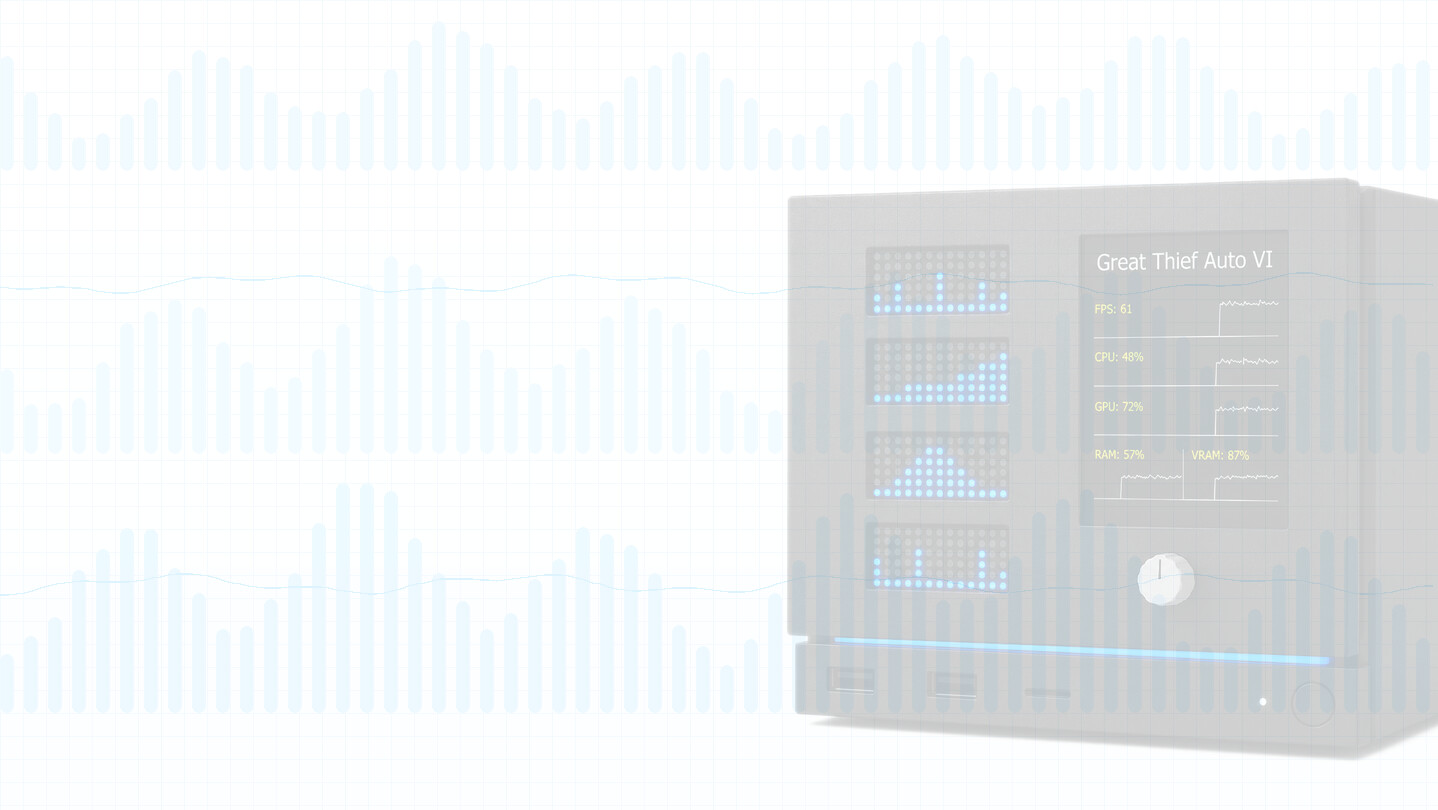
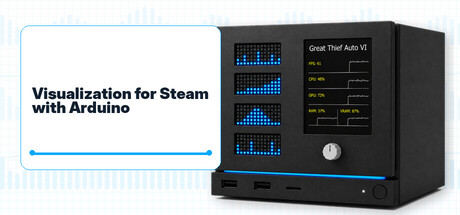
Visualization for Steam with Arduino lets you build a custom Steam Machine front plate display. The PC app detects your running game, system metrics, and supported achievements, then streams them to compatible Arduino hardware over USB. External hardware required.

로그인하셔서 게임을 찜 목록에 추가하거나, 팔로우하거나 또는 제외로 지정하세요.

한국어(을)를 지원하지 않습니다

이 제품은 귀하의 로컬 언어를 지원하지 않습니다. 구매하기 전에 아래에 있는 지원하는 언어 목록을 확인해주세요.

이 게임은 아직 Steam에 출시되지 않았습니다

출시 예정일: 2026년 9월

관심이 있으신가요?
찜 목록에 추가하고 출시가 되면 알림을 받으세요.
 

소프트웨어 정보

Visualization for Steam with Arduino is a software and Arduino firmware package for players who want to build a custom front plate for their Steam Machine or Steam gaming PC.

The app runs on your PC alongside the Steam client, detects the active Steam user and the currently running Steam game, then streams selected status data to an externally attached Arduino-based display setup. A single USB cable powers the board, flashes the firmware, and carries the serial data connection. With the matching firmware installed on the board, your custom front plate can show Steam context, system metrics, and supported achievement information while you play.

Important: external hardware is required.

This application provides the PC software and supported Arduino firmware. It does not include an Arduino board, display, front plate, enclosure, cables, Steam games, or any other physical device. To use the visualization features, you need a compatible Arduino board connected to the PC by USB, the supported display hardware, and your own custom build or mounting solution.

What the app does


  • Connects to the locally running Steam client.
  • Detects the active Steam user and the currently running Steam game.
  • Discovers a supported Arduino board connected over USB.
  • Flashes the supported firmware to the board from inside the app.
  • Streams front plate display data over a USB serial connection.
  • Sends game context and system metrics such as CPU, GPU, and RAM usage.
  • Supports player and global achievement text for games where the required achievement data is available.
  • Runs quietly in the background and can be minimized to the system tray.

Compatible hardware


The current release is designed for the following Arduino boards:

  • Arduino UNO R4 Minima
  • Arduino UNO R4 WiFi

The current display setup is designed for:

  • Adafruit 2.8-inch TFT Display Shield v2
  • 4x Arduino Modulino LED Matrix

Supported and planned input modules:

  • Arduino Modulino Knob (currently supported)
  • Arduino Modulino Buttons (planned)
  • Arduino Modulino Joystick (planned)

The reference module layout uses Qwiic cables for Modulino connections. If your layout needs more space between modules, use appropriate Qwiic-compatible extension cables for your physical build. Your own front plate, enclosure, mounting, and cable routing are up to your project design.

Front plate fit and airflow


The Arduino board and TFT display must physically fit behind your custom Steam Machine front plate. The reference board and display stack is approximately 2 cm tall, so your design needs a larger gap between the front plate and the machine chassis to leave room for the electronics, cables, and mounting hardware.

In the reference layout, no additional cooling is required for the front plate electronics because the Steam Machine already draws enough intake air through that area. Your custom build should still avoid blocking the machine's existing airflow path and should leave adequate clearance around the installed modules.

Supported data


Visualization for Steam with Arduino is built around compact, real-time status updates that fit on a small front plate display. Depending on the game, system, drivers, and available Steam data, the board can receive:

  • Steam persona name
  • Steam game name
  • CPU usage
  • GPU usage
  • RAM usage
  • Player and global achievements where available
  • FPS data (planned)
  • VRAM usage (planned)
  • Player stats (planned)

Some fields may be unavailable on some systems or in some games. Hardware counters, driver support, operating system permissions, and game-specific Steam data can affect what the app can detect.

System requirements and setup notes


The app is intended for Windows and Linux desktop systems, including SteamOS, running the Steam client. A compatible Arduino board must be connected by USB and visible to the operating system as a serial device. Internet access is required during setup and normal use for firmware download, game artwork, and supported Steam achievement data.

Not an official hardware bundle


This is an independent companion utility and firmware package for hobbyist front plate projects. It is not made by, endorsed by, sponsored by, or affiliated with Valve, Arduino, or Adafruit. Steam, Steam Machine, SteamOS, Arduino, Modulino, and Adafruit names are used only to identify compatibility with the relevant software, boards, and accessories.

Trademarks and copyright


Valve, the Valve logo, Steam, the Steam logo, Steam Machine, and SteamOS are trademarks and/or registered trademarks of Valve Corporation.

Arduino, the Arduino logo, and Modulino are trademarks or registered trademarks of Arduino S.r.l.

Adafruit is a trademark or registered trademark of Adafruit companies.

All other trademarks are the property of their respective owners.

Application software, Arduino firmware, store assets, and trailer video content are copyright (c) 2026 Dunaparty. All rights reserved, except where separate third-party licenses apply.

Trailer music credit:

Punch by Alex-Productions |
Music promoted by
Creative Commons CC BY 3.0

시스템 요구 사항

Windows
SteamOS + Linux
    최소:
    • 64비트 프로세서와 운영 체제가 필요합니다
    • 운영 체제: Windows 10+
    • 저장 공간: 1 GB 사용 가능 공간
    • 추가 사항: External Arduino device required
    권장:
    • 64비트 프로세서와 운영 체제가 필요합니다
    • 운영 체제: Windows 11
    • 저장 공간: 1 GB 사용 가능 공간
    • 추가 사항: External Arduino device required
    최소:
    • 저장 공간: 1 GB 사용 가능 공간
    • 추가 사항: External Arduino device required
    권장:
    • 저장 공간: 1 GB 사용 가능 공간
    • 추가 사항: External Arduino device required
평가 필터 조건