Your PC finally has a guardian. Interactive Hud learns your machine's normal and warns you — in plain language — when something drifts: temps creeping up, a driver that cost you FPS, an SSD wearing down. Beautiful live gauges, a monthly health report. It watches, remembers, knows. Windows-only.
Release Date:
Jul 29, 2026
Developer:
Publisher:
Tags

Sign in to add this item to your wishlist, follow it, or mark it as ignored

This game is not yet available on Steam

Planned Release Date: Jul 29, 2026

This application will unlock in approximately 5 days

Interested?
Add to your wishlist and get notified when it becomes available.
 

About This Software

Every other overlay shows numbers. Interactive Hud understands them.

Most hardware monitors dump cold rows of digits into a corner and leave you to work out what they mean. Interactive Hud reads the exact same live telemetry — CPU, GPU, RAM, FPS, network, temperatures, clocks, loads and power — and actually understands it. It learns what "normal" looks like for your machine, notices the moment something drifts, and tells you — in plain language — what changed, why it matters, and what to do about it.

In other words: your PC finally has a guardian. (And yes, it happens to be the most beautiful thing on your screen — we'll get to that.)

It watches. It remembers. It knows.

A pretty overlay is easy to copy. A guardian that learns your machine isn't.
  • It watches every session, live, from the moment you start playing.
  • It remembers weeks and months of history — so it can tell a bad afternoon apart from a real problem building up slowly.
  • It knows your factory specs, and holds them against what your machine is actually doing.
When it finds something, it names the likely cause and the safest fix — never a cryptic error, never a number you have to decode. And it's conservative by design: it only speaks once it's sure. No false alarms, no crying wolf.

The things an ordinary overlay will never catch

This is where the guardian earns its keep. Interactive Hud connects readings across weeks to surface problems most tools can't even see:
  • A slow warm-up, caught week over week. It compares this week's temperatures with last month's and flags heat creeping up long before it throttles you — the quiet signature of dust building up or thermal paste aging.
  • An FPS drop pinned to a driver. When a graphics driver quietly costs you frames, it ties the regression to the exact update and shows you the sessions before and after, side by side, as proof.
  • An SSD wearing down. It tracks your drive's health and projects its remaining life, with a calm heads-up long before it ever becomes your problem.
  • A power supply starting to sag. It logs the stability of your PSU's voltage rails on every session ticket, so an aging unit shows itself before it can take the system down.
  • A rig mis-configured from day one. It reads your factory specs and catches RAM stuck in single channel, an XMP/EXPO profile left off, a CPU that never reaches its base clock, or a GPU power limit set below factory — problems that were wrong from the very first boot, not just changes over time.
See it all in your machine's ID card, inside the Machine memory — factory vs. observed, side by side, every call paired with its likely cause and safest fix.

A full health report, once a month

Once a month, Interactive Hud hands you a plain-language check-up of your machine: hours watched, a dated thermal history, every warning it raised, an honest read on reliability, and a share-ready card. It's the report you'd get from a technician who never left your side — except it's already done, entirely local, and yours to keep.

It works even when you're not gaming

Your PC being on is a session too. Interactive Hud treats every stretch from power-on to shutdown as an invisible session and keeps a quiet diary of what happened — even with the overlay hidden and no game ever opened:
  • What changed on your system — software installed or removed, Windows updates, new drivers.
  • Your day, at a glance — a one-line summary right in the Panel.
  • Your previous session — how long, how much energy, how many warnings.
  • Rough shutdowns, caught — if the PC went down unexpectedly, it tells you the next time you're back.
  • A drive filling up — a conservative heads-up before you run out of space.
The guardian never sleeps — and it's 100% local, nothing ever uploaded.

…and it's still the most beautiful thing on your screen

Here's the twist: all that intelligence lives inside gauges you'll actually want on screen. The same telemetry that powers the guardian is rendered as functional art that sits on top of your game — always visible, no alt-tabbing, no second monitor, and built to stay light so your frames stay yours. This is the overlay people ask about the moment they see your stream.

Meet the Fusions — gauges from another world

The Fusions are our signature. Instead of one number per sensor, a Fusion merges several sensors into a single, fully animated piece — each with its own identity:
  • Reactor — a plasma core wrapped in spinning containment rings.
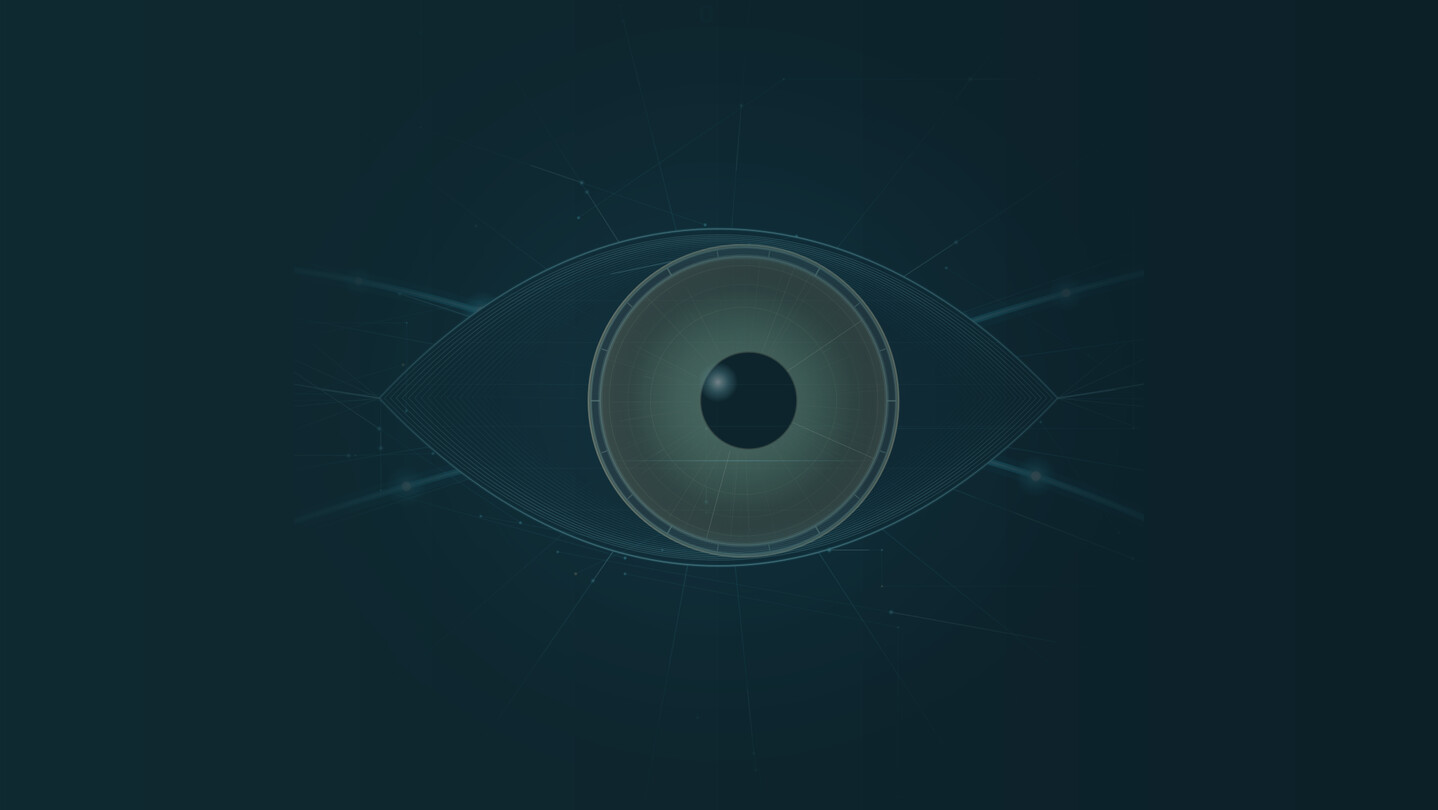
  • Hologram — an animated holographic eye that reacts to your temperatures in real time.
  • Aquarium — glass spheres, or every sensor swimming as a fish across a reef.
  • Vintage VU — analog needle meters set in a walnut cabinet with a real speaker grille.
  • Carbon — a hex carbon-fiber track with a pulse of energy racing between your sensors.
  • Swiss — minimalist Swiss typography, surgically clean.
  • Neon HUD — angular MFD modules straight out of a cockpit.
  • And more — Holo-Orbital, Crystal, Liquid Glass, Equalizer, Matrix, Waveform, Synthwave, Dual-Orbital and Solar System / Plasma.

Cards for every component

Prefer something cleaner? Each component — GPU, CPU, RAM, FPS, Network, Power — gets its own Card in premium styles, with colors that shift dynamically by theme and ready-made presets. Or drop the all-in-one System Card for the full picture in a single panel.

Your home base — the Panel

Open Interactive Hud and it greets you by name in the Panel — a premium dashboard that reads your whole machine at a glance and puts every tool one click away. It sums up what changed since your last session, opens your reports, comparisons and settings from one place, and lets you start with just the Panel — bringing the overlay in only when you want it.
Make it yours with 6 selectable Panel themes: Classic, Sentinel (a watchful guardian eye), Command Cockpit (an instrument cluster), Living Headline (an editorial cover), Command Center (a tactical readout) and Aura (a calm surface that breathes in the color of your system's state).

Alerts that belong to the art

When something runs hot, Interactive Hud doesn't slap a generic warning box over your screen. The alert is drawn in the language of the gauge itself, so you feel the problem before you read it:
  • On Carbon, the energy focus locks onto the hot sensor and the hexagons start to tremble — an earthquake that builds from 80°C toward 90°C.
  • On Aquarium, the water comes to a boil.
  • On Reactor, the core enters containment with alarm rings.
Every threshold is configurable and grounded in real limits for CPU, GPU, disk, ping and FPS — so you can back off while there's still time, not after the run is wrecked.

Every session, graded

The moment you close a game, your session becomes a report card:
  • A letter grade from S to D, with a plain-language verdict.
  • Average and 1% low FPS, temperatures, clocks and loads — the full picture.
  • Real power draw — watts turned into Wh and the € cost of your session.
  • Per-game history — how each title has run for you over time.
  • A one-click share card with your rig and grade, ready for Discord.
Prefer to keep it social? An optional Discord status can show what you're playing and a note from the session on your profile — you decide, and it stays off until you turn it on.

Take the HUD to a second screen

Want your game screen completely clean? Send the whole HUD to a phone or tablet on your own network and read your temps, FPS and power off a second screen — nothing drawn over the game at all. It stays on your LAN; nothing leaves your home.

Tune every pixel

  • Themes & dynamic colors that recolor your gauges to match your setup.
  • Ticker — a rolling scoreboard where you choose exactly which sensors scroll by.
  • Transparency up to 90%, floating freely or snapped into place.
  • Premium sensor diagnostics — your sensor categories and hardware model at a glance, not cryptic library errors.
  • Effective CPU clock, not just the marketing number.
  • Starts with Windows and stays out of your way.
  • 6 interface languages (EN, PT, ES, FR, DE, IT) with built-in Help.

Built to respect your game

Interactive Hud reads your sensors through a small driver it installs for you on first run, and it's built to stay light — a guardian you feel the benefit of, not the weight of. Updates are always manual and never apply themselves, so an overlay update can never interrupt a match mid-game. A native license gate keeps everything clean and legitimate. No cloud, no account, no telemetry — everything stays on your PC.

Good to know

We'd rather set expectations straight than surprise you:
  • Run games in Borderless or Windowed mode. Like Steam's own overlay, Discord and every other on-screen tool, Interactive Hud draws over the Windows compositor — so in Exclusive Fullscreen the OS hides every overlay, ours included. Borderless is a one-click switch in nearly every modern game.
  • One sensor reader at a time. PC hardware sensors can only be read reliably by one app at once — that's how the chips expose them, not a bug in any tool. If a value shows N/A, close other monitoring utilities (or reboot) and it comes right back.
  • Kernel-level anti-cheat. Interactive Hud never hooks into your game, so it stays clear of anti-cheat — but a few kernel-level systems block all third-party sensor drivers, which can limit some readings in those specific titles. The overlay itself keeps working.

Windows only. A native C# WPF app, built for PC gaming rigs — no bloat.

System Requirements

    Minimum:
    • Requires a 64-bit processor and operating system
    • OS: Windows 10 (64-bit)
    • Processor: 64-bit x64 processor
    • Memory: 512 MB RAM
    • Graphics: DirectX 11 compatible (integrated or dedicated)
    • Storage: 250 MB available space
    • Additional Notes: Administrator rights recommended on first run for CPU/GPU temperatures and clocks (installs a sensor driver). Usage, RAM, FPS and network work without it.
    Recommended:
    • Requires a 64-bit processor and operating system
    • OS: Windows 11 (64-bit)
    • Processor: Modern multi-core CPU
    • Memory: 1024 MB RAM
    • Graphics: Dedicated NVIDIA or AMD GPU
    • Storage: 250 MB available space
    • Additional Notes: Administrator rights recommended on first run for CPU/GPU temperatures and clocks (installs a sensor driver). Usage, RAM, FPS and network work without it.
There are no reviews for this product

You can write your own review for this product to share your experience with the community. Use the area above the purchase buttons on this page to write your review.

Review Filters