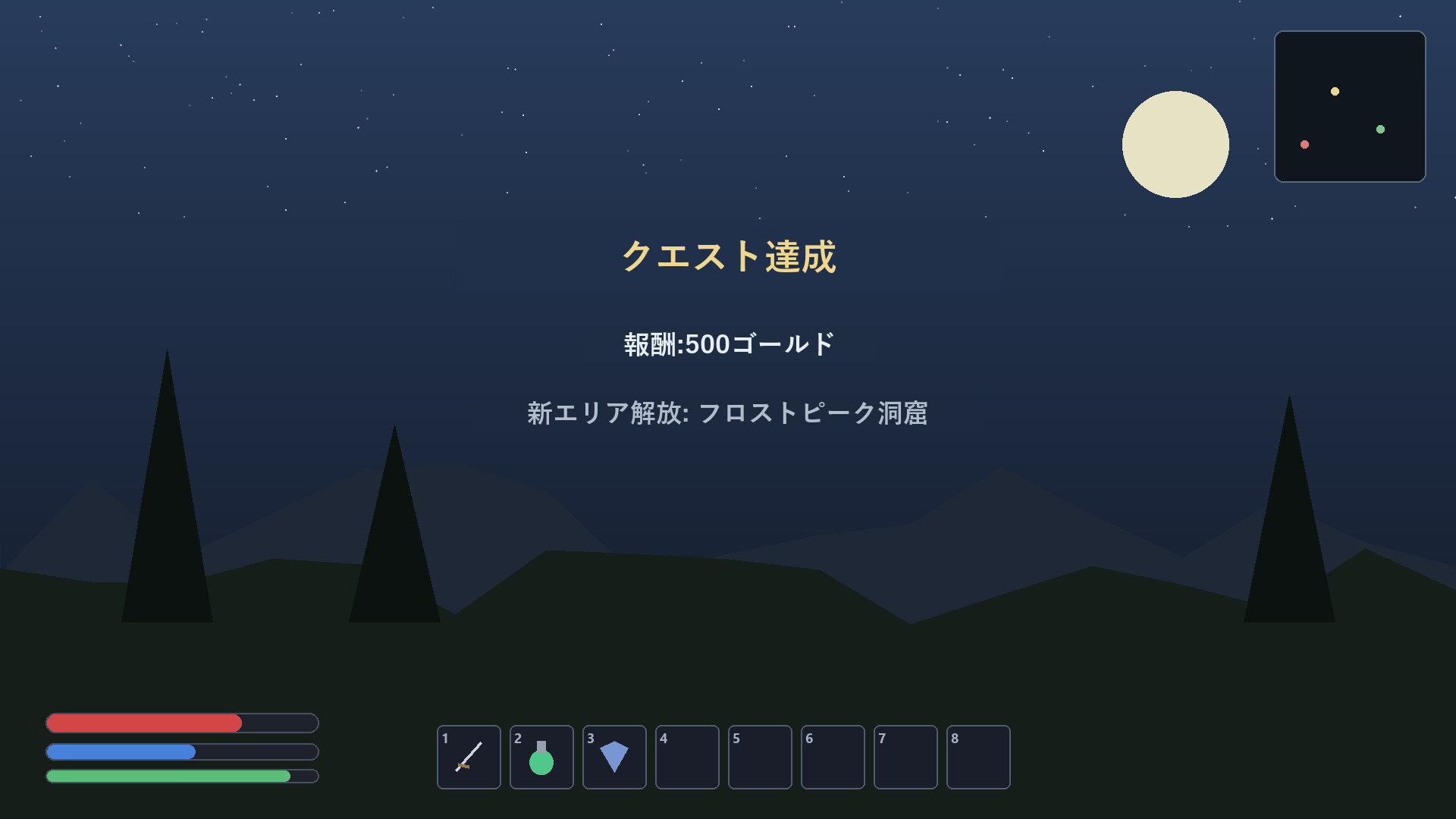
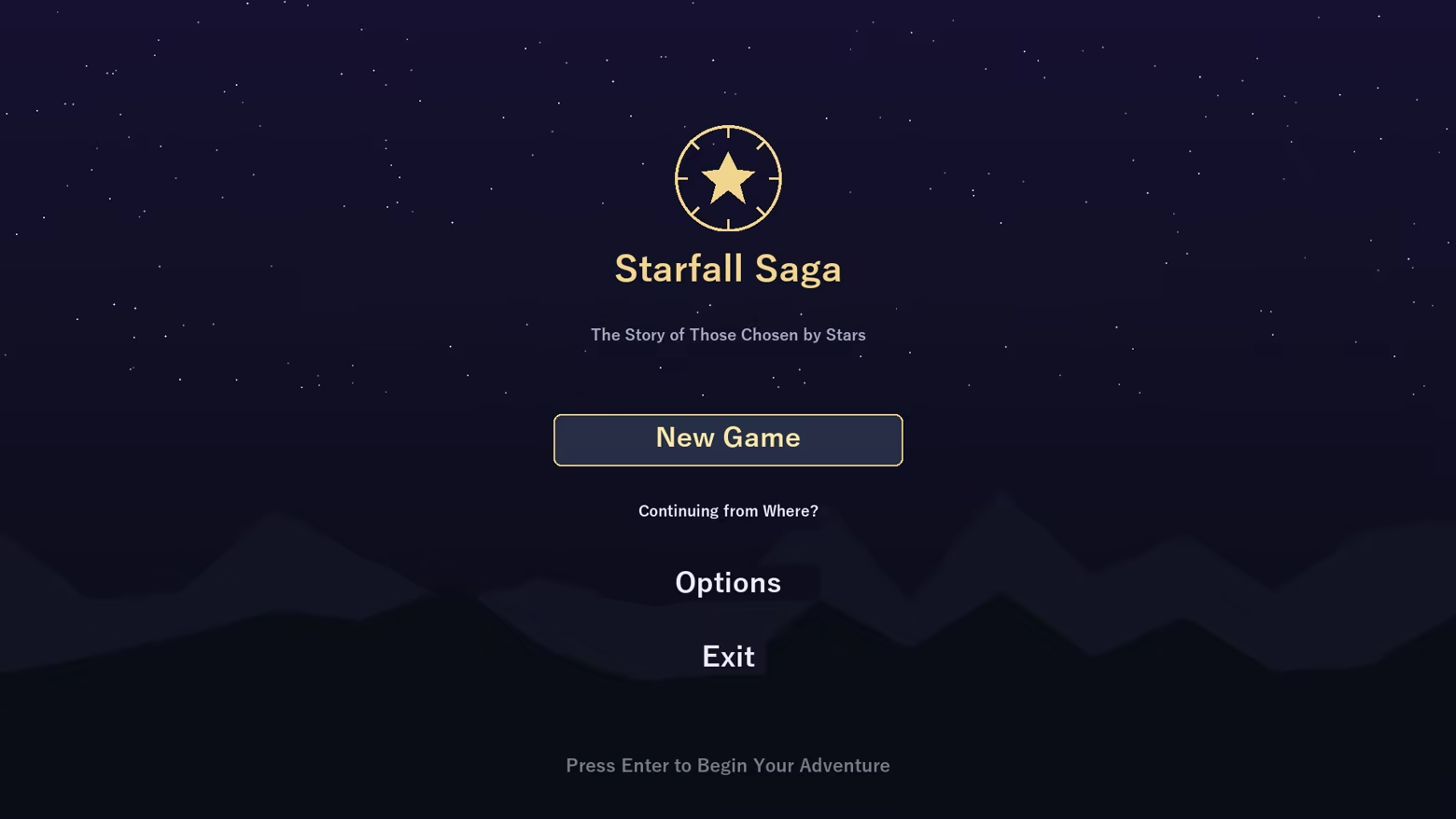
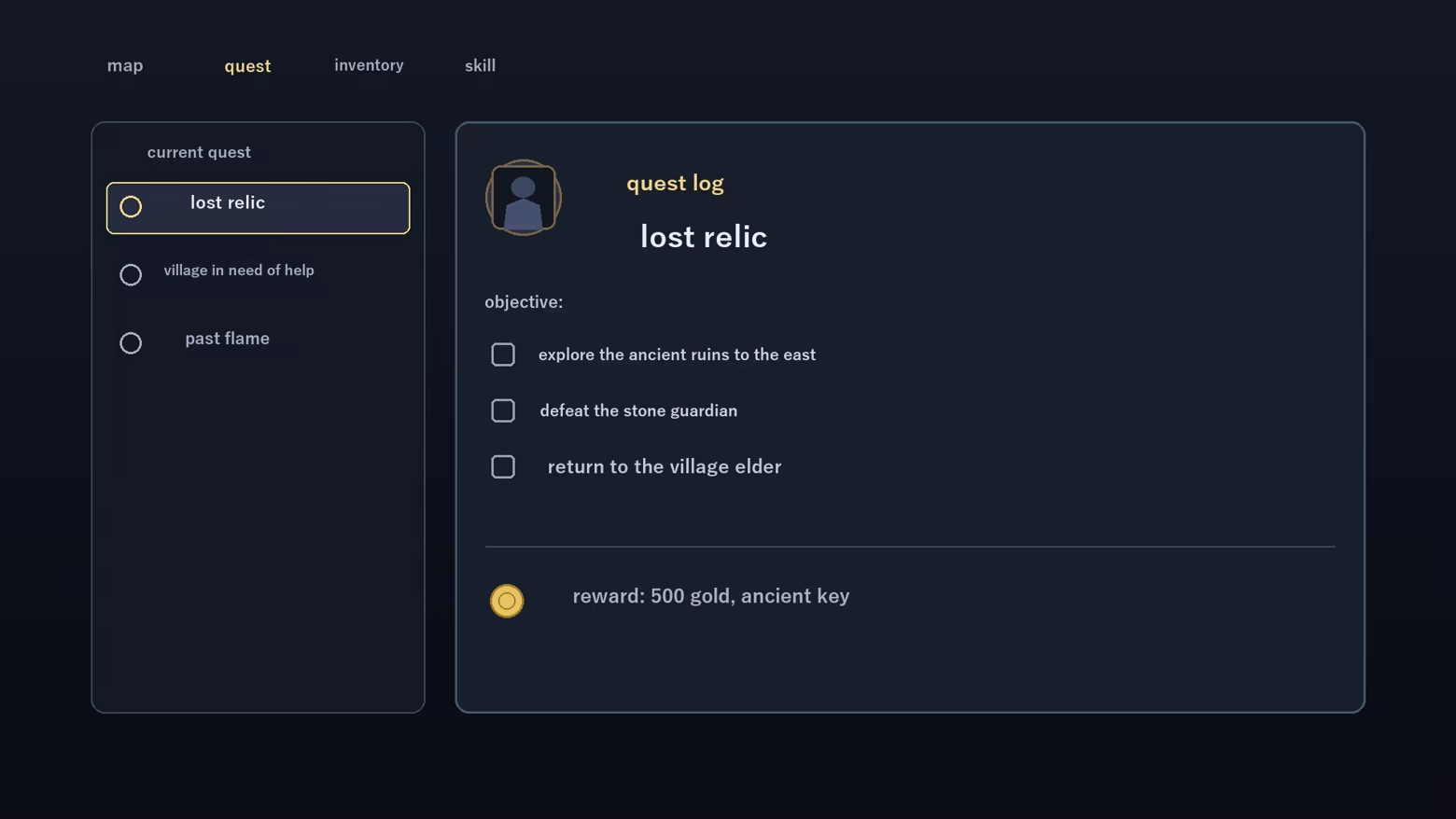
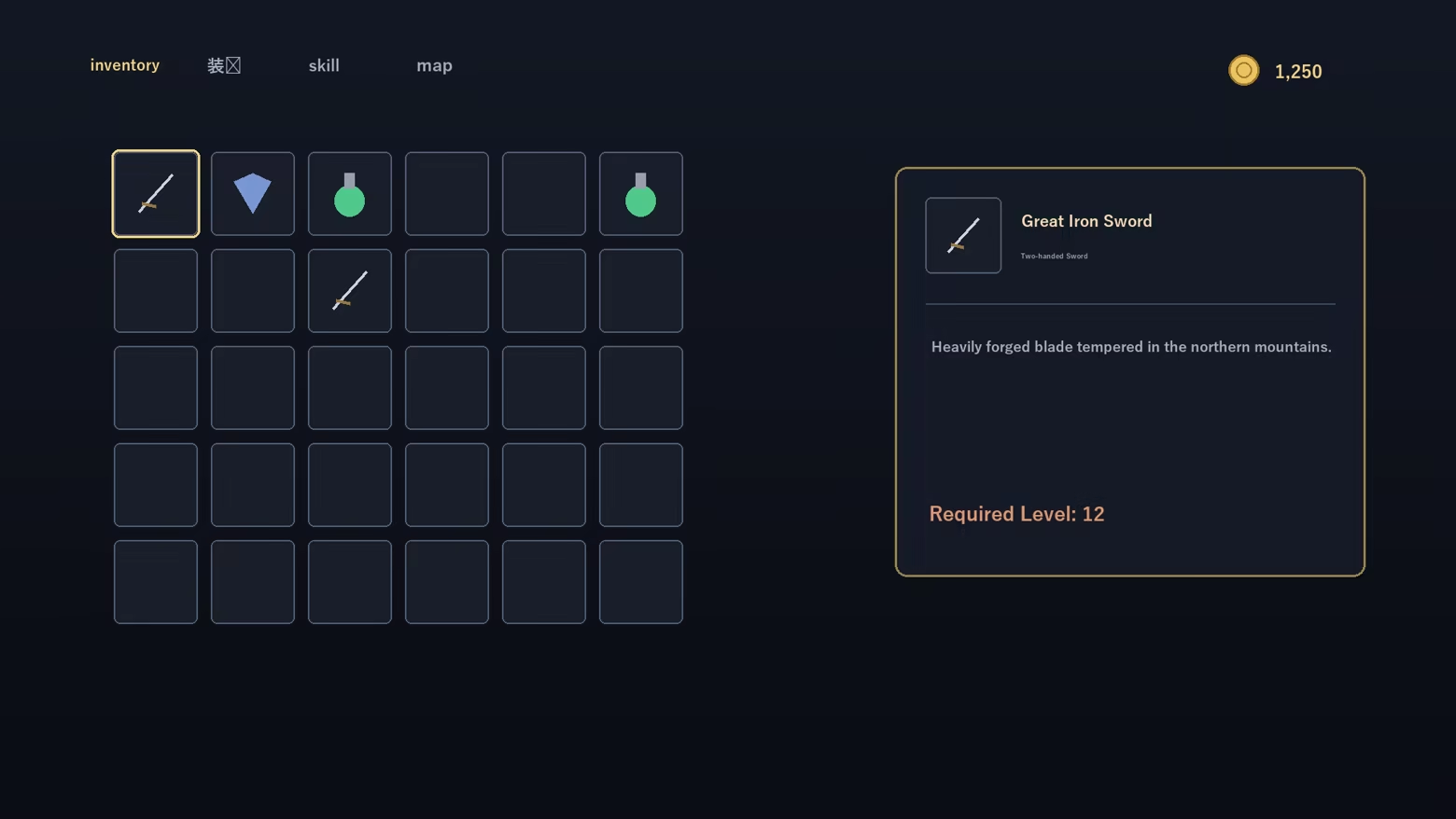
Real-time translation of on-screen game text, overlaid right over the original. The English-Japanese model is bundled: no download, fully offline right after install, unlimited use. Full-screen and region translation, one-key original/translation toggle, and a glossary.

Sign in to add this item to your wishlist, follow it, or mark it as ignored

Buy ゲーム画面オーバーレイ翻訳

INTRODUCTORY OFFER! Offer ends July 23

-10%
$3.99
$3.59
 

About This Software

Turn on-screen English into your language, in place

Game Overlay Translator reads the text on your game screen and overlays the translation right on top of the original — no window switching. It works fully offline, with unlimited translations and no subscription.

Great for

  • Playing games with no localization — understand menus, quests and item text as you go
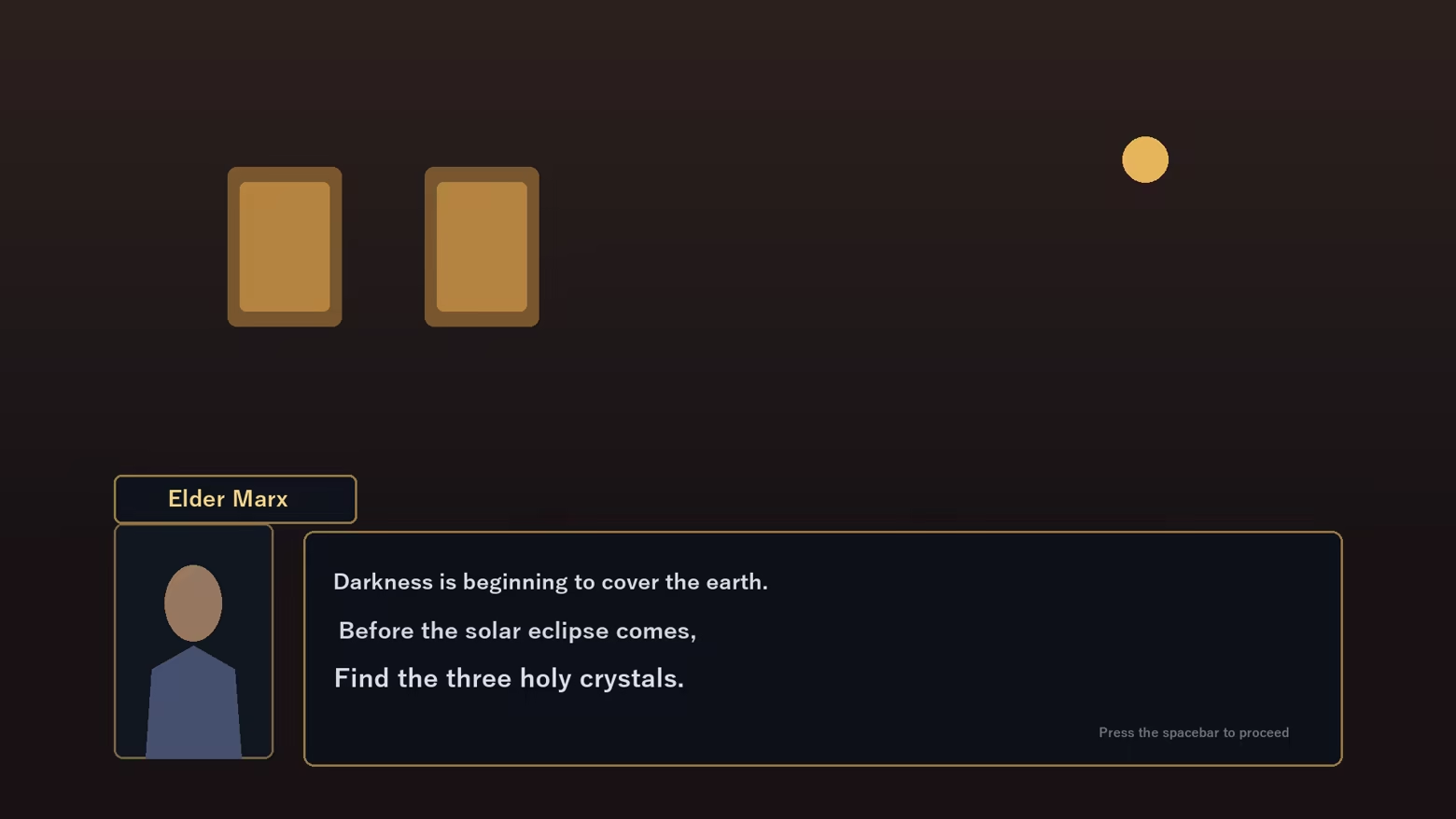
  • Reading story and dialogue — translate NPC lines on the spot
  • Translating just one area — drag to select a region; only that box is translated
  • Doujin, indie and older PC games — comfortable even without an official translation

Features

  • Full-screen translate (one hotkey) and region translate (movable box)
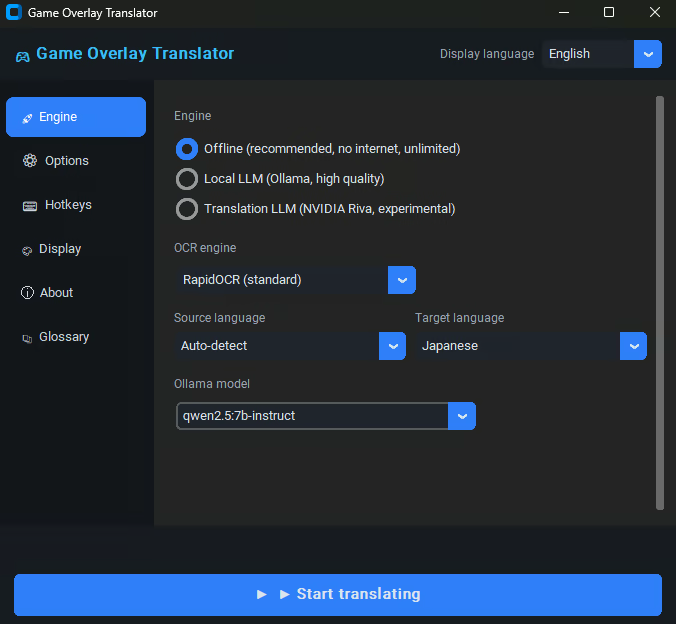
  • Fully offline (recommended) — no internet, unlimited, high-quality local model
  • Optional local LLM (Ollama) for more context-aware results
  • In-place overlay — original text blended out, translation drawn in the same spot
  • Glossary to fix game-specific terms to the wording you want
  • Display customization — font size, color, background opacity, selection-box color
  • Multilingual UI (JA / EN / KO / ZH)

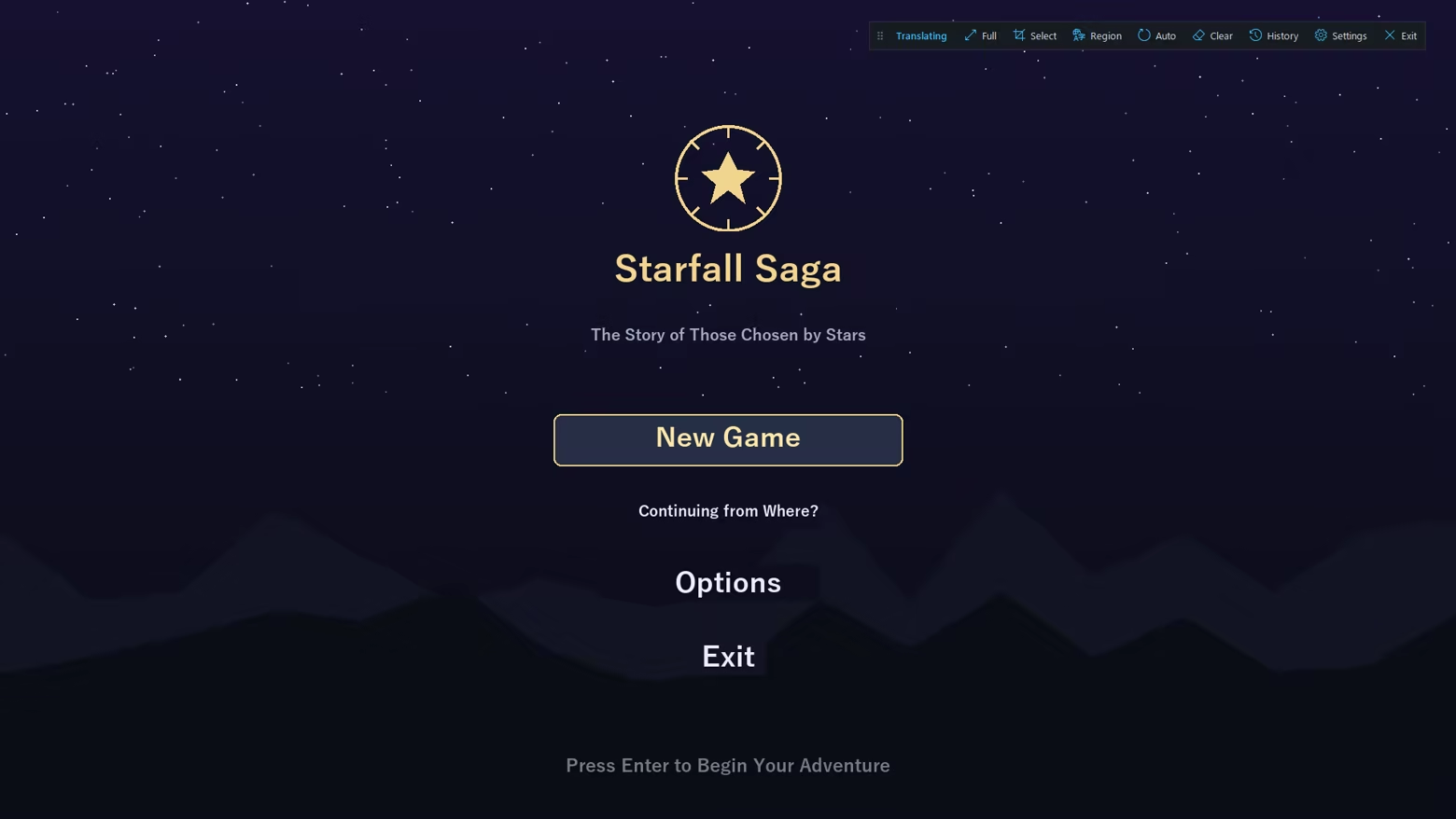
A floating control bar

While translating, a small on-screen bar gives one-click access to full-screen / region translate, auto mode, history and settings.

How it works

Screen capture, OCR, translation, then in-place overlay. Results are cached locally for instant re-display.


Important notes

  • As an on-screen overlay, games with anti-cheat (EasyAntiCheat / BattlEye / VAC, etc.) may warn, kick, or penalize your account. Use with online/competitive games at your own risk and check each game's ToS.
  • May not appear in exclusive-fullscreen games — use borderless/windowed mode.
  • Machine translation may not always be accurate.

AI Generated Content Disclosure

The developers describe how their game uses AI Generated Content like this:

Game Overlay Translator uses AI at runtime to translate the on-screen text that the player chooses to capture from other games or apps. All processing runs locally on the player's own PC and works offline: on-screen text is recognized with an on-device OCR model (RapidOCR / ONNX Runtime) and translated with on-device neural machine translation models (FuguMT, Argos Translate) and, optionally, a locally-run LLM (Ollama / Qwen2.5, or NVIDIA Riva).

No captured text, images, screenshots, or any other user data are sent to external or cloud AI services. The app does not accept free-form prompts and does not generate original or creative content — the AI only outputs a translation of the specific text the player captures. The source text belongs to the third-party games or apps the player runs.

Guardrails: the tool translates only the text the player explicitly captures from their own screen; it cannot be prompted to produce anything else, and all inference is local/offline, so no content is generated on, or sent to, any external server.

System Requirements

    Minimum:
    • OS: windows10 64bit
    • Processor: Intel Core i5 or Ryzen 5
    • Memory: 8 GB RAM
    • Storage: 1500 MB available space
    Recommended:
    • OS: windows11 64bit
    • Processor: Intel Core i7 or Ryzen 7
    • Memory: 16 GB RAM
    • Graphics: RTX3060
    • Network: Broadband Internet connection
    • Storage: 10 GB available space

Customer reviews for Game Overlay Translator About user reviews Your preferences

Overall Reviews:
1 user reviews (1 reviews)


To view reviews within a date range, please click and drag a selection on a graph above or click on a specific bar.


Filter reviews by the user's playtime when the review was written:


No minimum to No maximum

Show reviews in selected display order


Learn More
Filters
Excluding Off-topic Review Activity
Playtime:
Played Mostly on Steam Deck
Operating System:
CPU:
GPU:
Device Type:
Review Filters