เข้าสู่ระบบ เพื่อเพิ่มผลิตภัณฑ์นี้ลงในสิ่งที่อยากได้ของคุณ ติดตาม หรือทำเครื่องหมายเป็นถูกละเว้น

ไม่รองรับภาษาไทย

ผลิตภัณฑ์นี้ไม่รองรับภาษาท้องถิ่นของคุณ โปรดตรวจสอบรายชื่อภาษาที่รองรับก่อนทำการสั่งซื้อ

ดาวน์โหลด Cursor Flux Demo

ซื้อ Cursor Flux

ข้อเสนอช่วงแนะนำ! ข้อเสนอจะสิ้นสุดในวันที่ 30 มิถุนายน


เกี่ยวกับซอฟต์แวร์นี้

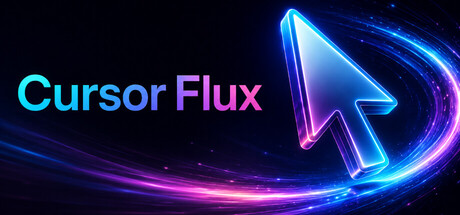
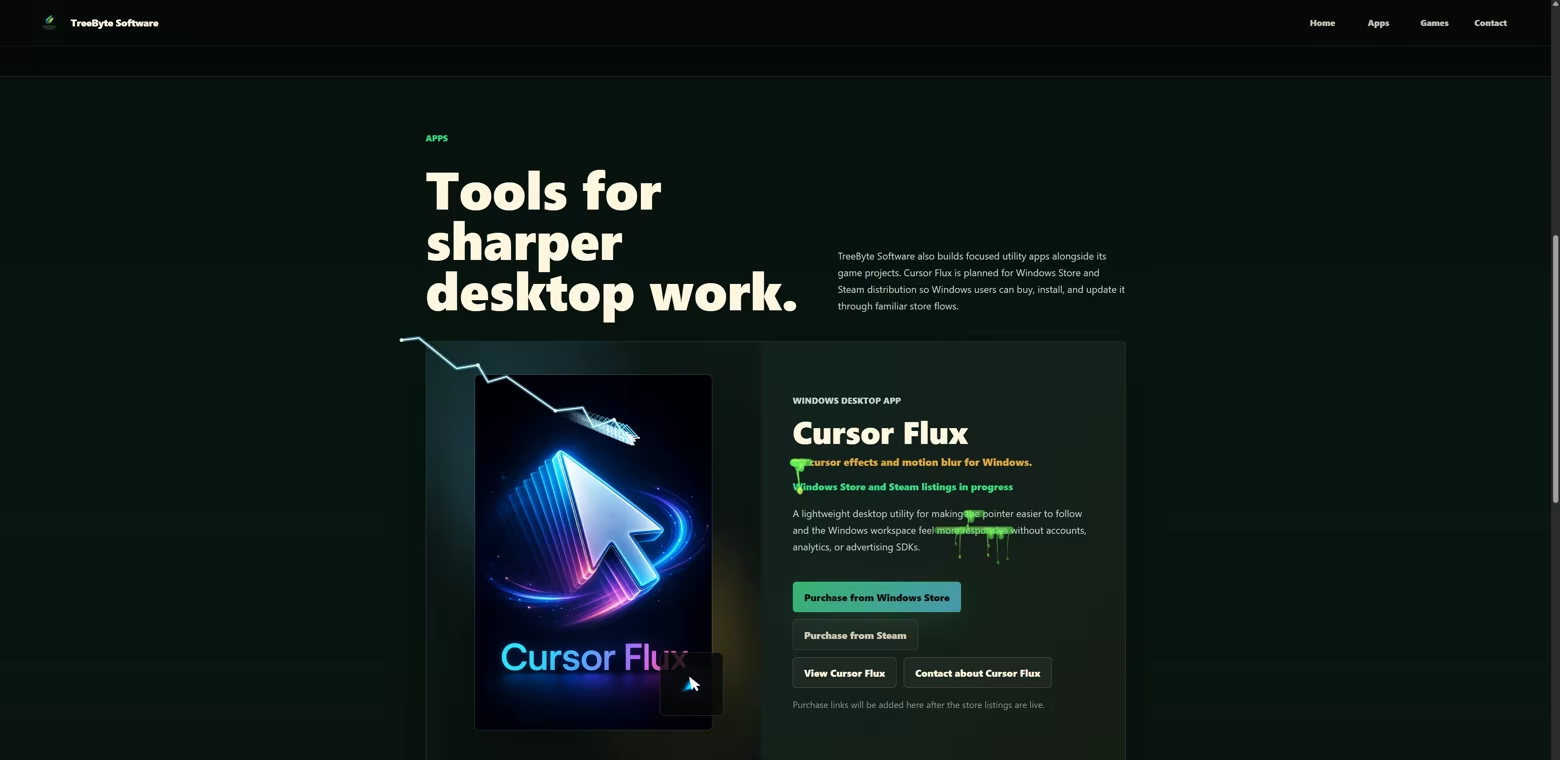
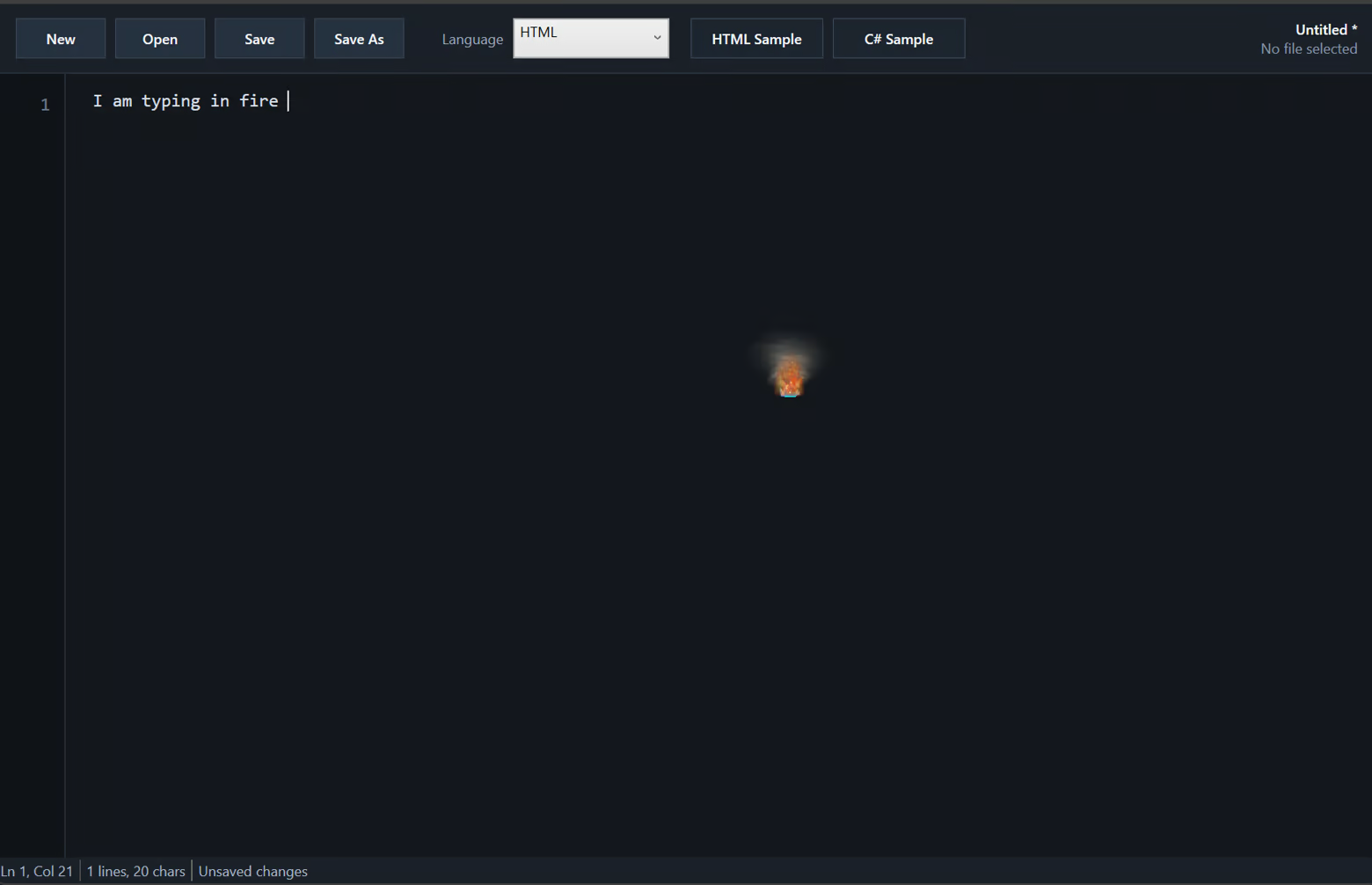
Cursor Flux transforms your Windows cursor with 3D effects and motion blur, giving you a custom visual style without changing core gameplay or workflow.

Customize the most visible part of your PC

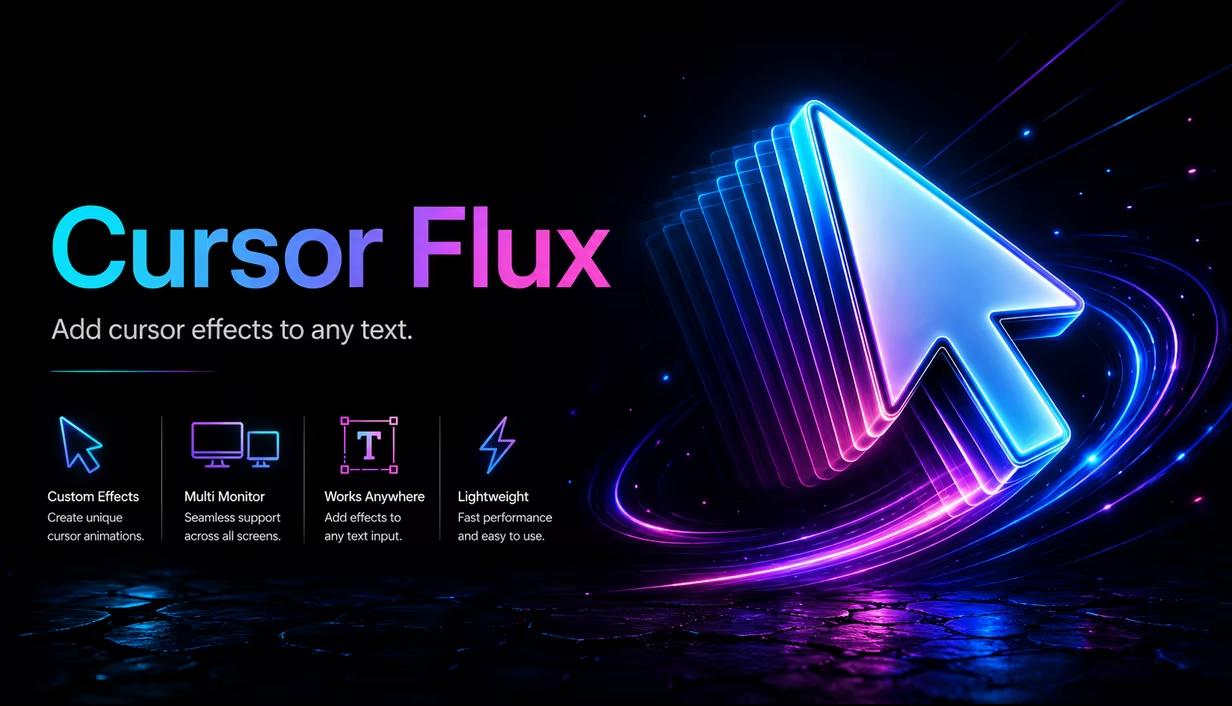
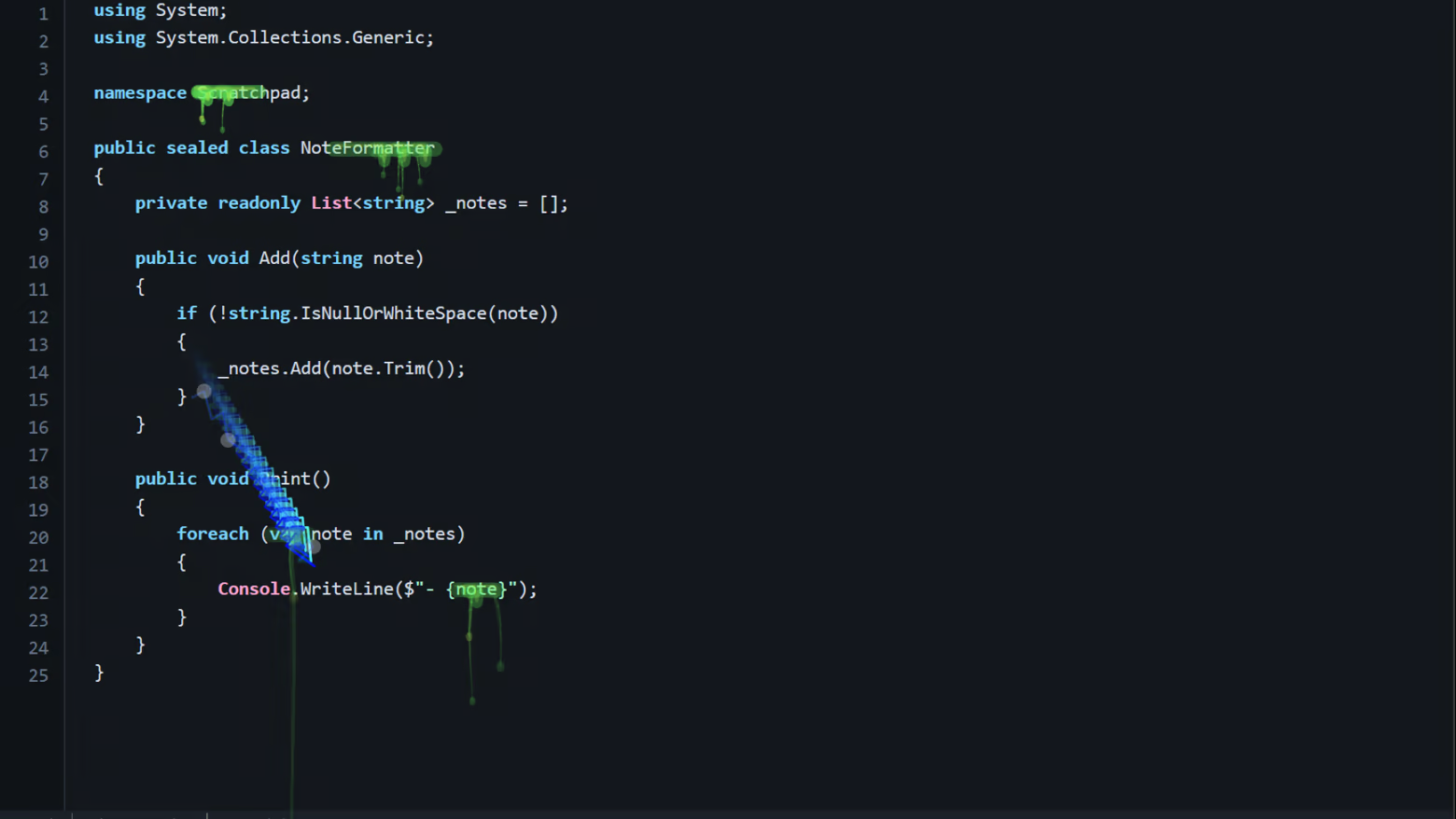
Cursor Flux turns your everyday mouse cursor into a living desktop effect, with motion blur, glow, particles, aura trails, streaks, color themes, and stylized cursor visuals you can tune in a few clicks.

Key Features

  • Make Your Cursor Feel Alive - Add motion blur, glow, aura, sheen, streaks, particles, and bold visual effects to your desktop cursor.

  • From Subtle to Wild - Use clean focus mode effects for everyday work, or switch to neon, magic, and high energy cursor visuals when you want your desktop to stand out.

  • Deep Customization - Adjust blur strength, trail length, blur radius, opacity, color themes, cursor styles, particles, glow, and effect intensity.

  • Quick Presets - Pick a look fast, then fine tune it until your cursor feels right for your setup.

  • Multiple Cursor Styles - Switch between different cursor looks and visual themes without digging through complicated setup steps.

  • Designed for Daily Use - Includes tray support, start with Windows, optional system cursor fallback, and fullscreen app pause.

  • Built for Real Desktop Use - Cursor Flux is made to enhance your desktop without trying to take over your PC.

  • Not Vibe Coded - Designed, developed, tested, and tuned by an experienced developer instead of blindly generated and shipped.

Install Cursor Flux, choose a style, and make your cursor feel like it belongs to your setup.


Smooth Cursor Effects for Windows

Cursor Flux makes your Windows cursor look great with smooth 3D motion, blur, glow, particles, and trail effects. You can change presets and fine tune trail length, blur amount, opacity, colors, and cursor style in a few clicks. Use a clean look for work, or switch to a bold style when you want more visual flair. It stays in the tray, opens quickly from options, and can pause in fullscreen apps so your setup stays out of the way. Install it, pick your vibe, and keep using your mouse like normal.

See Cursor Flux in Motion

ความต้องการระบบ

    ขั้นต่ำ:
    • ต้องการโปรเซสเซอร์และระบบปฏิบัติการแบบ 64 บิต
    • ระบบปฏิบัติการ: Windows 10 64-bit (21H2 or newer)
    • โปรเซสเซอร์: 64-bit dual-core processor
    • หน่วยความจำ: แรม 4 GB
    • กราฟิกส์: DirectX 11 compatible GPU with WDDM 2.0
    • DirectX: เวอร์ชัน 11
    • พื้นที่จัดเก็บข้อมูล: พื้นที่ว่างที่พร้อมใช้งาน 250 MB
    แนะนำ:
    • ต้องการโปรเซสเซอร์และระบบปฏิบัติการแบบ 64 บิต
    • ระบบปฏิบัติการ: Windows 11 64-bit
    • โปรเซสเซอร์: 64-bit quad-core processor
    • หน่วยความจำ: แรม 8 GB
    • กราฟิกส์: DirectX 12 compatible dedicated or modern integrated GPU
    • DirectX: เวอร์ชัน 12
    • พื้นที่จัดเก็บข้อมูล: พื้นที่ว่างที่พร้อมใช้งาน 500 MB
ไม่พบบทวิจารณ์สำหรับผลิตภัณฑ์นี้

คุณสามารถเขียนบทวิจารณ์ของคุณเองสำหรับผลิตภัณฑ์นี้เพื่อแบ่งปันประสบการณ์ของคุณให้กับชุมชน ใช้พื้นที่ด้านบนของปุ่มซื้อในหน้านี้เพื่อเขียนบทวิจารณ์ของคุณ

ตัวกรองบทวิจารณ์