This content requires the base application GamingPulsePRO on Steam in order to run.

Release Date:
Coming soon
Developer:
Tags

Sign in to add this item to your wishlist, follow it, or mark it as ignored

Downloadable Content

This content requires the base application GamingPulsePRO on Steam in order to run.

Coming soon

This item is not yet available

Interested?
Add to your wishlist and get notified when it becomes available.
 

About This Content

🕹️ GamingPulsePRO — Gamepad Hub


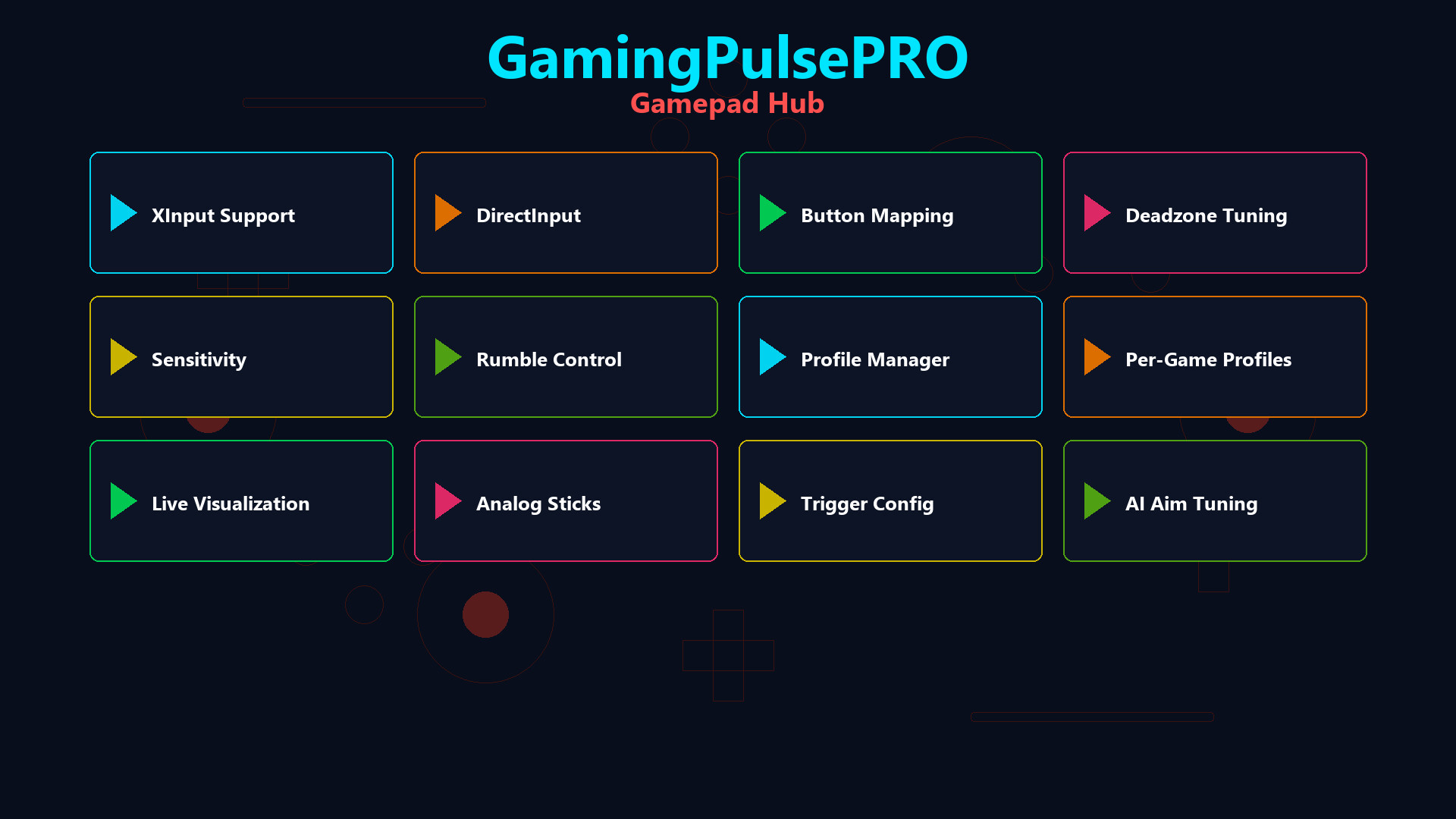
Take full control of your gamepad. See every button press in a sleek real-time overlay, create custom profiles with deadzone and sensitivity tuning, remap buttons per game, and let AI configure the perfect setup for you. 🎮

🎮 Controller Detection


🔌 XInput Support
Native XInput via xinput1_4.dll with automatic fallback to xinput9_1_0.dll. Full support for Xbox controllers and XInput-compatible gamepads.

🕹️ DirectInput Support
Legacy DirectInput detection for older controllers, flight sticks and specialty peripherals.

🔄 Auto-Connect
Continuously monitors for controller connection and disconnection events. Plug in your gamepad at any time — it's instantly detected.

📊 Real-Time Overlay


🎨 Visual Controller Display
A beautifully rendered on-screen controller with color-coded face buttons:
🟢 A (Green) · 🔴 B (Red) · 🔵 X (Blue) · 🟡 Y (Yellow)
D-Pad, bumpers, triggers and thumbstick presses all light up in real time.

🔘 Analog Stick Circles
Two 70 px circles showing precise stick position with a moving dot indicator. See exactly where each stick is pointing.

📏 Trigger Bars
Visual bar indicators for Left Trigger (LT) and Right Trigger (RT) showing analog pressure from 0 to 255.

📋 Analog Readout Panel
Numerical values for Left Stick X/Y, Right Stick X/Y, LT and RT — perfect for calibration and testing.

📍 Overlay Positioning
Drag and place the overlay anywhere on screen. Stays on top of your game for constant visibility.

⚙️ Profile Management


📝 Custom Profiles
Create, rename and delete profiles for different games and play styles.

🎯 Deadzone Configuration
Per-stick deadzone slider from 0 to 32 000. Eliminate stick drift and set the perfect deadzone for each game.

📈 Sensitivity Adjustment
Sensitivity range from 10% to 200%. Fine-tune stick response for FPS, racing or any genre.

🔀 16 Button Bindings
Remap up to 16 controller buttons per profile. Map any button to any action.

💾 Auto-Save
Profile changes save automatically. Switch profiles and your settings are instantly applied.

🤖 AI Controller Setup


🧠 AI-Assisted Configuration
Tell the AI which game you're playing and it suggests optimal deadzone, sensitivity and button mapping for that title. One click to apply the recommended setup.

🎮 Per-Game Configuration


🕹️ Game Profiles
Link a controller profile to a specific game. When the game launches, the right profile is loaded automatically.

🔄 Hot-Swap
Switch between profiles on-the-fly without restarting the game.

📦 Extras


  • 🖥️ Multi-monitor overlay support
  • 🎨 Semi-transparent overlay with adjustable opacity
  • ⌨️ Global hotkeys for overlay toggle
  • 🔋 Battery level awareness for wireless controllers
  • 💾 JSON-based persistent profile storage
  • 🔄 Works alongside other GamingPulsePRO overlays

⚠️ Requires the base GamingPulsePRO application.

System Requirements

    Minimum:
    • Requires a 64-bit processor and operating system
    • OS: Windows 10 / 11 (64-bit)
    • Processor: Dual Core 2.0 GHz or higher
    • Memory: 2048 MB RAM
    • Graphics: Integrated Graphics
    • Network: Broadband Internet connection
    • Storage: 100 MB available space
    Recommended:
    • Requires a 64-bit processor and operating system
There are no reviews for this product

You can write your own review for this product to share your experience with the community. Use the area above the purchase buttons on this page to write your review.