This content requires the base application GamingPulsePRO on Steam in order to run.

Release Date:
Apr 30, 2026
Developer:
Tags

Sign in to add this item to your wishlist, follow it, or mark it as ignored

Downloadable Content

This content requires the base application GamingPulsePRO on Steam in order to run.

This content is not yet available on Steam

Planned Release Date: Apr 30, 2026

This application will unlock in approximately 2 weeks

Interested?
Add to your wishlist and get notified when it becomes available.
 

About This Content

🗣️ GamingPulsePRO — Text-to-Speech Engine


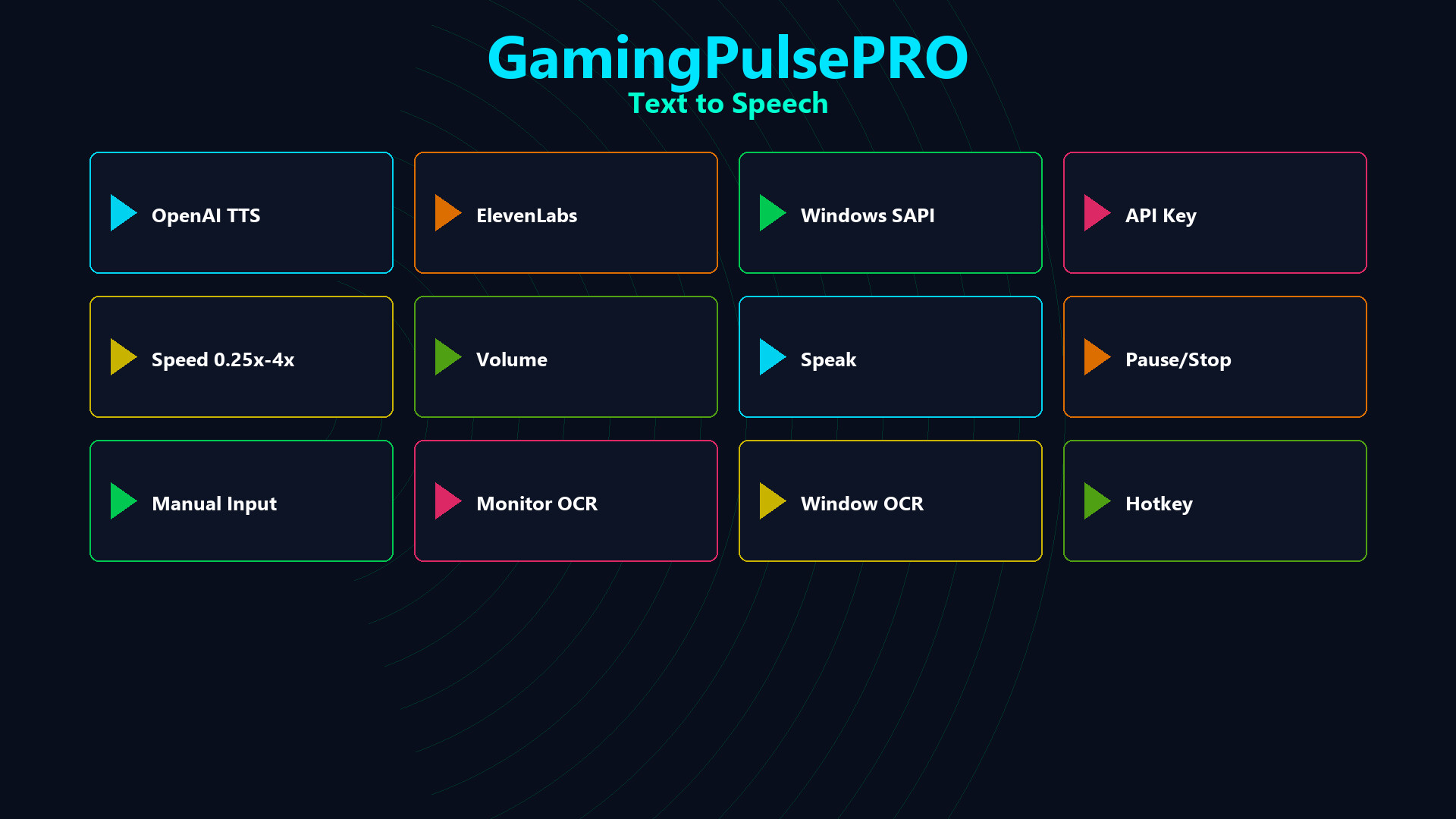
Bring your gaming sessions to life with professional-grade text-to-speech. Choose from four powerful engines, three flexible input sources and a real-time waveform visualizer — all accessible from a single sleek panel. 🎙️

🎛️ Four TTS Engines


🤖 OpenAI TTS
Nine premium voices: Alloy · Echo · Fable · Onyx · Nova · Shimmer · Ash · Sage · Coral. Cloud-powered with natural intonation and expressiveness. API key required.

🎭 ElevenLabs
Dynamic voice library — fetches your personal and shared voices automatically. Industry-leading voice cloning quality. API key required.

💻 Windows SAPI
Built-in local engine using installed system voices. Zero latency, no internet needed, no API key required. Works completely offline.

☁️ Azure Cognitive Services
Microsoft Azure neural voices with enterprise-grade reliability. Region + API key configuration. Huge multilingual voice catalog.

📝 Three Input Sources


✏️ Manual Input
Type or paste any text directly into the input field and hit Play for instant speech output.

🖥️ Monitor OCR
Captures and reads text directly from your selected monitor in real time. Perfect for reading game chat, subtitles or any on-screen text aloud.

🪟 Window OCR
Captures text from a specific application window. Ideal for reading in-game overlays, chat logs or browser content without capturing the entire screen.

🎚️ Playback Controls


⏩ Speed Control
Adjustable from 0.25× to 4× playback speed. Fine-tune the reading pace for any situation.

🔊 Volume Control
Dedicated volume slider (0–100%) independent from system volume.

⏯️ Transport Controls
Play, Pause, Resume and Stop — full media-player-style controls for speech playback.

🎤 Voice Configuration


🎭 Six Voice Presets
Quick-select from curated presets for different moods and styles. One click to switch voice personality.

🌐 Language Selection
Choose the target language for speech synthesis. Works with all four engines.

🔤 Translation
Translate the input text to another language before speaking — built-in translation pipeline.

🔡 Transliteration
Toggle phonetic transliteration for languages with non-Latin scripts.

🌊 Live Waveform Visualizer


📊 Real-Time Audio Waveform
50-point waveform display refreshing every 50 ms. Watch the spoken audio in real time with a smooth animated visualization.

🎵 Audio Format
24 kHz · 16-bit · Mono — broadcast-quality audio output.

📡 Streaming & Hotkeys


📺 Stream Integration
Send TTS output to your streaming setup. Let viewers hear text-to-speech in real time during live broadcasts.

⌨️ Hotkey Binding
Assign a global hotkey to trigger TTS — speak text even while the app is minimized or in the background.

📦 Extras


  • 🔑 Secure API key management per engine
  • 💾 Persistent engine & voice selection
  • 🎮 Game-aware — reads in-game text hands-free
  • 🔄 Switch engines on-the-fly
  • 🌍 Multilingual voice support

⚠️ Requires the base GamingPulsePRO application.

System Requirements

    Minimum:
    • Requires a 64-bit processor and operating system
    • OS: Windows 10 / 11 (64-bit)
    • Processor: Dual Core 2.0 GHz or higher
    • Memory: 2048 MB RAM
    • Graphics: Integrated Graphics
    • Network: Broadband Internet connection
    • Storage: 100 MB available space
    Recommended:
    • Requires a 64-bit processor and operating system
There are no reviews for this product

You can write your own review for this product to share your experience with the community. Use the area above the purchase buttons on this page to write your review.