This content requires the base application GamingPulsePRO on Steam in order to run.

Release Date:
Apr 30, 2026
Developer:
Tags

Sign in to add this item to your wishlist, follow it, or mark it as ignored

Downloadable Content

This content requires the base application GamingPulsePRO on Steam in order to run.

This content is not yet available on Steam

Planned Release Date: Apr 30, 2026

This application will unlock in approximately 2 weeks

Interested?
Add to your wishlist and get notified when it becomes available.
 

About This Content

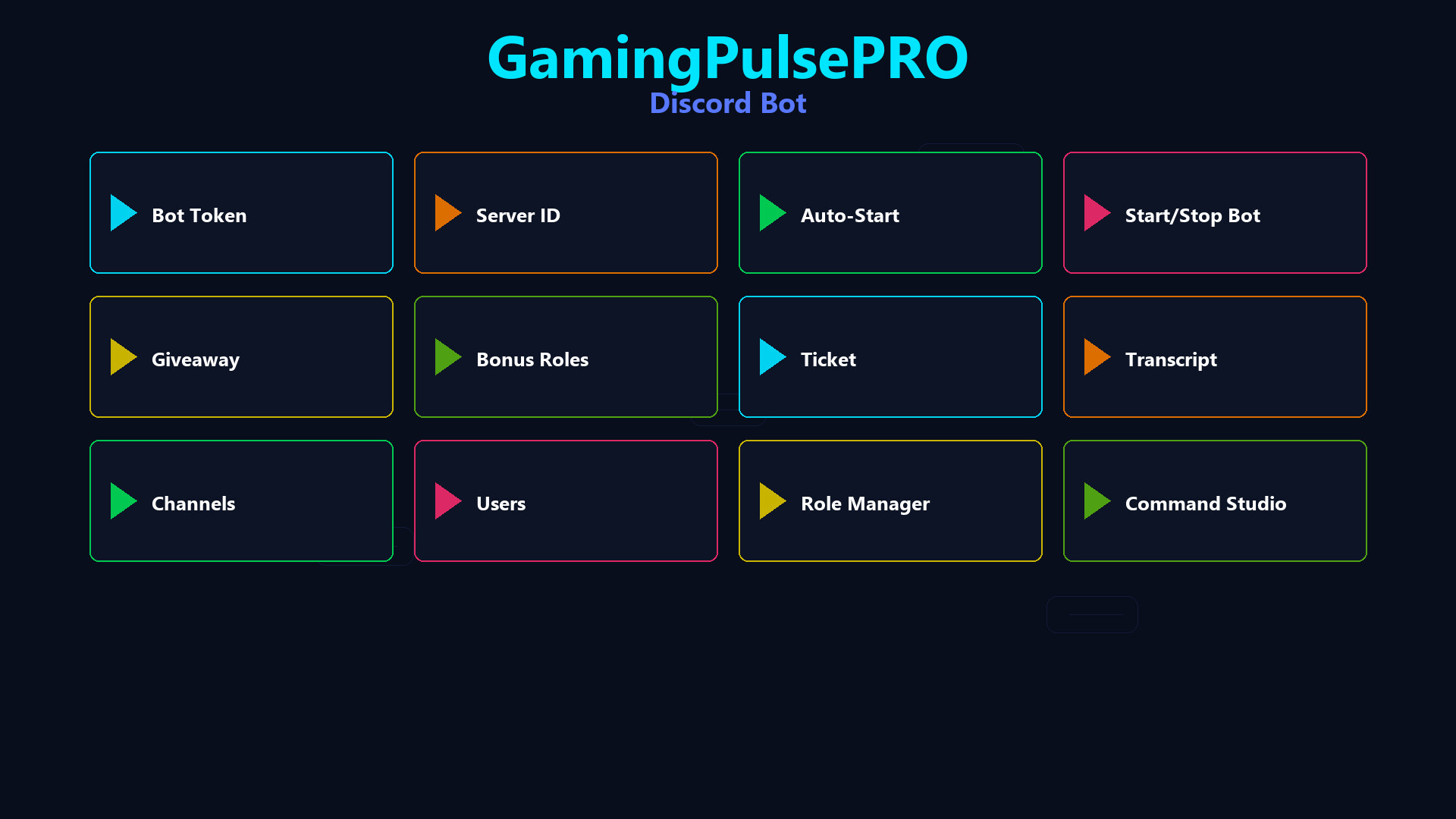
💬 GamingPulsePRO — Discord Bot


A complete Discord bot manager that runs entirely on your PC. Set up giveaways, support tickets, welcome messages, role assignments, custom commands and Rich Presence — without paying for hosting or managing external servers. 🎯

🤖 Bot Management


🔑 Bot Token Setup
Paste your Discord bot token and go live instantly. Secure local storage with no data sent to third parties.

⚡ Command Prefix
Customize the command prefix (default: !) or use @mention-based commands. Your server, your rules.

🌐 Gateway Intents
Full access to Guild Members and Message Content for complete server awareness.

🎉 Giveaway System


🎁 Create Giveaways
Set up timed giveaways with custom prizes, entry requirements and automatic winner selection.

🏆 Winner Announcement
Automated winner announcement with mention and prize details posted directly in the giveaway channel.

🎫 Support Ticket System


📩 Ticket Creation
Members create private support channels with a single command. Each ticket gets a dedicated thread.

📋 Ticket Management
Close, archive and review tickets. Staff can see all open tickets at a glance.

👋 Welcome System


🖼️ Welcome Card
Auto-generate a visual welcome card image when new members join your server.

📢 Welcome Message
Customizable welcome message with user mention posted to your chosen channel.

👥 Role Manager


🎭 Role Assignment
Assign and remove roles based on reactions, commands or automatic triggers.

📊 Role Hierarchy
Visual role hierarchy display with drag-and-drop ordering.

🛠️ Command Studio


✏️ Custom Commands
Create custom bot commands with text responses, embeds, role checks and cooldowns.

📝 Command Editor
Visual command editor with live preview. No coding required.

🎮 Discord Rich Presence


📝 Presence Editor
Edit your Details (top text), State (bottom text), timestamps and activity type in real time.

🖼️ Image Setup
Set large image with tooltip and small badge icon. Display your branding while gaming.

⏱️ Timer Display
Show elapsed time or countdown timer in your Discord status.

🔄 Auto-Reconnect
Named pipes IPC with automatic reconnect every 10 seconds. Presence buffering survives disconnects.

🔧 Server Management


  • 📊 Member analytics and activity tracking
  • 🔇 Moderation tools — mute, kick, ban via commands
  • 📌 Auto-moderation rules
  • 💾 JSON-based persistent settings
  • 🔄 Hot-reload — changes apply without restart

⚠️ Requires the base GamingPulsePRO application.

System Requirements

    Minimum:
    • Requires a 64-bit processor and operating system
    • OS: Windows 10 / 11 (64-bit)
    • Processor: Dual Core 2.0 GHz or higher
    • Memory: 2048 MB RAM
    • Graphics: Integrated Graphics
    • Network: Broadband Internet connection
    • Storage: 100 MB available space
    Recommended:
    • Requires a 64-bit processor and operating system
There are no reviews for this product

You can write your own review for this product to share your experience with the community. Use the area above the purchase buttons on this page to write your review.