Este contenido requiere la aplicación base GamingPulsePRO en Steam para poder funcionar.

Inicia sesión para agregar este artículo a tu lista de deseados, seguirlo o marcarlo como ignorado.

No disponible en Español (Latinoamérica)

Este artículo no está disponible en tu idioma. Consulta la lista de idiomas disponibles antes de realizar la compra.

Contenido descargable

Este contenido requiere la aplicación base GamingPulsePRO en Steam para poder funcionar.

Este contenido aún no está disponible en Steam

Fecha de lanzamiento prevista: 30 ABR 2026

Esta aplicación se desbloqueará en aproximadamente 8 días

¿Te interesa?
Agrégalo a tu lista de deseados y recibe una notificación cuando esté disponible.
 

Acerca de este contenido

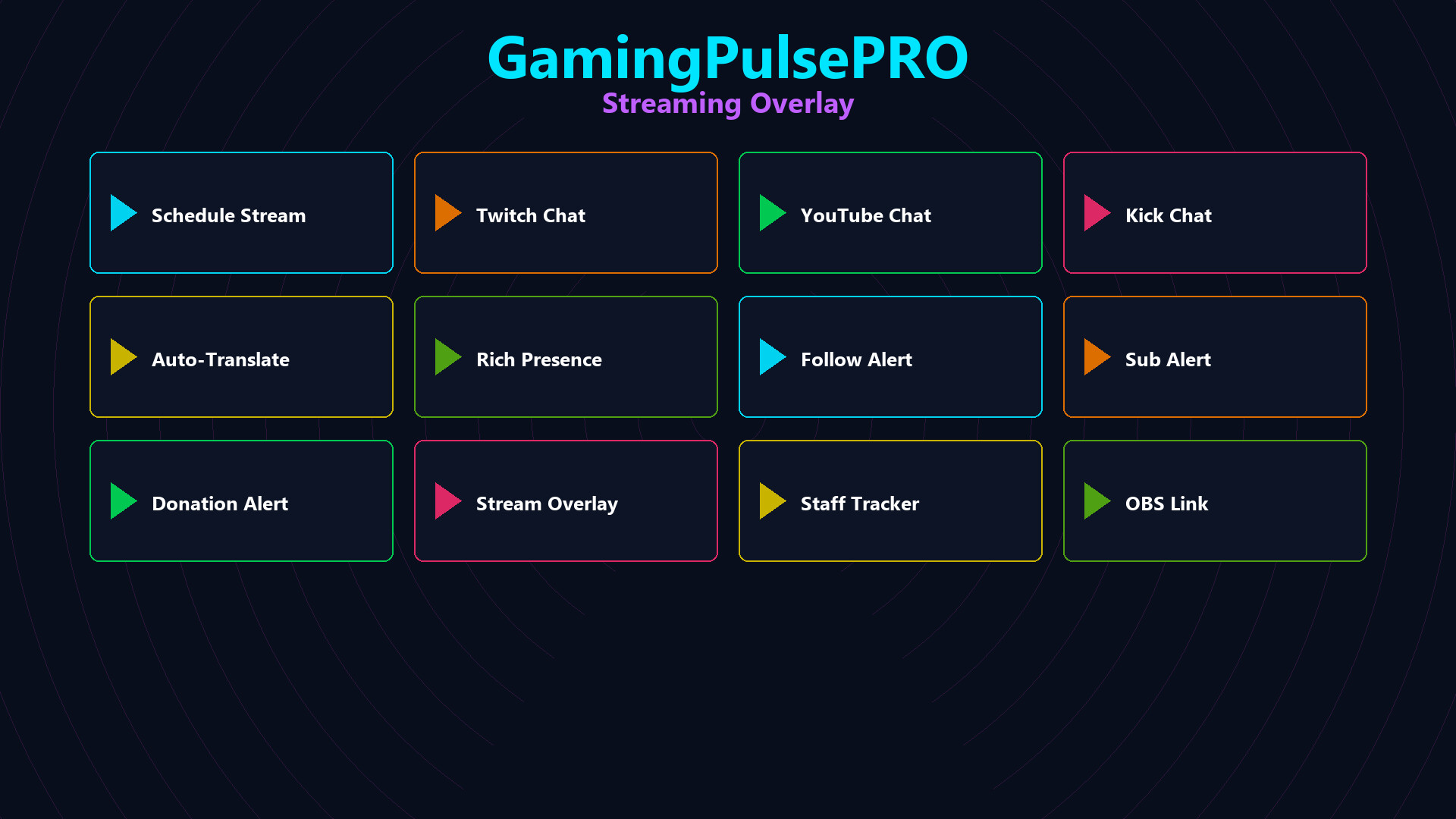
📡 GamingPulsePRO — Streaming Overlay


A premium overlay engine built for modern creators. Add a browser-backed streaming panel to your desktop with live chat, multi-platform inputs, staff status tracking, alerts and a scheduler. Perfect for Twitch, YouTube, Kick and custom stream pages. 🎥

🌐 Multi-Platform Support


Twitch, YouTube, Kick & Multistream.am
Load any Twitch channel, YouTube video ID, Kick stream or Multistream.am link in a unified overlay. Add custom URLs for third-party dashboards or chat widgets.

Custom URL Input
Enter your own stream page or chat widget and the overlay will render it inside the app with WebView2.

🖥️ Flexible Overlay Display


Picture-in-Picture Mode
A compact 320x180 overlay that auto-positions in the bottom-right corner, stays topmost, and keeps your stream preview visible while you game.

Full Window Mode
Expand the overlay to a centered 480x300 window for a larger view and easier interaction.

Window Management
Drag the titlebar, resize freely, toggle borders, lock position, enable ghost/click-through mode, and move the overlay across multiple monitors.

🧱 WebView2 Embedded Browser


Auto-Play Support
The embedded browser can auto-play your stream preview and chat content for instant visibility.

Clean Overlay Experience
Context menus are disabled and background transparency is enabled for a seamless streaming panel.

🛡️ Staff Activity Tracking


Moderator & VIP Lists
Track moderators, VIPs and active team members directly in the overlay.

Role Auto-Detection
Badge-based role detection reads online/offline/active status and persists your staff lists in JSON storage.

Live Chat Monitoring
See chat activity, timestamps and online presence without leaving your stream overlay.

🗣️ Chat Translator


Screen Selection
Capture a region of your screen by specifying X, Y, W, H for DPI-aware chat translation.

Live Translation
Translate chat text in real time from the selected capture region.

📅 Stream Scheduler


Schedule Streams
Plan upcoming Twitch, YouTube and Kick sessions with a built-in scheduler.

Visible Schedule
Keep your next broadcast times ready inside the overlay.

🎙️ Chat Reader & Rich Presence


Twitch Chat Reader
Read Twitch chat in real time with optional auto-translation.

Discord Rich Presence
Edit your rich presence details, state and timestamps for a polished social presence.

🚨 Stream Alerts


Follow, Sub & Donation Alerts
Trigger overlay alerts for follower, subscriber and donation events.

Drag-Anywhere Alert Window
Move the alert window anywhere on screen for the best layout.

Requisitos del sistema

    Mínimo:
    • Requiere un procesador y un sistema operativo de 64 bits
    • SO: Windows 10 / 11 (64-bit)
    • Procesador: Dual Core 2.0 GHz or higher
    • Memoria: 2048 MB de RAM
    • Gráficos: Integrated Graphics
    • Red: Conexión de banda ancha a Internet
    • Almacenamiento: 100 MB de espacio disponible
    Recomendado:
    • Requiere un procesador y un sistema operativo de 64 bits
No hay reseñas para este producto

Puedes escribir tu propia reseña sobre este producto para compartir tus experiencias con la comunidad. Utiliza la zona que hay sobre los botones de compra en esta página para escribirla.