A tartalom futtatásához szükség van a(z) GamingPulsePRO alkalmazás Steames változatára.

Megjelenés dátuma:
2026. ápr. 30.
Fejlesztő:
Címkék

Jelentkezz be, hogy ezt a tételt a kívánságlistádhoz adhasd, követhesd vagy mellőzöttnek jelölhesd.

A Magyar nyelv nem támogatott.

Ez a termék nem támogatja a nálad beállított nyelvet. Kérjük, vásárlás előtt tekintsd át a támogatott nyelvek listáját.

Letölthető tartalom

A tartalom futtatásához szükség van a(z) GamingPulsePRO alkalmazás Steames változatára.

Ez a tartalom még nem érhető el a Steamen

Tervezett megjelenési dátum: 2026. ápr. 30.

Az alkalmazás tervezett feloldásáig körülbelül 7 nap van hátra.

Érdekel?
Add a kívánságlistádhoz, és értesítést kapsz, amikor elérhetővé válik.
 

A tartalomról

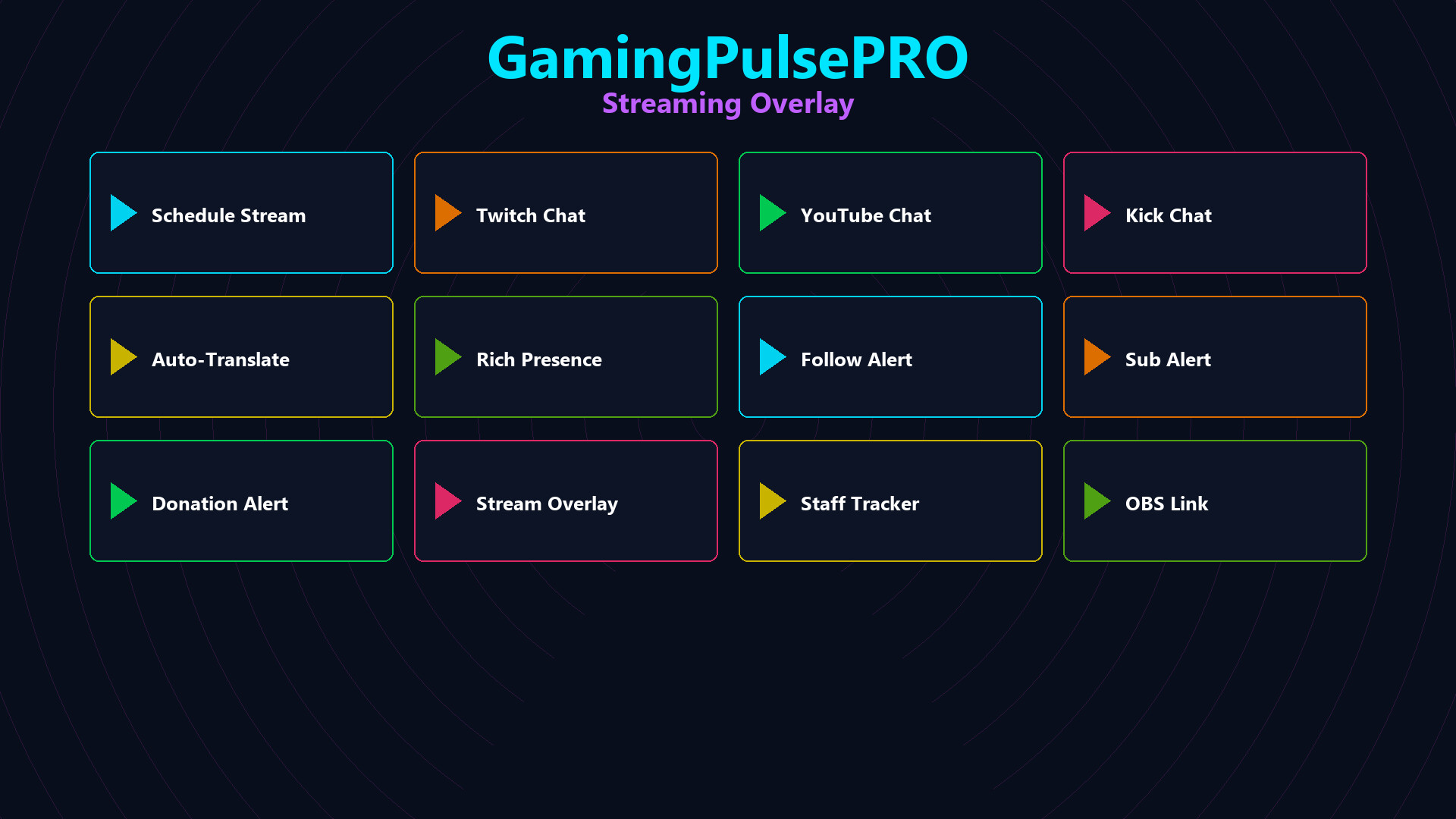
📡 GamingPulsePRO — Streaming Overlay


A premium overlay engine built for modern creators. Add a browser-backed streaming panel to your desktop with live chat, multi-platform inputs, staff status tracking, alerts and a scheduler. Perfect for Twitch, YouTube, Kick and custom stream pages. 🎥

🌐 Multi-Platform Support


Twitch, YouTube, Kick & Multistream.am
Load any Twitch channel, YouTube video ID, Kick stream or Multistream.am link in a unified overlay. Add custom URLs for third-party dashboards or chat widgets.

Custom URL Input
Enter your own stream page or chat widget and the overlay will render it inside the app with WebView2.

🖥️ Flexible Overlay Display


Picture-in-Picture Mode
A compact 320x180 overlay that auto-positions in the bottom-right corner, stays topmost, and keeps your stream preview visible while you game.

Full Window Mode
Expand the overlay to a centered 480x300 window for a larger view and easier interaction.

Window Management
Drag the titlebar, resize freely, toggle borders, lock position, enable ghost/click-through mode, and move the overlay across multiple monitors.

🧱 WebView2 Embedded Browser


Auto-Play Support
The embedded browser can auto-play your stream preview and chat content for instant visibility.

Clean Overlay Experience
Context menus are disabled and background transparency is enabled for a seamless streaming panel.

🛡️ Staff Activity Tracking


Moderator & VIP Lists
Track moderators, VIPs and active team members directly in the overlay.

Role Auto-Detection
Badge-based role detection reads online/offline/active status and persists your staff lists in JSON storage.

Live Chat Monitoring
See chat activity, timestamps and online presence without leaving your stream overlay.

🗣️ Chat Translator


Screen Selection
Capture a region of your screen by specifying X, Y, W, H for DPI-aware chat translation.

Live Translation
Translate chat text in real time from the selected capture region.

📅 Stream Scheduler


Schedule Streams
Plan upcoming Twitch, YouTube and Kick sessions with a built-in scheduler.

Visible Schedule
Keep your next broadcast times ready inside the overlay.

🎙️ Chat Reader & Rich Presence


Twitch Chat Reader
Read Twitch chat in real time with optional auto-translation.

Discord Rich Presence
Edit your rich presence details, state and timestamps for a polished social presence.

🚨 Stream Alerts


Follow, Sub & Donation Alerts
Trigger overlay alerts for follower, subscriber and donation events.

Drag-Anywhere Alert Window
Move the alert window anywhere on screen for the best layout.

Rendszerkövetelmények

    Minimum:
    • 64 bites processzor és operációs rendszer szükséges
    • Op. rendszer: Windows 10 / 11 (64-bit)
    • Processzor: Dual Core 2.0 GHz or higher
    • Memória: 2048 MB RAM
    • Grafika: Integrated Graphics
    • Hálózat: Széles sávú internetkapcsolat
    • Tárhely: 100 MB szabad hely
    Ajánlott:
    • 64 bites processzor és operációs rendszer szükséges
Ehhez a termékhez nincsenek értékelések.

Írhatsz saját értékelést ehhez a termékhez, hogy megoszd élményedet a közösséggel. Használd a vásárlás gomb feletti részt ezen az oldalon értékelésed megírásához.