This content requires the base application GamingPulsePRO on Steam in order to run.

Sign in to add this item to your wishlist, follow it, or mark it as ignored

Downloadable Content

This content requires the base application GamingPulsePRO on Steam in order to run.

This content is not yet available on Steam

Planned Release Date: Apr 30, 2026

This application will unlock in approximately 2 weeks

Interested?
Add to your wishlist and get notified when it becomes available.
 

About This Content

🎙️ GamingPulsePRO — Voice Changer


Take control of your voice in real time with precision audio processing, virtual routing and a dark cyan-themed interface built for streamers and creators. Change the way you sound in Discord, Steam Voice, OBS and every voice-enabled game.

🎛️ Real-Time Voice Transformation


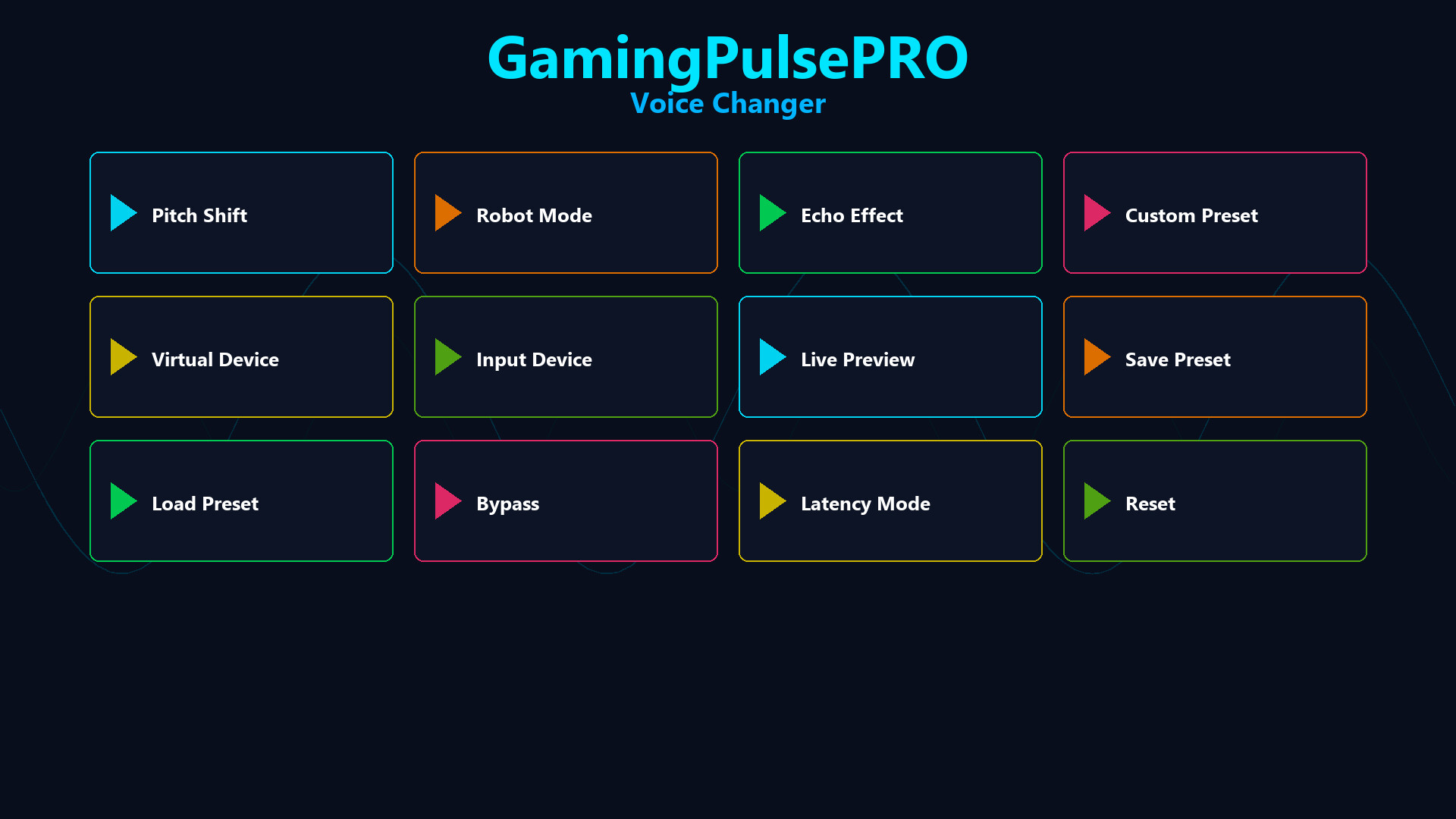
🎚️ Pitch Shift
Slide the voice pitch from -12 to +12 semitones for natural deep tones, high-pitched characters or dramatic voice effects. Adjust in real time with no restart needed.

🤖 Robot / Ring-Modulation
Apply a metallic robot texture with a 50 Hz oscillator and intensity control from 0 to 1. Use subtle modulation for atmosphere or full robot mode for futuristic voice effects.

🌊 Echo Delay
Add delay from 0 to 500 ms with feedback up to 0.9 for cavernous reverbs, ghostly repeats or rhythmic echo patterns. Combine with pitch and robot for layered vocal soundscapes.

🎛️ Built-In Presets


✅ Normal
Clean bypass mode with no transformation for standard voice passthrough.

🐥 Chipmunk
+8 semitones pitch shift for a playful, energetic high voice that cuts through chats and streams.

👹 Demon
-8 semitones pitch shift plus 0.6 robot intensity for a dark, monstrous vocal presence.

🤖 Robot
0.8 robot intensity with crisp metallic ring-modulation for classic sci-fi voice effects.

🌫️ Echo
250 ms delay with 0.5 feedback for atmospheric, repeating vocal echoes.

🧊 Giant
-5 semitones pitch shift for a large, booming voice that adds weight and authority.

🔊 Audio Routing & Monitoring


🎧 Input / Output / Monitor Selection
Choose your microphone, playback device and monitor device independently. Keep hearing yourself while sending the modified voice to the target app.

🔄 VB-Audio Virtual Cable & VoiceMeeter
Route transformed audio through VB-Audio Virtual Cable or VoiceMeeter into Discord, Steam Voice, OBS or any application that accepts mic input.

⚡ Low-Latency Monitoring
Monitor your voice in real time with minimal delay so you hear the effect instantly and stay in sync with live conversations.

🧰 Controls & Workflow


🟢 Bypass Toggle
Switch between processed and clean audio instantly with a single click.

💾 Save / Load Presets
Store your favorite voice settings and recall them anytime. Perfect for different games, streams or characters.

🔄 Reset
One-button reset to return all controls to neutral default settings.

🔧 High-Fidelity Audio Pipeline


🎚️ 44.1 kHz, 16-bit Pipeline
A stable audio path optimized for clarity and compatibility with standard voice applications.

🌑 Dark UI with Cyan Accent
Designed in a sleek dark theme (#0D0D1A) with crisp cyan highlights (#00B4FF) for modern overlay styling.

📌 Compatibility


🗣️ Works with Discord, Steam Voice, OBS and more
Route transformed mic audio into any voice-enabled app using virtual cable or direct device selection.

⚠️ Requires the base GamingPulsePRO application.

System Requirements

    Minimum:
    • Requires a 64-bit processor and operating system
    • OS: Windows 10 / 11 (64-bit)
    • Processor: Dual Core 2.0 GHz or higher
    • Memory: 2048 MB RAM
    • Graphics: Integrated Graphics
    • Network: Broadband Internet connection
    • Storage: 100 MB available space
    Recommended:
    • Requires a 64-bit processor and operating system
There are no reviews for this product

You can write your own review for this product to share your experience with the community. Use the area above the purchase buttons on this page to write your review.