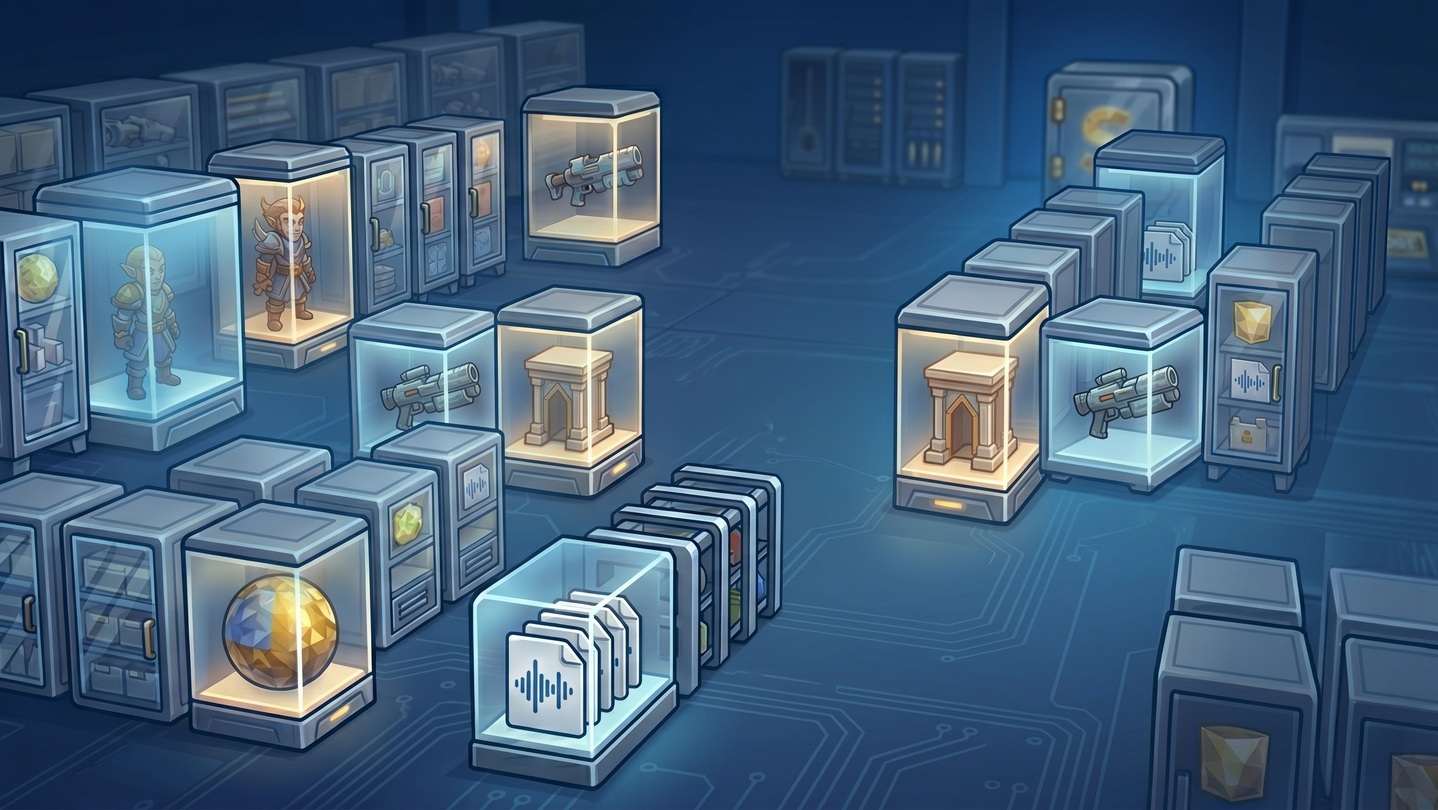
A local game asset workspace for indie developers and game artists. Find and preview Spine, 3D, images, and audio; prepare them with local AI, sprite splitting, and atlas tools, then drag files into your game project.
Tarikh Keluaran:
6 Jun, 2026
Pembangun:
Penerbit:
Tag

Daftar masuk untuk menambah item ini ke senarai hajat anda, ikuti atau tandakannya sebagai diabaikan

Bahasa Bahasa Melayu tidak disokong

Produk ini tidak menyokong bahasa tempatan anda. Sila semak senarai bahasa yang disokong di bawah sebelum membuat pembelian

Beli Sharp Stock


Tentang Perisian Ini

Bring the game assets you already own into your project


Images, sound effects, fonts, Spine animations, and 3D models scattered across folders? Sharp Stock is a local game asset workspace for indie developers, game artists, and small teams. Collect, find, and inspect assets, prepare artwork, then drag it into your game project.

Find and inspect


  • Search file names, tags, and descriptions with AND/OR or exact phrases. Filter by type and size, or use folders and batch tags to organize your library.

  • Paste or drag in a reference image to find visually similar artwork, or filter images by dominant color. Local visual search needs a model download and an index first; then it runs on your PC without an AI API key or asset uploads.

  • Preview images and fonts, play Spine animations and switch skins, rotate supported 3D models, and listen to audio waveforms. Inspect atlas regions and sprite sequences. Video playback and thumbnails depend on system decoding support.

Use local AI and prepare artwork


Local AI can find similar images and remove backgrounds from one image or a batch. Download the models first; visual search also needs an index. Background removal can save a new transparent PNG or replace the original after confirmation. No user-configured AI API or cloud account is needed.

  • Batch-resize images with smooth or pixel-art scaling and review the planned output. Rotate or flip images, and batch-rename assets.

  • Remove plain backgrounds or black and white backgrounds from fire, smoke, and particle art while preserving translucent edges.

  • Split sprite sheets, or pack images into a PNG texture with an accompanying .atlas or .plist description file.

  • Compress PNGs locally with Squoosh. Adjust frame rate and palette for GIF compression, or convert videos to MP4, GIF, or PNG/JPG frame sequences.

Collect and reuse


  • Use the optional Sharp Stock Clipper browser extension to import webpage images and audio. Available source URLs are saved with imported assets.

  • Drag files or folders in from File Explorer, or paste an image. External files are copied without changing the originals; name conflicts can be resolved by replacing, keeping both, or skipping.

  • Files that cannot be previewed can still be indexed, tagged, searched, and opened with their default app.

  • Drag assets and companion files into a project, editor, or game engine. Share asset links; teams using SVN can choose built-in checkout, status, update, commit, and revert operations.


Asset files, database, and thumbnails stay on your disk. Core library management needs no cloud account.

Try your own assets in the Demo


Sharp Stock Demo lets you try the core workflow with up to 100 assets. The full version has no asset-count limit.

The Steam build includes local visual search, local AI background removal, and Squoosh compression. It does not include TinyPNG, AI-generated tags, or AI descriptions, which require user-configured API credentials in the Windows Store and Mac App Store builds.

Keperluan Sistem

    Minimum:
    • Memerlukan pemproses 64-bit dan sistem pengendalian
    • OS: Windows 10 64-bit
    • Pemproses: Dual-core Intel or AMD, 2.0 GHz
    • Memori: 8 GB RAM
    • Grafik: DirectX 11 compatible GPU
    • DirectX: Versi 11
    • Storan: 1 GB ruang tersedia
    • Nota Tambahan: Offline AI background removal models require an additional download of about 120–500 MB. Without a compatible GPU, AI processing uses the CPU and may be slower.
    Dicadangkan:
    • Memerlukan pemproses 64-bit dan sistem pengendalian
    • OS: Windows 11 64-bit
    • Pemproses: Quad-core Intel or AMD, 3.0 GHz+
    • Memori: 8 GB RAM
    • Grafik: DirectX 12 / DirectML compatible GPU; NVIDIA GeForce GTX 1050 / AMD Radeon RX 560 or better
    • DirectX: Versi 12
    • Storan: 5 GB ruang tersedia
    • Nota Tambahan: 16 GB RAM is recommended for the full AI model and batch processing. Keep GPU drivers up to date.
Penapis Ulasan