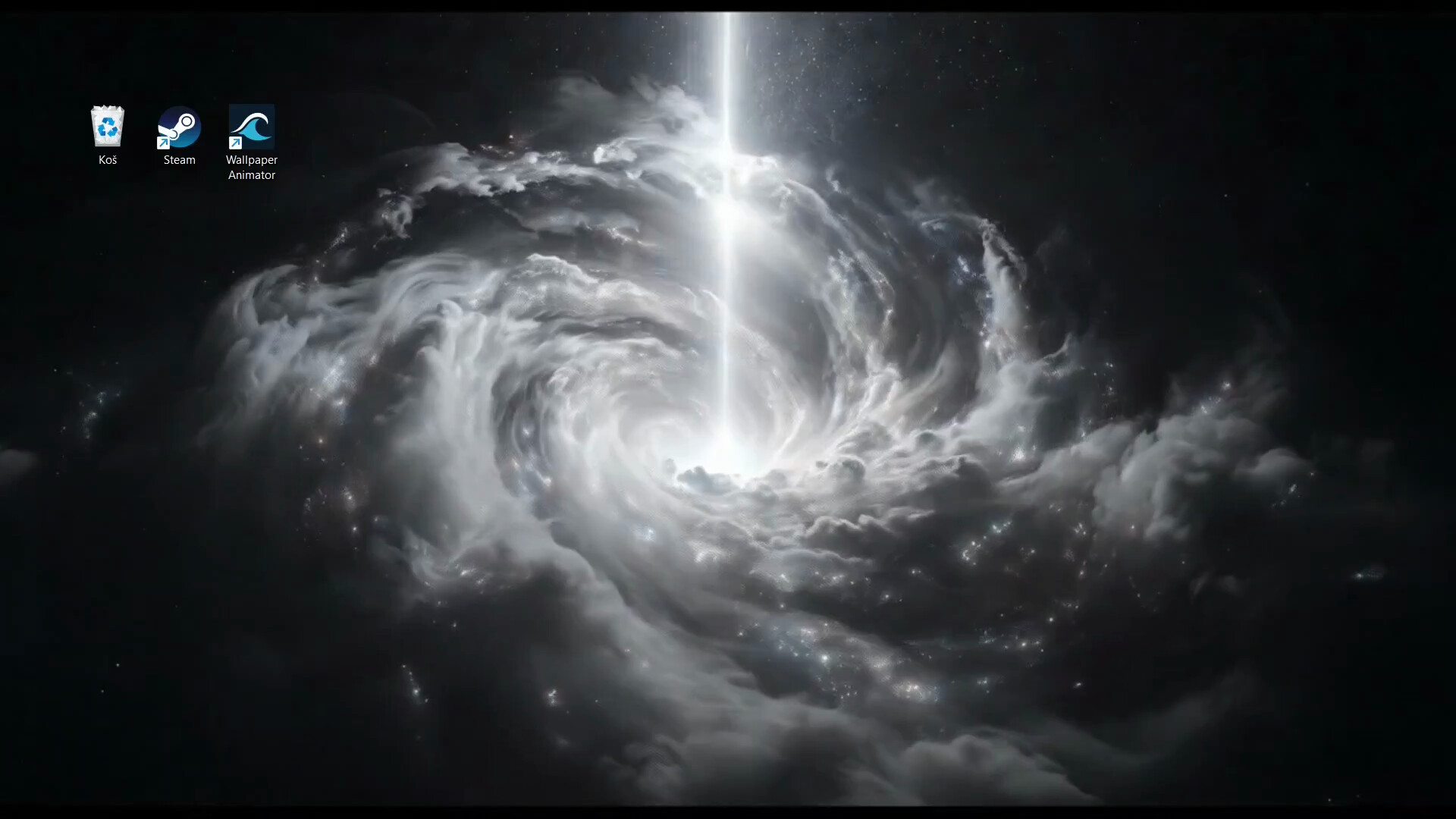
Use animated wallpapers on your desktop. Explore hundreds of wallpapers from the community library or create your own with AI.

로그인하셔서 게임을 찜 목록에 추가하거나, 팔로우하거나 또는 제외로 지정하세요.

앞서 해보는 소프트웨어

이 소프트웨어가 개발되는 과정에 참여하세요.

주의 사항: 이 앞서 해보기 소프트웨어는 완성되지 않았으며 앞으로 더 변하거나 변하지 않을 수 있습니다. 현재 상태의 소프트웨어가 흥미롭지 않다면 이 소프트웨어가 개발을 거치며 발전하는지 살펴보는게 좋습니다. 앞서 해보기에 대해 더 알아보세요.

개발자의 한마디:

왜 앞서 해보기를 진행하나요?

“Wallpaper Animator is built on rapidly evolving AI video models.
Early Access lets us ship a working product now and improve generation quality, speed, and styles as better models become available.

We are actively developing the app, expanding features, and using real user feedback to shape the direction.”

이 소프트웨어는 대략 얼마간 앞서 해볼 수 있나요?

“3 to 6 months.

The core system is already working. This time will be used to improve quality, add new animation models, expand editing tools, and grow the community library.

The timeline may adjust depending on progress and user feedback.”

정식 버전은 앞서 해보기 버전과 어떻게 달라지나요?

“We are improving three main areas:
- Generation: Higher quality animations, faster processing, and lower cost per generation.
- Community: A larger wallpaper library with search, categories, and ratings.
- Compatibility: Better multi-monitor support, improved performance, and stability across more systems.”

앞서 해보기 버전은 현재 어떤 상태인가요?

“The core experience is fully functional.
You can import any image, animate it with AI, and set it as your wallpaper in one click.

You can also browse and use wallpapers from the community.

Current limitations:

The community library is still small
Generated wallpapers are limited to 720p
Multi monitor support may not work reliably in all cases
Performance may vary on lower end hardware

These are actively being improved.”

이 소프트웨어는 앞서해보기 기간동안 가격이 달라질 수도 있습니까?

“Pricing may change as the app develops.

This could include a lower price or a free download model with paid AI generation.

Early Access users will keep everything they paid for, including any credits.”

개발 과정에서 어떻게 커뮤니티와 소통할 계획인가요?

“Discord is the main place for feedback, feature requests, and bug reports.

Users shape the product by sharing wallpapers and influencing what gets built next.

We will also post updates through Steam Announcements.”
더 읽어보기
한국어(을)를 지원하지 않습니다

이 제품은 귀하의 로컬 언어를 지원하지 않습니다. 구매하기 전에 아래에 있는 지원하는 언어 목록을 확인해주세요.

Wallpaper Animator 구매

 
모든 토론 보기

이 소프트웨어의 버그를 신고하고 피드백을 토론 게시판에 남겨주세요

소프트웨어 정보

Allows you to play animated wallpapers on your desktop.

Designed to run efficiently in the background with minimal impact on system performance.

COMMUNITY

Browse hundreds of wallpapers created by other users and set them as your background instantly.

CREATION

There are three simple ways to create your own animated wallpaper:

  • Generate from a prompt: Describe a scene. AI creates an image, then animates it into a seamless loop.

  • Animate your own image: Import any photo or artwork and bring it to life instantly.

  • Remix existing wallpapers: Take any wallpaper and generate new variations with AI.

ENERGY

As image and video generation is expensive for us, energy system is in place for generating / animating wallpapers with AI. You start with 20 energy and passively recharge 1 energy per day.

  • Image generation consumes 1 energy and takes about 30 seconds

  • Animations consume 5 energy and take about 5 minutes

Alternatively you can buy extra energy directly.

AI 생성 콘텐츠 사용 공개

개발사는 게임에서 AI 생성 콘텐츠를 사용하는 방법을 다음과 같이 설명합니다.

This app uses AI to generate animated wallpapers. When you create a wallpaper, your text prompt and optional reference image are sent to third-party AI services (Google, fal.ai) for image and video generation. All generation happens on-demand based on your input — no AI content is pre-loaded. Generated content may vary in quality and accuracy.

시스템 요구 사항

    최소:
    • 운영 체제: Windows 10, Windows 11
    • 프로세서: 1.66 GHz Intel i5 or equivalent
    • 메모리: 1024 MB RAM
    • 그래픽: HD Graphics 4000 or above
    • 저장 공간: 1024 MB 사용 가능 공간

Wallpaper Animator에 대한 사용자 평가 사용자 평가 정보 환경 설정

종합 평가:
사용자 평가 4개 (평가 4개)


특정 날짜 범위에 속하는 평가를 보려면, 위의 그래프에서 선택 항목을 클릭한 후 드래그하거나 원하는 바를 클릭하세요.


평가를 작성한 시점의 사용자 플레이 시간을 기준으로 평가를 필터링:


최소 시간 없음 ~ 최대 시간 없음

선택한 표시 순서로 평가 보기


자세한 정보
필터
게임과 관련없는 평가 활동 제외
플레이 시간:
주로 Steam Deck에서 플레이
운영 체제:
CPU:
GPU:
기기 유형: