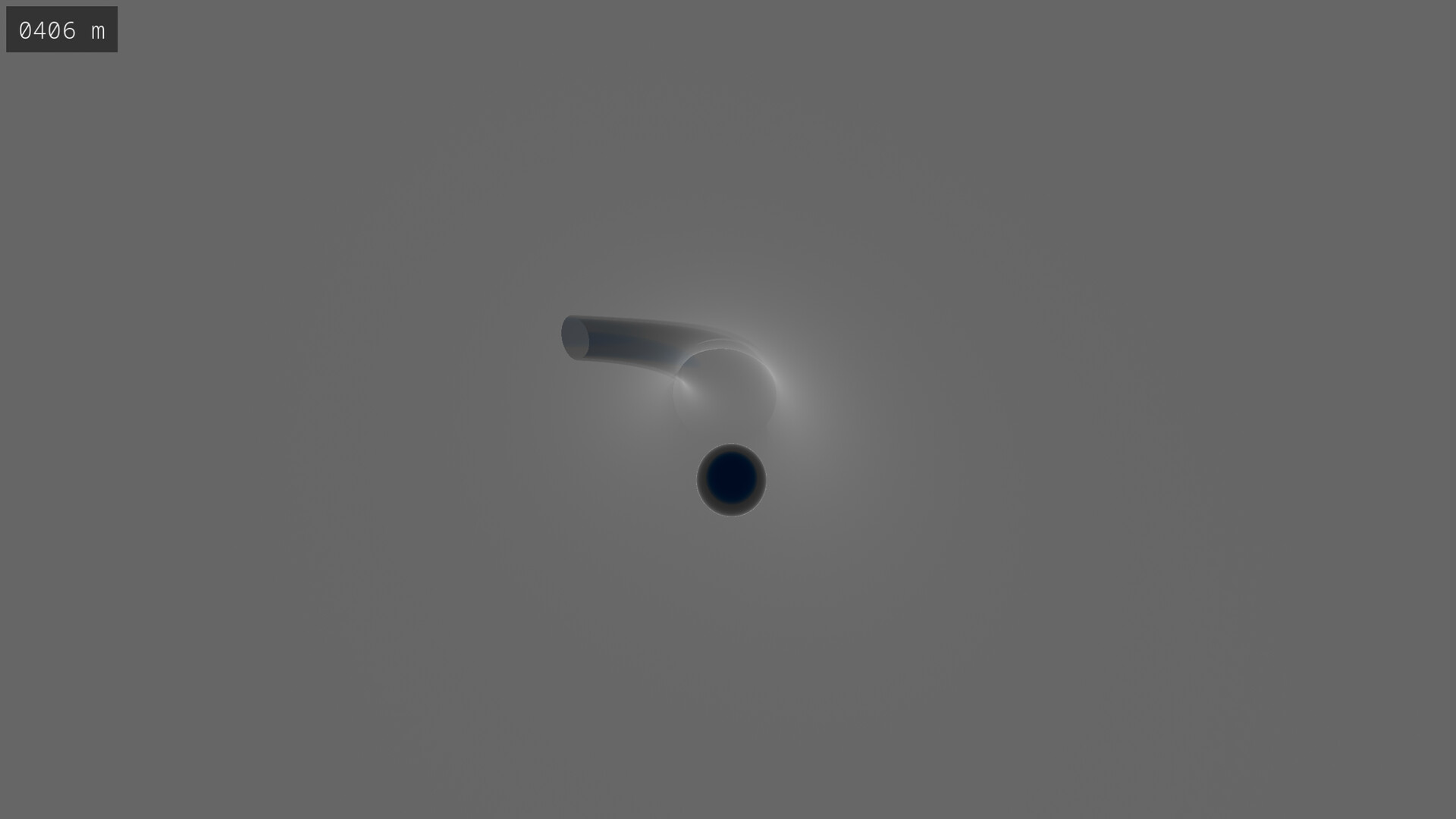
Simple yet mesmerizing, Glass can be both relaxing and considerably challenging. With over 18 quintillion randomly-generated tracks, you can have a new experience each time you play.

Увійдіть до акаунта, щоби додати цей продукт до списку бажаного чи позначити як ігнорований.

українська мова недоступна

Цей продукт не підтримує вашу мову. Будь ласка, перегляньте список підтримуваних мов перед купівлею.

Ця гра ще не доступна у Steam

Незабаром

Зацікавлені?
Додайте до списку бажаного та дізнайтеся, коли гра вийде.
Додати до бажаного
 

Про цю гру

In Glass, you control a marble with the goal of getting the marble to the end of a randomly-generated track. There are over 18 quintillion tracks, so you can always play a track you've never played before.

Game Modes

Glass features four different game modes with four difficulty settings. Both mode and difficulty can be changed mid-game; there's no need to restart a track in order for these changed to be applied.

Freeride

In freeride, there is no challenge whatsoever. You can navigate the track at your leisure. The difficulty settings do not apply to freeride.

Dash

Dash is a race against time. The track components disappear soon after you reach them, so you'll need to move fast.

Fragile

In fragile, you're required to move smoothly down the track. If you collide with a track component too hard, it will break and disappear.

Dash + Fragile

This game mode combines both dash and fragile simultaneously. It provides a considerable level of difficulty when played on the higher difficulty settings.

Track Selection

Whilst you may choose to play a randomly-selected track, you can also manually select the track number in the game menu. This allows you to replay a track you enjoy or challenge a friend to beat a track that you've beaten. A track number is denoted using 1 to 16 digits, where a digit is 0 to 9 or A to F. Note that track selection is not available in the demo version.

Mechanics

A track begins at a start terminal with an altitude of 1,024 meters and will tend downhill. Once below 64 meters, an end terminal will be generated and the track will finish. Your altitude is shown in the upper-left corner of the screen. If playing in fragile mode, a timer is shown next to the altimeter which displays the time which has elapsed since starting the track.

Controls and Game Settings

The controls and settings are shown in the game menu under their respective tabs. Under Settings, you're able to change the camera sensitivity and music volume, and you can choose between ocean and cloud as the color of the lower sky.

Системні вимоги

Windows
SteamOS + Linux
    Мінімальні:
    • Потребує 64-бітних процесора та операційної системи
    • ОС: Windows 10
    • Процесор: Intel i5
    • Оперативна пам’ять: 8 GB ОП
    • Відеокарта: Integrated Graphics
    • Місце на диску: 150 MB доступного місця
    Рекомендовані:
    • Потребує 64-бітних процесора та операційної системи
    • ОС: Windows 10
    • Процесор: Intel i7
    • Оперативна пам’ять: 8 GB ОП
    • Відеокарта: Dedicated Graphics Card
    • Місце на диску: 150 MB доступного місця
    Мінімальні:
    • ОС: Fedora 42 or later
    • Процесор: Intel i5
    • Оперативна пам’ять: 8 GB ОП
    • Відеокарта: Integrated Graphics
    • Місце на диску: 150 MB доступного місця
    • Додаткові примітки: Expected to work on other Linux distributions
    Рекомендовані:
    • ОС: Fedora 42 or later
    • Процесор: Intel i7
    • Оперативна пам’ять: 8 GB ОП
    • Відеокарта: Dedicated Graphics Card
    • Місце на диску: 150 MB доступного місця
    • Додаткові примітки: Expected to work on other Linux distributions
Немає жодної рецензії на цей продукт

Ви можете написати вашу власну рецензію на цей продукт, щоб поділитися вашим досвідом зі спільнотою. Скористуйтеся полем над кнопками придбання на цій сторінці, щоб написати вашу рецензію.