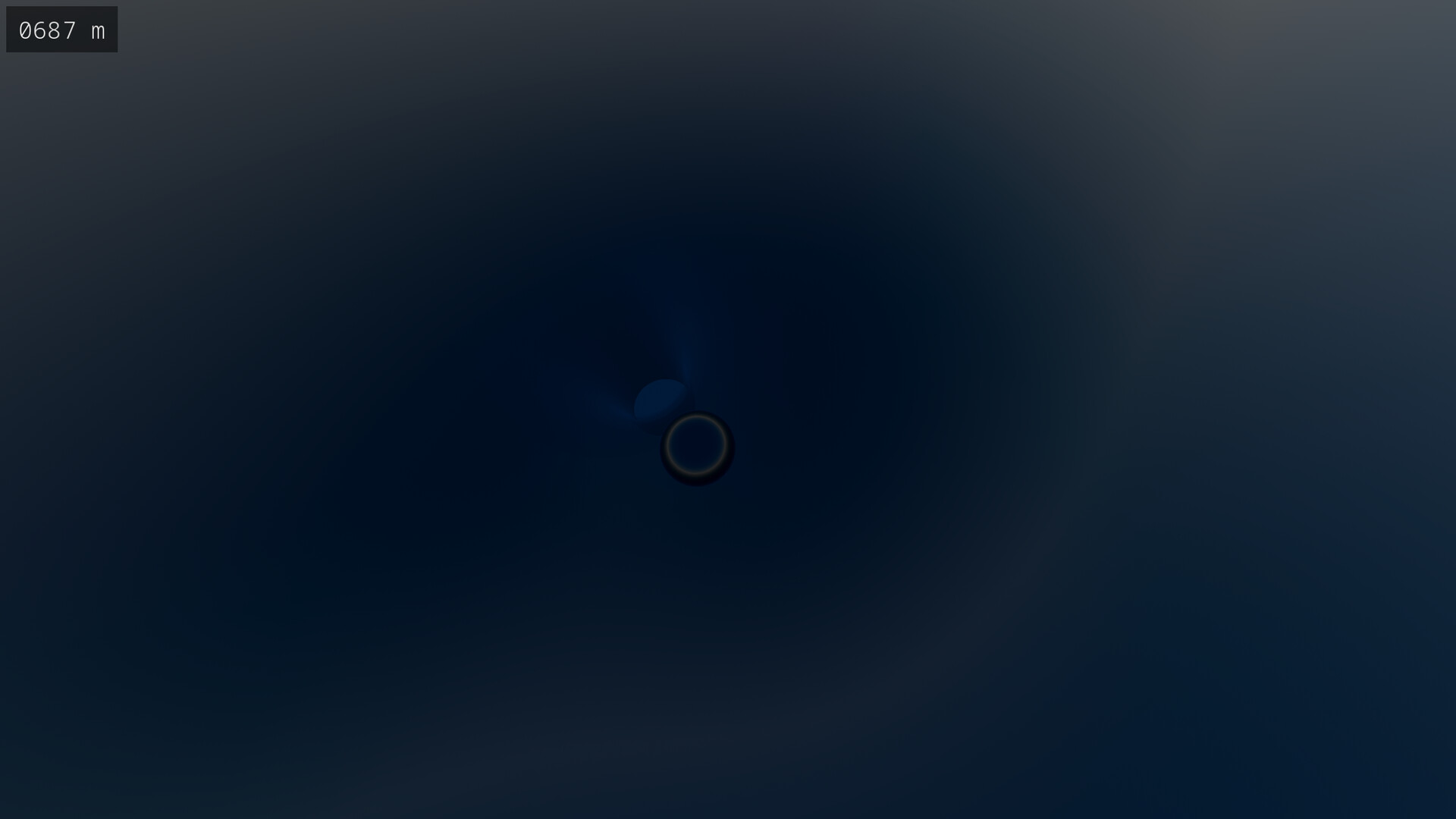
Simple yet mesmerizing, Glass can be both relaxing and considerably challenging. With over 18 quintillion randomly-generated tracks, you can have a new experience each time you play.

登入以將此項目新增至您的願望清單、關注它,或標記為已忽略

不支援繁體中文

本產品尚不支援您的目前所在地的語言。購買前請先確認語言支援清單。

此遊戲尚未在 Steam 上發售

即將推出

感興趣嗎?
將這款遊戲加入願望清單,以便在發售時收到通知。
新增至您的願望清單
 

關於此遊戲

In Glass, you control a marble with the goal of getting the marble to the end of a randomly-generated track. There are over 18 quintillion tracks, so you can always play a track you've never played before.

Game Modes

Glass features four different game modes with four difficulty settings. Both mode and difficulty can be changed mid-game; there's no need to restart a track in order for these changed to be applied.

Freeride

In freeride, there is no challenge whatsoever. You can navigate the track at your leisure. The difficulty settings do not apply to freeride.

Dash

Dash is a race against time. The track components disappear soon after you reach them, so you'll need to move fast.

Fragile

In fragile, you're required to move smoothly down the track. If you collide with a track component too hard, it will break and disappear.

Dash + Fragile

This game mode combines both dash and fragile simultaneously. It provides a considerable level of difficulty when played on the higher difficulty settings.

Track Selection

Whilst you may choose to play a randomly-selected track, you can also manually select the track number in the game menu. This allows you to replay a track you enjoy or challenge a friend to beat a track that you've beaten. A track number is denoted using 1 to 16 digits, where a digit is 0 to 9 or A to F. Note that track selection is not available in the demo version.

Mechanics

A track begins at a start terminal with an altitude of 1,024 meters and will tend downhill. Once below 64 meters, an end terminal will be generated and the track will finish. Your altitude is shown in the upper-left corner of the screen. If playing in fragile mode, a timer is shown next to the altimeter which displays the time which has elapsed since starting the track.

Controls and Game Settings

The controls and settings are shown in the game menu under their respective tabs. Under Settings, you're able to change the camera sensitivity and music volume, and you can choose between ocean and cloud as the color of the lower sky.

系統需求

Windows
SteamOS + Linux
    最低配備:
    • 需要 64 位元的處理器及作業系統
    • 作業系統: Windows 10
    • 處理器: Intel i5
    • 記憶體: 8 GB 記憶體
    • 顯示卡: Integrated Graphics
    • 儲存空間: 150 MB 可用空間
    建議配備:
    • 需要 64 位元的處理器及作業系統
    • 作業系統: Windows 10
    • 處理器: Intel i7
    • 記憶體: 8 GB 記憶體
    • 顯示卡: Dedicated Graphics Card
    • 儲存空間: 150 MB 可用空間
    最低配備:
    • 作業系統: Fedora 42 or later
    • 處理器: Intel i5
    • 記憶體: 8 GB 記憶體
    • 顯示卡: Integrated Graphics
    • 儲存空間: 150 MB 可用空間
    • 備註: Expected to work on other Linux distributions
    建議配備:
    • 作業系統: Fedora 42 or later
    • 處理器: Intel i7
    • 記憶體: 8 GB 記憶體
    • 顯示卡: Dedicated Graphics Card
    • 儲存空間: 150 MB 可用空間
    • 備註: Expected to work on other Linux distributions
此產品無任何評論

您可以撰寫評論來與社群分享您對於本產品的看法。請使用本頁面中位於購買按鈕上方的區塊來進行評論的編寫。