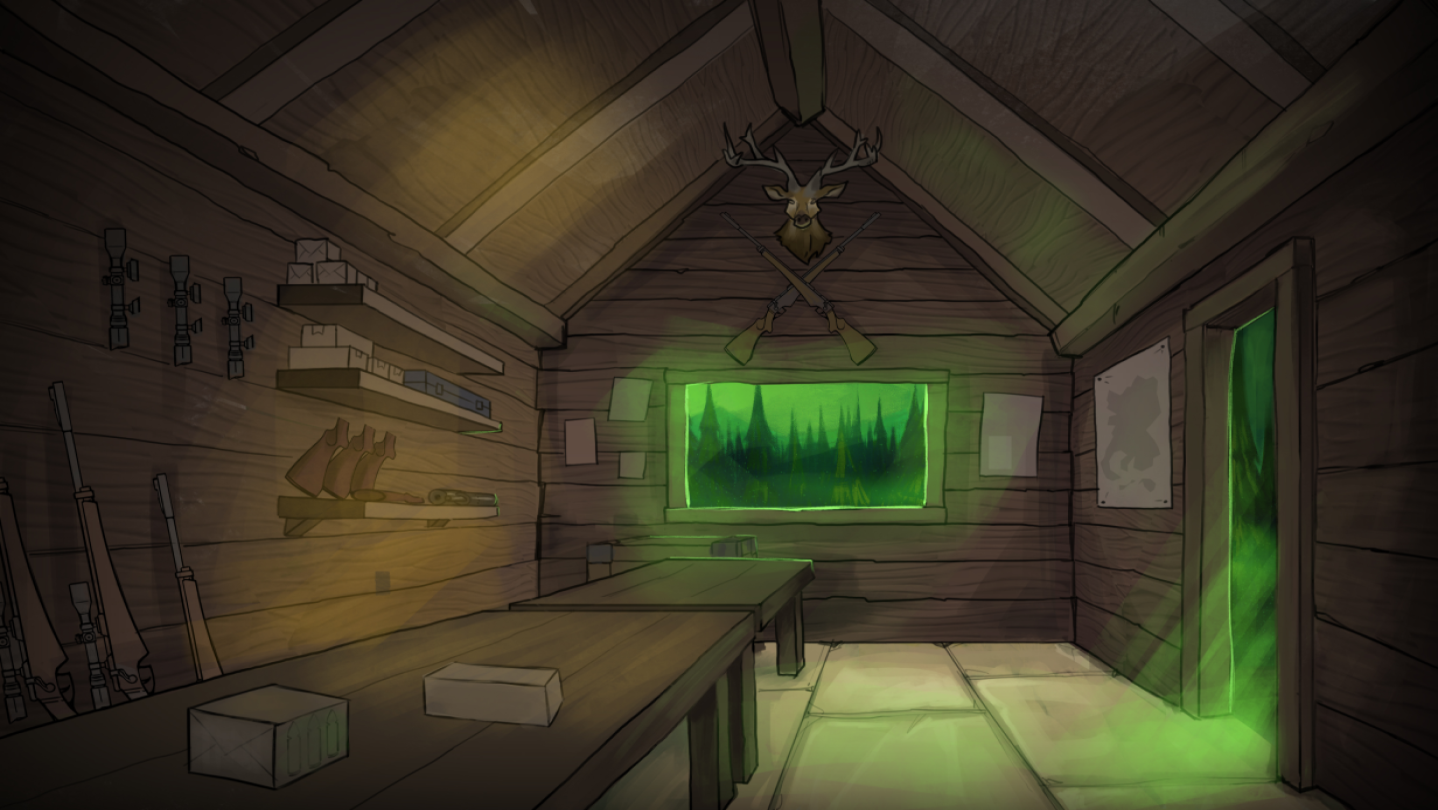
Goo Deer is a dark, first-person gas station management game set in a foggy world addicted to the strange drink Goo Deer. Craft and sell Goo Deer, manage inventory, and hire employees. you venture into the misty forest to hunt deer for ingredients. avoiding a dangerous creature lurking in the fog

登入以將此項目新增至您的願望清單、關注它,或標記為已忽略

在 Steam 上查看 VML Studios 的所有作品
不支援繁體中文

本產品尚不支援您的目前所在地的語言。購買前請先確認語言支援清單。

此遊戲尚未在 Steam 上發售

即將推出

感興趣嗎?
將這款遊戲加入願望清單,以便在發售時收到通知。
 

評論

“I can’t stop making new flavors!”
9.5/10 – Facebook

“I thought the forest was empty. It wasn’t.”
9.2/10 – Instagram

“Goo Deer is perfect”
10/10 – Threads

關於此遊戲

Goo Deer is a dark, first-person gas station management game set in a foggy world addicted to the strange drink Goo Deer. Players craft and sell a variety of Goo Deer flavors, manage inventory, and hire employees to help run the store. To keep up with demand, you venture into the misty forest to hunt deer for ingredients, all while avoiding a dangerous creature lurking in the fog. Balancing resources, staff, and production, and failing to meet the cravings of a desperate public can have deadly consequences. Survive, expand, in a strange eerie world.

系統需求

Windows
macOS
    最低配備:
    • 作業系統: Windows 10 or greater
    • 處理器: Intel i5-7400 equivalent or greater.
    • 記憶體: 8 GB 記憶體
    • 顯示卡: NVIDIA GTX 1070 / AMD equivalent or greater
    • DirectX: 版本:11
    • 儲存空間: 10 GB 可用空間
    建議配備:
    • 作業系統: Windows 10 or greater
    • 處理器: Intel i5-11400 equivalent or greater.
    • 記憶體: 16 GB 記憶體
    • 顯示卡: NVIDIA RTX 3070 / AMD equivalent or greater
    • DirectX: 版本:12
    • 儲存空間: 10 GB 可用空間
    最低配備:
    • 作業系統: OS X 10.13 Yosemite
    • 處理器: 2.8 Ghz Quad Core CPU
    • 記憶體: 8 MB 記憶體
    • 顯示卡: 2 GB Dedicated Memory
    • 儲存空間: 10 GB 可用空間
    建議配備:
    • 作業系統: OS X 10.13 Yosemite
    • 處理器: 3.2 Ghz Quad Core CPU or faster
    • 記憶體: 12 MB 記憶體
    • 顯示卡: 4 GB Dedicated Memory
    • 儲存空間: 10 GB 可用空間
* 自 2024 年 2 月 15 日(PT)起,Steam 用戶端將不再支援 32 位元遊戲或 macOS 10.14 或更舊版本。
此產品無任何評論

您可以撰寫評論來與社群分享您對於本產品的看法。請使用本頁面中位於購買按鈕上方的區塊來進行評論的編寫。