3D texturing without the frustration. Paint directly onto models with intuitive brushes, shapes, and fills. Build scenes and paint multiple models at once to see how they fit together. Import FBX, OBJ, glTF, or Blockbench files, add layers, and export crisp game-ready assets. Time saving and fun!

Log på for at føje dette emne til din ønskeliste, følge det eller markere det som ignoreret

Dette spil er ikke tilgængeligt på Steam endnu

Planlagt udgivelsesdato: 1. mar. 2026

Denne applikation bliver låst op om ca. 1 dag og 20 timer

Interesseret?
Tilføj det til din ønskeliste, og få besked, når det bliver tilgængeligt.
Føj til din ønskeliste
 

Om denne software

Painting that's fun and productive.

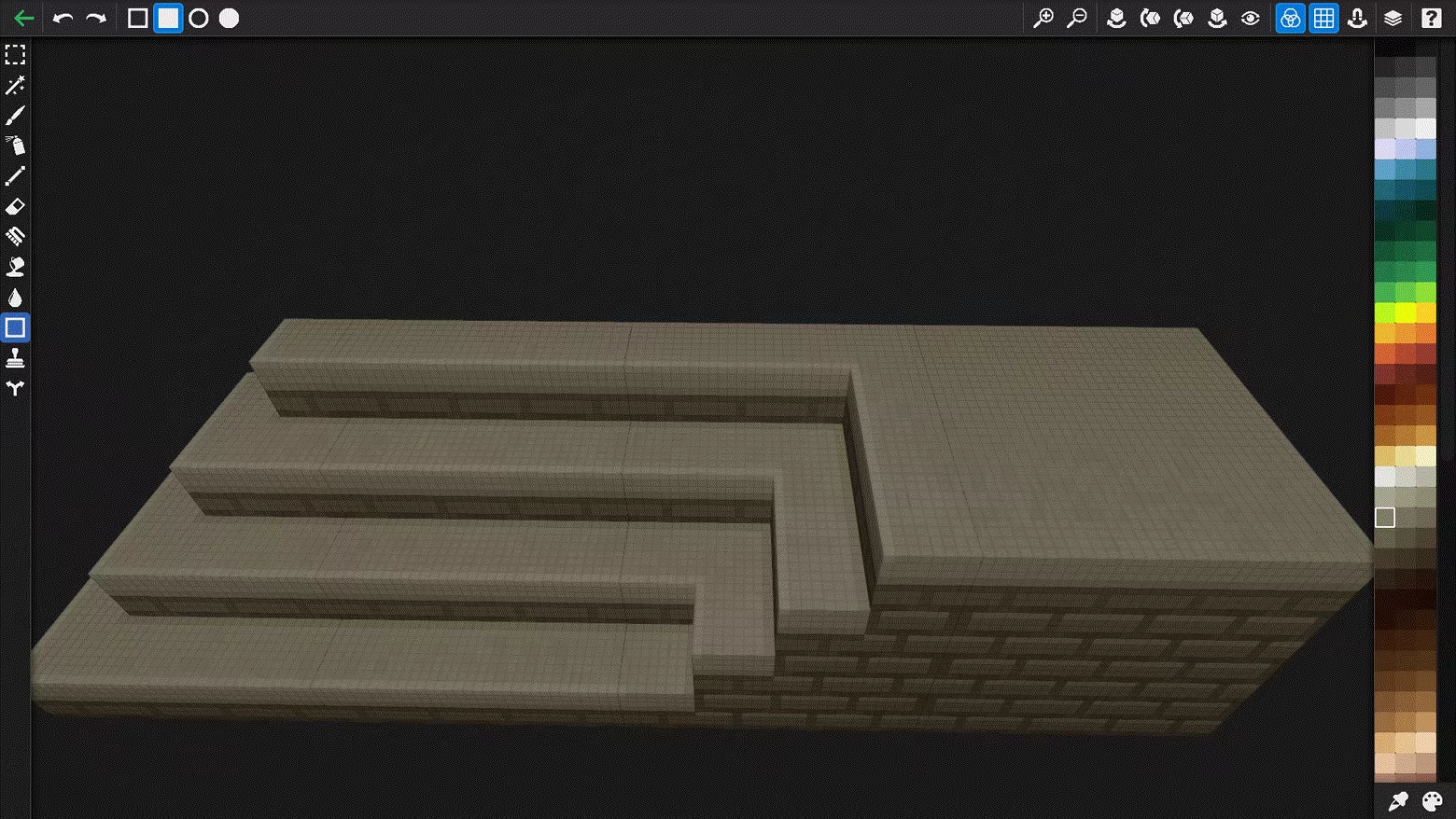
Draw on a Block is a pixel-perfect 3D texture painter. Paint directly onto models, arrange them into scenes, and keep painting until everything fits together. No UV unwrapping. No bouncing between 2D editors and 3D viewers. Just load a model and start creating.

Paint

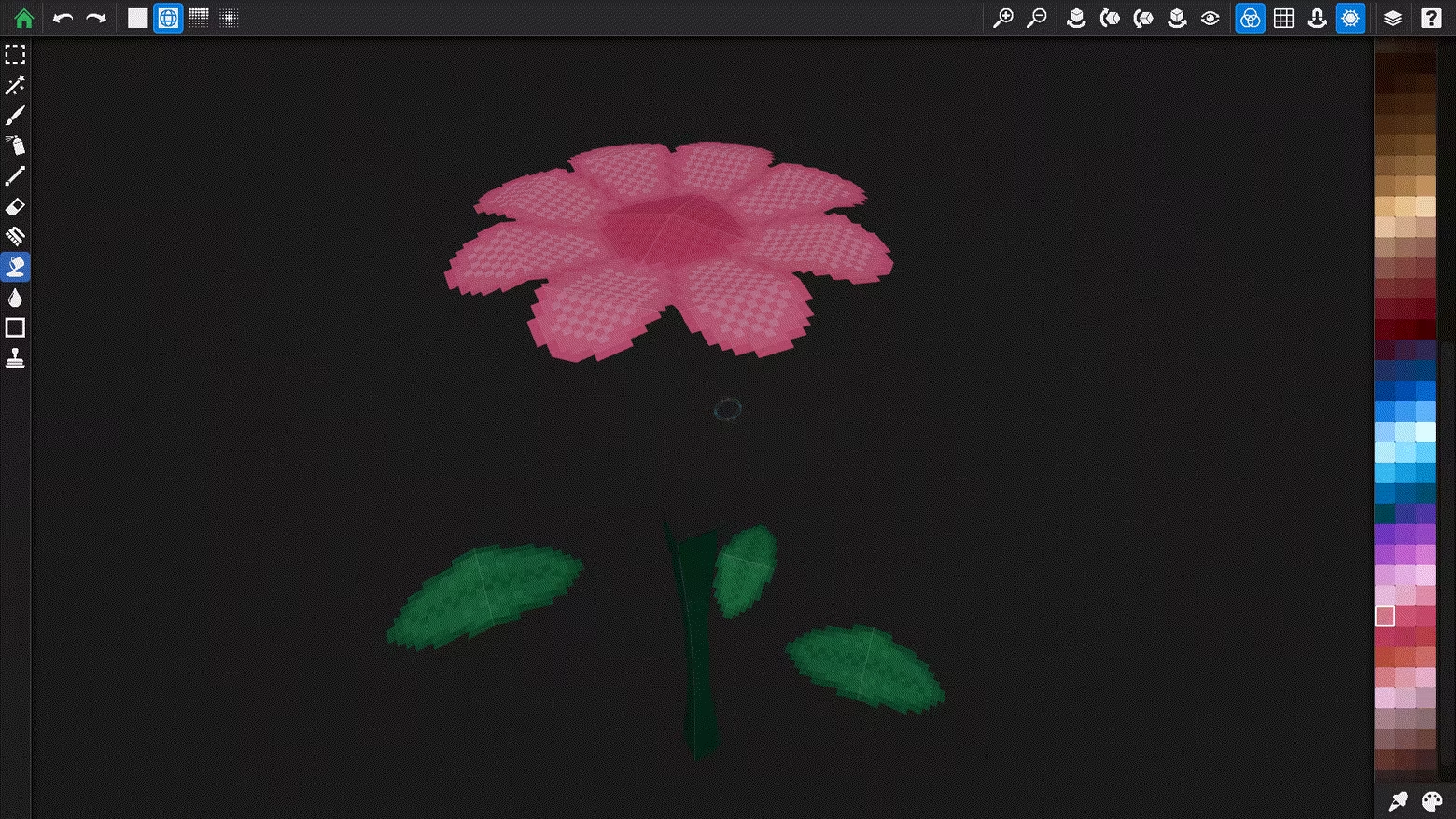
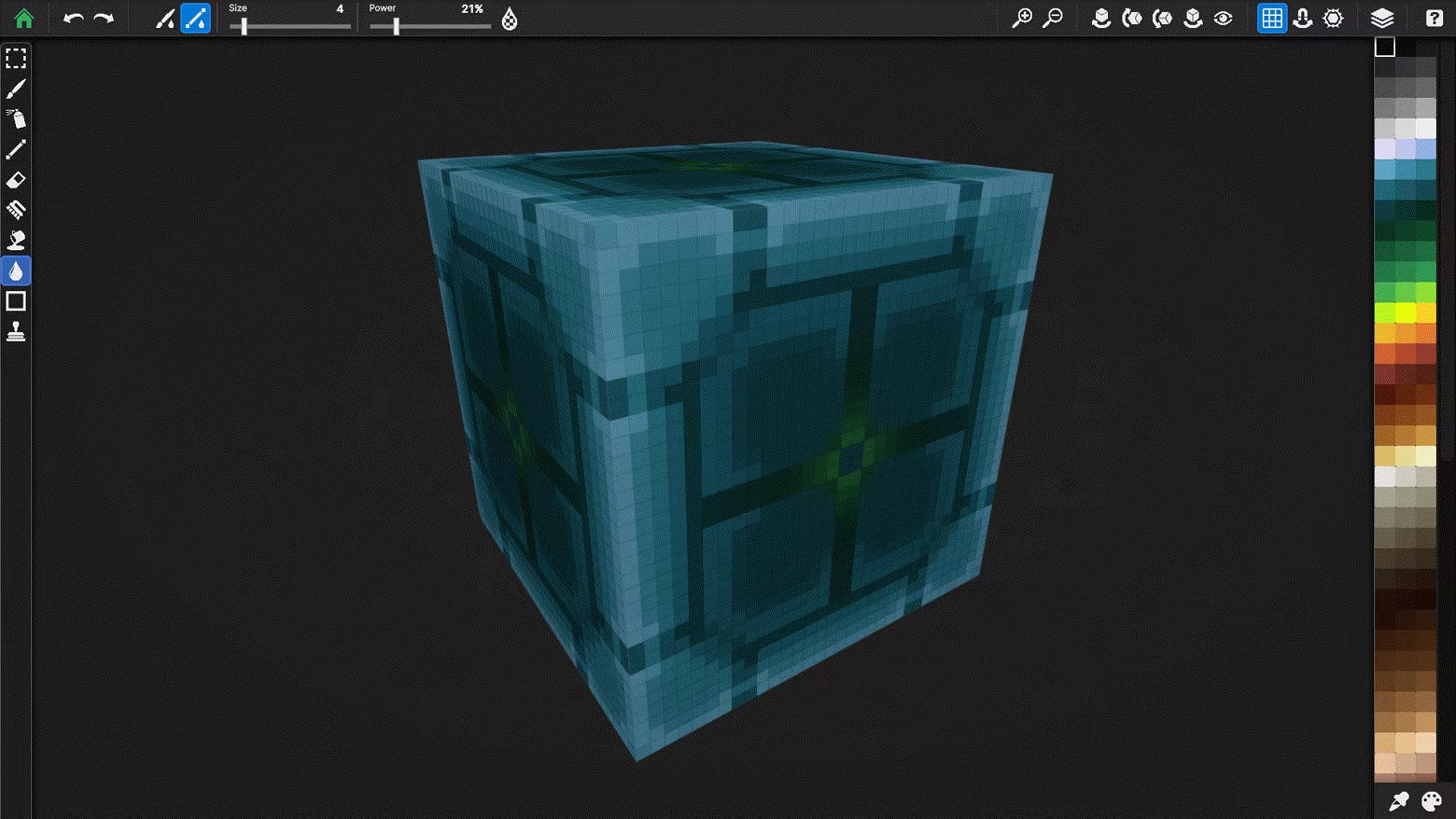
Paint textures directly on 3D surfaces with tools that snap to the texture grid.

  • Pixel-Perfect Tools — Brush, line, shape, flood fill, gradient, magic wand, and blend brushes

  • Up to 16 Layers Per Material — Real-time compositing with visibility toggles, merge, duplicate, and reorder

  • Multi-Material Models — Paint models with multiple materials, each with independent layers and resolution

  • Texel Grid Overlay — See exactly where each pixel lands on the 3D surface

  • Explode View — Pull apart complex models to reach hidden geometry

Build

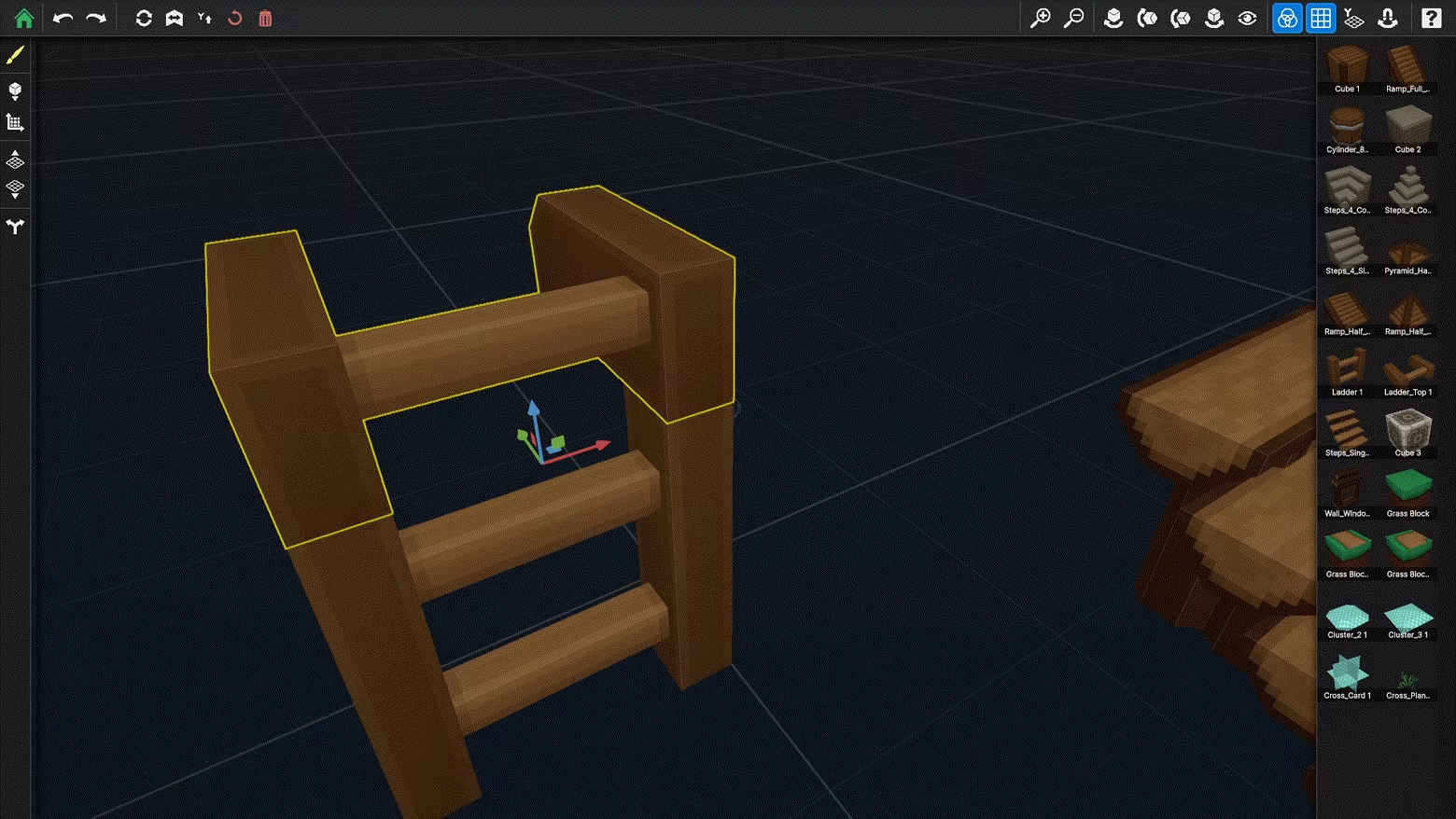
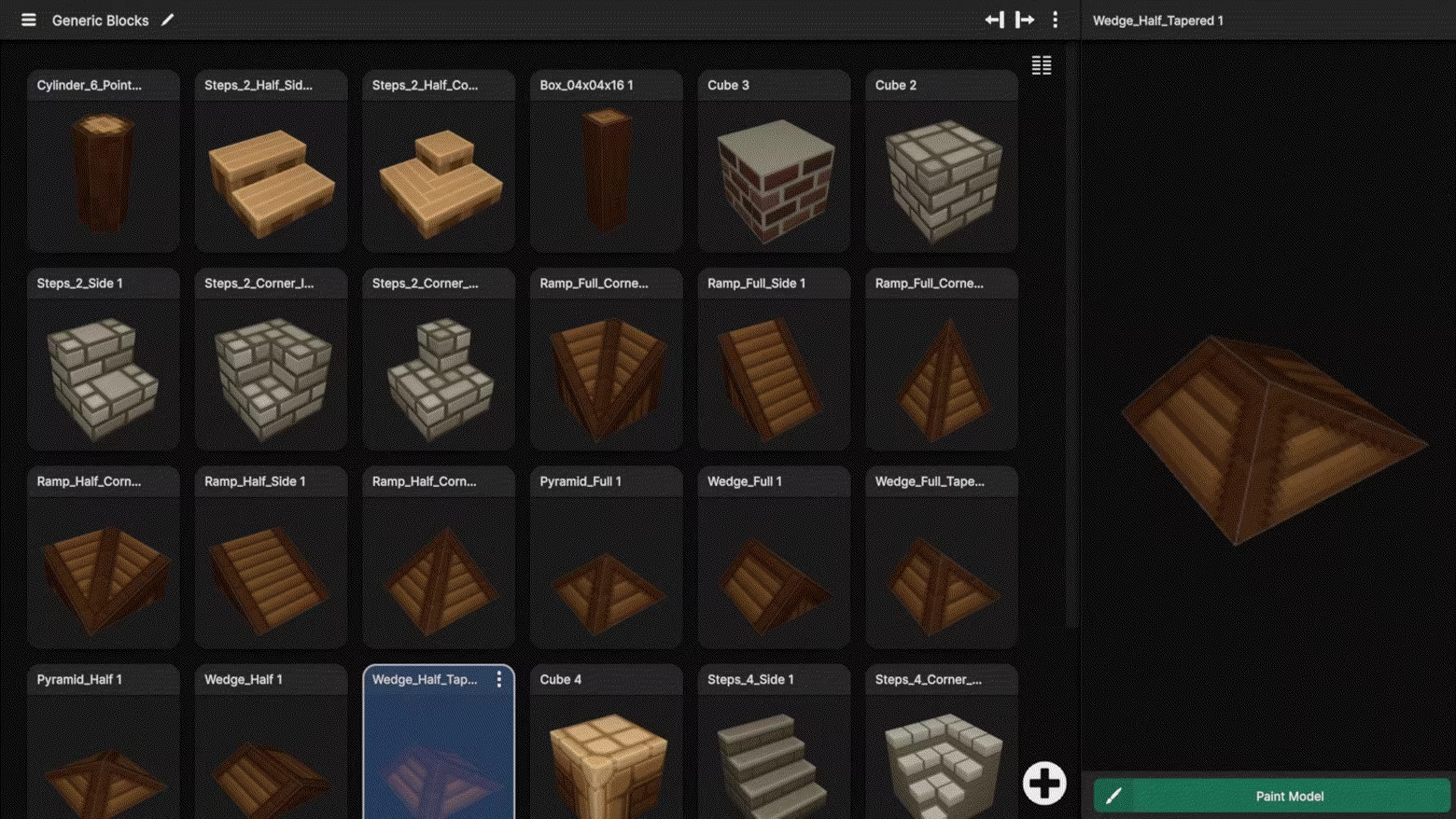
Arrange your painted models on a snap grid to create full 3D scenes — then keep painting them in context.

  • Scene Builder — Place, rotate, flip, and duplicate models to build complete scenes

  • Shared Textures — Paint any model once, and every instance in every scene updates instantly

  • Paint in Context — See how your pieces gel together before you commit

  • Fork to Customize — Need a variant? Fork a model to paint a unique version without affecting the original

Import & Export

Bring in your own models and take your work anywhere.

  • Supported Formats — FBX, OBJ, glTF, GLB, Blockbench (.bbmodel)

  • Per-Material Control — Set resolution and opacity type for each material on import

  • Textures Auto-Detected — Existing textures are imported as your base layer

  • Commercial License — All exports are yours for personal and commercial use in any engine

Project View

Built For

  • Indie Game Devs — Texture game-ready assets without leaving the 3D view

  • Pixel Artists — Nearest-neighbor filtering keeps your art crisp at any zoom

  • Modders — Full Blockbench support for Minecraft, Hytale, Roblox, and more

Features at a Glance

  • Resolutions from 32×32 to 1024×1024 and beyond

  • Up to 16 layers per material

  • Full undo/redo history

  • Auto-save

  • Decal library for stamps and stickers

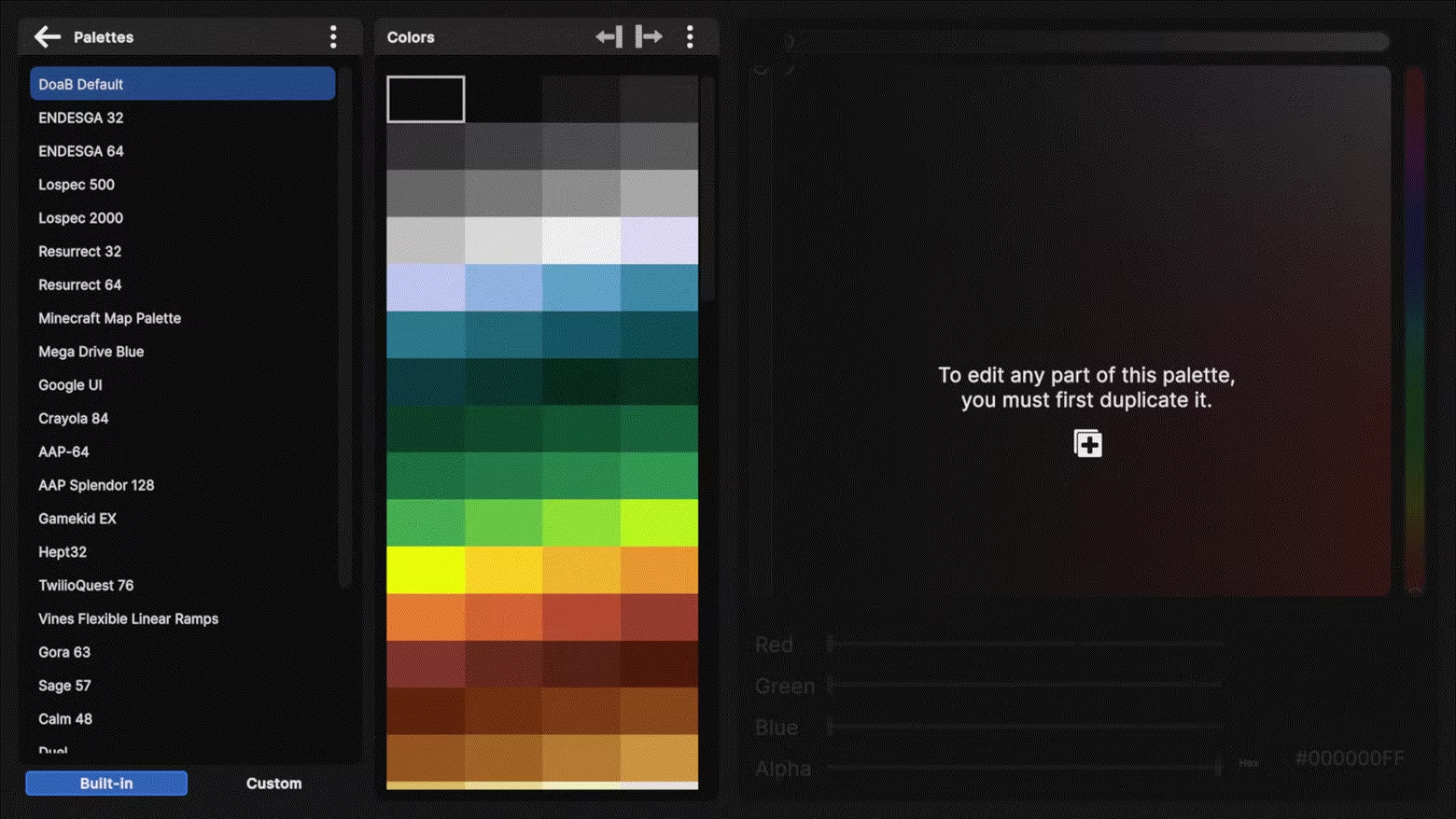
  • Palette editor

Systemkrav

    Minimum:
    • Kræver en 64-bit processor og operativsystem
    • Styresystem: Windows 10 Version 1909 (Build 18363) or later
    • Processor: Intel Core i3-4160 / AMD FX-4300 or equivalent
    • Hukommelse: 4 GB RAM
    • Grafik: NVIDIA GeForce GTX 660 / AMD Radeon HD 7850 (DirectX 11 compatible)
    • DirectX: Version 11
    • Diskplads: 200 MB tilgængelig plads
    • Yderligere bemærkninger: DirectX 11 compatible graphics card
    Anbefalet:
    • Kræver en 64-bit processor og operativsystem
    • Styresystem: Windows 10 Version 1909 (Build 18363) or later
    • Processor: Intel Core i5-6500 / AMD Ryzen 3 1200 or equivalent
    • Hukommelse: 8 GB RAM
    • Grafik: NVIDIA GeForce GTX 1050 / AMD Radeon RX 560
    • DirectX: Version 11
    • Diskplads: 500 MB tilgængelig plads
    • Yderligere bemærkninger: DirectX 11 compatible graphics card
Der er ingen anmeldelser af dette produkt

Du kan skrive din egen anmeldelse for dette produkt for at dele din oplevelse med fællesskabet. Brug området over købsknapperne for at skrive din anmeldelse.