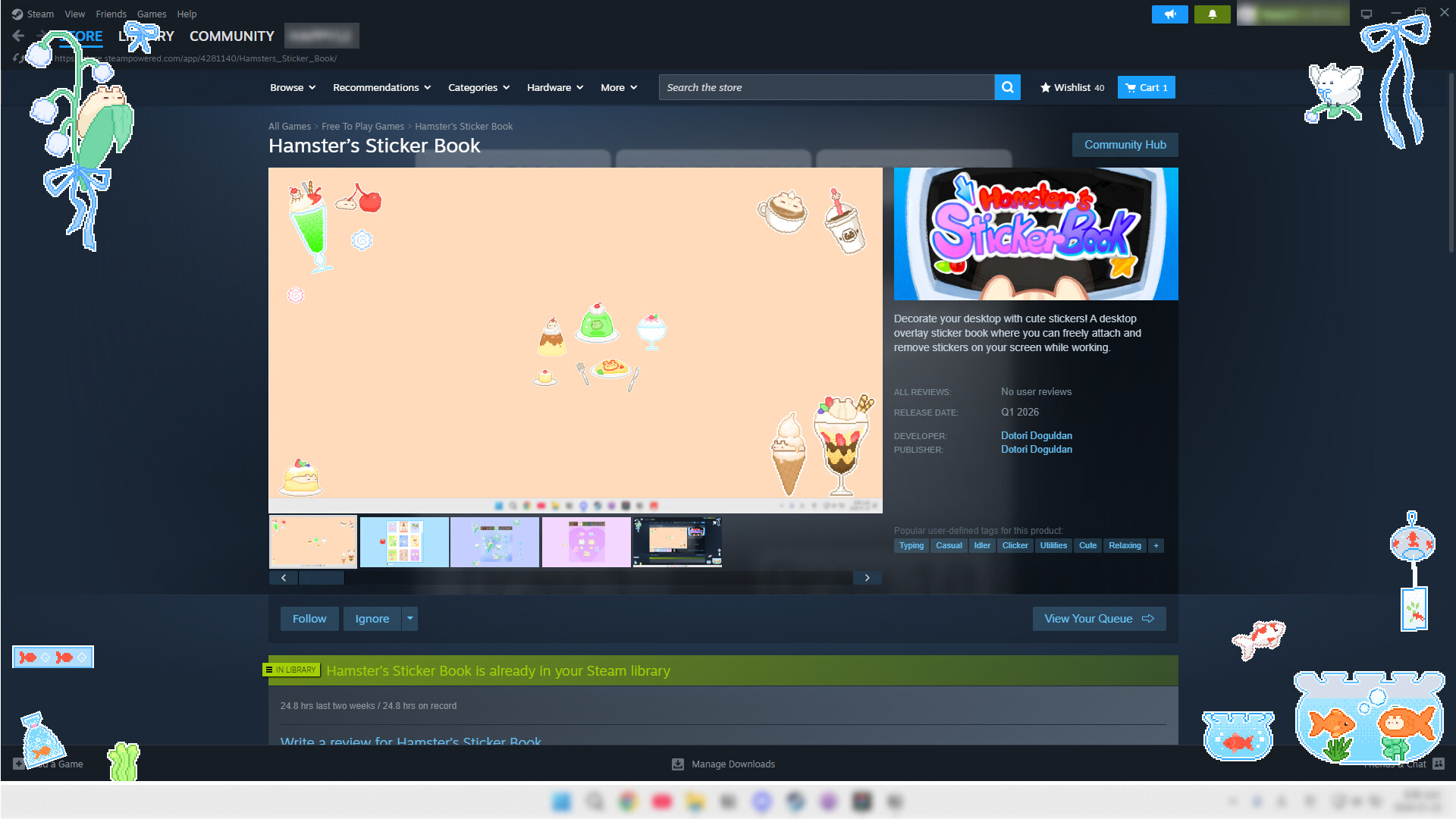
Decorate your desktop with cute stickers! A desktop overlay sticker book where you can freely attach and remove stickers on your screen while working.

Đăng nhập để thêm sản phẩm này vào danh sách ước, theo dõi, hoặc đánh dấu nó thành "đã phớt lờ"

Không hỗ trợ ngôn ngữ Tiếng Việt

Sản phẩm này không hỗ trợ ngôn ngữ địa phương của bạn. Vui lòng xem lại danh sách ngôn ngữ được hỗ trợ dưới đây trước khi mua.

Tải xuống 햄스터의 스티커북 Demo

Trò chơi này chưa có trên Steam

Ngày dự kiến phát hành: 31 Thg03, 2026

Trò chơi dự kiến được mở khóa sau khoảng 4 tuần

Bạn quan tâm?
Hãy thêm trò chơi vào danh sách ước và nhận thông báo khi nó ra mắt trên Steam.
Thêm vào danh sách ước
 

Về trò chơi này

Make Your Desktop into a Sticker Book!

Hamster's Sticker Book is an overlay app that lets you freely attach various stickers on your desktop screen.

While working, gaming, or studying, arrange stickers anywhere on your screen to create your own personalized desktop.

Key Features

🎨 Free Placement: Drag stickers anywhere on your screen

  • Resize, rotate, and flip stickers to decorate your screen just the way you want

  • Enable always-on-top display to enjoy stickers even above other programs

🌱 Earn Seeds While Working: Seeds automatically accumulate as you type

  • Use collected seeds to obtain and decorate with new stickers

🎰 The Thrill of Random Gacha: Use collected seeds to pull gacha and obtain new stickers

  • The excitement of not knowing which sticker you'll get!

🛍️ Selection Shop: No luck needed!

  • You can choose and purchase your desired sticker packs

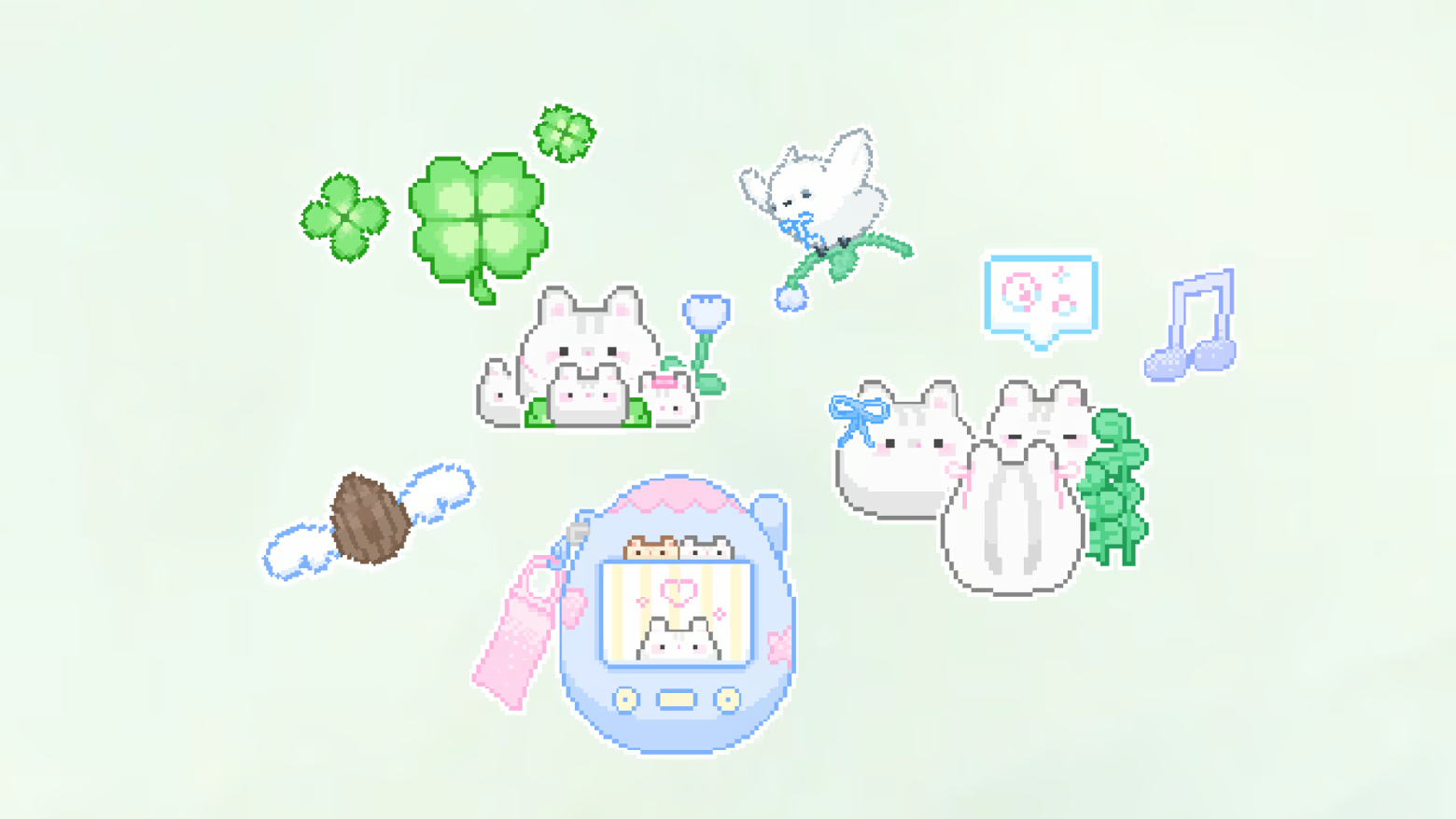
🎁 Joy of Collecting: Over 300 stickers from cute hamsters to delicious foods!

  • Collect a variety of hand-drawn stickers one by one

Make your desktop special with stickers.

Yêu cầu hệ thống

    Tối thiểu:
    • HĐH: Windows 10
    • Bộ xử lý: intel i5
    • Bộ nhớ: 1 GB RAM
    • Đồ họa: NVIDIA GeForce 9600 GT/ AMD Radeon HD 6450
    • DirectX: Phiên bản 11
    • Lưu trữ: 1 GB chỗ trống khả dụng
Chưa có đánh giá cho sản phẩm này

Bạn có thể chia sẻ trải nghiệm với cộng đồng bằng cách viết bài đánh giá của bản thân đối với sản phẩm. Sử dụng khu vực trên nút thanh toán thuộc trang này để viết đánh giá của mình.