MatchBuzz automatically detects when your competitive match starts in Overwatch 2 or Apex Legends and sends instant notifications to Discord or Windows. Never miss a match while grabbing a drink or taking a quick break.

เข้าสู่ระบบ เพื่อเพิ่มผลิตภัณฑ์นี้ลงในสิ่งที่อยากได้ของคุณ ติดตาม หรือทำเครื่องหมายเป็นถูกละเว้น

ไม่รองรับภาษาไทย

ผลิตภัณฑ์นี้ไม่รองรับภาษาท้องถิ่นของคุณ โปรดตรวจสอบรายชื่อภาษาที่รองรับก่อนทำการสั่งซื้อ

ใช้ MatchBuzz

เล่นฟรี
 

เกี่ยวกับซอฟต์แวร์นี้

MatchBuzz - Never Miss Your Match Again

Tired of missing the start of your competitive matches while you step away for a quick break? MatchBuzz is the ultimate match notification tool for competitive gamers who want to stay informed without being glued to their screen.

What is MatchBuzz?

MatchBuzz runs quietly in the background while you play Overwatch 2 or Apex Legends. Using advanced screen recognition technology, it instantly detects when your match begins and sends you a notification through Discord or Windows — so you can grab a snack, check your phone, or stretch without worrying about missing your game.

Key Features

[b]Automatic Game Detection[/b]

MatchBuzz automatically detects when Overwatch 2 or Apex Legends is running. No manual setup required — just launch the app and play.

[b]Instant Discord Notifications[/b]

Receive match alerts directly in Discord. Perfect for when you're chatting with friends or browsing on your phone. Supports both official community servers and your own private webhooks.

[b]Windows Toast Notifications[/b]

Get native Windows notifications that appear even when you're in another application or have your game minimized.

[b]Real-time Monitoring[/b]

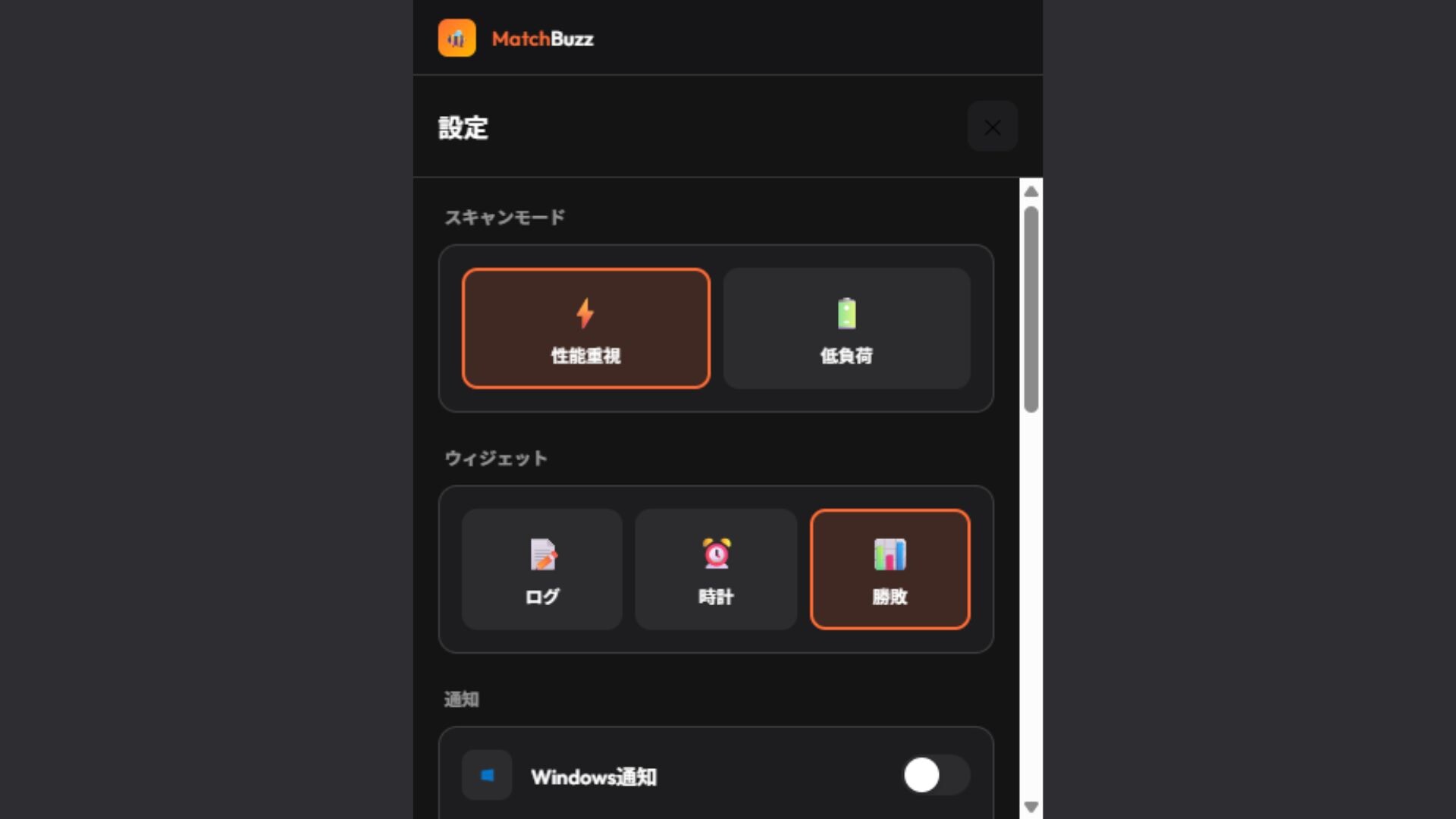
Choose between Real-time Mode for instant detection or Power-saving Mode for reduced system impact. Both modes run efficiently without affecting your game performance.

[b]Sleek Modern Interface[/b]

Beautiful dark-themed UI with compact and expanded viewing modes. The compact mode stays out of your way while keeping you informed.

[b]Multi-language Support[/b]

Full support for English and Japanese interfaces.

Supported Games

  • Overwatch 2

  • Apex Legends

More games coming soon based on community feedback!

How It Works

1. Launch MatchBuzz

2. Start your game — MatchBuzz detects it automatically

3. Click START to begin monitoring

4. Step away with confidence — you'll be notified when your match begins

Perfect For

  • Long queue times in competitive modes

  • Taking breaks between matches

  • Multitasking while waiting for games

  • Streamers who need to stay alert

  • Anyone who's ever missed a match start

Privacy & Safety

MatchBuzz only captures a small portion of your game window to detect match status. No personal data is collected, and all processing happens locally on your computer. Discord notifications are sent only through official APIs or your own configured webhooks.

Stop missing matches. Start playing more. Get MatchBuzz today.

ความต้องการระบบ

    ขั้นต่ำ:
    • ระบบปฏิบัติการ: Windows 10 64-bit (version 1903 or later)
    • โปรเซสเซอร์: Intel Core i3-4130 / AMD FX-4300
    • หน่วยความจำ: แรม 4 GB
    • กราฟิกส์: DirectX 11 compatible graphics card
    • DirectX: เวอร์ชัน 11
    • เครือข่าย: การเชื่อมต่ออินเทอร์เน็ตแบบบรอดแบนด์
    • พื้นที่จัดเก็บข้อมูล: พื้นที่ว่างที่พร้อมใช้งาน 200 MB
    แนะนำ:
    • ระบบปฏิบัติการ: Windows 10/11 64-bit
    • โปรเซสเซอร์: Intel Core i5-6500 / AMD Ryzen 5 1600
    • หน่วยความจำ: แรม 8 GB
    • กราฟิกส์: NVIDIA GeForce GTX 1060 / AMD Radeon RX 580
    • DirectX: เวอร์ชัน 12
    • เครือข่าย: การเชื่อมต่ออินเทอร์เน็ตแบบบรอดแบนด์
    • พื้นที่จัดเก็บข้อมูล: พื้นที่ว่างที่พร้อมใช้งาน 500 MB

บทวิจารณ์จากผู้ซื้อ MatchBuzz เกี่ยวกับบทวิจารณ์จากผู้ใช้ การปรับแต่งของคุณ

บทวิจารณ์โดยรวม:
1 บทวิจารณ์จากผู้ใช้ (1 บทวิจารณ์)


ในการดูบทวิจารณ์ตามช่วงวันที่ โปรดคลิกและลากการเลือกบนกราฟด้านบน หรือคลิกบนแท่งที่กำหนด


กรองบทวิจารณ์ตามเวลาเล่นของผู้ใช้เมื่อบทวิจารณ์ถูกเขียน:


ไม่มีต่ำสุด ถึง ไม่มีสูงสุด

แสดงบทวิจารณ์ตามลำดับการแสดงผลที่เลือกไว้


เรียนรู้เพิ่มเติม
ตัวกรอง
กำลังละเว้นกิจกรรมบทวิจารณ์นอกเรื่อง
เวลาเล่น:
เล่นบน Steam Deck เป็นส่วนใหญ่
Operating System:
CPU:
GPU:
Device Type: