Professor Teaches Outlook 2016 is a computer training course designed to teach you everything you need to know about the premier e-mail program for business. Unlike other computer training that use videos to show you how to use a program, Professor Teaches provides hands-on training in a realistic simulation of the actual Outlook 2016...

로그인하셔서 게임을 찜 목록에 추가하거나, 팔로우하거나 또는 제외로 지정하세요.

한국어(을)를 지원하지 않습니다

이 제품은 귀하의 로컬 언어를 지원하지 않습니다. 구매하기 전에 아래에 있는 지원하는 언어 목록을 확인해주세요.

Professor Teaches Outlook 2016 구매


소프트웨어 정보

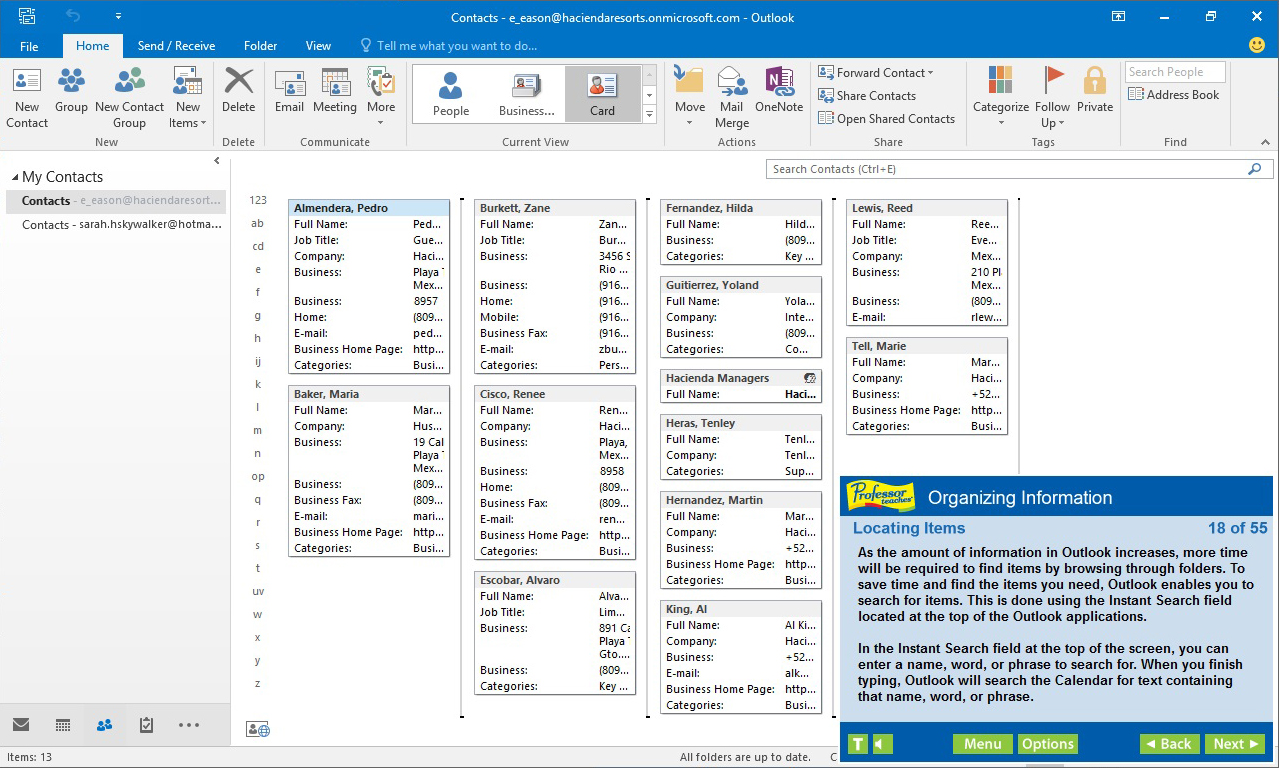
Professor Teaches Outlook 2016 is a computer training course designed to teach you everything you need to know about the premier e-mail program for business. Unlike other computer training that use videos to show you how to use a program, Professor Teaches provides hands-on training in a realistic simulation of the actual Outlook 2016 software.

What is Microsoft Outlook 2016?
Microsoft Outlook is an extremely popular e-mail program used by millions of people worldwide. Outlook 2016 is the latest version of the program and belongs to the Microsoft Office Suite of products. Used by professionals and students all over the world, this e-mail program promises greater e-mail organization, search, communication and social networking features.

What Are the Benefits of Learning Microsoft Outlook 2016?
• Discover how to become more effective in your communication
• Learn how to keep your calendar organized and become more time efficient
• Build stronger relationships with an organized contact list

Outlook 2016 – Over 60 Lessons!
Our extensive computer training course will cover the following topics:
• How to keep your task list up-to-date
• Learn how to use Outlook views
• How to read and reply to e-mail
• Plan meetings and use the journal
• Learn how to print calendars
• Using the Navigation Pane
• Using multiple E-mail accounts
• Working with folders
• Exploring the Inbox
• Adding an attachment
• Adding a signature
• Formatting messages
• Setting delivery options
• Modifying and Deleting Contacts
• Creating a Contact Group
• Using Outlook to Call a Contact
• Coordinating Calendars
• Scheduling Appointments
• Responding to Meeting Requests

Features of Professor Teaches Outlook 2016
Practice in a Realistic Simulation of the Software
Hundreds of Learning Topics
4 to 8 Hours of Training per Course
Realistic Simulations
Beginner to Advanced Topics
Self-Paced Learning Objectives
Introductions and Summaries
Interactive Exercises
Professional Voice Narration
End-of-Chapter Quiz Questions
Check marks for Completed Topics
Glossary, Index, and Search
Professor Answers for Instant Training

시스템 요구 사항

    최소:
    • 운영 체제 *: Windows 10, 8, 7, XP
    • 프로세서: None
    • 메모리: 150 MB RAM
    • 그래픽: None
    • 사운드카드: None
* 2024년 1월 1일부터 Steam 클라이언트는 Windows 10 이상 버전만 지원합니다.
이 제품에는 아직 평가가 없습니다.

이 제품의 평가를 직접 써서 자신의 경험을 커뮤니티와 공유할 수 있습니다. 구매 버튼 위의 기입란을 이용하여 자신만의 평가를 써 보세요.