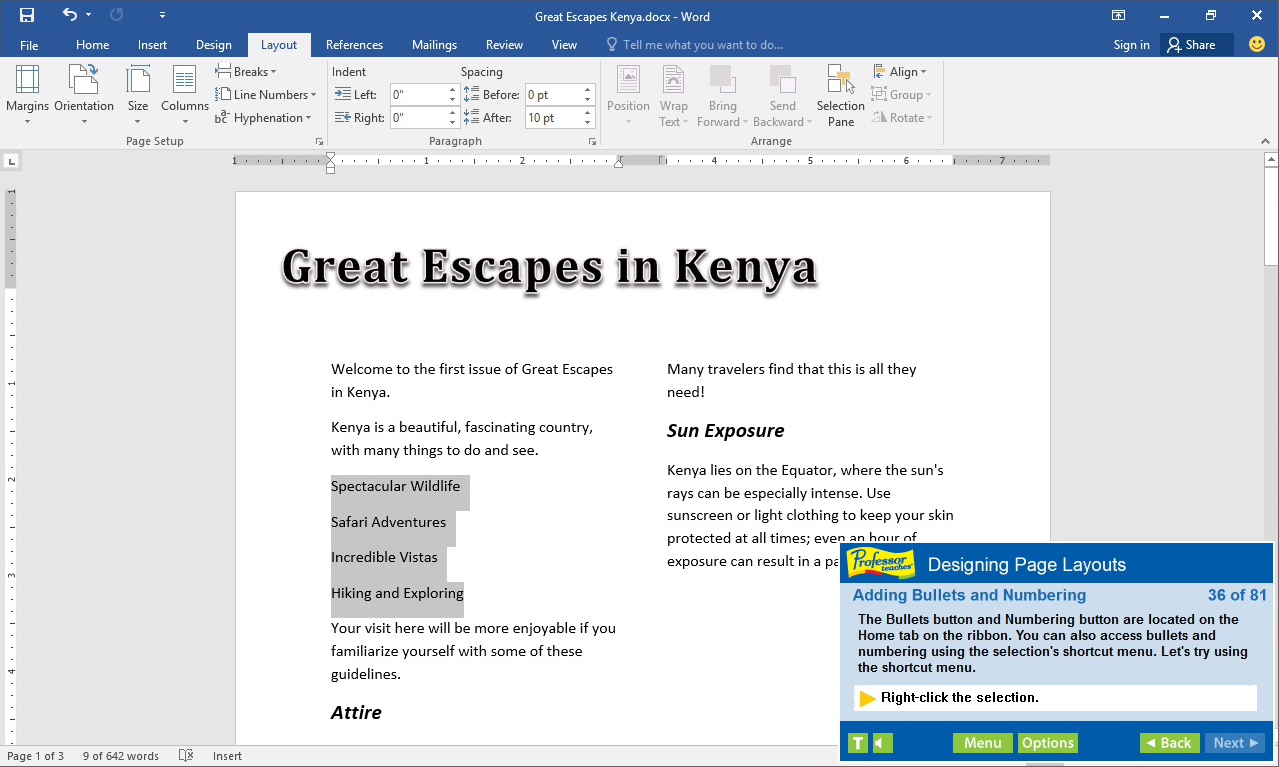
Professor Teaches, the leading brand of training, provides realistic, interactive, and complete training for Word 2016. Build your skills with Professor Teaches tutorials and learn everything you’ll need, from beginning to advanced lessons.

Melden Sie sich an, um dieses Produkt zu Ihrer Wunschliste hinzuzufügen, zu abonnieren oder als „Ignoriert“ zu markieren.

Professor Teaches Word 2016 kaufen

SONDERANGEBOT! Angebot endet in

40 % Rabatt. $14.99 regulär, reduziert auf $8.99

Professor Teaches Office 2016 Suite kaufen BÜNDEL (?)

Enthält 6 Artikel: Professor Teaches Word 2016, Professor Teaches Access 2016, Professor Teaches Excel 2016, Professor Teaches PowerPoint 2016, Professor Teaches OneNote 2016, Professor Teaches Outlook 2016Weniger anzeigen… Mehr anzeigen

40 % Rabatt. $29.68 regulär, reduziert auf $17.82

Professor Teaches Office 2016 & Windows 10 Suite kaufen BÜNDEL (?)

Enthält 7 Artikel: Professor Teaches® Windows 10, Professor Teaches Word 2016, Professor Teaches Access 2016, Professor Teaches Excel 2016, Professor Teaches PowerPoint 2016, Professor Teaches OneNote 2016, Professor Teaches Outlook 2016Weniger anzeigen… Mehr anzeigen

40 % Rabatt. $39.87 regulär, reduziert auf $23.94
 

Über diese Software

Professor Teaches, the leading brand of training, provides realistic, interactive, and complete training for Word 2016. Build your skills with Professor Teaches tutorials and learn everything you’ll need, from beginning to advanced lessons. Each interactive tutorial is organized for fast and easy learning so you can practice and apply what you learn right away. Learn Microsoft Word 2016 with hours of interactive training lessons and exercises.

What is Microsoft Word 2016?
Microsoft Word is a word processing program that is a part of the Microsoft Office suite. This program allows you to create high quality, professional-looking documents using the finest document formatting tools. Professor Teaches Word 2016 will teach you how to create, edit, save, share, and access documents online from any internet browser.

What are the Benefits of Learning Microsoft Word 2016?
• Create professional-looking documents for presentations
• Learn to create meaningful reports and share valuable information
• Learn to export information as a web page

Word 2016 – Over 70 Lessons!
Our extensive computer training course will cover the following topics:
• Learn how to apply Quick Styles
• Use SmartArt™ diagrams
• Publish documents as Web Pages
• Create bulleted and numbered lists
• Insert images, tables, and charts
• Learn to use the Document Inspector
• Explore Office Backstage
• Customize the Quick Access Toolbar
• Working with KeyTips
• Creating and editing text
• Using Repeat, Undo, and Redo
• Revealing and Clearing Formats
• Using the Format Painter
• Exploring page layout options
• Resizing and moving pictures
• Creating a Table
• Converting Text to a Table
• Working with Document Properties
• Adding a Hyperlink
• Tracking Document Changes
• Using the Document Inspector
• Saving Documents in different formats
• Working in the Cloud
• Signing in with Microsoft Accounts

Features of Professor Teaches Word 2016
• Practice in a Realistic Simulation of the Software
• Hundreds of Learning Topics
• 4 to 8 Hours of Training per Course
• Realistic Simulations
• Beginner to Advanced Topics
• Self-Paced Learning Objectives
• Introductions and Summaries
• Interactive Exercises
• Professional Voice Narration
• End-of-Chapter Quiz Questions
• Check marks for Completed Topics
• Glossary, Index, and Search
• Professor Answers for Instant Training

Systemanforderungen

    Mindestanforderungen:
    • Betriebssystem *: Windows 10, 8, 7, XP
    • Prozessor: None
    • Arbeitsspeicher: 150 MB RAM
    • Soundkarte: None
* Ab dem 1. Januar 2024 unterstützt der Steam-Client nur noch Windows 10 und neuere Versionen.
Filter überprüfen