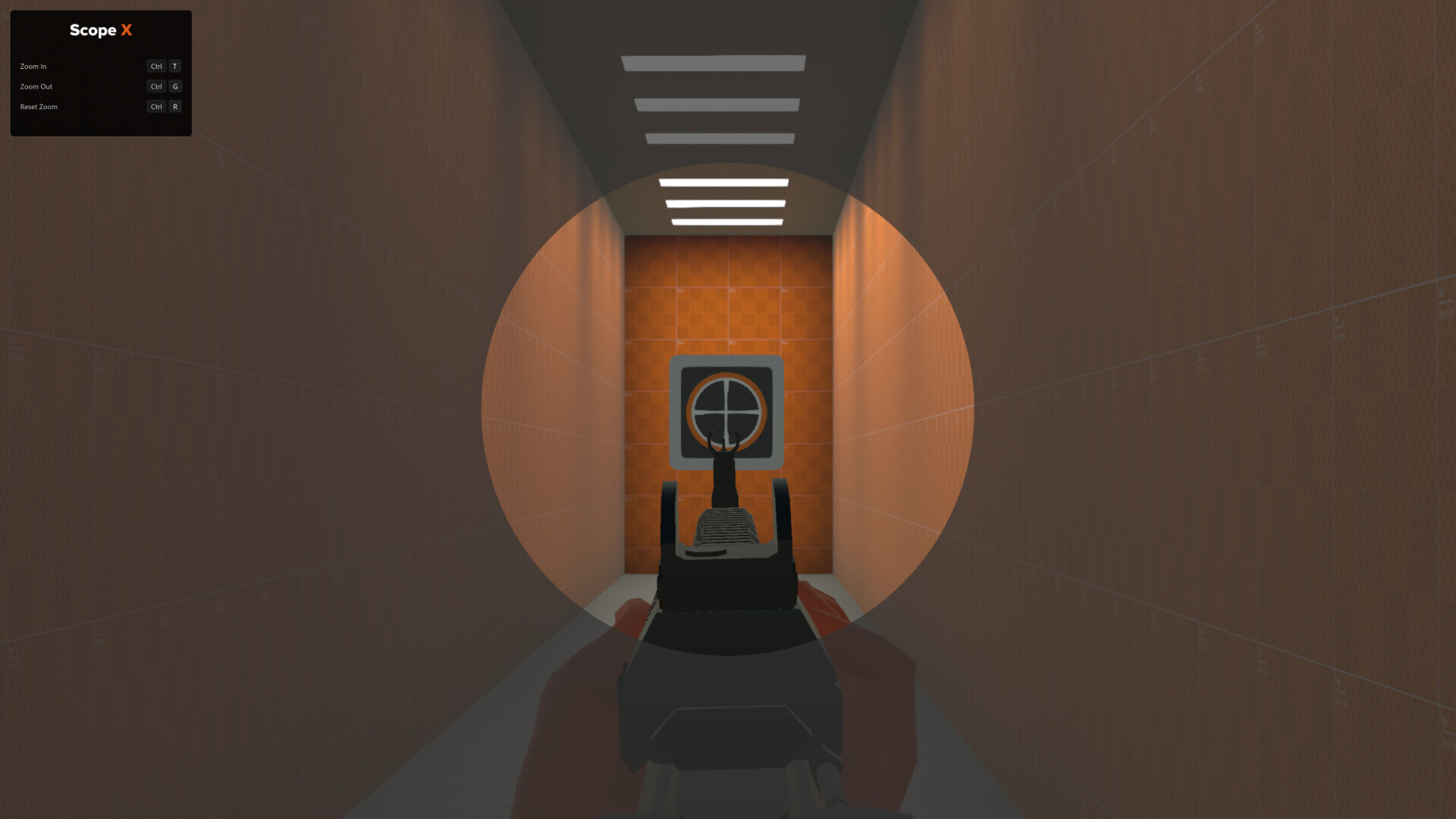
Scope X aims to be the #1 visual accessibility tool for PC gamers. Instantly magnify any part of your screen to reveal critical details in any game or application.

登入以將此項目新增至您的願望清單、關注它,或標記為已忽略

不支援繁體中文

本產品尚不支援您的目前所在地的語言。購買前請先確認語言支援清單。

免費試玩版

執行 Scope X Demo

瞧瞧完整遊戲


關於此試玩版

The Scope X Demo lets you experience a lightweight zoom and focus tool designed to enhance visual clarity across your entire display. It includes a limited but essential set of functions that comes with the full Scope X app.

Quickly toggle magnification, create a personalized focus shape, and fine-tune sensitivity controls—all from one easy-to-use overlay.

Key Features:

  • Real-Time Magnification – Instantly zoom in or out on any part of your screen.

  • Configurable Controls – Customize keyboard and mouse shortcuts to suit your preferences.

  • Focus Shape Design – Adjust the color, size, and transparency of your visual enhancer.

  • Universal Compatibility – Seamlessly runs alongside other apps and games with zero integrations or dependencies.

  • Overlay-Based Zoom – Utilizes screen rendering technology similar to recording and accessibility software. No game modifications, no interference.

Upgrade to the full Scope X app to unlock all features and customization options.

系統需求

    最低配備:
    • 作業系統: Windows 10
    建議配備:
    • 作業系統: Windows 11

Scope X Demo 的顧客評論 關於使用者評論 您的偏好設定

整體評論:
2 篇使用者評論 (2 篇評論)


如欲檢視特定日期範圍內的評論,請在上方圖表框選一段日期範圍,或點擊直條。


依照使用者撰寫評論當時的遊戲時數篩選:


不限最低時數不限最高時數

以所選顯示順序顯示評論


進一步了解
篩選條件
排除離題評論活動
遊戲時數:
主要在 Steam Deck 上遊玩
評論讀取中…