Scope X aims to be the #1 visual accessibility tool for PC gamers. Instantly magnify any part of your screen to reveal critical details in any game or application.

Log in om dit item aan je verlanglijst toe te voegen, het te volgen of te negeren

Gratis demo

Scope X Demo spelen

Bekijk het volledige spel


Over deze demo

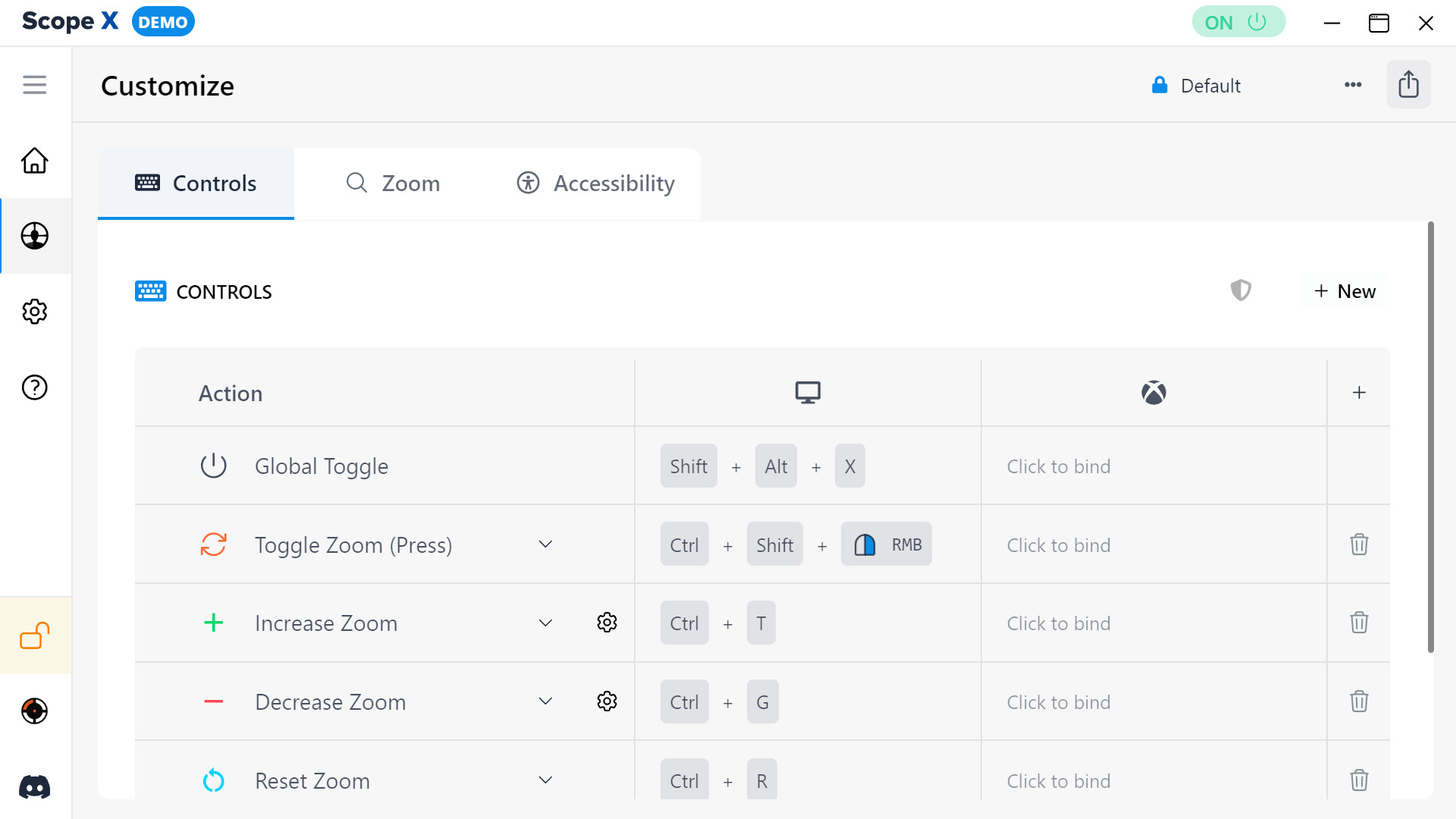
The Scope X Demo lets you experience a lightweight zoom and focus tool designed to enhance visual clarity across your entire display. It includes a limited but essential set of functions that comes with the full Scope X app.

Quickly toggle magnification, create a personalized focus shape, and fine-tune sensitivity controls—all from one easy-to-use overlay.

Key Features:

  • Real-Time Magnification – Instantly zoom in or out on any part of your screen.

  • Configurable Controls – Customize keyboard and mouse shortcuts to suit your preferences.

  • Focus Shape Design – Adjust the color, size, and transparency of your visual enhancer.

  • Universal Compatibility – Seamlessly runs alongside other apps and games with zero integrations or dependencies.

  • Overlay-Based Zoom – Utilizes screen rendering technology similar to recording and accessibility software. No game modifications, no interference.

Upgrade to the full Scope X app to unlock all features and customization options.

Systeemeisen

    Minimum:
    • Besturingssysteem: Windows 10
    Aanbevolen:
    • Besturingssysteem: Windows 11

Klantenrecensies voor Scope X Demo Over gebruikersrecensies Je voorkeuren

Algemene recensies:
2 gebruikersrecensies (2 recensies)


Om recensies in een datumbereik te bekijken, klik en sleep je een selectie op een grafiek hierboven of klik je op een specifieke balk.


Filter recensies op speeltijden van gebruikers toen ze geschreven werden:


Geen minimum tot Geen maximum

Recensies weergeven in de geselecteerde volgorde


Meer informatie
Filters
Irrelevante recensieactiviteit uitgesloten
Speeltijd:
Vooral gespeeld op de Steam Deck
Recensies laden ...