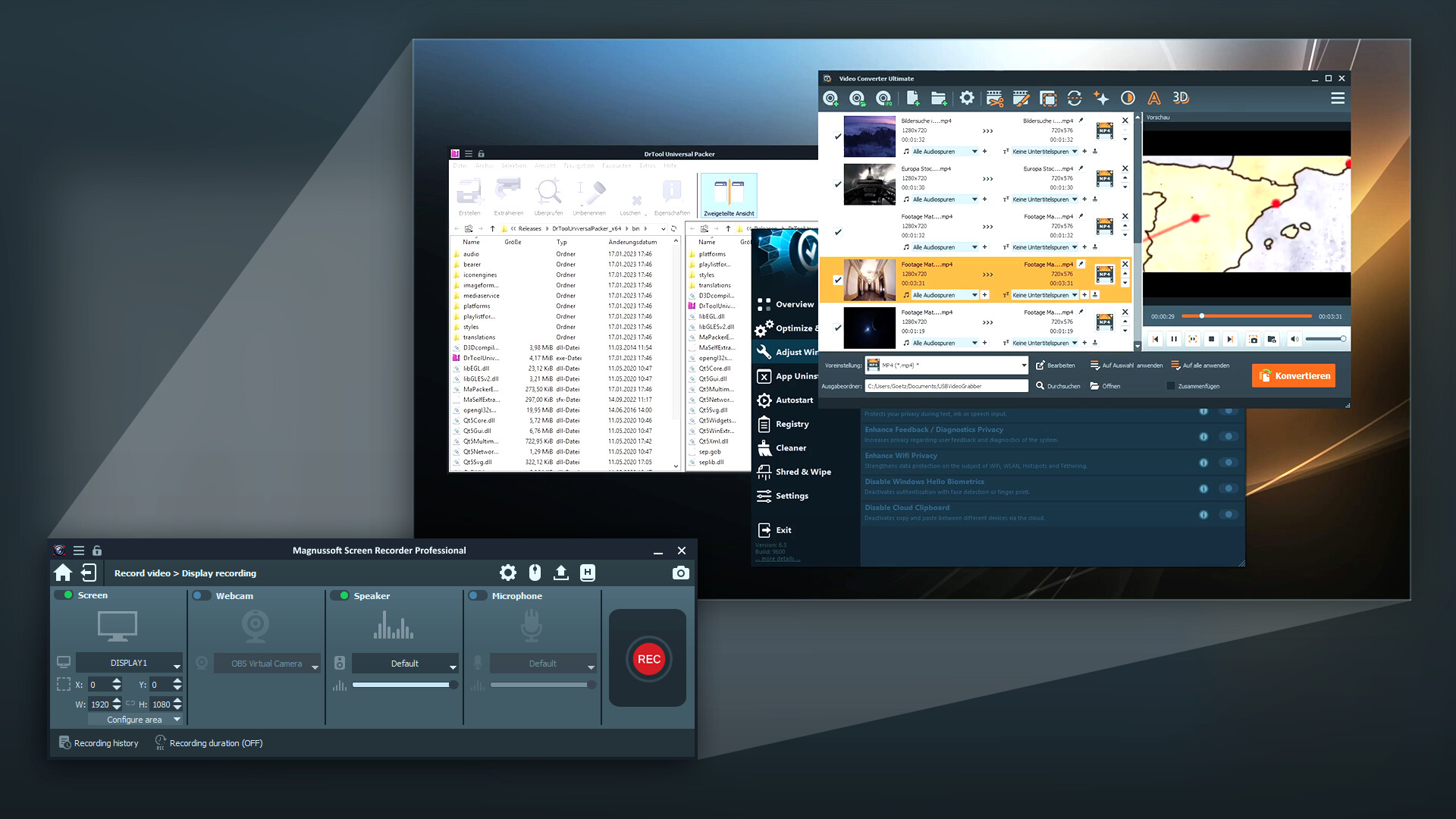
Record what is happening on the screen: Program sequences including mouse movements and text input, film clips from the Internet, games, video calls and much more.
Release Date:
Jun 8, 2025
Developer:
Publisher:
Tags

Sign in to add this item to your wishlist, follow it, or mark it as ignored

Buy Magnussoft® Screen Recorder Professional


About This Software

Record what is happening on the screen:

Program sequences including mouse movements and text input, film clips from the Internet, games, video calls and much more.

You choose which area you want to record - whether it's a specific window, any section or even full screen mode.

Recording audio tracks and microphone streams is child's play.

Some highlights at a glance

  • Super easy to use

  • Freely selectable recording area

  • Sound can be recorded with an internal or external microphone

  • Practical timer and cursor functions

  • Record videos of different quality: 4K UHD, HD, SD and much more

  • Supported output formats: WMV, MP4 (video) and MP3, WMA, AAC, M4A (audio)

  • Easily record videos on your computer

  • Record audio sources or record your own speech with the microphone

  • Ideal for creating your own video tutorials, game captures & online films

System Requirements

    Minimum:
    • Requires a 64-bit processor and operating system
    • OS *: Windows 8 / 10 / 11
    • Processor: Intel Core i3
    • Memory: 2 GB RAM
    • Graphics: Onboard Graphics card
    • Storage: 200 MB available space
    • Sound Card: Onboard Soundcard
    Recommended:
    • Requires a 64-bit processor and operating system
    • OS *: Windows 8 / 10 / 11
    • Processor: Intel Core i3
    • Memory: 4 GB RAM
    • Graphics: Onboard Graphics card
    • Storage: 200 MB available space
    • Sound Card: Onboard Soundcard
* Starting January 1st, 2024, the Steam Client will only support Windows 10 and later versions.
Review Filters