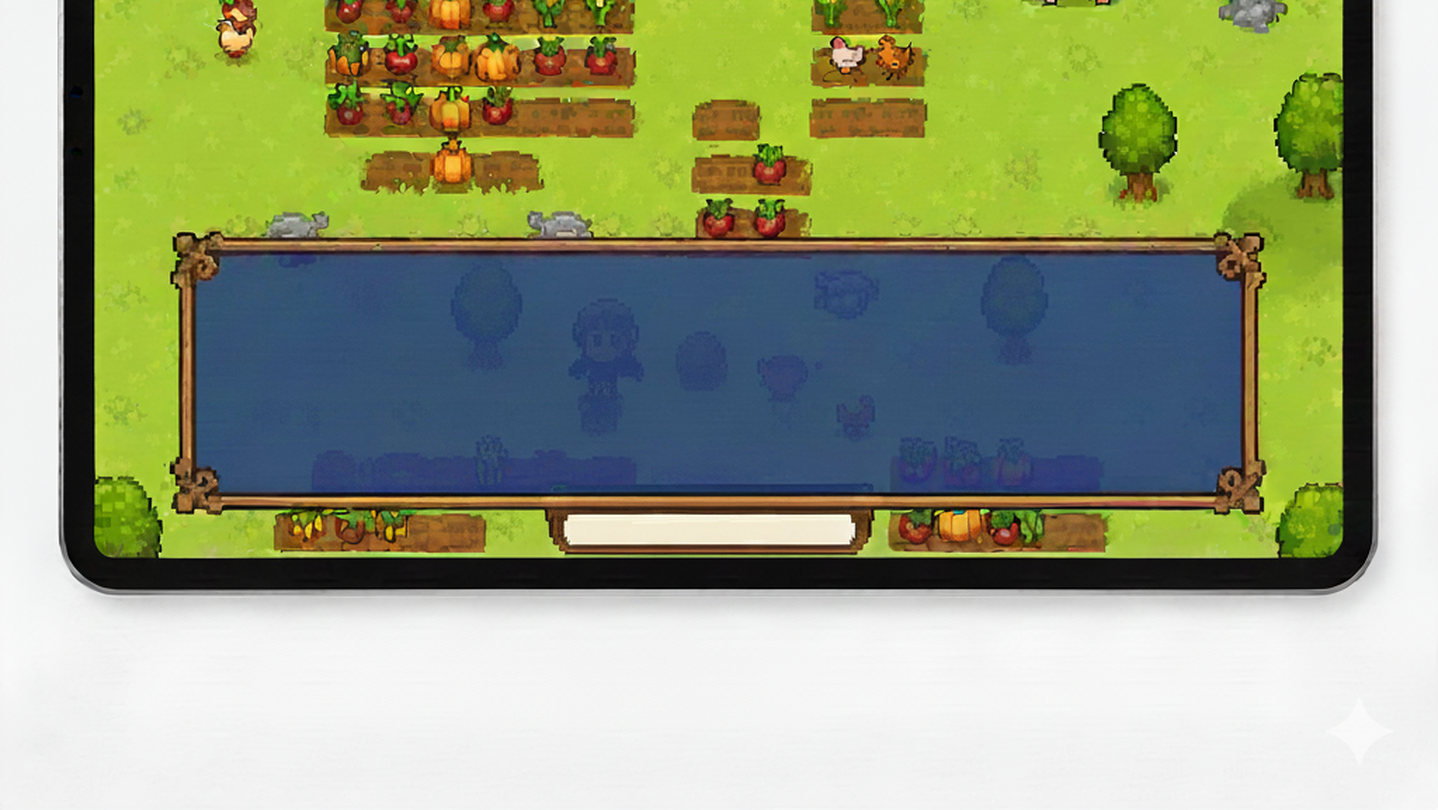
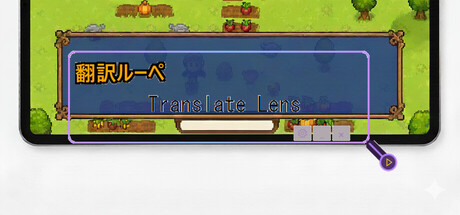
Real-time screen translation tool. Hover over any text on screen to instantly translate it. Perfect for playing games in foreign languages.

Sign in to add this item to your wishlist, follow it, or mark it as ignored

Use Translate Lens

Free To Play
 

About This Software

Translation Lens is a real-time screen translation overlay for Windows. Place the window over any text on your screen and get instant translations — perfect for gaming, reading, and more.

FEATURES:

• Instant OCR text detection from any screen area

• 5 translation engines: Gemini, OpenAI, DeepL, Ollama (local LLM), and cloud default

• 13 languages supported: English, Japanese, Chinese (Simplified & Traditional), Korean, French, German, Spanish, Czech, Polish, Portuguese, Russian, Turkish

• High Precision Mode — sends screenshots directly to AI for better accuracy

• BYOK (Bring Your Own Key) — use your own API keys for Gemini, OpenAI, or DeepL

• Local LLM support via Ollama — translate completely offline with no API costs

• Global hotkey with gamepad support — trigger translation from any app

• Transparent overlay — see translations while gaming

• Separate result window — display translations in a dedicated window

• Customizable appearance — fonts, colors, opacity, borders

• Local OCR processing — fast and private, no internet needed for text detection

• Two-tier translation cache — reduces API costs by 50-70%

HOW IT WORKS:

1. Position the Translation Lens window over text you want to translate

2. Press your hotkey, click the button, or enable auto-translate mode

3. See instant translation results in the overlay or a separate window

PERFECT FOR:

• Playing untranslated Japanese, Chinese, or Korean games

• Reading foreign language content on screen

• Enjoying indie games from around the world

• Any text on your screen in 13 supported languages

TRANSLATION ENGINES:

• Default (Cloud) — ready to use, pay-per-translation with credits

• Gemini / OpenAI / DeepL (BYOK) — bring your own API key for unlimited use

• Ollama (Local) — completely free, offline translation using local AI models

FREE TRIAL:

Start with 20 free translations. Purchase translation packs when you need more, or unlock BYOK mode to use your own API keys.

Note: This app uses Windows built-in OCR for text recognition. To recognize text in your source language, you may need to install the corresponding language pack in Windows Settings > Time & Language > Language & Region.

AI Generated Content Disclosure

The developers describe how their game uses AI Generated Content like this:

This app uses AI (Google Gemini) to translate text in real-time. When you capture text from your screen, the AI translates it into your selected language. Translations are generated live and displayed only to you.

System Requirements

    Minimum:
    • Requires a 64-bit processor and operating system
    • OS: Windows 10
    • Memory: 2048 MB RAM
    • Storage: 300 MB available space
    Recommended:
    • Requires a 64-bit processor and operating system

Customer reviews for Translate Lens About user reviews Your preferences

Overall Reviews:
2 user reviews (2 reviews)


To view reviews within a date range, please click and drag a selection on a graph above or click on a specific bar.


Filter reviews by the user's playtime when the review was written:


No minimum to No maximum

Show reviews in selected display order


Learn More
Filters
Excluding Off-topic Review Activity
Playtime:
Played Mostly on Steam Deck
There are no more reviews that match the filters set above
Adjust the filters above to see other reviews
Loading reviews...