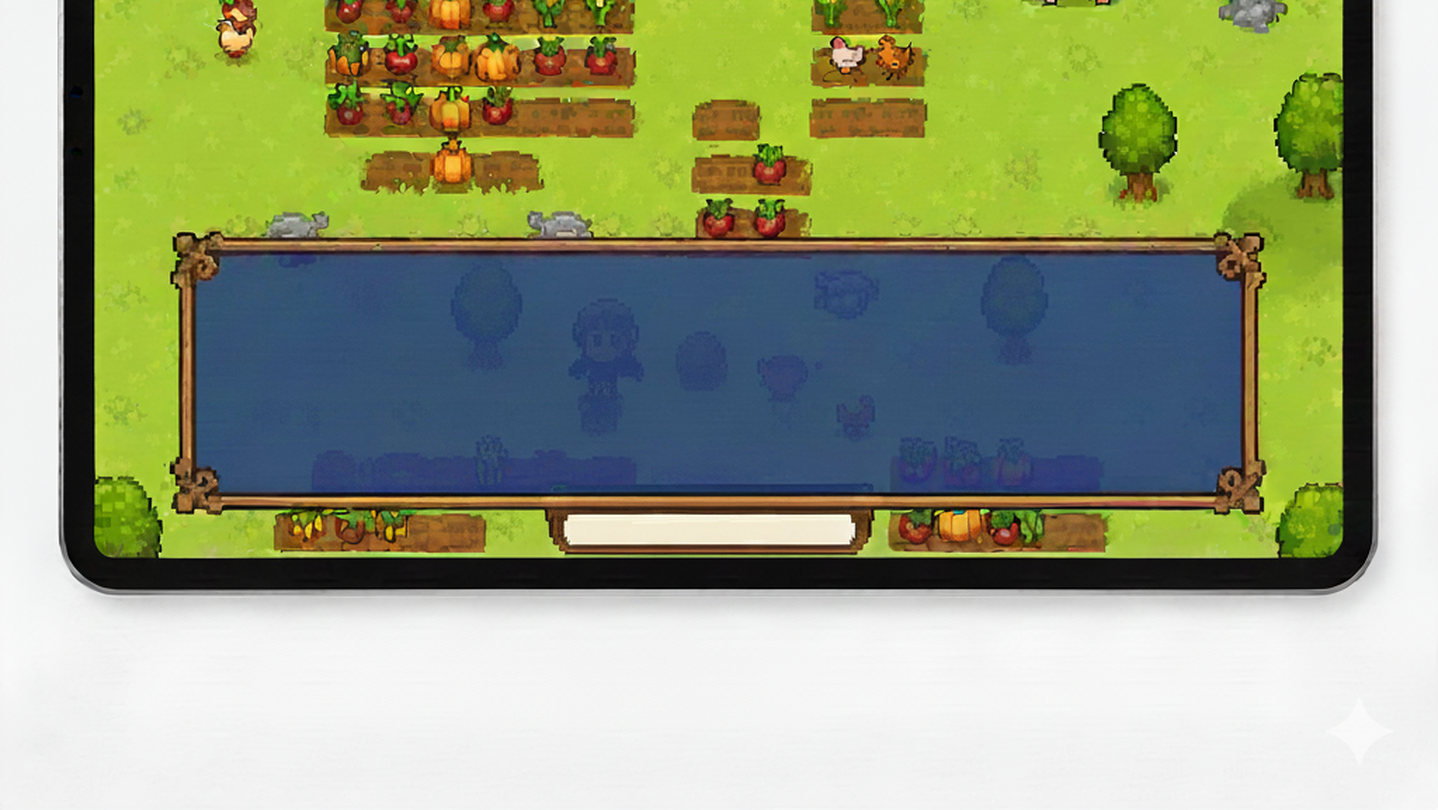
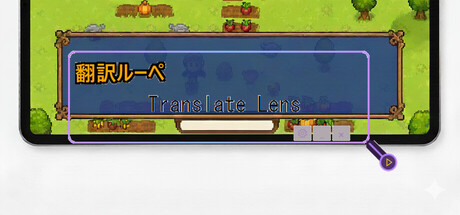
Real-time screen translation tool. Hover over any text on screen to instantly translate it. Perfect for playing games in foreign languages.

Sign in to add this item to your wishlist, follow it, or mark it as ignored

This game is not yet available on Steam

Planned Release Date: To be announced

Interested?
Add to your wishlist and get notified when it becomes available.
Add to your wishlist
 

About This Software

Translation Lens is a real-time screen translation overlay for Windows.

FEATURES:

• Instant OCR text detection from any screen area

• AI-powered translation (Gemini 3 Flash)

• Support for English, Japanese, Chinese, Korean

• Transparent overlay - see translations while gaming

• Local OCR processing - fast and private

• Translation cache - reduce API costs

HOW IT WORKS:

1. Position the Translation Lens window over text

2. Press Space or click Translate

3. See instant translation results

PERFECT FOR:

• Playing untranslated Japanese games

• Enjoying Chinese indie games

• Reading Korean visual novels

• Any foreign language content on screen

FREE TRIAL:

Start with 20 free translations. Purchase translation packs when you need more.

Note: This app uses Windows built-in OCR for text recognition. To recognize text in your source language, you may need to install the corresponding language pack in Windows Settings → Time & Language → Language & Region.

AI Generated Content Disclosure

The developers describe how their game uses AI Generated Content like this:

This app uses AI (Google Gemini) to translate text in real-time. When you capture text from your screen, the AI translates it into your selected language. Translations are generated live and displayed only to you.

System Requirements

    Minimum:
    • Requires a 64-bit processor and operating system
    • OS: Windows 10
    • Memory: 2048 MB RAM
    • Storage: 300 MB available space
    Recommended:
    • Requires a 64-bit processor and operating system
There are no reviews for this product

You can write your own review for this product to share your experience with the community. Use the area above the purchase buttons on this page to write your review.