🌟 A new full custom multi-function Utilities software 🌟

Đăng nhập để thêm sản phẩm này vào danh sách ước, theo dõi, hoặc đánh dấu nó thành "đã phớt lờ"

Không hỗ trợ ngôn ngữ Tiếng Việt

Sản phẩm này không hỗ trợ ngôn ngữ địa phương của bạn. Vui lòng xem lại danh sách ngôn ngữ được hỗ trợ dưới đây trước khi mua.

Chú ý: Recoil_Tracker Overlay không còn trên cửa hàng Steam.
Trò chơi này chưa có trên Steam

Sắp ra mắt

Bạn quan tâm?
Hãy thêm trò chơi vào danh sách ước và nhận thông báo khi nó ra mắt trên Steam.
Thêm vào danh sách ước
 

💬Precautions&Frequently Asked Questions

Does the illustration not display?

-------

💡 Because some large programs have exclusive graphics cards in full screen mode, the operation of RT_Overlay depends on the full screen window/borderless window mode of some large programs, and the rest support full screen.

Due to the excessive number of games, how to set the full screen window/borderless window mode in the related programs, please search by yourself.

✨ It may be a little troublesome and cause some frame rate problems, but the overhead window mode is definitely the safest green way to achieve illustration, and can easily achieve full screen size illustration. When the author developed this program,

Change resolution?

-------

💡 Because RT_Overlay cannot support full screen exclusivity for the time being, the steps required to change the program resolution of full screen window mode are slightly complicated. Please follow the steps below.

Preliminary settings (only need to be set once):

  • NVDIA  user:

    • Open the NVIDIA control panel.

    • Under [Display] - [Adjust the size and position of the desktop], check [Full screen] and [Override the zoom mode set by games and programs] and apply.

  •  AMD user:

    • Open AMD Software.

    • [Display] - [Open GPU zoom] - [Zoom mode] Change to [Entire panel] and apply.

    • Program settings:

    • Under [Auxiliary Settings] - [Resolution] - [Preset Resolution], fill in the resolution to be modified (i.e. game resolution) and click [Apply].

    • After playing, you can click [Restore] under the same position to restore the original resolution.

-------

🌟!! This section is from the official website. For more help, please go to the official website help center on the right or get through the contact information!! 🌟

Về phần mềm này

Program category:

-------

💬 A "Utilities" software that can personalize the design and editing of pictures and display them in any way on the screen in the form of illustration.

  • It supports rapid design and creation of simple graphic illustrations. Please give full play to your creativity and imagination.

  • Support all-round editing of external pictures, including but not limited to "Transparency", "Display Position", "Size", "Transparent Color", "Animation Motion Track". Really do what you want.

  • Support GIF and other dynamic pictures, so that illustration is no longer monotonous and rigid, and make it a lovely desktop pet with happy time.

  • Rich in a variety of comprehensive functions, rich custom categories and high degrees of freedom, making the design and display of illustration more convenient.

Introduction to some uses:

-------

💬 New and brand-new concept, highly customized, green and safe, full-service dynamic photo display tool

  • RT_Overlay only provides photo editing and display. It uses the window top principle to realize functions, and does not modify any other content or monitor the process.

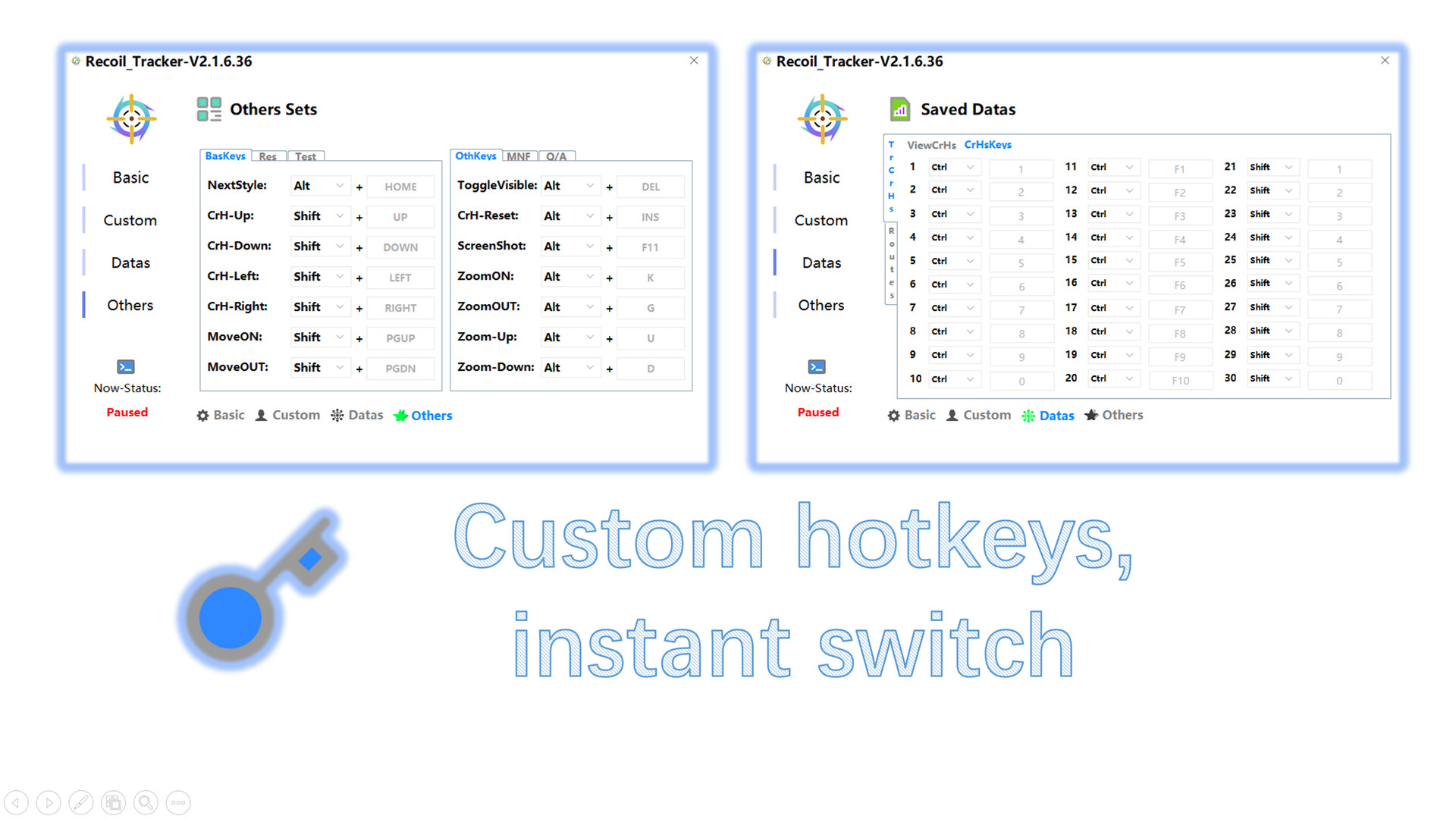
  • RT_Overlay supports dozens of customizations, alpha channel drawing, size, transparency, location, hotkeys, custom design and many other functions. Please give full play to your imagination, show your personality, instantly create your exclusive guide, and continuously improve the game level.

  • RT_Overlay supports the design and display of GIF isokinetic maps, and instantly creates your own desktop pet to accompany you at every highlight!

Advantages:

-------

💫 What are the features of RT_Overlay? Where is the strength?

  • It is green and safe. Using the implementation principle of overhead window, it can realize the powerful function of dynamic movement track without monitoring the process and modifying any data.

  • The settings are more personalized. The program includes multiple customization and saving functions such as location, size, style, style naming, transparency, locking of any window, binding of various hotkeys, etc. It supports all resolutions and window sizes, and supports customized dynamic tracks.

  • The number is optional, supporting multiple opening and independent operation, and different special visual effects can be achieved through the combination of multiple illustrations.

  • It has more comprehensive functions. During the operation, it gathers the wisdom of the vast number of users, constantly expands, and aspires to become the "synthesizer" with the most comprehensive functions.

-------

Thank you for your support!

Yêu cầu hệ thống

    Tối thiểu:
    • HĐH *: Windows XP
    • Bộ xử lý: i3-530
    • Bộ nhớ: 1 GB RAM
    • Kết nối: Cáp mạng Internet
    • Lưu trữ: 10 MB chỗ trống khả dụng
    Khuyến nghị:
    • HĐH: Window 10/11
    • Bộ xử lý: i5-7600K
    • Bộ nhớ: 1 GB RAM
    • Lưu trữ: 30 MB chỗ trống khả dụng
* Bắt đầu từ 01/01/2024, phần mềm Steam chỉ hỗ trợ từ Windows 10 trở lên.
Chưa có đánh giá cho sản phẩm này

Bạn có thể chia sẻ trải nghiệm với cộng đồng bằng cách viết bài đánh giá của bản thân đối với sản phẩm. Sử dụng khu vực trên nút thanh toán thuộc trang này để viết đánh giá của mình.