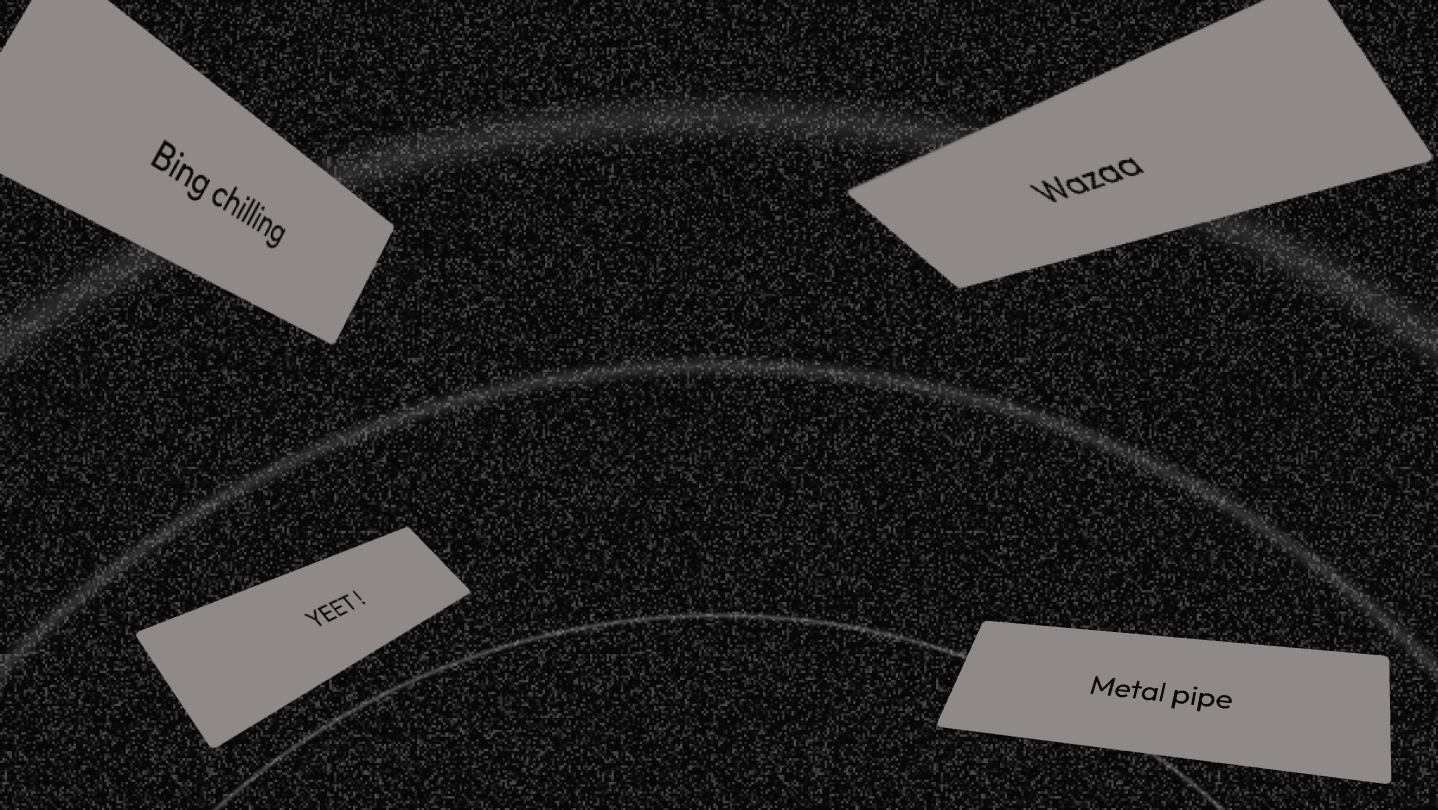
The best soundboard for your shitposting talent! Play sounds in any game and voice chat. Add sounds with 1-Click with our Chrome Plugin. Cut your sounds in-app for perfect timing and much more! Time to fry the lobby.

Sign in to add this item to your wishlist, follow it, or mark it as ignored

Buy Blastr


About This Software

Blastr is the ultimate soundboard to unleash chaos that all gamers were waiting for.

CHROME PLUGIN / The “1-CLICK” Banger

The days of struggling to find sounds are over. With our browser extension, capture any sound on TikTok, Instagram or MyInstants, with A SINGLE CLICK. The latest meme you just saw? It's already in your soundboard, ready to be spammed.

FAVORITES & BINDS / Reactivity above all

Keep your best sounds handy thanks to the favorites bar. Assign them keyboard shortcuts (binds) and draw them faster than your shadow for perfect comedic timing.

INTEGRATED EDITOR / Perfect timing

Is a sound too long or does it start too late? No problem. Use our integrated editing tool to precisely cut and select the part of the sound you want to play.

MINI MODE / Discreet and effective

Zero distraction. Switch to mini mode to display only your favorites bar. Perfect for keeping your screen uncluttered. All the power of Blastr... in mini.

CUSTOMIZATION / Style above all

Make Blastr your soundboard! Organize your sounds by tabs, by colors, or both, for a unique style.

QUESTIONS & ANSWERS

Q - Does this affect my microphone settings ?

No

Q - Can it destroy my sound card

No

Q - Quels sont les formats de fichiers compatibles ?

.mp3 / .mp4 / .wav / .ogg / .flac

Q - Can it get me banned in games ?

Not for cheating. For spamming obsceneties ( a.k.a gamer words ) like an idiot, yes ( you know what you did you silly billy )

Q - Does Blastr affect my recordings ?

You can choose to either include Blastr into your audio recordings or not depending on the option you select in input.

Yes - Blastr (VB cable output)

No - Your Microphone

Q - Do I need Blastr launched for my microphone to work

No but sometimes ( Windows being Windows ) it will bug and you will need to launch Blastr to fix it.

Windows 10 users, see next question.


Q - I’m on Windows 10, is it compatible ?

Yes BUT it’s got some minor drawbacks.

1st option, you will need to leave Blastr running in the background for your microphone to work.

2nd option, follow the guide we’ve made on Steam (Community hub / Guides), the drawback - you won’t be able to mute your microphone with Blastr (if you unmute on Blastr you will ear yourself twice)

System Requirements

    Minimum:
    • Requires a 64-bit processor and operating system
    • OS: Windows 10 / 11
    • Processor: Intel or AMD 1GHz or faster
    • Memory: 512 MB RAM
    • Storage: 100 MB available space
    Recommended:
    • Requires a 64-bit processor and operating system

Customer reviews for Blastr - Soundboard About user reviews Your preferences

Overall Reviews:
4 user reviews (4 reviews)


To view reviews within a date range, please click and drag a selection on a graph above or click on a specific bar.


Filter reviews by the user's playtime when the review was written:


No minimum to No maximum

Show reviews in selected display order


Learn More
Filters
Excluding Off-topic Review Activity
Playtime:
Played Mostly on Steam Deck
There are no more reviews that match the filters set above
Adjust the filters above to see other reviews
Loading reviews...