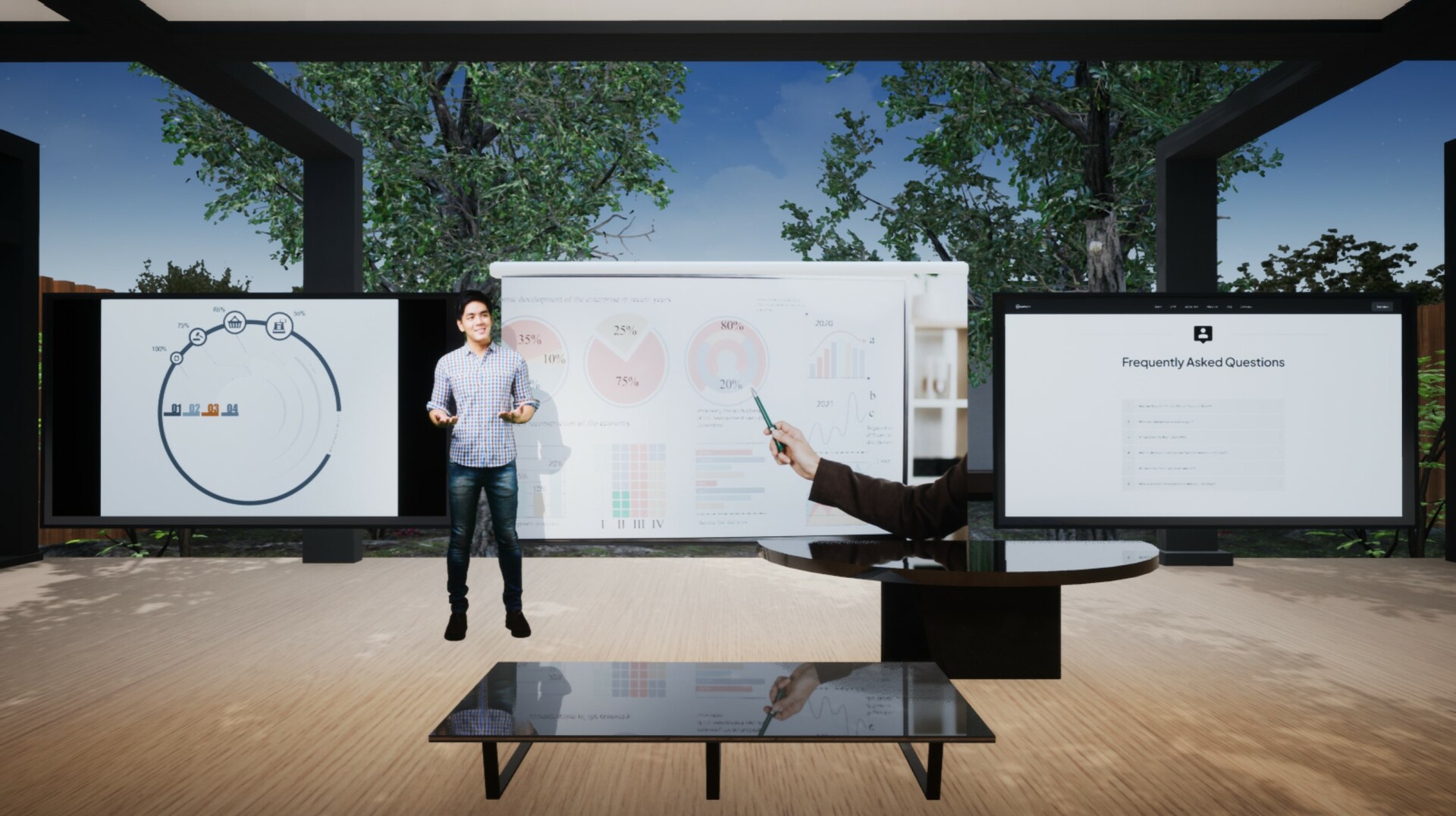
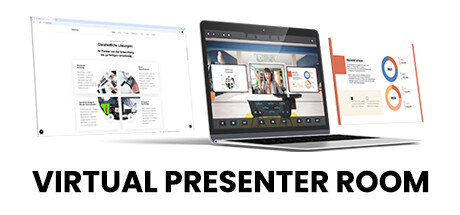
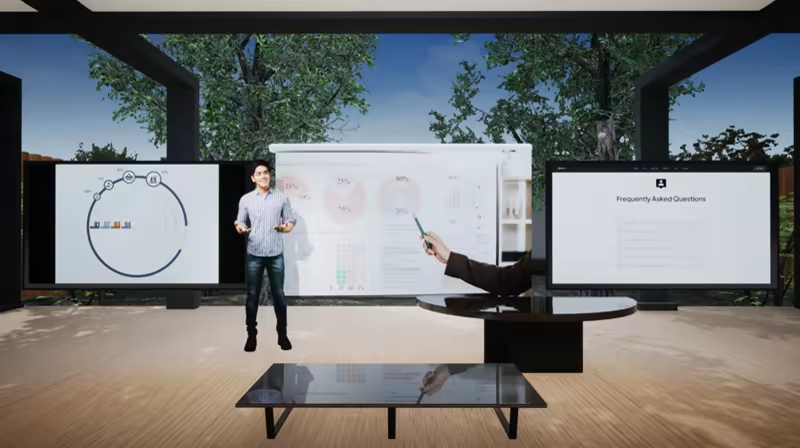
VPR - The Digital Studio For Virtual ProductionsLive streams, meetings and presentations in your own 3D studio - with webcam and capture card integration, on-screen controls and the simplest integration of digital tools.Teams | Zoom | Skype | Youtube | Twitch | OBS Studio & more

Daftar masuk untuk menambah item ini ke senarai hajat anda, ikuti atau tandakannya sebagai diabaikan

Bahasa Bahasa Melayu tidak disokong

Produk ini tidak menyokong bahasa tempatan anda. Sila semak senarai bahasa yang disokong di bawah sebelum membuat pembelian

Muat turun Virtual Presenter Room - Demo

Beli Virtual Presenter Room


Tentang Perisian Ini

VPR - The Digital Studio For Interactive Streams

Live streams, interactive shows, video conferences, and presentations in your own 3D studio - with webcam and capture card integration, on-screen controls and the simplest integration of digital presentation tools.

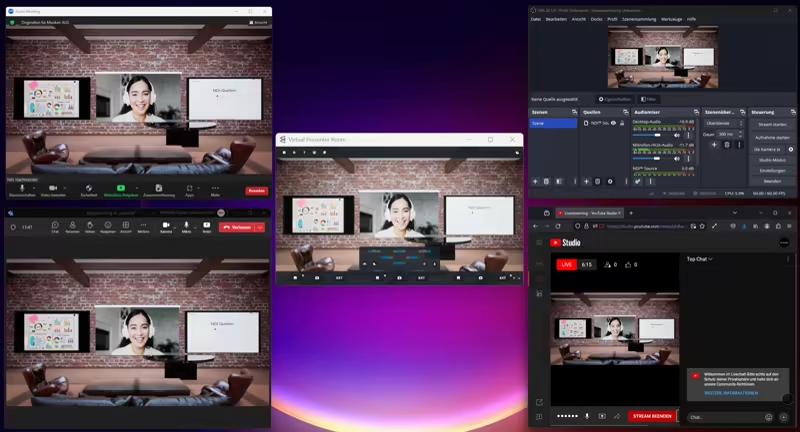
Compatible with: Teams | Zoom | Skype | Youtube | Twitch | OBS Studio | Animaze & more

More features and expansions coming 2025!

The Virtual Presenter Room serves as a media hub and control center for every conceivable video conference, recording or live stream. The integrated video functions allow the user to use the output of the Virtual Presenter Room as a virtual webcam and thus into all common video conferencing systems such as Teams, Zoom, Skype, Big Blue Button etc. or for the live stream directly to YouTube, Kick or to be able to broadcast on Twitch.

In addition, the Virtual Presenter Room can also be connected to existing OBS or Streamlabs setups in input and output.

New content, modules and rooms are constantly being developed and will be offered via updates and DLCs in the future.

FEATURES

All media sources and webcam or capture systems are captured at a full 60 frames per second and can be displayed simultaneously in the Virtual Presenter Room. Simple multi-screen sharing without the hassle of the typical low fps screen sharing functions!

- 4 x simultaneous webcam and capture inputs (multi-camera)

- 3 x simultaneous screen and window sharing

- 3 x NDI inputs

- 6 x different environments

- 4K output resolution

- Switch between 3D camera motion and hard cuts

- 3D Sticky Notes feature

- Web browser integration

- Live video and media player integration

- Integration of Power Point, PDF presentations, Miro Boards and much more.

- Integration of Teams and Zoom

- A professional chroma keyer and a quick key function for quickly keying users and guests are available via green screen.

Keperluan Sistem

    Minimum:
    • Memerlukan pemproses 64-bit dan sistem pengendalian
    • OS: Windows 10 (64 bit)
    • Pemproses: Intel Core i5-4590 / AMD FX 8350
    • Memori: 8 GB RAM
    • Grafik: NVIDIA GTX 960M Laptop / Vergleichbare ATI Radeon Mobility
    • DirectX: Versi 11
    • Rangkaian: Sambungan Internet jalur lebar
    • Storan: 3 GB ruang tersedia
    • Kad Bunyi: On-Board
    • Nota Tambahan: Newest Version of NDI Tools is required to run VPR
    Dicadangkan:
    • Memerlukan pemproses 64-bit dan sistem pengendalian
    • OS: Windows 11 (64 bit)
    • Pemproses: Intel Core i5-4590 / AMD FX 8350
    • Memori: 16 GB RAM
    • Grafik: NVIDIA RTX 2060 / AMD Radeon RX 5700 XT
    • DirectX: Versi 11
    • Rangkaian: Sambungan Internet jalur lebar
    • Storan: 3 GB ruang tersedia
    • Kad Bunyi: On-Board
    • Nota Tambahan: Newest Version of NDI Tools is required to run VPR

Ulasan pelanggan untuk Virtual Presenter Room Tentang ulasan pengguna Pilihan anda

Keseluruhan Ulasan:
3 ulasan pengguna (3 ulasan)


Untuk melihat ulasan dalam sesuatu jangka masa tarikh, sila klik dan seret pilihan pada graf di atas atau klik pada bar tertentu.


Tapis ulasan mengikut masa bermain pengguna semasa ulasan ditulis:


Tiada minimum hingga Tiada maksimum

Tunjuk ulasan dalam susunan paparan yang dipilih


Ketahui Lebih Lanjut
Penapis
Tidak termasuk Aktiviti Ulasan di Luar Topik
Masa bermain:
Kerap Dimainkan di Steam Deck
Operating System:
CPU:
GPU:
Device Type:
Penapis Ulasan