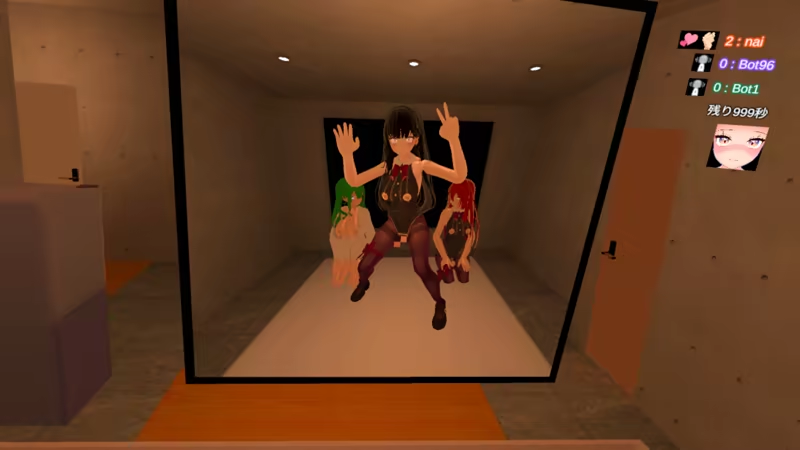
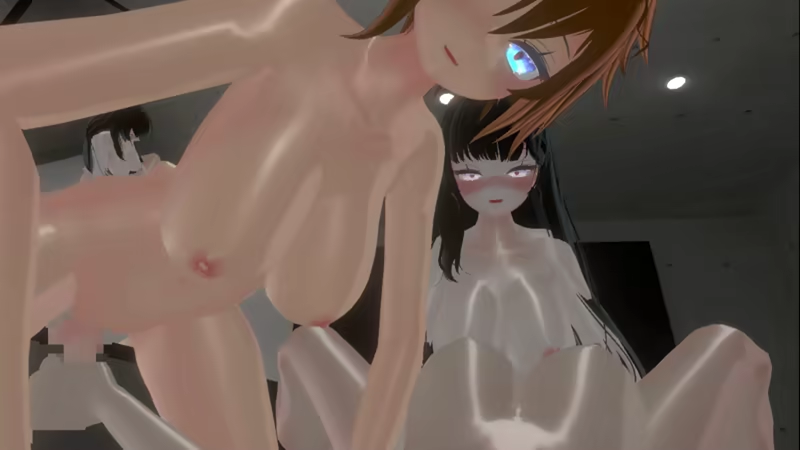
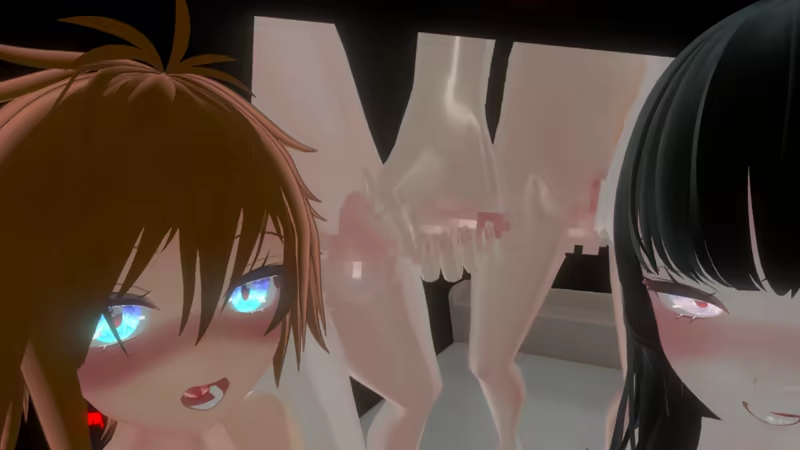
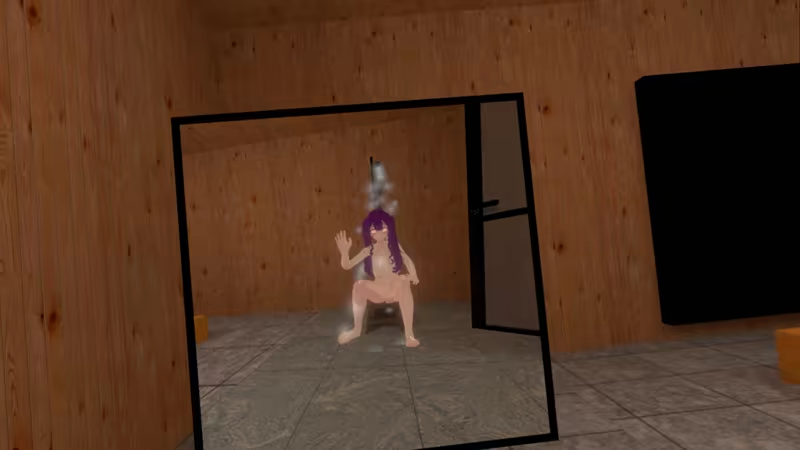
Become a futanari online and have naughty fun. You can have a naughty experience anonymously and casually. Gender, age is over adult, any nationality. Usernames should be unrelated to reality. Anyone can easily get started. It is buy-in and there are no usage fees online.

Ta gra jest oznaczona jako tylko dla dorosłych. Widzisz ją, ponieważ według twoich preferencji możemy wyświetlać ci tego typu treści.

Edytuj swoje preferencje

Zaloguj się, aby dodać tę pozycję do listy życzeń, zacząć ją obserwować lub oznaczyć jako ignorowaną

Polski język nie jest obsługiwany

Ten produkt nie obsługuje twojego lokalnego języka. Przed zakupem zapoznaj się z listą obsługiwanych języków, która znajduje się poniżej.

Tylko VR

Kup JustFutanari2


Opis dotyczący treści dla dorosłych

Producenci opisują te treści w następujący sposób:

Of an adult person with male and female genitalia,
Consensual sexual intercourse

O tej grze

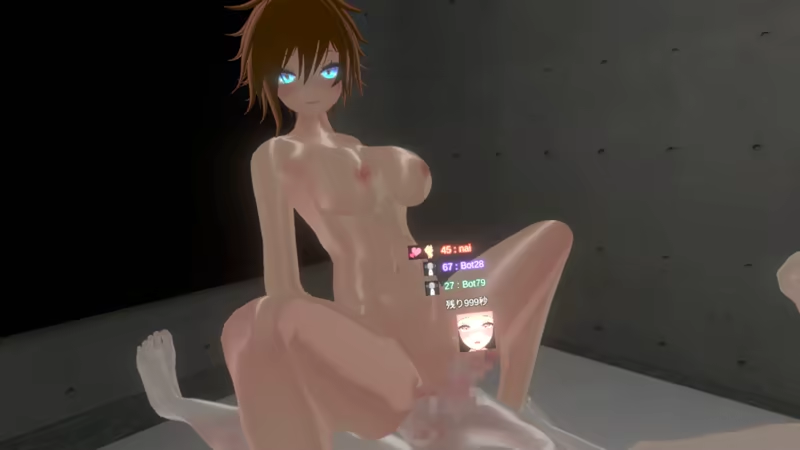
Become a futanari and have lovey-dovey healing time with 3-player play

Become a futanari online and have naughty fun.

You can have an anonymous and casual erotic experience.

Gender, age is over adult, any nationality. Usernames should be unrelated to reality.

Anyone can easily get started.

It is buy-in and there are no usage fees online.

Gameplay

Freedom of play style

Set up your play area at the beginning of the game.

The game is designed to be played by the player's own movement, without the use of an analog stick.

However, it is also possible to play moving with the analog stick.

You can move at any time from the mini-menu, “Position Adjustment” in the system.

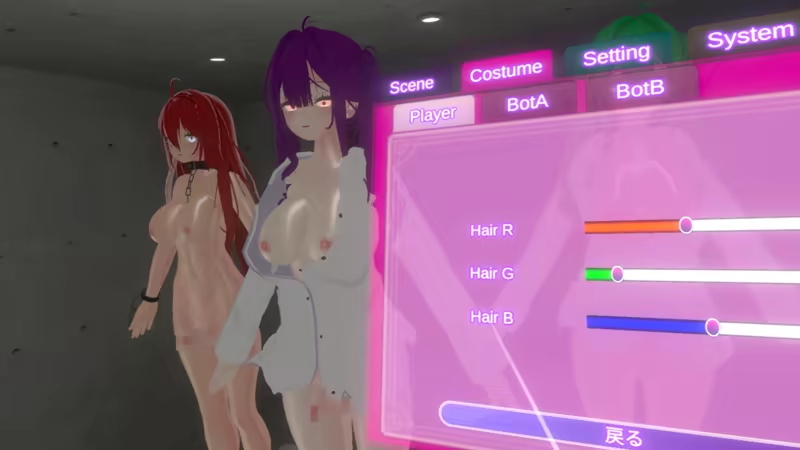
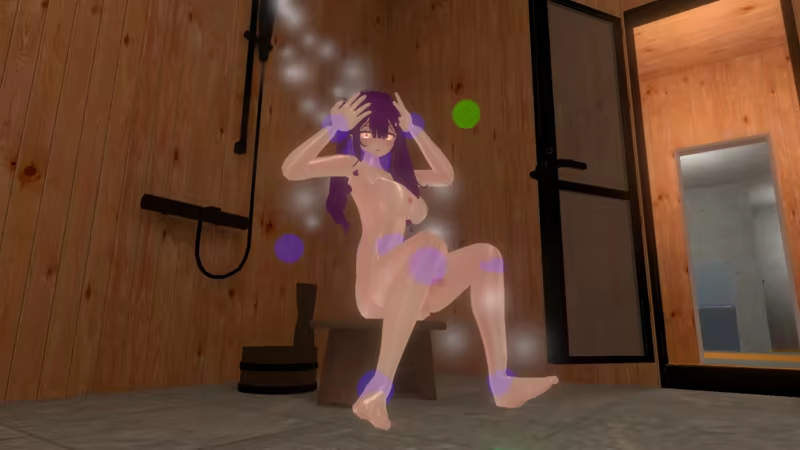
Customize your character

You can customize your clothes, hairstyle, hair color, eye color, skin color, etc.

Starting the game

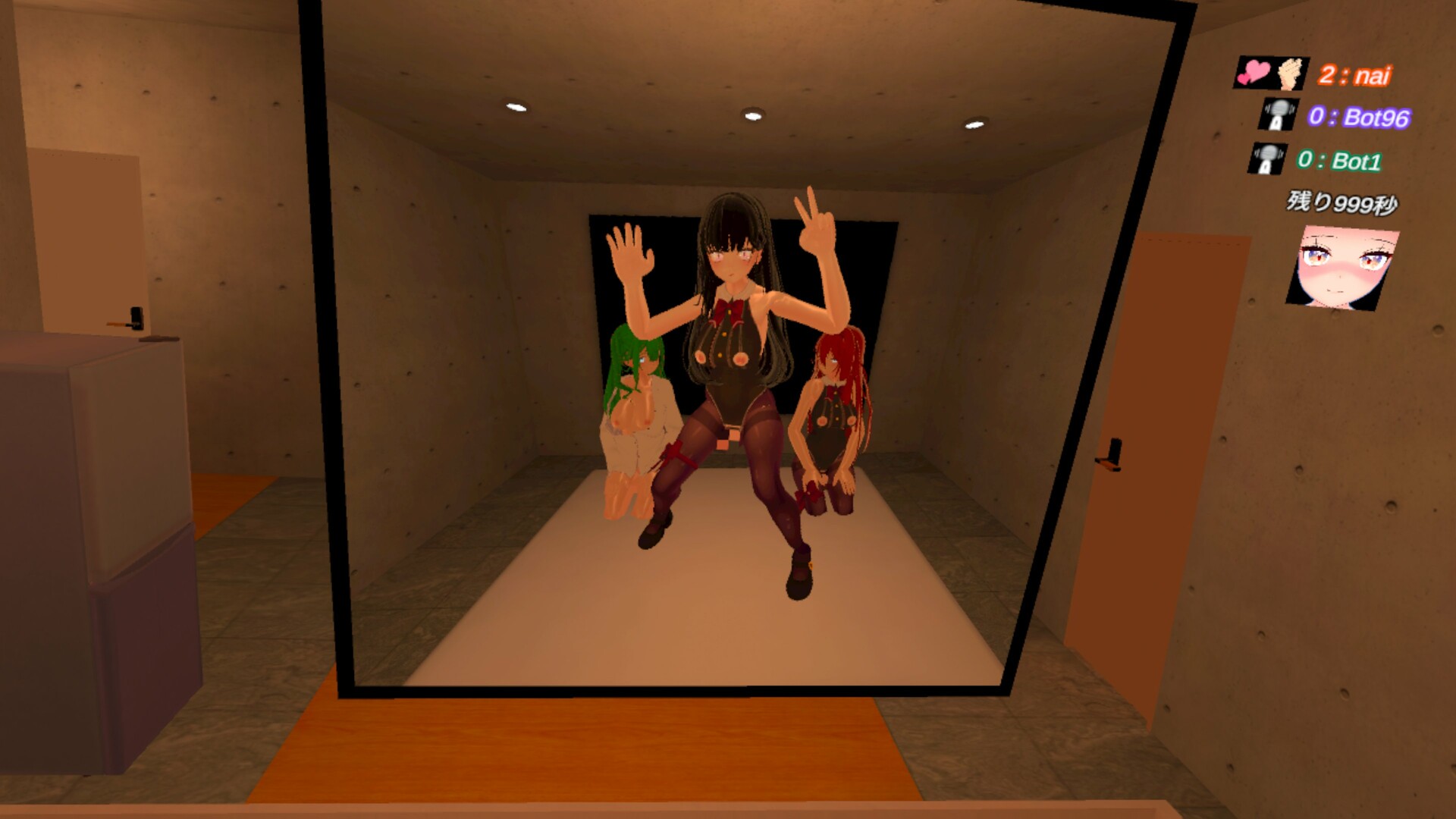
When you join the game, you will start either an H-scene with three characters or a free mode where you can move freely.

Which one will be played is determined by a vote. The CPU will automatically move any character not controlled by the player.

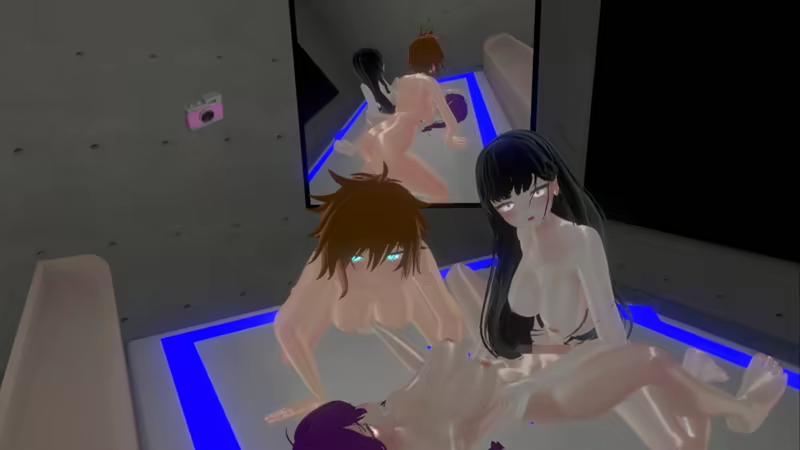
When the H-scene starts, the characters are doing the deed in the play area.

When the player's head is aligned with the head of the character being controlled, the character and the player's head are linked and the character moves according to the

movement. If the player's head moves away from the character's head, the link is broken.

In this state, the player can watch the play from a third-person perspective.

During H-scenes, the character moves in response to the player's hand and head movements.

This movement can provide sexual stimulation to the other player on the network.

This is because the other player's VR controller or electric toy moves in response to the movements.

(Intiface Central must be installed and running)

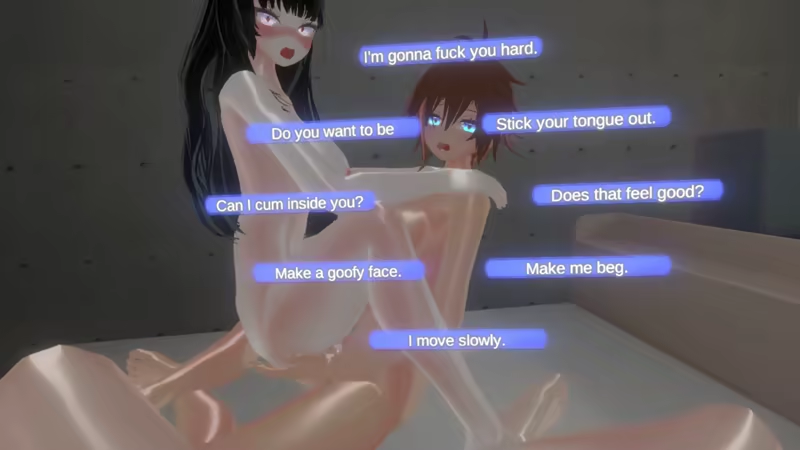
To talk to the other party, select a line from the list of items.

Even if the other party is a foreigner, as long as the language is supported, it will be converted and displayed. 

There are no borders in play.

Pleasure Meter

When you hold the grip and trigger keys, the pleasure meter goes up, and when it reaches 100, you will reach climax.

When the meter reaches 100, you have reached your climax, and your online partner can also see the meter.

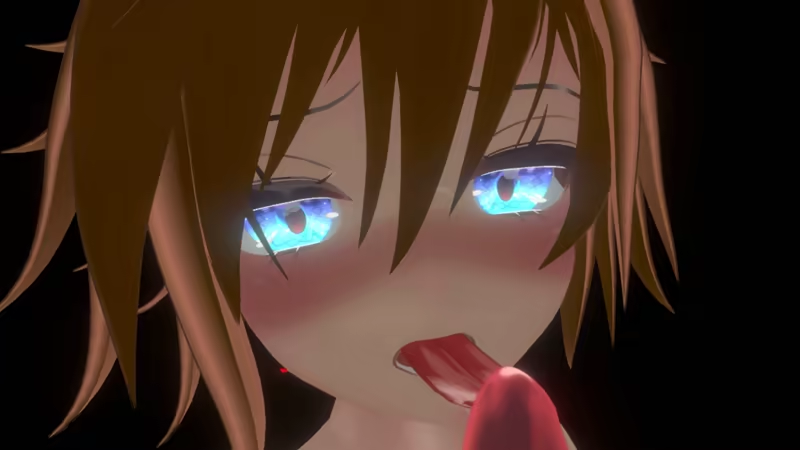
Kissing function

With one button, you can move your tongue in and out.

Your tongue, which is visible on the screen, is linked to the position of the character's tongue.

Physics calculations allow you to make your tongues entwine with each other's tongues.

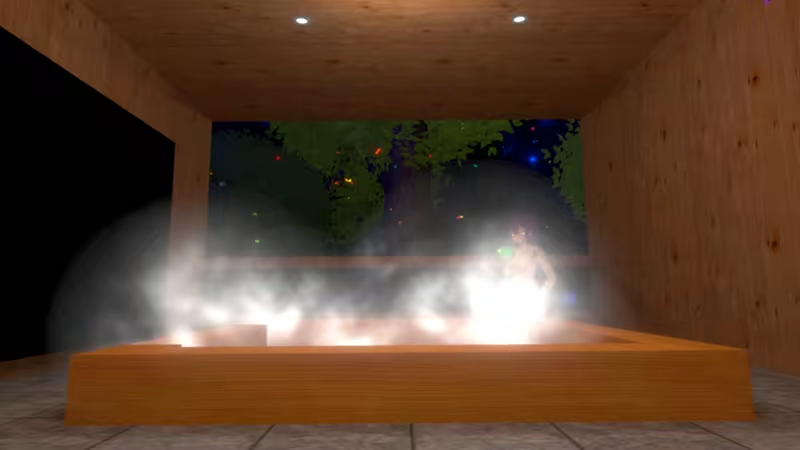
Free Play Mode

In addition to H scenes, there is also a mode where you can move freely; choose this one if you are tired of H.

The hotel is also equipped with an anti-open-air bath.

Press and hold the Grip key, and an icon will appear on the screen.

Select it to switch and move around the play area.

During free play, there are two types of character controls that can be switched.

One is VR control, the character is linked to the player's position and can walk around the area.

The other is puppet control, in which the player grips the joints of the character to control it, allowing it to assume any posture.

During puppet control, the player's head can be linked to the character's head and hands by aligning the player's head with the character's head.

The game can also be played offline.

The characters other than yourself are controlled by the CPU.

You can choose your favorite position to play.

Operation

- Mini-Menu

Displayed by any of the ABXY buttons

You can access lines and various actions here.

- System menu

Displayed by long pressing any of the ABXY buttons

You can access mainly system-related items.

- Shortcut menu

With no menu open

Tilt the analog stick.

You can access some lines and tongue in and out.

- Position Adjustment Operation

Select Position Adjustment from the mini menu. You can move freely.

Move with the analog stick

Hold down the trigger and move with the analog stick

You can turn and move up and down

-Mini menu shortcuts

To open a desired mini menu with a single button

Press and hold any of the ABXY buttons while opening the mini menu you wish to open

The page will be registered to the ABXY button you pressed.

To cancel, press and hold the corresponding menu button with the Mini-Menu open.

This software has been developed and tested with MetaQuest3 (Oculus Link).

 Operation may differ on other VR devices.

About the operation

* PCVR

Meta Quest 2(OculusLink) Operation confirmed on actual device

Meta Quest 3(OculusLink) Operation confirmed on actual device

We have not confirmed that it works on other environments,

so we would appreciate it if you could check it by playing the Demo version.

We have not confirmed that it works in other environments,

We would appreciate it if you could check it by playing the Demo version.

Wymagania systemowe

    Konfiguracja minimalna:
    • System operacyjny: windows10
    • Procesor: AMD Ryzen 5 2600
    • Pamięć: 8 GB RAM
    • Karta graficzna: NVIDIA GeForce GTX 1660
    • Sieć: Szerokopasmowe połączenie internetowe
    • Obsługa VR: MetaQuest2(OculusLink,VirtualDesktop) , MetaQuest3(OculusLink,VirtualDesktop)

Recenzje klientów dla produktu Just Futanari 2 O recenzjach użytkowników Twoje preferencje

Ogólne recenzje:
Mieszane (11)


Aby zobaczyć recenzje w wybranym zakresie dat, kliknij i przeciągnij zaznaczenie na powyższym wykresie lub kliknij na wybrany słupek.


Filtruj recenzje według czasu gry użytkownika w momencie publikacji recenzji:


Bez minimum do Bez maksimum

Pokaż recenzje w wybranej kolejności wyświetlania


Dowiedz się więcej
Filtry
Wyłączanie okresów występowania recenzji nie na temat
Czas gry:
Głównie Steam Deck
Brak recenzji pasujących do filtrów ustawionych powyżej
Dostosuj filtry powyżej, by zobaczyć inne recenzje
Wczytywanie recenzji…