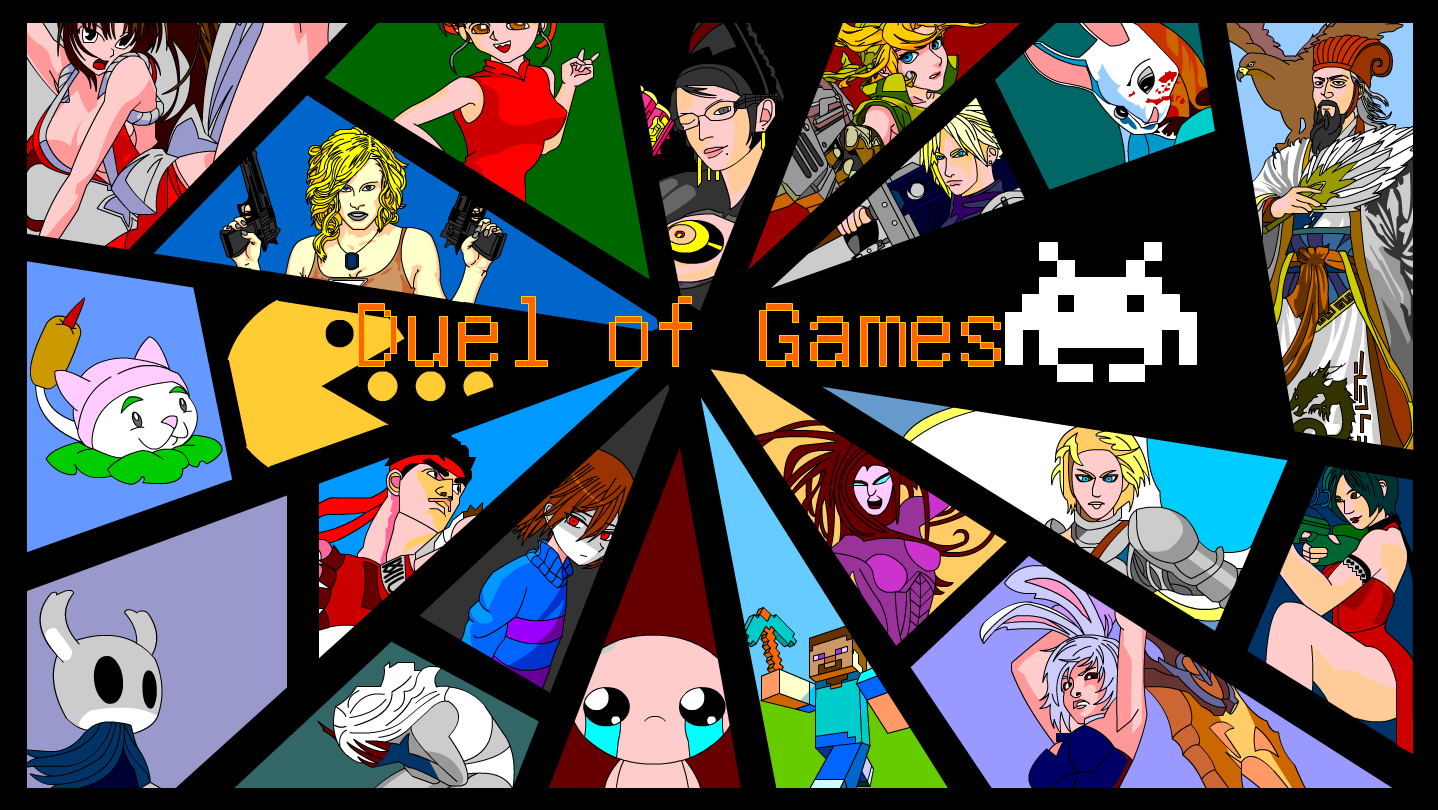
In the real world, the Game of the Year is about who is more fun to play,while in the gaming world,the Game of the Year is about who can fight better.In order to compete for the title of Game of the Year,games transform into fighters and engage in combat.Duel of classic game protagonists,pvp/pve/eve

Melden Sie sich an, um dieses Produkt zu Ihrer Wunschliste hinzuzufügen, zu abonnieren oder als „Ignoriert“ zu markieren.

游戏大对决 spielen

Kostenlos
 

Infos zum Spiel

problem Fixing

If your Windows system cannot run the game properly, you can run wushowhide-1.diagcab included in the zip file to fix it.

Selection Interface

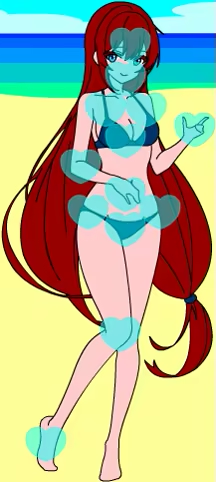
Click the button to dress up your mascot with a variety of available outfits.

Touch your mascot to interact! There are many different reactions to discover.

Click the button to select the mode, There are story mode, vs mode, counter mode available.

Click on the arrow to switch between fighters, allowing you to view the fighter’s appearance, name, and skill settings. Each fighter has two exclusive skills and one universal skill for blocking. There are a total of 110 fighters available to use.

(PLAYER1 can switch fighters by pressing the AD keys, while PLAYER2 can switch fighters by pressing the left and right keys.)

Click on the arrow to switch between with and without props. There are a total of 110 props available to use.

(PLAYER1 can switch between with and without items by pressing the J key, while PLAYER2 can switch between with and without items by pressing NumPad 1.)

Click on the arrow to switch between PLAYER and COMPUTER, allowing you to play against a computer or watch a computer play against another computer(Cyber Beast-fighting).

(PLAYER1 can switch between a real person and a computer by pressing the WS keys, while PLAYER2 can switch between a real person and a computer by pressing the up and down keys.)

Click on the arrow to switch between BO(best of x), from BO1 to BO21.

(PLAYER1 can switch between BO by pressing the KL keys, while PLAYER2 can switch between BO by pressing NumPad 2 and NumPad 3.)

Click on the arrow to switch between full tutorial, only item tutorial, and no tutorial.

Control Instructions

PLAYER1

Move:WASD

Skill:JK

Def:L

Item:;(Semicolon)

PLAYER2

Move:↑↓←→(Directional keys)

Skill:NumPad 12

Def:NumPad 3

Item:NumPad Enter

Some skills have a CD (Cooldown) time.

Many skills can be cast while moving with the directional keys to adjust the position of the spell cast.

Flexible positioning, masterful use of skills, and skillful blocking are key to overcoming enemies.

Systemanforderungen

    Mindestanforderungen:
    • Betriebssystem:
    • Prozessor:
    • Grafik:
    • Speicherplatz: 10 MB verfügbarer Speicherplatz
    • Soundkarte:
    Empfohlen:
    • Betriebssystem:
    • Prozessor:
    • Grafik:
    • Speicherplatz: 10 MB verfügbarer Speicherplatz
    • Soundkarte:

Nutzerrezensionen für 游戏大对决 Über Nutzerrezensionen Ihre Einstellungen

Alle Rezensionen:
Sehr positiv (75 Rezensionen)


Zum Anzeigen von Rezensionen in einem bestimmten Zeitraum, markieren Sie diesen bitte in einem der obigen Graphen oder klicken Sie auf einen einzelnen Balken.


Filtern Sie Rezensionen nach der Spielzeit des Spielers zum Zeitpunkt der Rezension:


Kein Minimum bis Kein Maximum

Rezensionen in ausgewählter Reihenfolge anzeigen


Weitere Informationen
Filter
Rezensionen ohne Themenbezug ausschließen
Spielzeit:
Zumeist auf dem Steam Deck gespielt
Es gibt keine weiteren Rezensionen, die Ihren Filterkriterien entsprechen
Passen Sie oben die Filter an, um andere Rezensionen anzuzeigen
Rezensionen werden geladen …