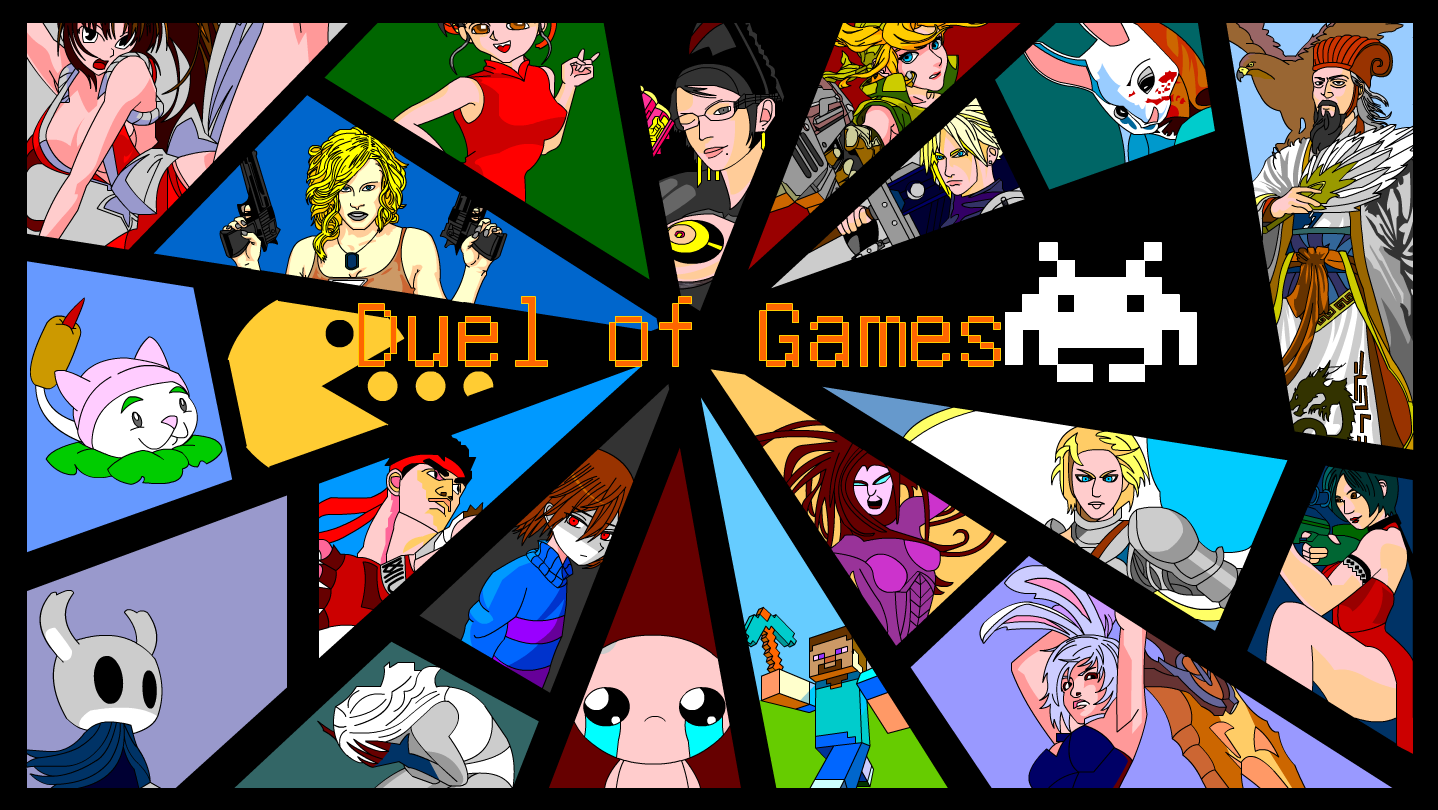
In the real world, the Game of the Year is about who is more fun to play,while in the gaming world,the Game of the Year is about who can fight better.In order to compete for the title of Game of the Year,games transform into fighters and engage in combat.Duel of classic game protagonists,pvp/pve/eve

Connectez-vous pour ajouter cet article à votre liste de souhaits, le suivre ou l'ignorer

Français non disponible

Ce produit n'est pas disponible dans votre langue. Veuillez consulter la liste des langues disponibles ci-dessous avant de l'acheter.

Jouer à 游戏大对决


À propos de ce jeu

problem Fixing

If your Windows system cannot run the game properly, you can run wushowhide-1.diagcab included in the zip file to fix it.

Selection Interface

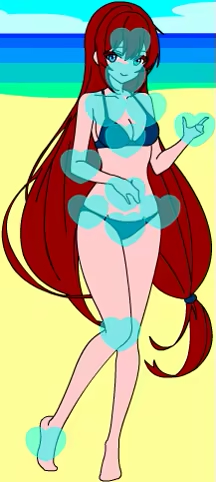
Click the button to dress up your mascot with a variety of available outfits.

Touch your mascot to interact! There are many different reactions to discover.

Click the button to select the mode, There are story mode, vs mode, counter mode available.

Click on the arrow to switch between fighters, allowing you to view the fighter’s appearance, name, and skill settings. Each fighter has two exclusive skills and one universal skill for blocking. There are a total of 110 fighters available to use.

(PLAYER1 can switch fighters by pressing the AD keys, while PLAYER2 can switch fighters by pressing the left and right keys.)

Click on the arrow to switch between with and without props. There are a total of 110 props available to use.

(PLAYER1 can switch between with and without items by pressing the J key, while PLAYER2 can switch between with and without items by pressing NumPad 1.)

Click on the arrow to switch between PLAYER and COMPUTER, allowing you to play against a computer or watch a computer play against another computer(Cyber Beast-fighting).

(PLAYER1 can switch between a real person and a computer by pressing the WS keys, while PLAYER2 can switch between a real person and a computer by pressing the up and down keys.)

Click on the arrow to switch between BO(best of x), from BO1 to BO21.

(PLAYER1 can switch between BO by pressing the KL keys, while PLAYER2 can switch between BO by pressing NumPad 2 and NumPad 3.)

Click on the arrow to switch between full tutorial, only item tutorial, and no tutorial.

Control Instructions

PLAYER1

Move:WASD

Skill:JK

Def:L

Item:;(Semicolon)

PLAYER2

Move:↑↓←→(Directional keys)

Skill:NumPad 12

Def:NumPad 3

Item:NumPad Enter

Some skills have a CD (Cooldown) time.

Many skills can be cast while moving with the directional keys to adjust the position of the spell cast.

Flexible positioning, masterful use of skills, and skillful blocking are key to overcoming enemies.

Configuration requise

    Minimale :
    • Système d'exploitation :
    • Processeur :
    • Graphiques :
    • Espace disque : 10 MB d'espace disque disponible
    • Carte son :
    Recommandée :
    • Système d'exploitation :
    • Processeur :
    • Graphiques :
    • Espace disque : 10 MB d'espace disque disponible
    • Carte son :

Évaluations pour 游戏大对决 À propos des évaluations Vos préférences

Évaluations globales :
très positives (75 évaluation(s))


Pour consulter les évaluations publiées lors d'une période spécifique, cliquez et faites glisser votre sélection sur un graphique ci-dessus ou cliquez sur une barre.


Filtrer les évaluations en fonction du temps de jeu des utilisateurs au moment de leur publication :


Pas de minimum à pas de maximum

Afficher les évaluations dans l'ordre sélectionné


En savoir plus
Filtres
Activité d'évaluation hors sujet exclue
Temps de jeu : 
A joué surtout sur Steam Deck
Plus aucune évaluation ne correspond aux filtres définis ci-dessus
Ajustez les filtres ci-dessus pour voir d'autres évaluations
Chargement des évaluations...