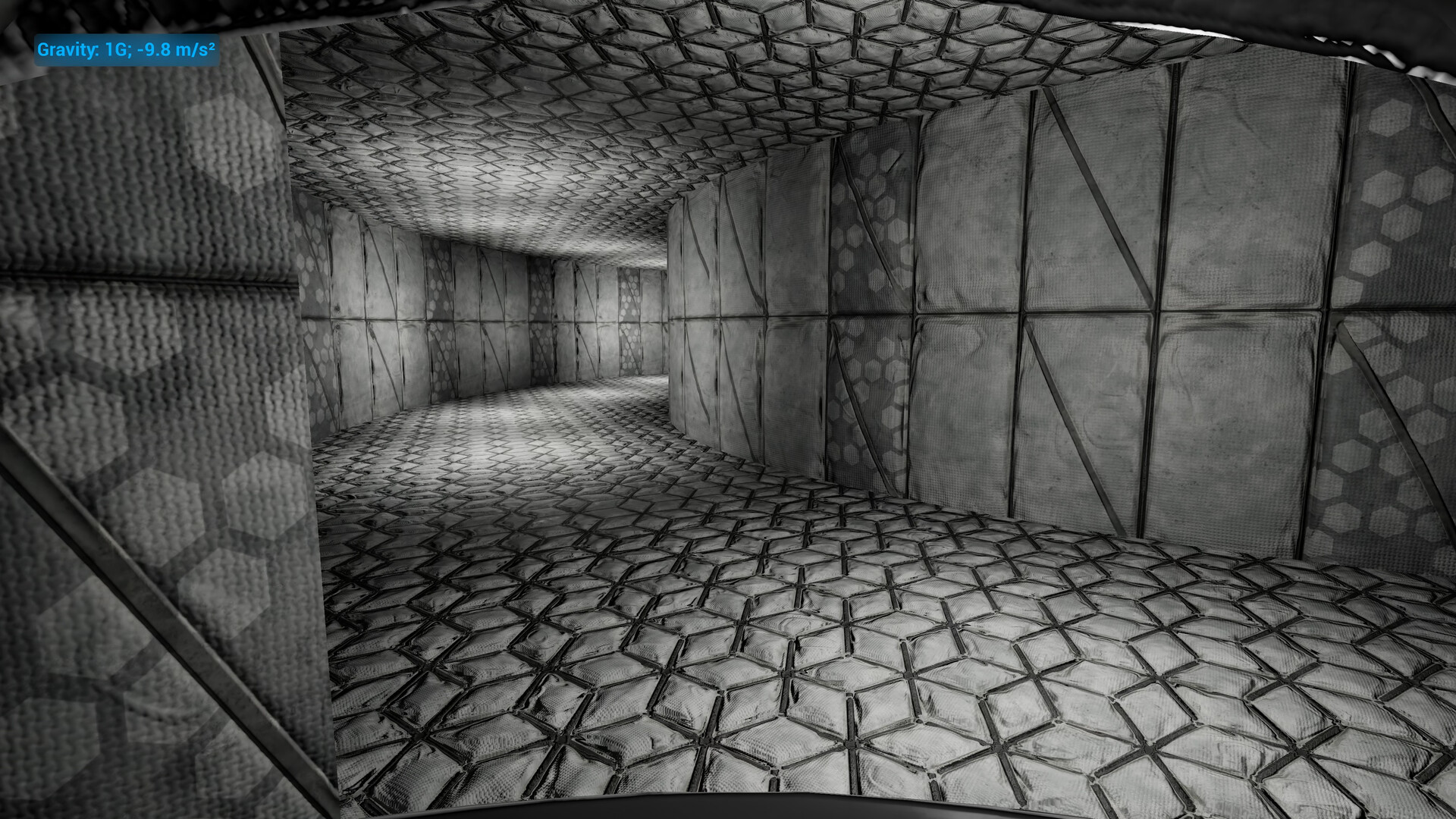
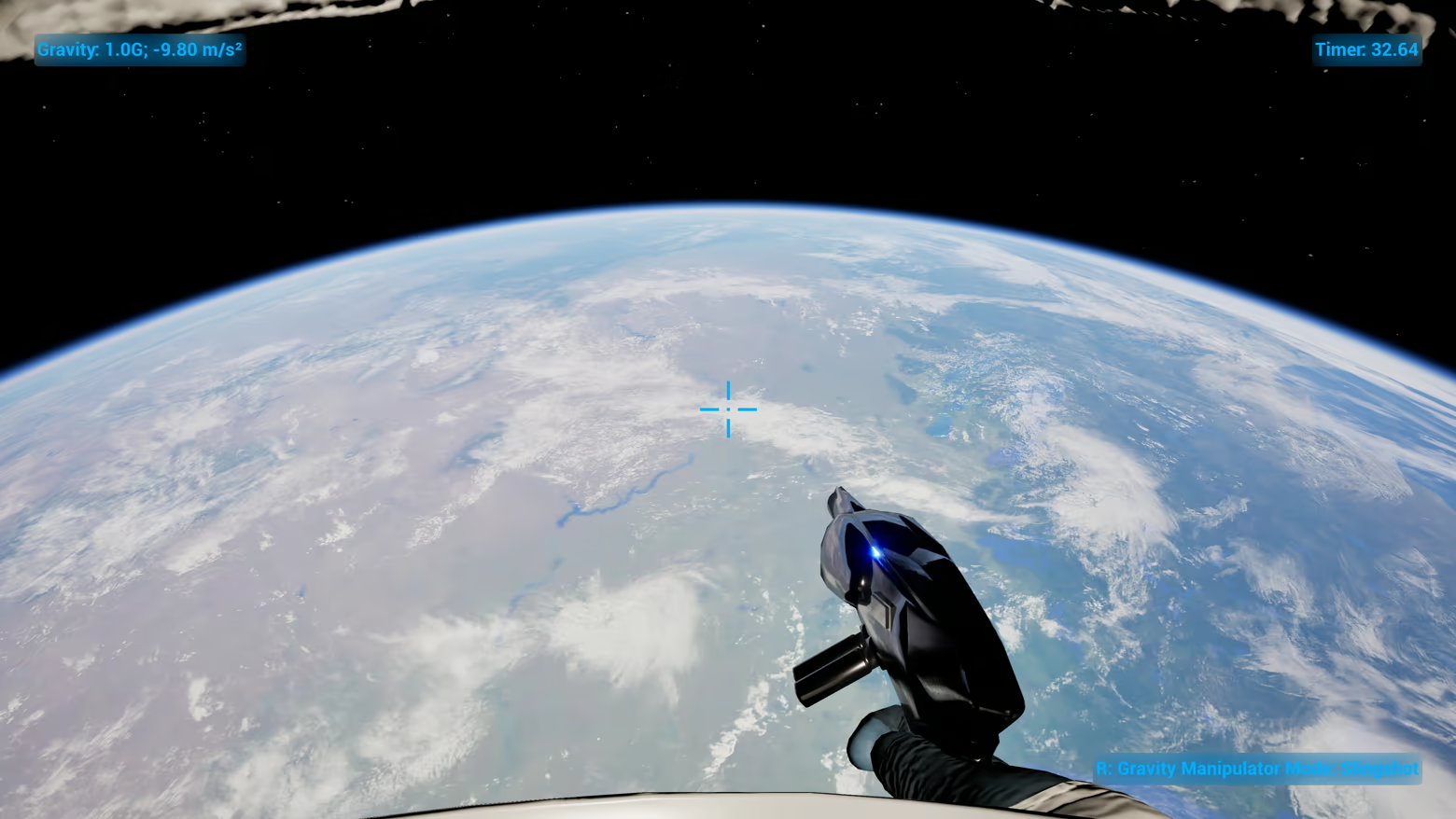
Trapped in a space station, your only way out is to solve puzzles by manipulating gravity. In this game you will destroy destructible surfaces and go through non euclidean impossible spaces.

登入以將此項目新增至您的願望清單、關注它,或標記為已忽略

不支援繁體中文

本產品尚不支援您的目前所在地的語言。購買前請先確認語言支援清單。

此遊戲尚未在 Steam 上發售

預計發行日期: 2026

感興趣嗎?
將這款遊戲加入願望清單,以便在發售時收到通知。
新增至您的願望清單
 

關於此遊戲

This is a puzzle game where the objective is to get from point A to point B. In this game you will solve puzzles by manipulating the gravity of either yourself or other objects. You will use gravity to destroy destructible surfaces and navigate through spaces that are not physically possible in real life.

In the first level you will get the Gravity Manipulator which you will use to add a gravity source for other objects in the level to use, this gravity source uses Newtonian gravity (Sir Issac Newton's gravity equations) so as objects get close to this gravity source the gravitational strength increases exponentially, accelerating these objects to extreme speeds. You will use this to destroy destructible surfaces like doors or sometimes your helmet.

The Gravity Manipulator also has a pull mode that will simply move objects to the gravity source and will be used to position the objects in specific locations which will allow you to use the Player to Object mode and slingshot yourself through the center of gravity. This can be used reach otherwise unreachable locations. There will also be points in the game where you can change your direction of gravity, which will also be used to reach unreachable locations.

系統需求

Windows
macOS
SteamOS + Linux
    最低配備:
    • 需要 64 位元的處理器及作業系統
    • 作業系統: Windows 10 64-bit
    • 處理器: Intel Core I7-4700MQ or AMD equivalent
    • 記憶體: 8 GB 記憶體
    • 顯示卡: GT 750M
    • DirectX: 版本:11
    • 儲存空間: 3 GB 可用空間
    • 備註: This game works well on both an SSD and HDD. There is an in-game setting for DirectX 11, 12, or Vulkan, Vulkan is default. The specifications here are just what I have been able to test, it might work on less powerful hardware.
    建議配備:
    • 需要 64 位元的處理器及作業系統
    • 作業系統: Windows 11 64-bit
    • 處理器: Intel Core I5-10300H or AMD equivalent
    • 記憶體: 16 GB 記憶體
    • 顯示卡: GTX 1050 TI
    • DirectX: 版本:12
    • 儲存空間: 5 GB 可用空間
    • 備註: Windows 11 is recommended for HDR support. This game works well on both an SSD and HDD. There is an in-game setting for DirectX 11, 12, or Vulkan, Vulkan is default. The specifications here are just what I have been able to test, it might work on less powerful hardware.
    最低配備:
    • 作業系統: MacOS 13 Ventura
    • 處理器: Apple Silicon M1
    • 記憶體: 8 GB 記憶體
    • 顯示卡: 8 Core GPU
    • 儲存空間: 2 GB 可用空間
    • 備註: This game works well on both an SSD and HDD. The MacOS version is very untested, I only tested it with an Apple M1 CPU and it works on that. Intel is untested, so buy at your own risk or use a compatability layer with the Windows version. The specifications here are just what I have been able to test, on this hardware it DOES NOT run well, but the game does work on MacOS.
    建議配備:
    • 作業系統: N/A
    • 處理器: N/A
    • 記憶體: 16 GB 記憶體
    • 顯示卡: N/A
    • 儲存空間: 4 GB 可用空間
    • 備註: This game works well on both an SSD and HDD. The MacOS version is very untested, I only tested it with an Apple M1 CPU and it works on that. Intel is untested, so buy at your own risk or use a compatability layer with the Windows version. The specifications here are just what I have been able to test, on this hardware it DOES NOT run well, but the game does work on MacOS.
    最低配備:
    • 作業系統: N/A
    • 處理器: Intel Core I7-4700MQ or AMD equivalent
    • 記憶體: 8 GB 記憶體
    • 顯示卡: GT 750M
    • 儲存空間: 2 GB 可用空間
    • 備註: This game works well on both an SSD and HDD. In order to use DLSS you will have to force the game to use proton with the Windows version. The specifications here are just what I have been able to test, it might work on less powerful hardware.
    建議配備:
    • 作業系統: N/A
    • 處理器: Intel Core I5-10300H or AMD equivalent
    • 記憶體: 16 GB 記憶體
    • 顯示卡: GTX 1050 TI
    • 儲存空間: 3 GB 可用空間
    • 備註: This game works well on both an SSD and HDD. In order to use DLSS you will have to force the game to use proton with the Windows version. The specifications here are just what I have been able to test, it might work on less powerful hardware.
此產品無任何評論

您可以撰寫評論來與社群分享您對於本產品的看法。請使用本頁面中位於購買按鈕上方的區塊來進行評論的編寫。