Real Time Strategy Online Game Game fun and can custom game yourself !!!

Login untuk menambahkan item ini ke wishlist-mu, mengikutinya, atau mengabaikannya

Bhs. Indonesia tidak didukung

Produk ini tidak didukung dalam bahasamu. Silakan tinjau daftar bahasa yang didukung di bawah ini sebelum melakukan pembelian.

Pemberitahuan: T17 tidak lagi tersedia di Toko Steam.

Segera Hadir

Item ini belum tersedia

Tertarik?
Tambahkan ke wishlist dan dapatkan pemberitahuan saat tersedia.
 

Tentang Game Ini

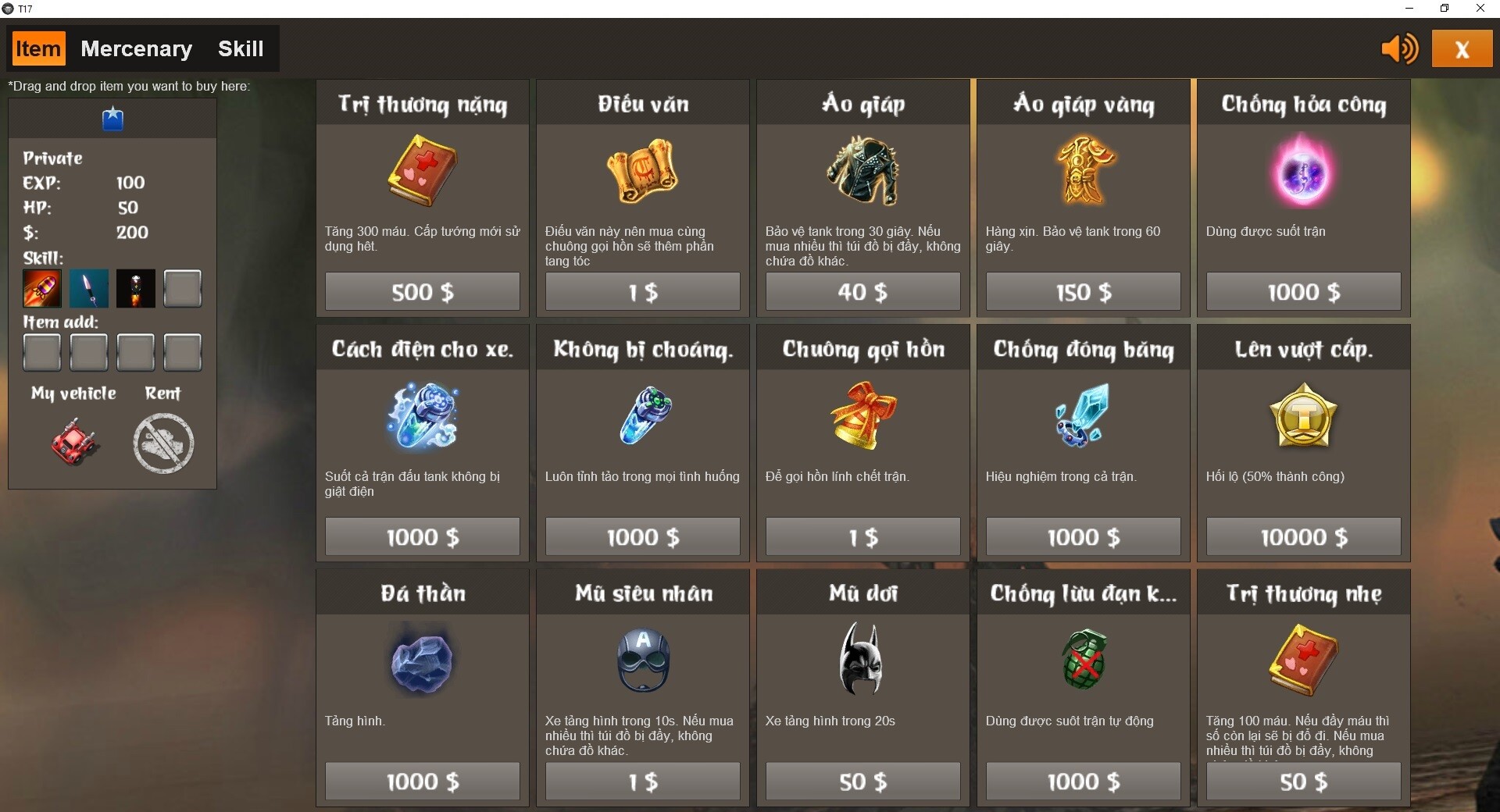
Each team has a maximum of 10 people. When the whole team is ready, wait for the match with another team. Go to the shop to buy skills or items, money received after each battle.

How shoot
Click mouse the point will shoot to. Each skill has a different firing range, if you click too far, you can't shoot.

Moving
W, A, S, D or arrow keys. Some vehicles equipped with fast teleport skill press 0 or space key or double click while the vehicle is running.

Modes:
1. Life and death mode
Max time round 30 minute
Kill all enemies to win.

2. Resurrection Mode
Max time round 30 minute
Revival time: 15s
One kill - one score.

3. Ghost mode
Max time round 30 minute
When entering battle, the system will count down for 5 seconds and then 1 user transforms into a ghost to fight all the other users. Ghost changes shape, increases HP, increases strength, adds fast teleport skill.
Enjoy!


*****************************
Game fun and can custom game yourself through 5 steps setup:
1 after install game from Steam, you close it.
2 install mySQL, create default username=hoangkien, password=kkkkkk
then import file backup.sql at Steam folder, a default target schema is mydb.
3 run AdobeAIR.exe at Steam folder.

4 Setup server game:
4.1 you will need to customize server\server\extensions\T13\config\database.properties file to access MySQL database. Edit this file with any text editor, and choose a username/password for a database user that has DDL privileges.
default: database.username=hoangkien
database.password=kkkkkk
4.2 start server game, run file server\Start_ElectroServer_5_4_1.exe
4.3 run file server\ES5Admin\ES5Admin.exe to edit server. user/pass is administrator/password.
Configure Gateway Listener (default host="192.168.160.131" port="9899")
you need to use a valid IP address or hostname for each listener you need to use a valid IP address or hostname for each listener.
4.4 Restart ElectroServer!
4.5 Edit a settings.xml file that is read by a client to get the IP and port for connecting with the server.

5 Play game multiplayer !

Persyaratan Sistem

    Minimum:
    • OS *: windows 7
    • Prosesor: pentium
    • Memori: 1 GB RAM
    • Grafis: vram 128 MB
    • DirectX: Versi 9.0
    • Jaringan: Koneksi Internet Broadband
    • Penyimpanan: 300 MB ruang tersedia
* Mulai 1 Januari 2024, Steam Client hanya akan mendukung Windows 10 dan versi yang lebih baru.
Tidak ada ulasan untuk produk ini

Kamu bisa menulis ulasanmu tentang produk ini untuk membagikan pengalamanmu dengan komunitas. Gunakan area di atas tombol pembelian di halaman ini untuk menulis ulasanmu.