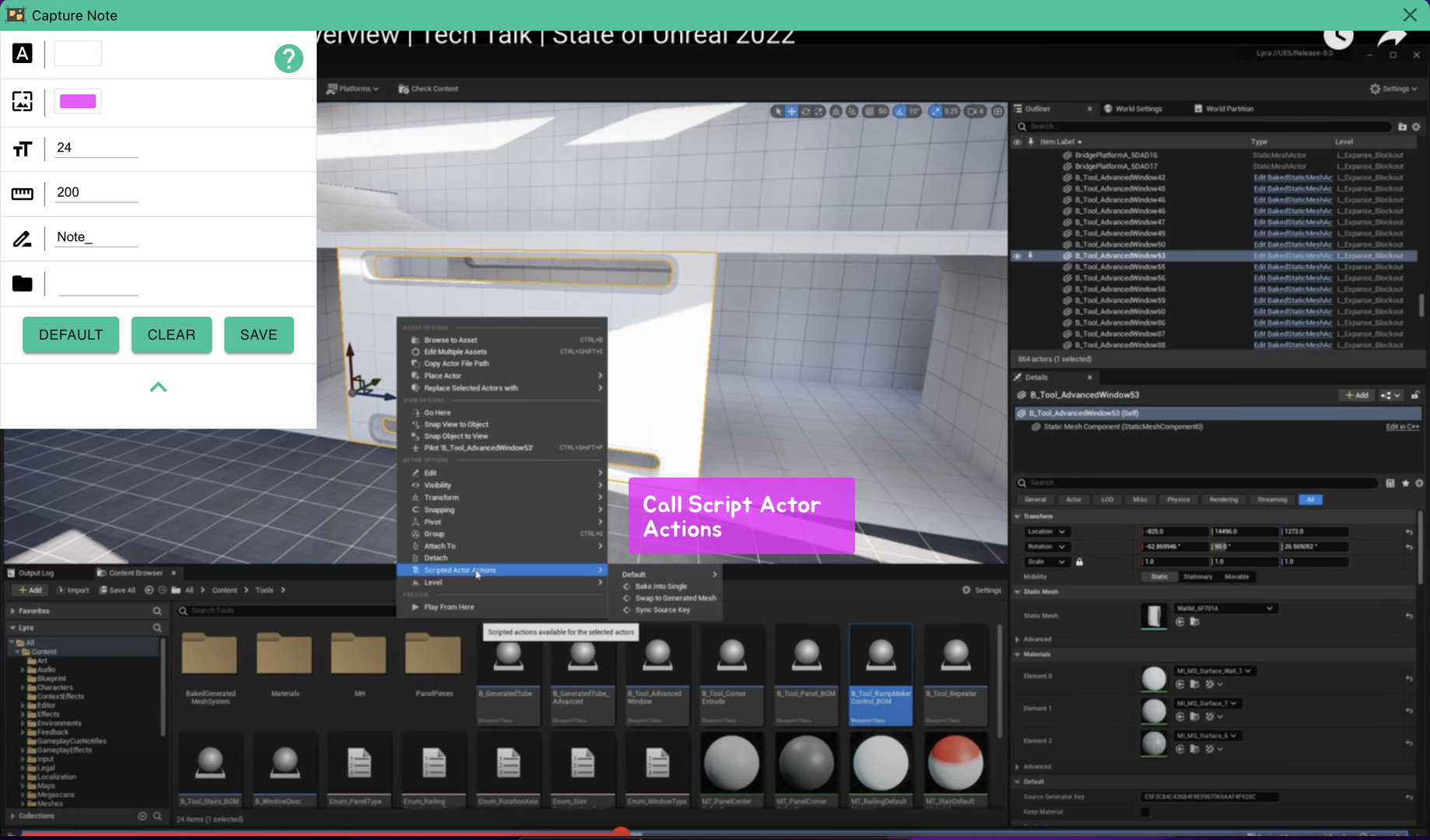
Super fast notes on screenshots. Just take screenshot and add note and save it.

Inicia sesión para agregar este artículo a tu lista de deseados, seguirlo o marcarlo como ignorado.

No disponible en Español (Latinoamérica)

Este artículo no está disponible en tu idioma. Consulta la lista de idiomas disponibles antes de realizar la compra.

Comprar Capture Note


Acerca de este software

Capture Note is an app that makes the process of taking a screenshot and typing on it to save it as an image quickly and easily.

Since video media such as Youtube became mainstream, we receive almost all information through video. And as you get information, you will naturally need to take notes. In this case, we manually type in everything we need and sometimes add screenshots. However, in this process, there is a waste of re-entering information included in the video, or there is a hassle of saving and attaching screenshots. With Capture Note, you can take notes without this waste.

Capture Note can help you complete the three steps of taking a screenshot, adding a note, and saving it with minimal input.

Requisitos del sistema

    Mínimo:
    • Requiere un procesador y un sistema operativo de 64 bits
    • SO: Windows 10
    • Procesador: x64
    • Gráficos: nVidia GT1030
    • Almacenamiento: 500 MB de espacio disponible
    Recomendado:
    • Requiere un procesador y un sistema operativo de 64 bits
Revisar filtros