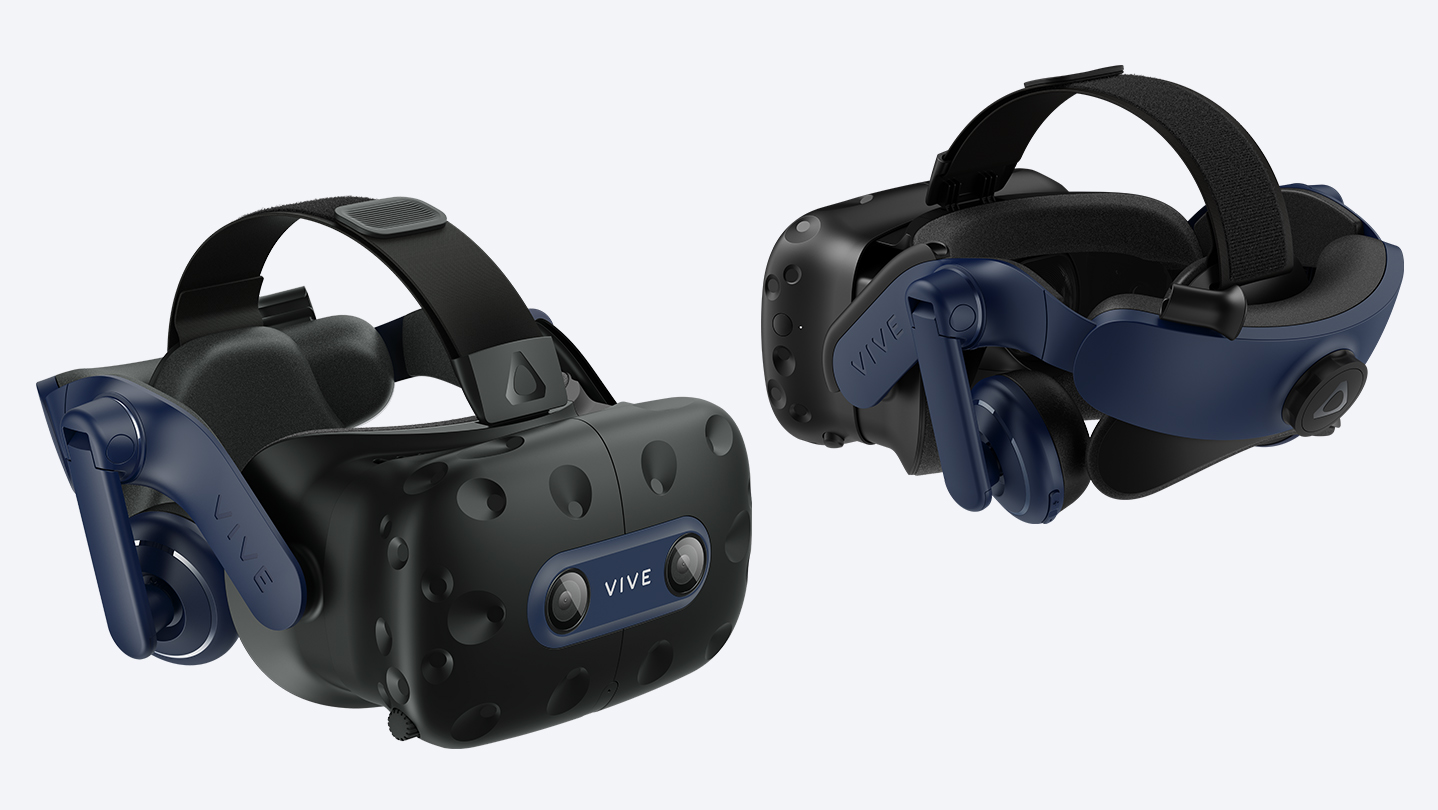
VIVE Console is an application designed to optimize the video and display settings on your VIVE Pro 2 headset. VIVE Console includes software and drivers that help deliver the best performance for your VIVE Pro 2 system in SteamVR™.

Daftar masuk untuk menambah item ini ke senarai hajat anda, ikuti atau tandakannya sebagai diabaikan

Bahasa Bahasa Melayu tidak disokong

Produk ini tidak menyokong bahasa tempatan anda. Sila semak senarai bahasa yang disokong di bawah sebelum membuat pembelian

Gunakan VIVE Console for SteamVR

Percuma
 

Tentang Perisian Ini

Get the most out of your VIVE Pro 2 with VIVE Console.

Video settings feature motion compensation which reduces computing time while still keeping the frame rate at 90Hz. This helps provide a smooth experience when using less than ideal hardware specs. Turn on mirror VR to show what you see inside the headset on your computer screen.

Select automatic in the display settings to let VIVE Console choose the best setting based on your hardware or manually set the resolution and frame rate you want.

Join the Beta program to be eligible to receive preview builds and provide feedback.

VIVE Console has troubleshooting options to remove and reinstall drivers used by your VR hardware. It also lets you report an issue or send feedback directly from the app.

Install VIVE Console and get the best performance for your VIVE Pro 2.

Keperluan Sistem

    Minimum:
    • Memerlukan pemproses 64-bit dan sistem pengendalian
    • OS: Windows 10
    • Pemproses: Intel® Core™ i5-4590 / AMD Ryzen™ 1500 equivalent or better
    • Memori: 8 GB RAM
    • Grafik: NVIDIA GeForce GTX 1060 / AMD Radeon RX 480 equivalent or better
    • DirectX: Versi 12
    Dicadangkan:
    • Memerlukan pemproses 64-bit dan sistem pengendalian
    • OS: Windows 10
    • Pemproses: Intel® Core™ i5-4590 / AMD Ryzen™ 1500 equivalent or better
    • Memori: 8 GB RAM
    • Grafik: NVIDIA® GeForce® RTX 2060 / AMD Radeon™ RX 5700 equivalent or better
    • DirectX: Versi 12
Penapis Ulasan