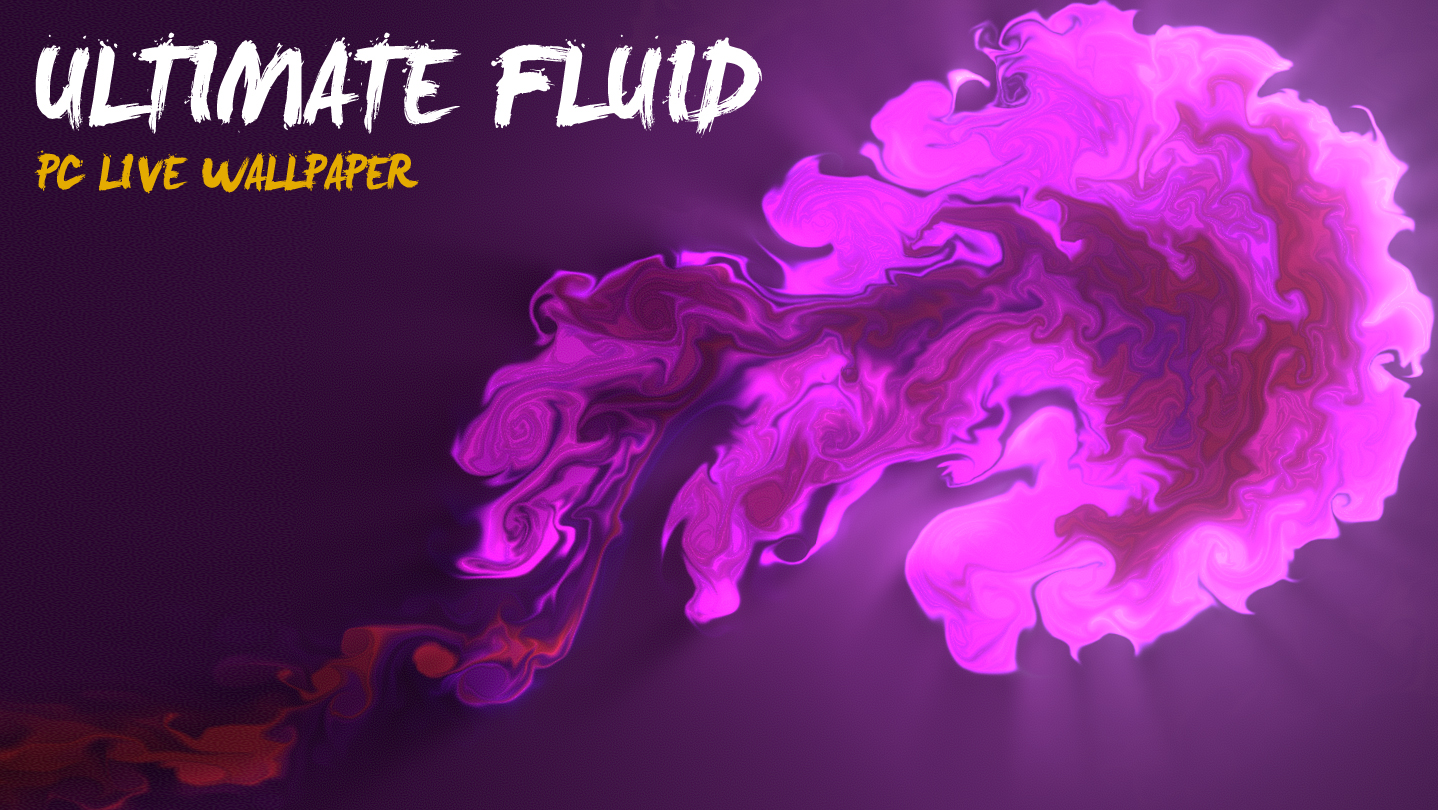
Ultimate Fluid is an interactive 3D live wallpaper. You can control and interact Stunning Fluid Effects with your mouse on your desktop. Smooth and realistic fluid effects can let you relax.

搶先體驗軟體

立即開始使用,並參與軟體開發過程。

備註:這款搶先體驗軟體尚未開發完成,且內容可能會有所變動。如果目前的開發進度未使您產生興趣,建議您等待本軟體開發至下一階段再決定是否購買。了解更多

注意:開發者所做的最後一次更新是在 5 年之前。 開發者在此處說明的資訊與時程可能不再是最新內容。
開發者的話:

為何採用搶先體驗模式?

「Early Access will allow me to ensure stability and compatibility for a wider range of systems and focus on expanding features that users need the most. Since some kind of Fluid Effects had supported, I need to figure out which kind of Fluid Effects are most commonly used and then prioritize further developing those and making Fluid Effects as good as they can be.」

這款軟體的搶先體驗時間大約會持續多久?

「Roughly 12 months.」

正式版預計會與搶先體驗版有何不同?

「The Early Access version not add the Steam workshop support,so users can not download or share Fluid Effects from Steam Workshop. We plan to add the Steam workshop support for Fluid Effects in the full version,then users can submit and share Fluid Effects.」

搶先體驗版目前的開發進度如何?

「The current version of Ultimate Fluid had includes some Fluid Effects,but can not support Steam Workshop . Everything required for a first release is available and the application should be working well. We plan to add the Steam workshop support for Fluid Effects in the full version,then users can submit and share Fluid Effects. Please refer to the "About This" section for details.」

軟體售價在搶先體驗期間前後會有所變動嗎?

「Yes! The price during Early Access is a little bit lower than the final price to accommodate the additional content and improved overall experience that will be added during the Early Access period. If you purchase the application now, you will not have to pay anything extra after Early Access - you will get all new content and improvements as they are being added now.」

在開發過程中,您打算如何與社群互動?

「The community will help shaping Ultimate Fluid through the Steam Forums and built-in feedback methods in the application. The future of Ultimate Fluid will add The Steam workshop support.

Finally, in case you are experiencing any bugs or problems, We plan to assist you and work on resolving the issue as soon as possible」
繼續閱讀
在 Steam 上查看 UltimateDesktop 的所有作品
不支援繁體中文

本產品尚不支援您的目前所在地的語言。購買前請先確認語言支援清單。

購買 Ultimate Fluid

 
查看所有討論

在討論區回報錯誤並留下對於此軟體的意見

UltimateDesktop COLLECTION


關於此軟體

Ultimate Fluid is an interactive 3D live wallpaper. You can control and interact Stunning Fluid Effects with your mouse on your desktop. Smooth and realistic fluid effects can let you relax.

Features

  • Support Workshop,One-Click download online Fluid themes
  • Support Custom Theme, many editing options.
  • Support interact with mouse.
  • Support Pause Mode - You can pause wallpaper when you need 100% power for your games.
  • Support Compatibility Mode - You can uses UltimateFluid with any other live wallpaper software,etc: WallpaperEngine,RainWallpaper.
  • Optimization - reduced equipment requirements. Low CPU usage.
  • Multi, wide, 4K screens support - You can choose one of the screens or extend the wallpaper to all screens. Works smooth at 4K.
  • Support Taskbar Aero Blur or fully transparent (for Win10) .
  • Support Windows 7/8/8.1/10

FAQ

Q: Why can't I see the desktop icon?
A: 1. Make sure your Windows had enabled Aero
2. Adjust Windows System "System Properties>>Performance Options>>Visual Effects" to "Adjust for best appearance"
3. If you have Integrated graphics card,please set the UltimateFluid.exe run with the Integrated graphics card.
4. Please add UltimateFluid.exe and CoreHost.exe in App folder Path to your AntiVirus Software's Trust-White-List and Restart computer

Q: Can I use UltimateFluid with WallpaperEngine/RainWallpaper at the same time?
A: YES! Just enable the "Compatibility Mode" option at Tray Icon PopupMenu (Screen Bottom-Right corner,near by your WIFI icon).

Q: How to cancel “TopMost” mode?
A: Just uncheck the "TopMost" option at Tray Icon PopupMenu (Screen Bottom-Right corner,near by your WIFI icon).


Q: How to remove Steam Hook?
A: Right click the UltimateFluid tray icon (Screen Bottom-Right corner,near by your WIFI icon) and select the menu item "Preferences..." ,Uncheck the "Enable Steam Support", Restart UltimateFluid.


Q: How to Exit/Shutdown UltimateFluid?
A:1. You can exit UltimateFluid from tray icon menu "Exit" (Screen Bottom-Right corner,near by your WIFI icon).
2. if can not found the tray icon, please open the system TaskMgr to kill the processes "UltimateFluid.exe"

系統需求

    最低配備:
    • 作業系統 *: Windows 10 / 8.1 / 8 / 7(with Aero)
    • 處理器: Intel i3 or equivalent
    • 記憶體: 1 GB 記憶體
    • 顯示卡: HD Graphics 4000 or above
    • 儲存空間: 500 MB 可用空間
    建議配備:
    • 作業系統: Windows 10
    • 處理器: Intel i7 or equivalent
    • 記憶體: 2 GB 記憶體
    • 顯示卡: NVIDIA GeForce GTX 660, AMD HD7870, 2 GB VRAM or above
    • 儲存空間: 1024 MB 可用空間
* 自 2024 年 1 月 1 日(PT)起,Steam 用戶端僅支援 Windows 10 及更新版本。

極限流體動態壁紙 的顧客評論 關於使用者評論 您的偏好設定

整體評論:
大多負評 (21 篇評論)


如欲檢視特定日期範圍內的評論,請在上方圖表框選一段日期範圍,或點擊直條。


依照使用者撰寫評論當時的遊戲時數篩選:


不限最低時數不限最高時數

以所選顯示順序顯示評論


進一步了解
篩選條件
排除離題評論活動
遊戲時數:
主要在 Steam Deck 上遊玩
無其它評論符合上述篩選條件
調整上方的篩選條件以檢視其它評論
評論讀取中…