Build your world and lead mankind (and rabbitkind) into the centuries beyond in this classic PC re-release.

로그인하셔서 게임을 찜 목록에 추가하거나, 팔로우하거나 또는 제외로 지정하세요.

한국어(을)를 지원하지 않습니다

이 제품은 귀하의 로컬 언어를 지원하지 않습니다. 구매하기 전에 아래에 있는 지원하는 언어 목록을 확인해주세요.

The Sandbox of God: Legacy Edition 구매


게임 정보

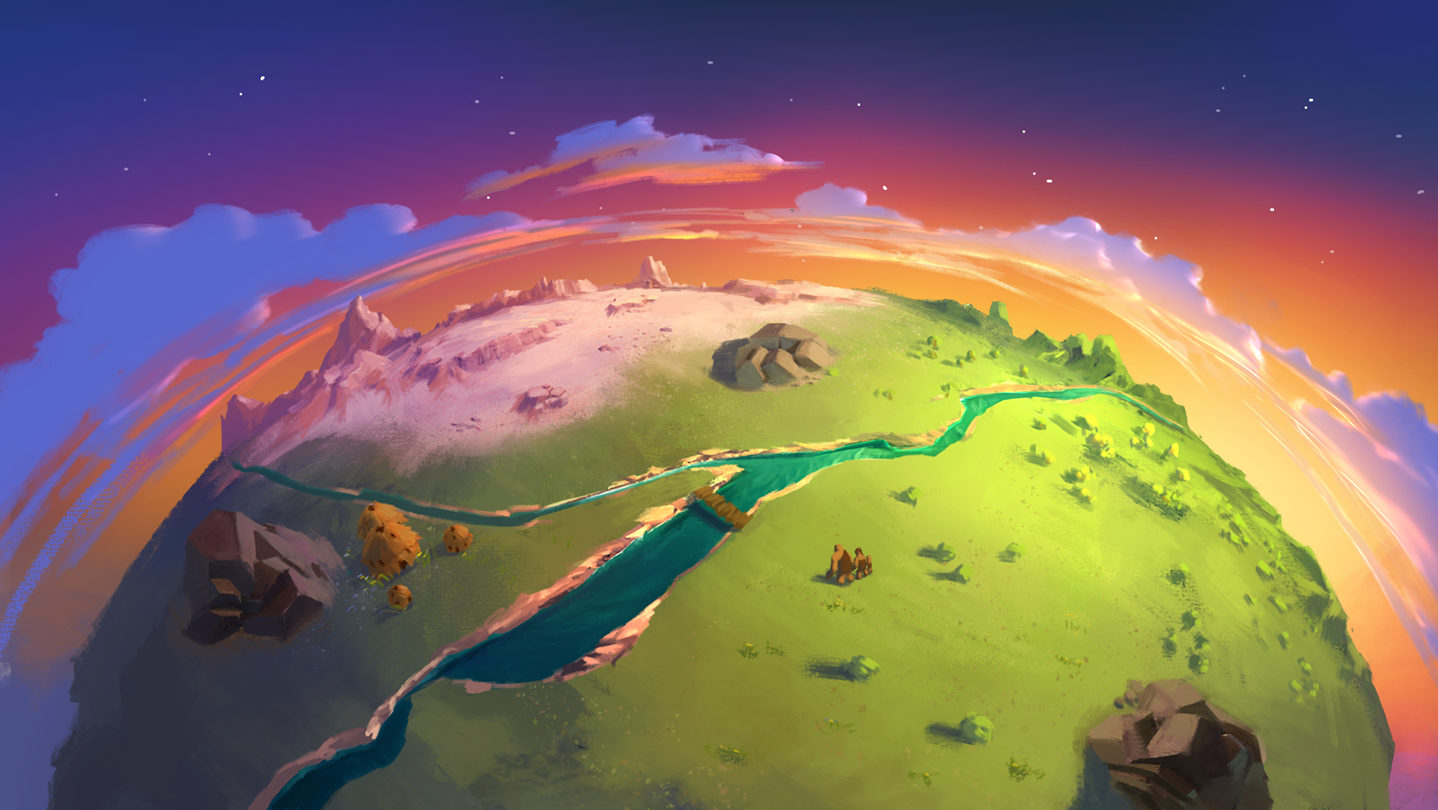
As you look down upon the empty planet, you find a set of tools on the top right of the screen, ready to be used. A bolt of lightning, or perhaps a flood, or seedlings for trees…even the option to create man. And rabbits.

As you progress through the eons of time, you’ll notice that your actions have directly affected the shape of the world simply by the order in which you chose them. By creating the earthquake first, for example, you created a crack in the earth that you could then fill with the flood, which lead to a vast river spanning the planet. But had you done the flood before the earthquake, the ground would not have been dry enough to create the crack, and would have lead to an entirely different landscape. This is just a small example of what your actions do in the Sandbox of God: Remastered Edition, as you start with a selection of actions (such as rain, earthquake, etc.) and must choose the order they are unleashed upon the Earth. Doing these actions in different order can yield new results, and it's up to you to find new ways to shape your world.

But your actions don’t go unnoticed. Create man and give them the tools necessary to thrive, and they will pray to you for guidance…which you can then deliver or ignore, allowing them to choose their own destiny. And rabbits could even learn to pray, too. Whether you listen to them or not is up to you.

NOTE: This is a Legacy release of Vertigo Gaming Inc.'s back catalog titles. Because it is an older game running on newer hardware there may be some unexpected errors. Here's how to solve them:

  • If you have an error of "Failed to load the game data, File seems corrupted.", you will need to disable the Print Spooler on your computer, as older GM8 games can have this issue. First, right click on This PC or My Computer and select Manage. Select Services and Applications on the left side bar and then select Services. Double click the "Print Spooler" key and go to the General tab, select Startup Type, then select Disabled. Finally, select Stop below the Service Status and then click Apply. The game should now boot up correctly.
  • If the game does not close properly and continues to run on Steam even after exiting the game, you will need to run it in compatibility mode to resolve this issue. Right click the game in your Steam Library, go to Properties, then Local Files, then Browse Local Files. Right click on the main .exe in the folder, and go to Properties. Click on the Compatibility tab, then click the "Run this program in compatibility mode for:" box and select Windows XP, then Apply and OK. Restart your computer, and the game will now correctly close after exiting.

시스템 요구 사항

    최소:
    • 운영 체제 *: Windows XP or Higher (Not Compatible with Windows 8/8.1)
    • 메모리: 250 MB RAM
    • 저장 공간: 50 MB 사용 가능 공간
* 2024년 1월 1일부터 Steam 클라이언트는 Windows 10 이상 버전만 지원합니다.

The Sandbox of God: Remastered Edition에 대한 사용자 평가 사용자 평가 정보 환경 설정

종합 평가:
대체로 긍정적 (평가 18개)


특정 날짜 범위에 속하는 평가를 보려면, 위의 그래프에서 선택 항목을 클릭한 후 드래그하거나 원하는 바를 클릭하세요.


평가를 작성한 시점의 사용자 플레이 시간을 기준으로 평가를 필터링:


최소 시간 없음 ~ 최대 시간 없음

선택한 표시 순서로 평가 보기


자세한 정보
필터
게임과 관련없는 평가 활동 제외
플레이 시간:
주로 Steam Deck에서 플레이
위에서 설정한 필터 조건에 맞는 평가가 없습니다
다른 평가를 보려면 위에서 필터를 조정해주세요
평가 불러오는 중...