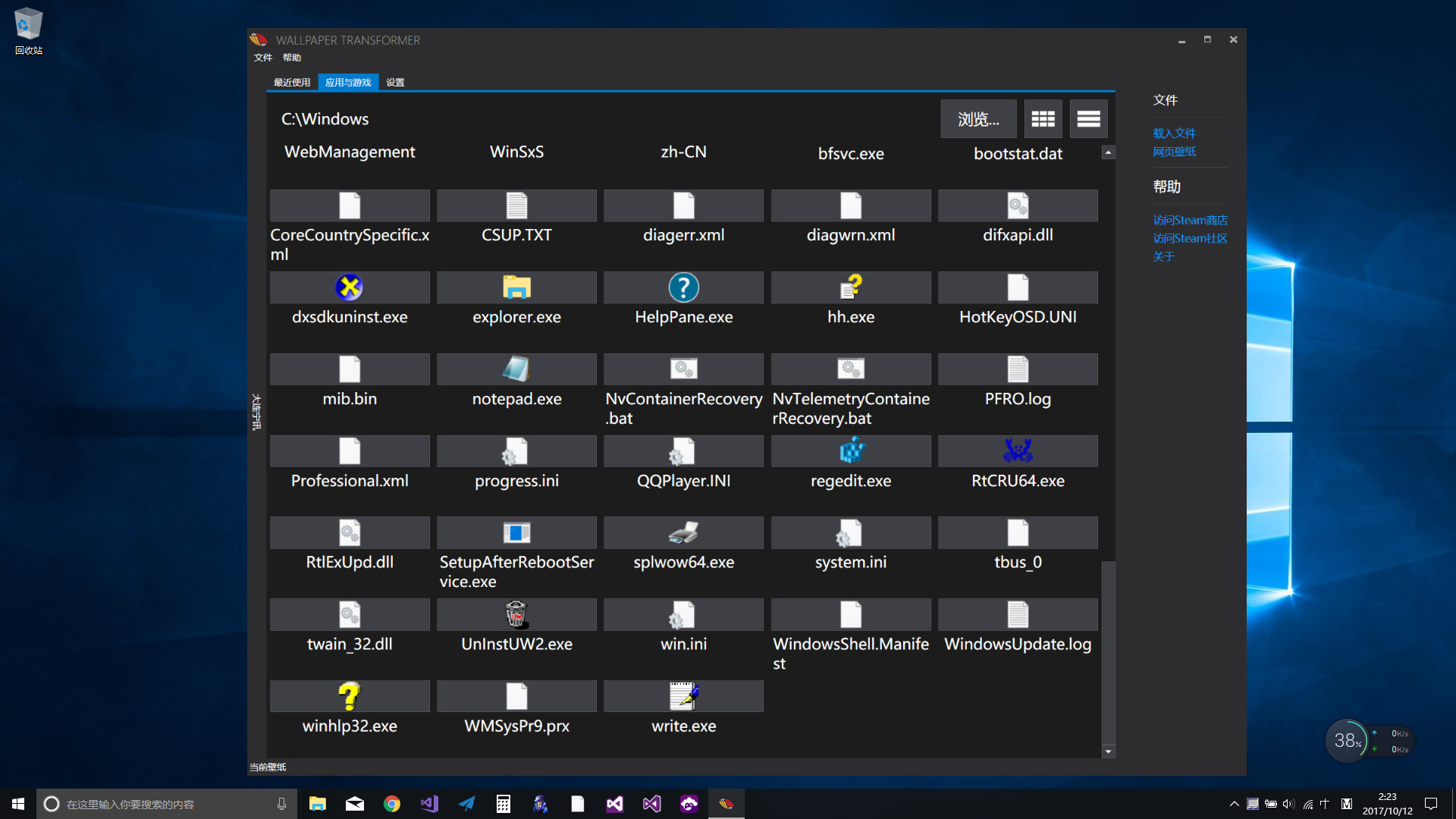
Transform Microsoft applications or games into desktop wallpapers. Watch video or play games in wallpaper.

Conectează-te pentru a adăuga acest articol în lista ta de dorințe, a-l urmări sau a-l marca drept ignorat.

Software cu Acces Timpuriu

Implică-te în acest software pe măsură ce se dezvoltă.

Notă: acest software aflat în acces timpuriu nu este complet și se poate schimba sau nu pe viitor. Dacă nu ești dornic să-l utilizezi în stadiul său actual, atunci ar trebui să aștepți pentru a vedea dacă software-ul va ajunge într-un stadiu mai avansat al dezvoltării. Află mai multe

Notă: ultima actualizare realizată de dezvoltatori a fost cu peste 8 ani în urmă. Este posibil ca informațiile și planul de dezvoltare descris de dezvoltatori să nu mai fie de actualitate.
Ce au de spus producătorii:

De ce acces timpuriu?

„Early Acess will let me know how the current functionality work on the clients' machines and what other features they would like to be added for updates. Besides, many other great features, such as multiple applications wallpaper, are in the development plan too.”

Aproximativ cât timp se va afla acest software în Acces Timpuriu?

„To the start of year 2018.”

Cum se va diferenția versiunea completă de cea disponibilă în acces timpuriu?

„The full version will have more features. It will have multiple applications running in the background of live wallpaper. It will support mouse and keyboard to help you play games in wallpaper. It will also support Mac OS. Great features requested by users would be developed too.”

Care este starea actuală a versiunii aflate în acces timpuriu?

„The current version can convert most of desktop applications to live wallpapers. It includes a window finder tool through which you can turn all kinds of things into live wallpapers, such as softwares like anime, games, videos, live streams, animations, 3d models and even emulators etc. You can watch movie/tv or streaming and play games as if you are playing a live wallpaper. It can hide desktop icons so you can use applications in wallpaper. You can directly play emulators in wallpaper using a controller without having to hide icons beforehand. Some multitasking scenarios become possbile in a new way. For example, editing documents on desktop meanwhile watching fullscreen movies in wallpaper.”

Va avea jocul aflat în Acces Timpuriu un preț diferit față de versiunea finală?

„The price of full vesion will be higher than the early access version since it would have more greater features.”

Cum intenționezi să implici comunitatea în procesul tău de dezvoltare?

„I will carefully listen to my customers and accept their feedback from the community or via email. I will also quickly resolve any issues and fix bugs in time.”
Află mai multe
Nu este disponibil în limba: Română

Acest produs nu este disponibil în limba ta locală. Te rugăm să consulți lista de mai jos cu limbile în care jocul este disponibil înainte de achiziționare

Anunț: La solicitarea distribuitorului, Wallpaper Transformer nu mai este listat în magazinul Steam și nu va apărea în căutări.
 
Citește toate discuțiile

Raportează problemele tehnice și spune-ți părerea despre acest software pe forum

Despre acest Software

Wallpaper Transformer turns your Windows desktop applications and games into live wallpapers. Not only could they run as wallpapers, but also could be played there as normal.

Features


  • Convert applications to wallpapers.
  • Convert games to wallpapers.
  • Play games with controller support in wallpaper.
  • Hide desktop icons to use applications in wallpaper.
  • Watch movies in wallpaper.
  • Stream games in wallpaper.
  • Switch between wallpaper and normal mode.
  • Many applications and games are supported, such as VLC player, Chrome browser, PCSX2 emulator, Office Word and Dota2 etc.
  • Extend wallpaper's ability to application wise.

How to use?


  • Use the search window tool to find an application window and set it as wallpaper. Press the combo key Alt+Caps to switch between wallpaper and normal mode. The combo key is especially useful when you switch the full screen application into wallpaper, because you can only use the combo key in full screen then.
  • After setting the appliction as wallpaper, you could check the Hide icons option if you want to use the appliction in wallpaper.

Dev plan

  • Mac support
  • Multiple applictions in wallpaper
  • Any good features suggested

Cerințe de sistem

    Minim:
    • SO *: Windows 7 (with Aero), 8.1, 10
    • Procesor: Intel i3 or equivalent
    • Memorie: 1 GB RAM
    • Grafică: HD Graphics 4000 or above
    • Stocare: 512 MB spațiu disponibil
    • Observații suplimentare: Aero must be enabled on Windows 7
    Recomandat:
    • SO *: Windows 8.1, 10
    • Procesor: 2.0 GHz Intel i7 or equivalent
    • Memorie: 2 GB RAM
    • Grafică: NVIDIA GeForce GTX 660, AMD HD7870, 2 GB VRAM or above
    • DirectX: Versiune 11
    • Rețea: Conexiune cu bandă largă la internet
    • Stocare: 1 GB spațiu disponibil
* Începând cu 1 ianuarie 2024, clientul Steam va fi compatibil numai cu Windows 10 și versiunile ulterioare.

Recenziile clienților pentru Wallpaper Transformer Despre recenziile utilizatorilor Preferințele tale

Recenzii generale:
În mare parte negative (54 recenzii)


Pentru a vedea recenziile dintr-un anumit interval calendaristic, te rugăm să faci clic și să tragi o selecție pe un grafic de mai sus sau apasă pe o bară specifică.


Filtrează recenziile în funcție de timpul petrecut de recenzor în joc până la momentul scrierii acestora:


Niciun minimNiciun maxim

Arată recenziile în ordinea de afișare selectată


Află mai multe
Filtre
Se exclude activitatea cu recenzii irelevante
Timp petrecut:
Jucat în principal pe Steam Deck
Nu mai există recenzii care să se potrivească cu filtrele setate mai sus
Ajustează filtrele de mai sus pentru a vedea alte recenzii
Se încarcă recenzii...