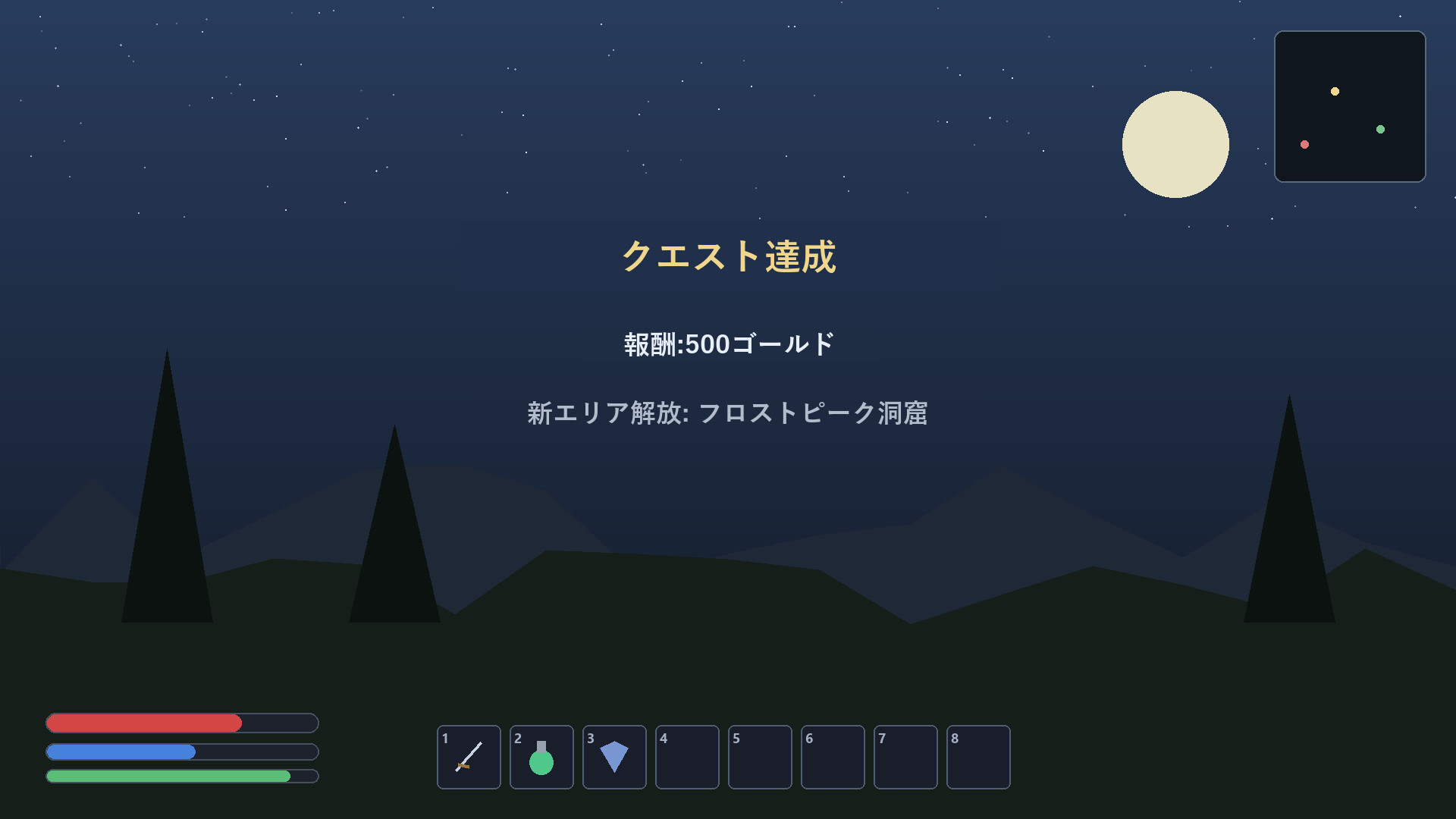
Real-time translation of on-screen game text. It reads the screen and overlays the translation right over the original text. Works fully offline with local engines unlimited translations, no subscription. Full-screen or drag-to-select region translation, glossary, and display customization included.

เข้าสู่ระบบ เพื่อเพิ่มผลิตภัณฑ์นี้ลงในสิ่งที่อยากได้ของคุณ ติดตาม หรือทำเครื่องหมายเป็นถูกละเว้น

ไม่รองรับภาษาไทย

ผลิตภัณฑ์นี้ไม่รองรับภาษาท้องถิ่นของคุณ โปรดตรวจสอบรายชื่อภาษาที่รองรับก่อนทำการสั่งซื้อ

เกมนี้ยังไม่พร้อมใช้งานบน Steam

วันวางจำหน่ายที่วางแผนไว้: 5 ก.ค. 2026

แอปพลิเคชันนี้จะปลดล็อกในอีกประมาณ 6 วัน

น่าสนใจ?
เพิ่มในสิ่งที่คุณอยากได้ และรับการแจ้งเตือนเมื่อผลิตภัณฑ์พร้อมใช้งาน
 

เกี่ยวกับซอฟต์แวร์นี้

Turn on-screen English into your language, in place

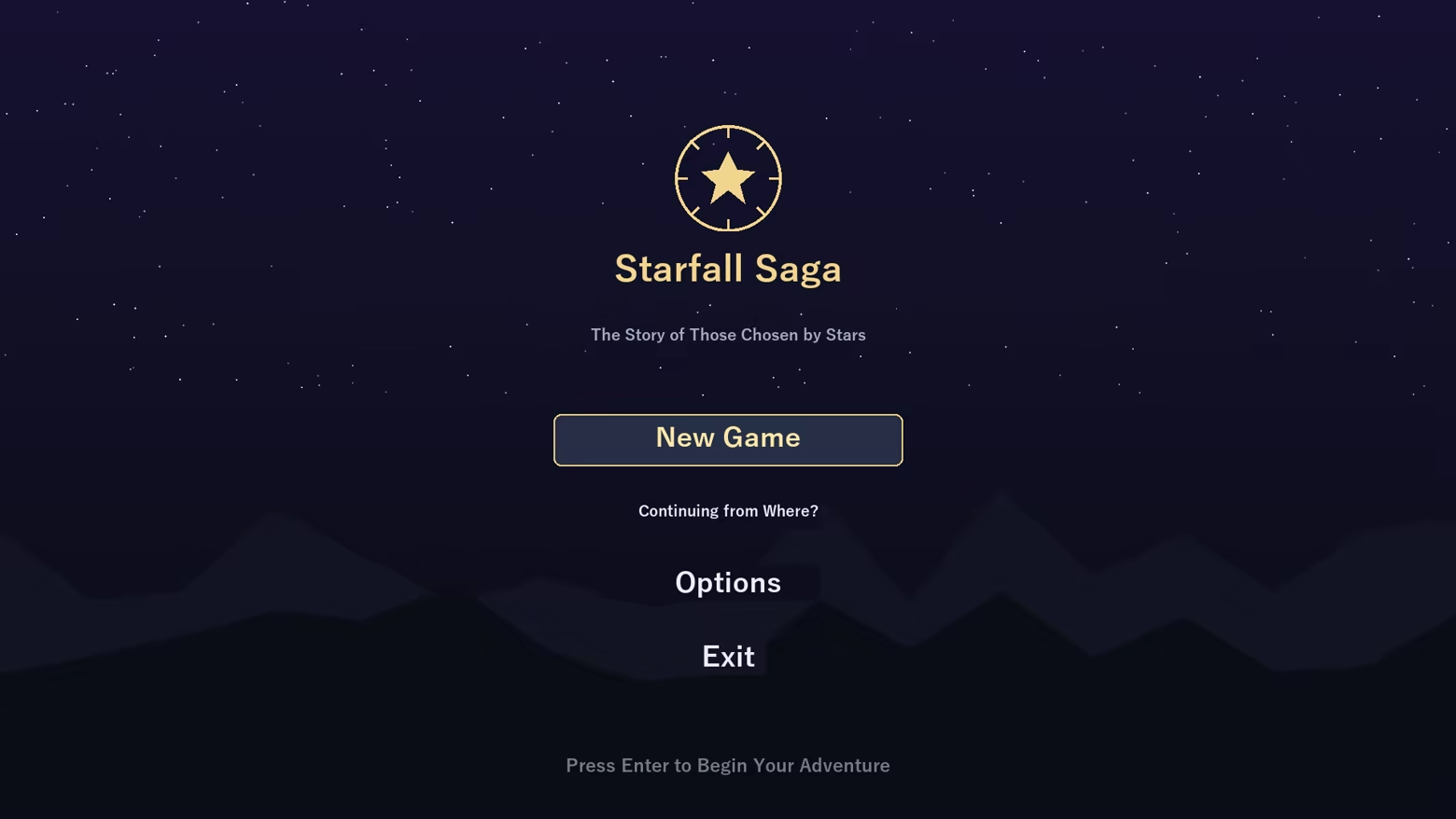
Game Overlay Translator reads the text on your game screen and overlays the translation right on top of the original — no window switching. It works fully offline, with unlimited translations and no subscription.

Great for

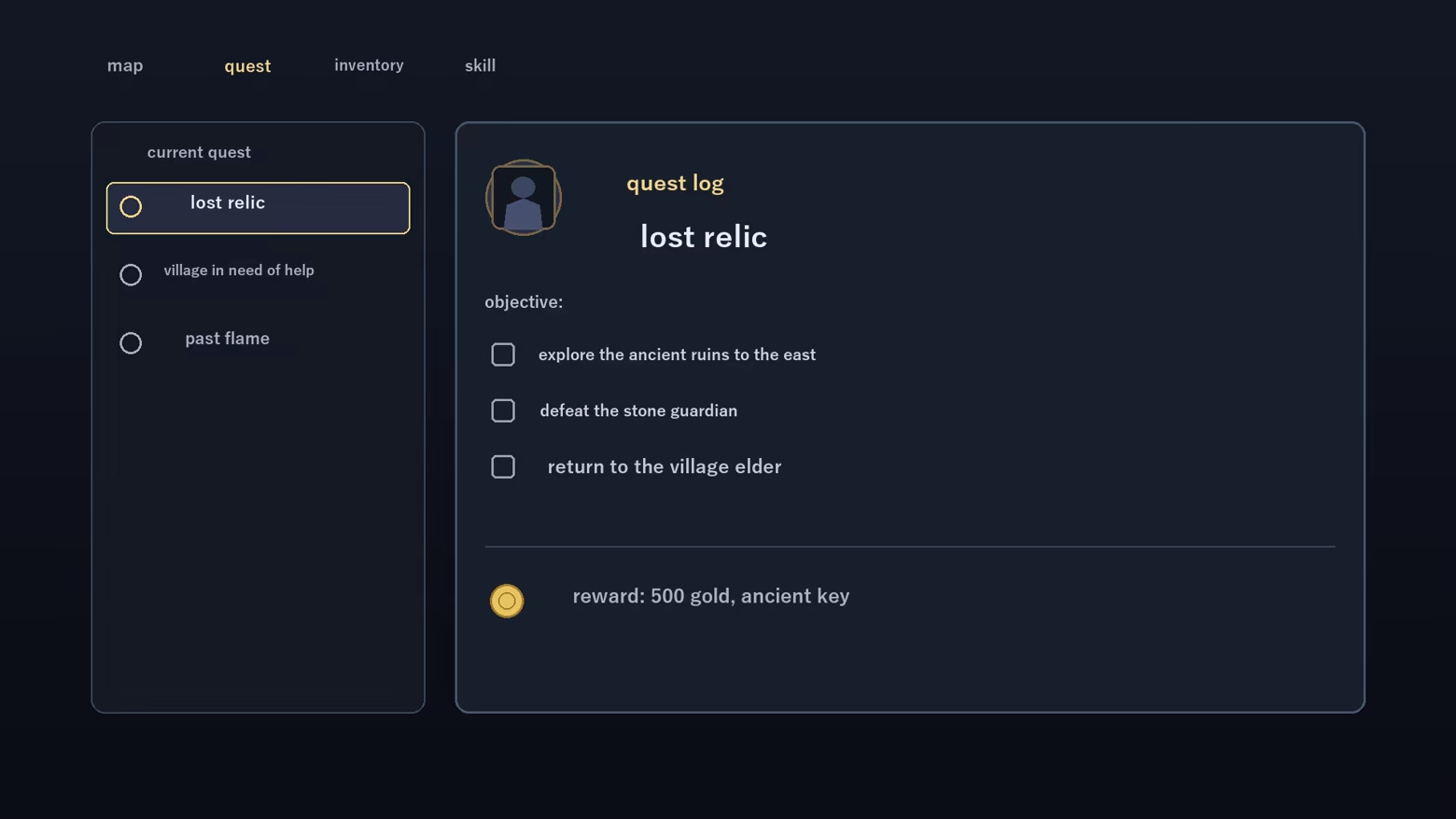
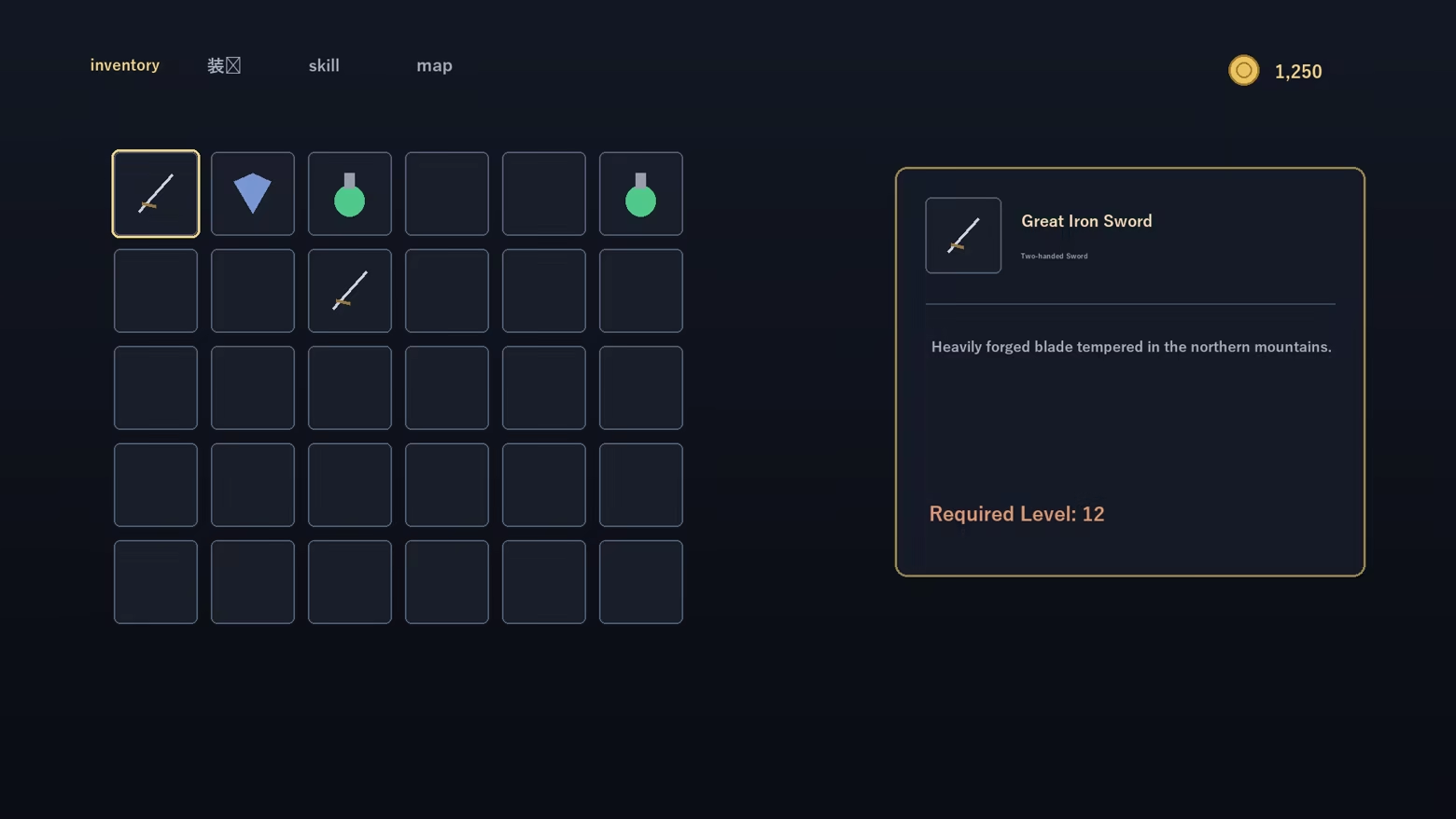
  • Playing games with no localization — understand menus, quests and item text as you go
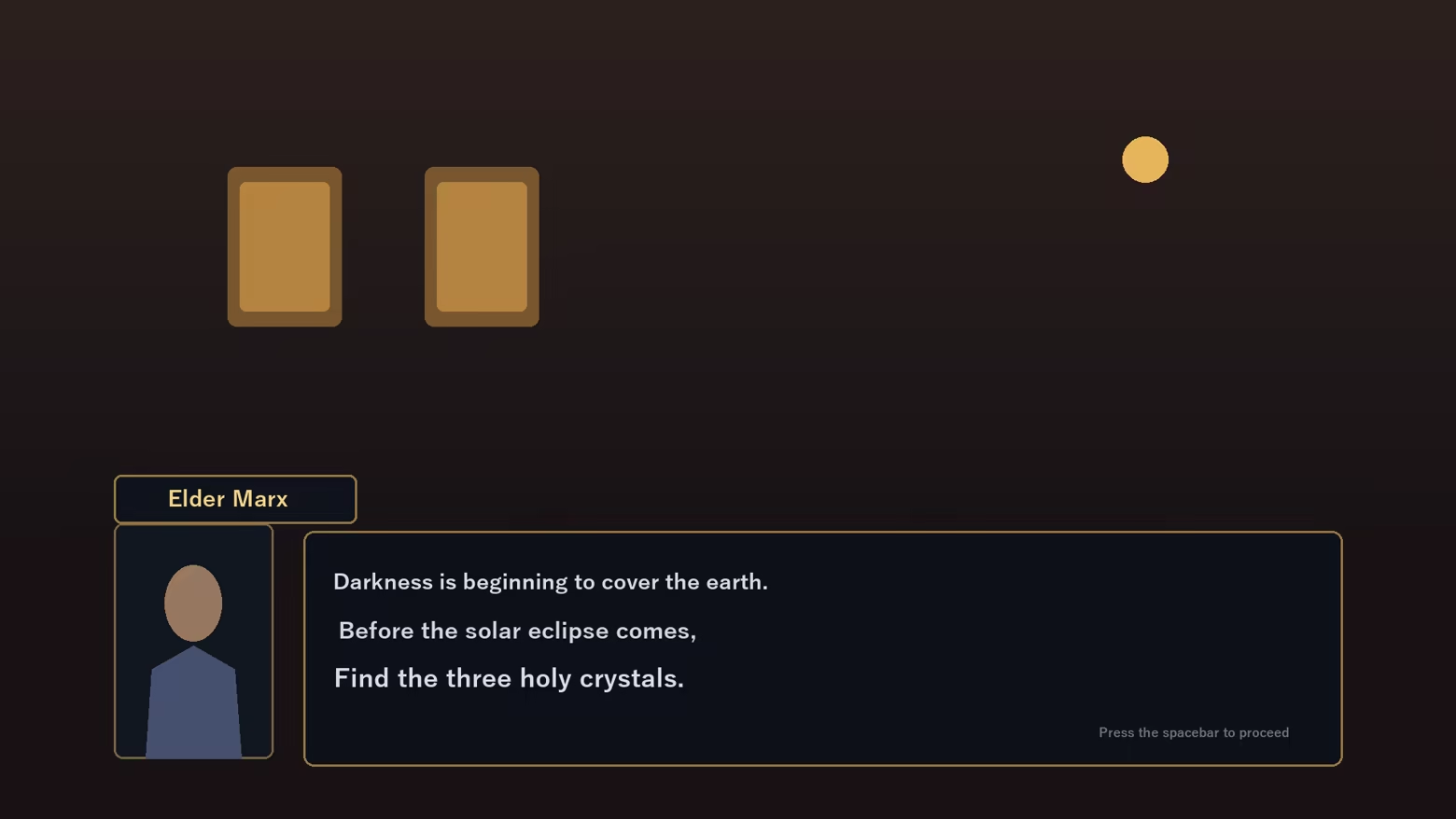
  • Reading story and dialogue — translate NPC lines on the spot
  • Translating just one area — drag to select a region; only that box is translated
  • Doujin, indie and older PC games — comfortable even without an official translation

Features

  • Full-screen translate (one hotkey) and region translate (movable box)
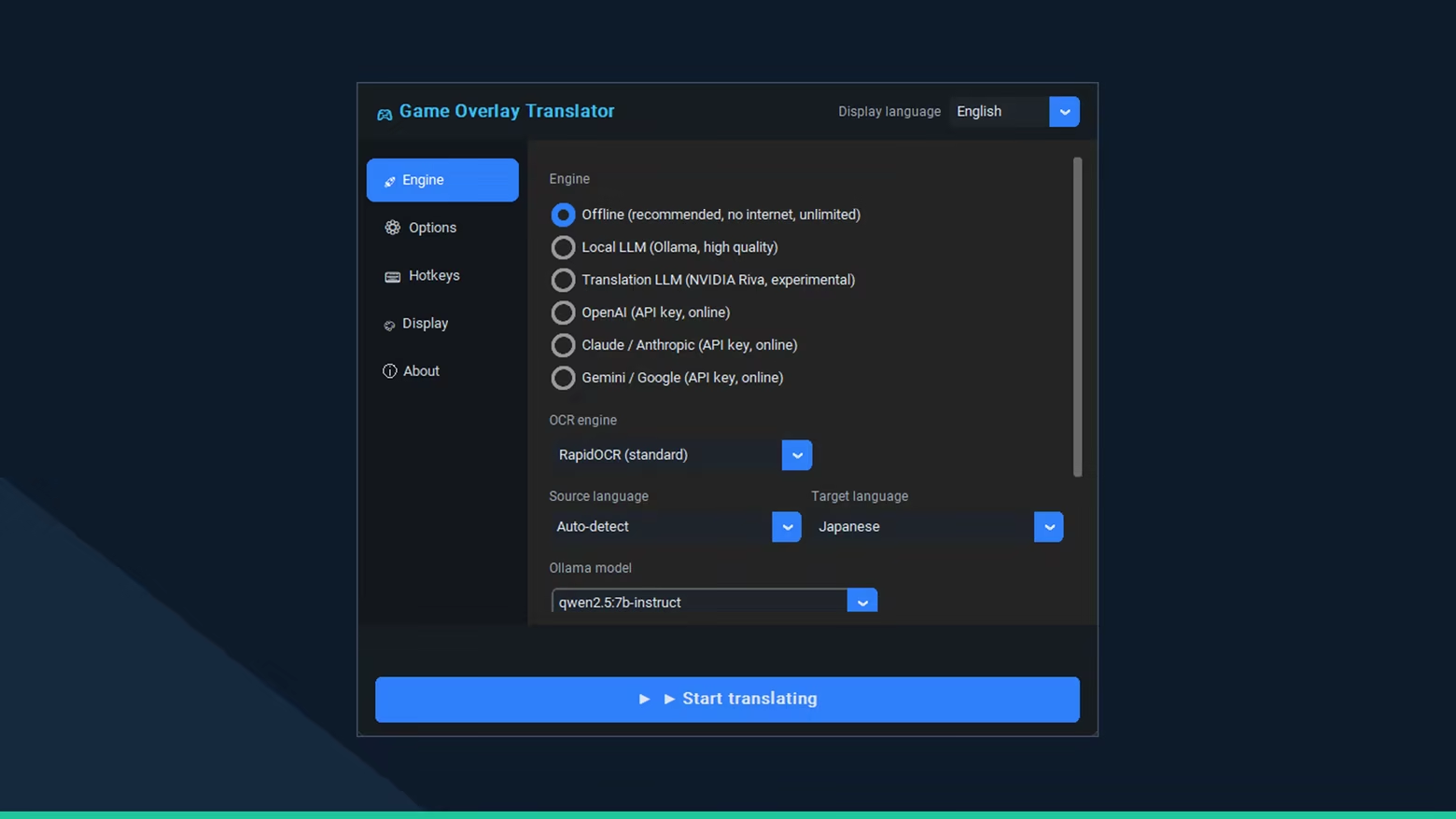
  • Fully offline (recommended) — no internet, unlimited, high-quality local model
  • Optional local LLM (Ollama) for more context-aware results
  • Optional cloud engines (BYOK) — OpenAI / Claude / Gemini with your own API key
  • In-place overlay — original text blended out, translation drawn in the same spot
  • Glossary to fix game-specific terms to the wording you want
  • Display customization — font size, color, background opacity, selection-box color
  • Multilingual UI (JA / EN / KO / ZH)

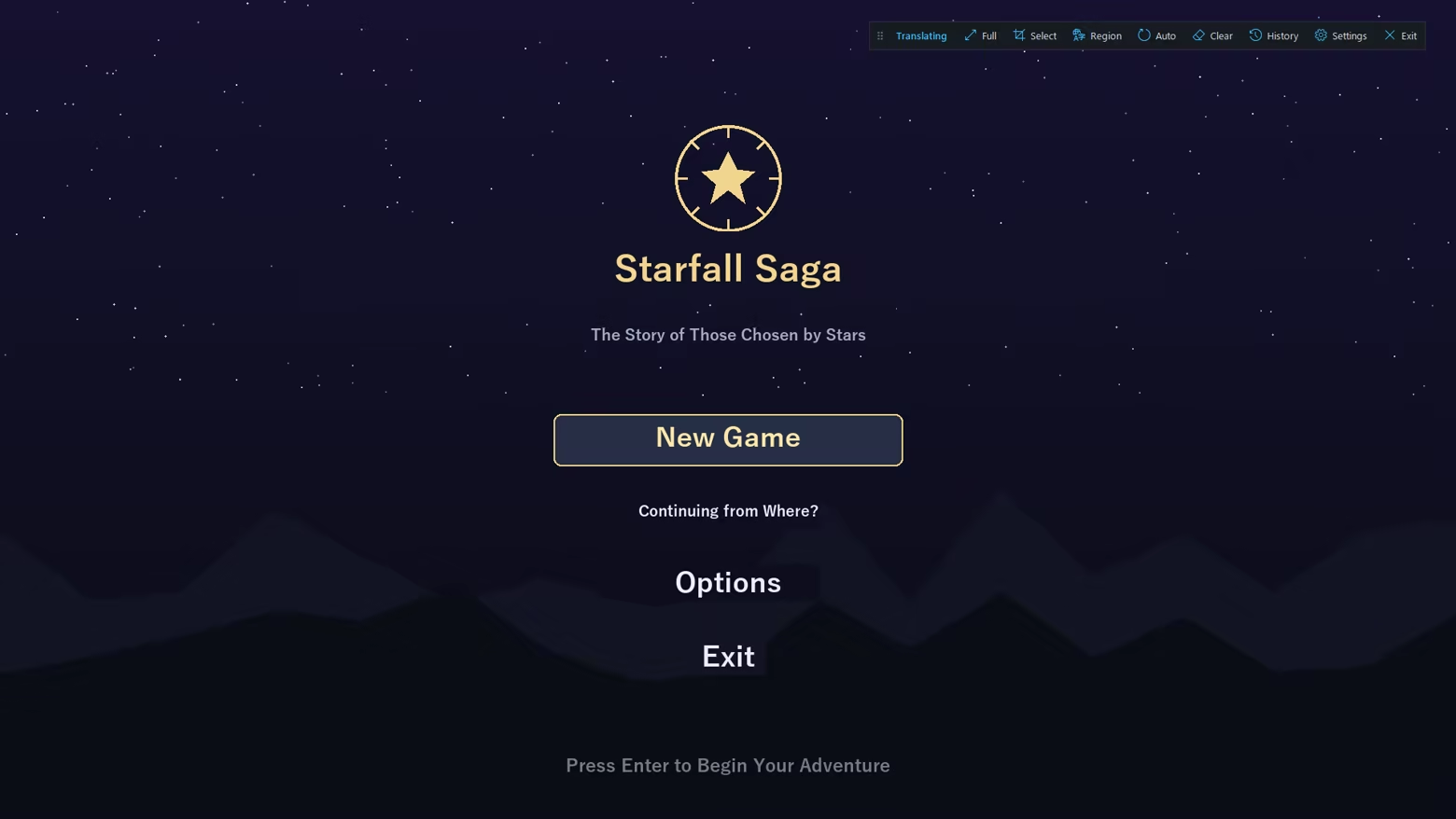
A floating control bar

While translating, a small on-screen bar gives one-click access to full-screen / region translate, auto mode, history and settings.

How it works

Screen capture, OCR, translation, then in-place overlay. Results are cached locally for instant re-display.


Important notes

  • As an on-screen overlay, games with anti-cheat (EasyAntiCheat / BattlEye / VAC, etc.) may warn, kick, or penalize your account. Use with online/competitive games at your own risk and check each game's ToS.
  • May not appear in exclusive-fullscreen games — use borderless/windowed mode.
  • Offline / local-LLM models download on first use (internet required), then run offline.
  • Machine translation may not always be accurate.
  • If you choose a cloud engine (optional), it needs your own API key, you are billed by that provider, and on-screen text is sent to their servers. The default offline engine sends nothing.

การเปิดเผยข้อมูลเกี่ยวกับเนื้อหาที่สร้างด้วย AI

ผู้พัฒนาอธิบายว่าเกมของตนใช้เนื้อหาที่สร้างด้วย AI ในลักษณะนี้:

Game Overlay Translator uses AI at runtime to translate the on-screen text that the player chooses to capture from other games or apps. All processing runs locally on the player's own PC and works offline: on-screen text is recognized with an on-device OCR model (RapidOCR / ONNX Runtime) and translated with on-device neural machine translation models (FuguMT, Argos Translate) and, optionally, a locally-run LLM (Ollama / Qwen2.5, or NVIDIA Riva).

No captured text, images, screenshots, or any other user data are sent to external or cloud AI services. The app does not accept free-form prompts and does not generate original or creative content — the AI only outputs a translation of the specific text the player captures. The source text belongs to the third-party games or apps the player runs.

Guardrails: the tool translates only the text the player explicitly captures from their own screen; it cannot be prompted to produce anything else, and all inference is local/offline, so no content is generated on, or sent to, any external server.

ความต้องการระบบ

    ขั้นต่ำ:
    • ระบบปฏิบัติการ: windows10 64bit
    • โปรเซสเซอร์: Intel Core i5 or Ryzen 5
    • หน่วยความจำ: แรม 8 GB
    • พื้นที่จัดเก็บข้อมูล: พื้นที่ว่างที่พร้อมใช้งาน 1500 MB
    แนะนำ:
    • ระบบปฏิบัติการ: windows11 64bit
    • โปรเซสเซอร์: Intel Core i7 or Ryzen 7
    • หน่วยความจำ: แรม 16 GB
    • กราฟิกส์: RTX3060
    • เครือข่าย: การเชื่อมต่ออินเทอร์เน็ตแบบบรอดแบนด์
    • พื้นที่จัดเก็บข้อมูล: พื้นที่ว่างที่พร้อมใช้งาน 10 GB
ไม่พบบทวิจารณ์สำหรับผลิตภัณฑ์นี้

คุณสามารถเขียนบทวิจารณ์ของคุณเองสำหรับผลิตภัณฑ์นี้เพื่อแบ่งปันประสบการณ์ของคุณให้กับชุมชน ใช้พื้นที่ด้านบนของปุ่มซื้อในหน้านี้เพื่อเขียนบทวิจารณ์ของคุณ

ตัวกรองบทวิจารณ์