Kandungan ini memerlukan aplikasi asas GamingPulsePRO di Steam untuk berfungsi.

Tarikh Keluaran:
Akan datang
Pembangun:
Tag

Daftar masuk untuk menambah item ini ke senarai hajat anda, ikuti atau tandakannya sebagai diabaikan

Bahasa Bahasa Melayu tidak disokong

Produk ini tidak menyokong bahasa tempatan anda. Sila semak senarai bahasa yang disokong di bawah sebelum membuat pembelian

Kandungan Boleh Muat Turun

Kandungan ini memerlukan aplikasi asas GamingPulsePRO di Steam untuk berfungsi.

Akan datang

Item ini belum tersedia lagi

Berminat?
Tambah ke senarai hajat anda dan terima pemberitahuan apabila permainan sudah tersedia.
 

Tentang Kandungan Ini

⚙️ GamingPulsePRO — Automation Pack


The ultimate automation toolkit for gamers. Record macros, build visual click sequences with image search, let AI see your screen and execute commands, and turn any keyboard into a macro pad with per-game profiles. 🎯

🖱️ Auto-Clicker


⏱️ Click Interval
Adjustable from 1 to 2 000 ms with a precision slider. Four quick presets: Spam (50 ms) · Fast (100 ms) · Normal (250 ms) · Slow (500 ms).

🖱️ Button & Click Type
Left, Right or Middle button. Single or Double click. Choose how the clicker fires.

📍 Position Modes
Current — follows your cursor. Fixed — lock to specific X/Y coordinates for unattended clicking.

🔁 Repeat Controls
Unlimited mode or set a specific repeat count. The clicker stops automatically when finished.

🎲 Humanization
Add random variance (±1–100 ms) to each click interval for natural-looking automation that avoids detection.

🎬 Macro System


⏺️ Macro Recorder
Press REC to capture mouse moves, clicks and key presses. Stop recording with F10. All actions are timestamped with precise delays.

📂 Multi-Format Import
Import macros from Bloody (.amc), Razer Synapse (.xml) and native JSON (.json). Convert between formats seamlessly.

📝 Macro Editor
Visual step list showing every action: Delay, Move, Click, KeyDown, KeyUp, TypeText. Add, delete, reorder and edit steps manually.

⌨️ Hotkey Binding
Assign a keyboard shortcut to trigger each macro. Edit or clear bindings with dedicated buttons.

🔄 Return Cursor
Optionally return the cursor to its original position after macro completes.

🔍 Visual Scripting — Image Search


✂️ Capture Steps
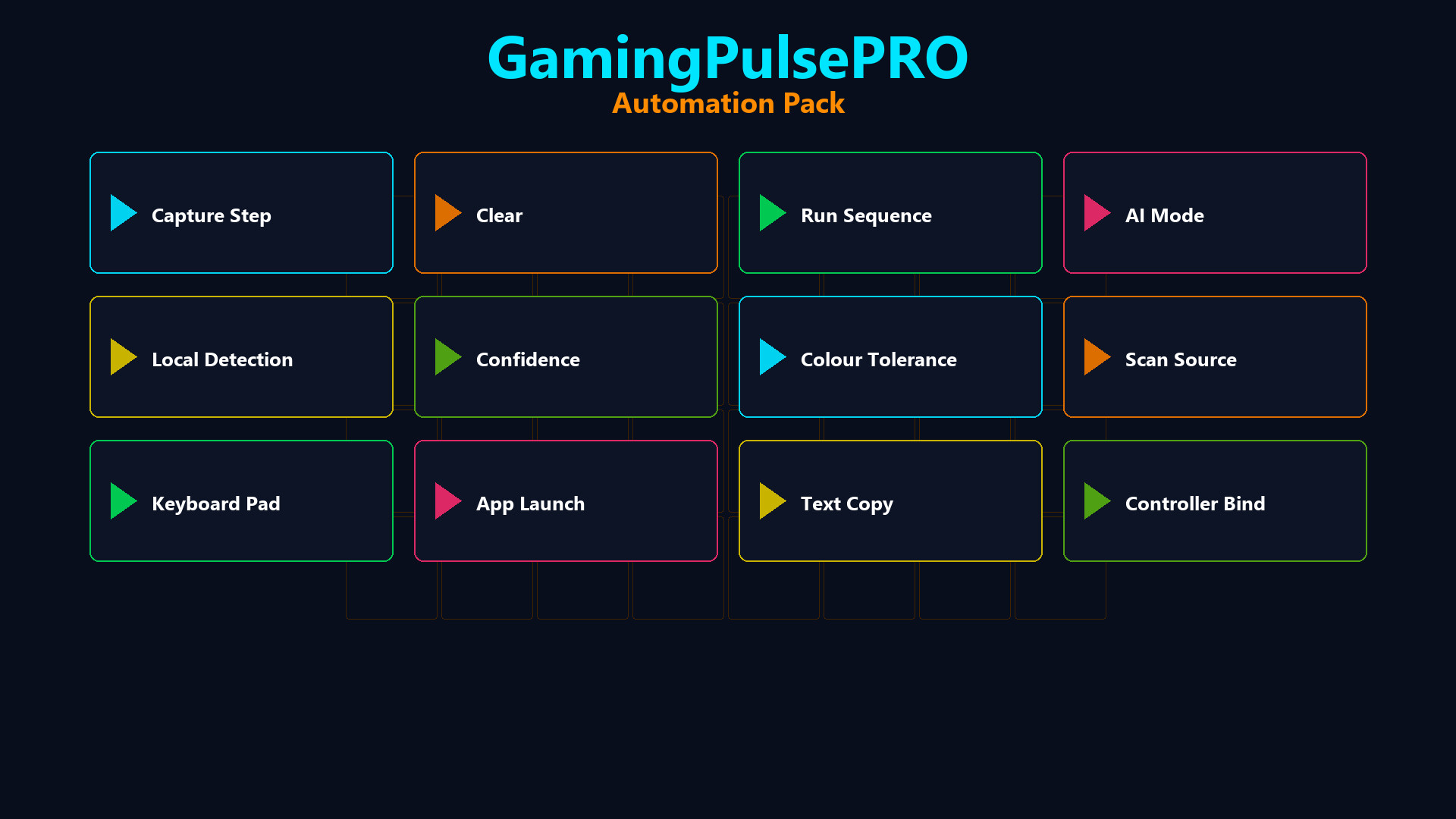
Select a screen region to create a detection step. The system takes a screenshot of the target and searches for it on screen during execution.

📊 Match Confidence
Adjustable threshold (50–100%) for how closely the screen must match the captured template.

🎨 Color Tolerance
Tolerance slider (0–100) for minor color variations in dynamic UIs.

🔎 Search Algorithm
Choose between Pixel Search (fast exact match) or Template Matching (flexible region match).

🖥️ Scan Source
Primary Screen, specific monitor or specific window. Restrict the search area to Full Screen or Center 50%.

🎯 Randomize Click
Add ±5 px random offset to each click for natural interaction patterns.

🤖 AI Vision Mode


🧠 AI Provider Selection
Choose from Gemini (Free), OpenAI GPT-4 (Pro), Anthropic Claude, Grok (xAI) or Disabled. Full API key management with validation.

📸 Vision Source
Capture from a specific monitor or a specific window. The AI sees exactly what you see.

📝 AI Command Executor
Write a natural language command (e.g. "Find the Play button and click it") and let AI analyze the screen, locate the element and execute the action.

🔁 Loop Mode
Enable continuous AI execution for repeated automation tasks.

📝 Steps Wizard
A guided workflow builder that helps you create multi-step AI automation sequences without writing code.

🎯 Supported AI Actions
mouse_move · click_text · mouse_click · type_text · key_press · wait · log — all controlled by AI with OCR text matching.

🛡️ Anti-AFK


💤 Stay Active
Keep your character moving in games that kick idle players. Customizable mode, interval and status display.

📦 Extras


  • 🎮 Per-game macro profiles
  • 🕹️ Controller button bindings for macros
  • 💾 JSON-based persistent settings
  • 🔄 Hot-swappable profiles
  • ⌨️ Global hotkeys — work even when minimized

⚠️ Requires the base GamingPulsePRO application.

Keperluan Sistem

    Minimum:
    • Memerlukan pemproses 64-bit dan sistem pengendalian
    • OS: Windows 10 / 11 (64-bit)
    • Pemproses: Dual Core 2.0 GHz or higher
    • Memori: 2048 MB RAM
    • Grafik: Integrated Graphics
    • Rangkaian: Sambungan Internet jalur lebar
    • Storan: 100 MB ruang tersedia
    Dicadangkan:
    • Memerlukan pemproses 64-bit dan sistem pengendalian
Tiada ulasan untuk produk ini

Anda boleh menulis ulasan anda untuk produk ini untuk berkongsi pengalaman anda dengan komuniti. Untuk menulis ulasan anda, gunakan kawasan di atas butang pembelian pada halaman ini.

Penapis Ulasan