您必須在 Steam 上擁有軟體主程式 GamingPulsePRO 才能執行該內容。

登入以將此項目新增至您的願望清單、關注它,或標記為已忽略

可下載的內容

您必須在 Steam 上擁有軟體主程式 GamingPulsePRO 才能執行該內容。

此內容尚未在 Steam 上發售

預計發行日期: 2026 年 4 月 30 日

此應用程式將大約於 6 天後解鎖

感興趣嗎?
將這款遊戲加入願望清單,以便在發售時收到通知。
 

關於此內容

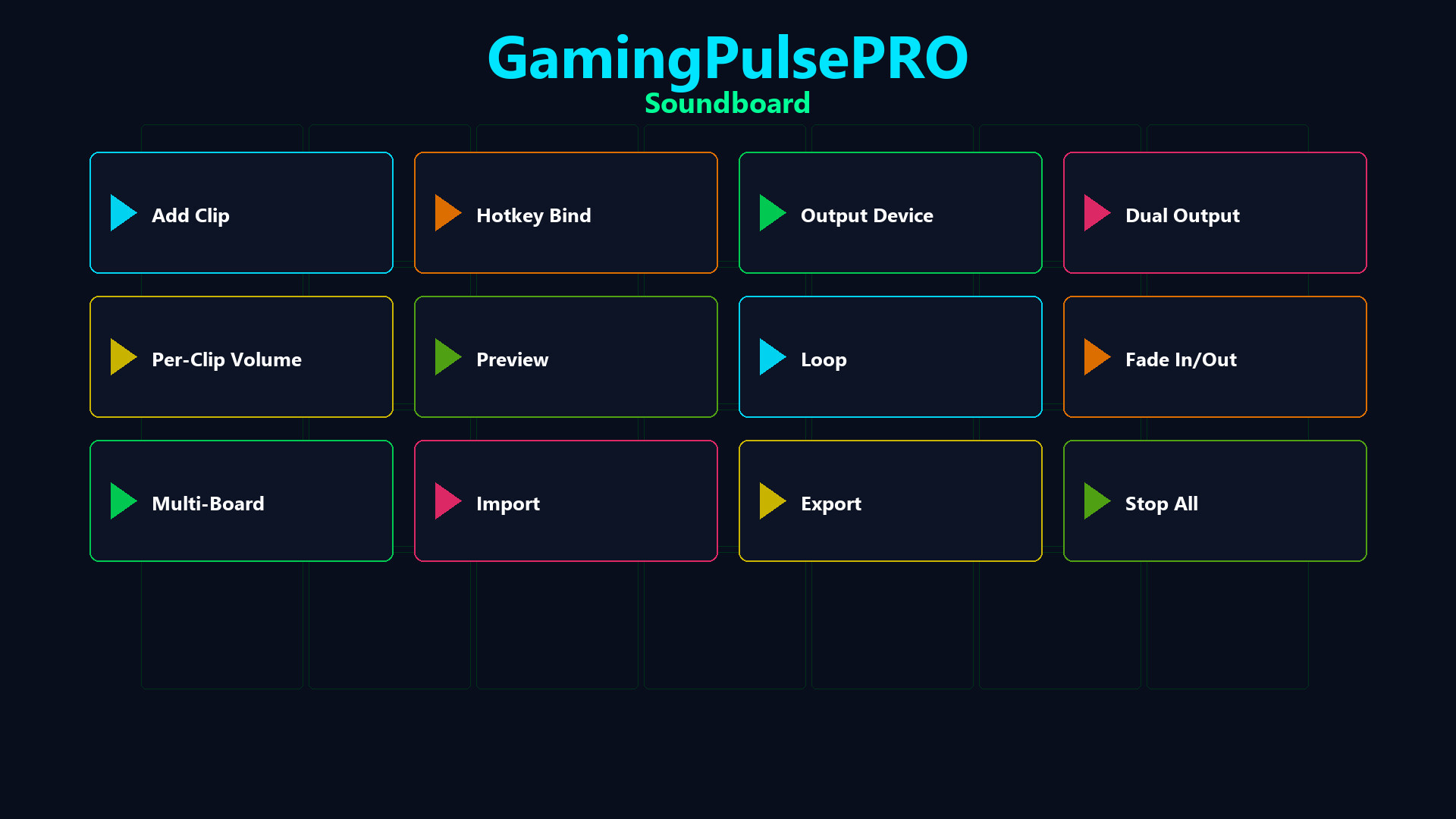
🔊 GamingPulsePRO — Soundboard


A full-featured audio board built right into GamingPulsePRO. Bind any WAV or MP3 clip to a hotkey, route audio to your voice chat through a virtual cable and manage multiple boards — all with zero latency. 🎯

🎵 Clip Playback


⌨️ Hotkey Bindings
Assign any keyboard shortcut to any sound. Trigger clips instantly during gameplay, streams or calls with a single key press.

🔁 Loop & Fade
Enable loop mode for ambient sounds or fade in/out for smooth transitions. Set per-clip fade duration for professional-sounding playback.

🎚️ Per-Clip Volume
Individual volume slider (0–100 %) for every clip. Fine-tune each sound's loudness without affecting others.

🔀 Audio Routing


🎤 Virtual Microphone Injection
Route sounds through VB-Audio Virtual Cable or VoiceMeeter directly into Discord, Steam Voice, OBS or any voice chat. Your friends hear the sound as if it's coming from your mic.

🔊 Dual Output Mode
Play simultaneously on two audio devices — hear the clip in your headphones while sending it to voice chat at the same time.

⚠️ Smart Detection
Auto-detects installed virtual audio cables. If none found, a warning banner guides you to set up VB-Audio Virtual Cable (free).

📚 Clip Library


🗂️ Visual Clip Grid
All your sounds organized in a scrollable card grid with preview buttons. Dark-themed cards (#1A1A2E) with purple accent (#4C2EA8) and color-coded buttons.

📁 Multi-Board Support
Create separate boards for different games, streams or moods. Switch between boards with a single click.

📤 Import / Export
Export your entire board configuration and share it with friends. Import boards from JSON files with all hotkeys and settings preserved.

🎮 Controls


  • ➕ Add Sound — browse and load WAV/MP3 files
  • 📂 Open Folder — open the sounds directory
  • 🛑 Stop All — immediately silence every active clip
  • 🎤 Play-to-Mic toggle — green indicator when active
  • 📊 Status bar — shows number of active sounds
  • 🔄 Concurrent playback — multiple clips at once, thread-safe

⚠️ Requires the base GamingPulsePRO application.

系統需求

    最低配備:
    • 需要 64 位元的處理器及作業系統
    • 作業系統: Windows 10 / 11 (64-bit)
    • 處理器: Dual Core 2.0 GHz or higher
    • 記憶體: 2048 MB 記憶體
    • 顯示卡: Integrated Graphics
    • 網路: 寬頻網際網路連線
    • 儲存空間: 100 MB 可用空間
    建議配備:
    • 需要 64 位元的處理器及作業系統
此產品無任何評論

您可以撰寫評論來與社群分享您對於本產品的看法。請使用本頁面中位於購買按鈕上方的區塊來進行評論的編寫。