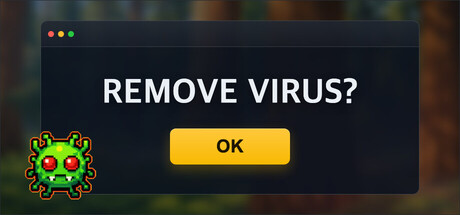
Install a legitimate antivirus to recover your infected PC. Complete 10 escalating security steps that test timing, reaction speed, pattern recognition, and precision. As installation progresses, the virus interferes more aggressively, destabilizing the system under time pressure.

Inicia sesión para agregar este artículo a tu lista de deseados, seguirlo o marcarlo como ignorado.

No disponible en Español (Latinoamérica)

Este artículo no está disponible en tu idioma. Consulta la lista de idiomas disponibles antes de realizar la compra.

Este juego aún no está disponible en Steam

Próximamente

¿Te interesa?
Agrégalo a tu lista de deseados y recibe una notificación cuando esté disponible.
 

Acerca de este juego

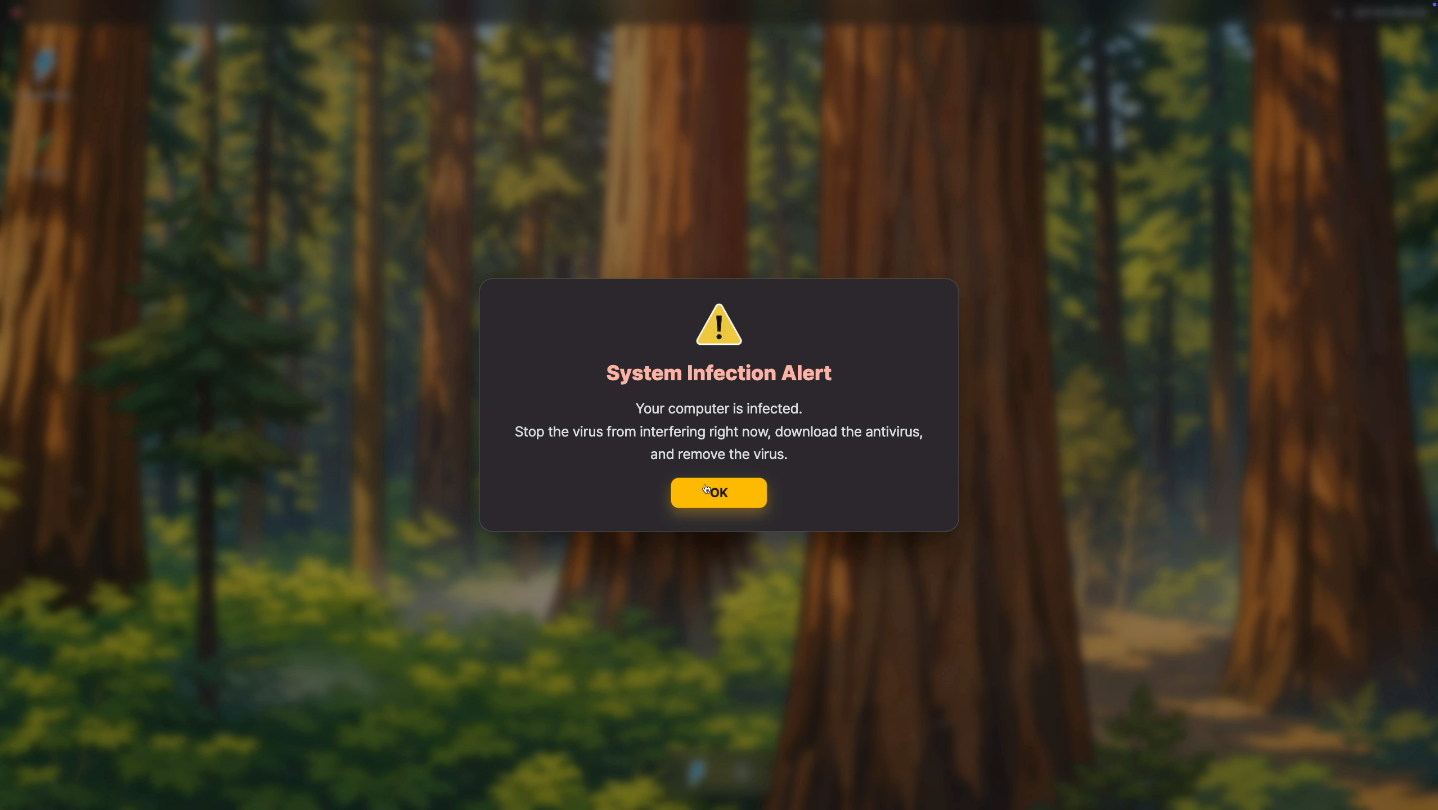
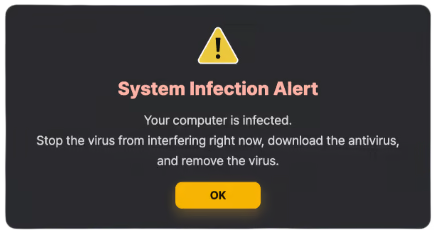
"Your computer is infected"

It didn’t happen dramatically. There was no explosion, no warning siren — just a subtle slowdown, a flicker in the corner of the screen, a system that no longer feels entirely under your control.

You find a solution: a legitimate antivirus program. It’s real. It’s safe. It promises to remove the infection completely.

But installing it won’t be easy.

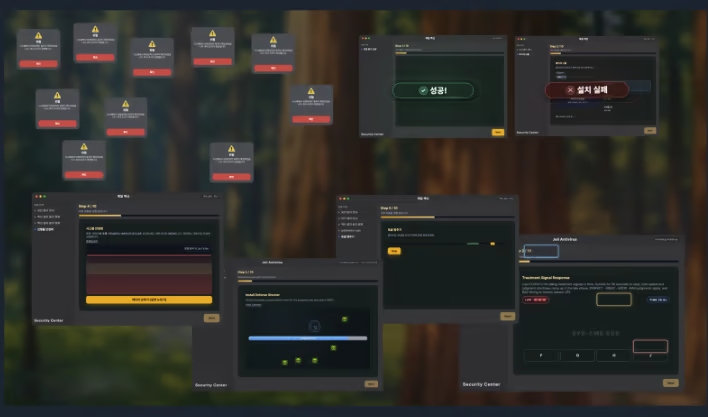
Remove Virus is a cyber-themed arcade survival game built around a structured 10-step antivirus installation process. To fully recover your system, you must successfully complete every step of the installation. Each step represents a required security procedure — verification, stabilization, synchronization, integrity checks — but the virus is still active while you attempt them.

And it does not intend to leave quietly.

As the installation begins, the system fights back. The interface shifts. Pop-ups appear at the wrong time. Progress slows unexpectedly. Instructions demand immediate attention. What looks like a simple confirmation becomes a test of timing. A routine verification turns into a reaction challenge. A progress bar becomes something you must actively defend.

You are not fighting monsters or exploring levels.
You are fighting instability.

Every step tests a different skill: reaction speed, precision, pattern recognition, timing control, and most importantly, focus under pressure. The early stages feel manageable — almost reassuring. But as you move deeper into the installation process, the tempo increases. Safe windows shrink. Visual noise intensifies. Multiple pressure systems begin overlapping.

By the later steps, the challenge is no longer about understanding the rules. It is about maintaining control.

Runs are structured around all 10 installation phases. Failure forces you to restart the recovery process, but each attempt builds familiarity, rhythm, and confidence. The game is designed for short, intense sessions where improvement comes not from grinding numbers, but from sharpening awareness.

Infected PC turns a simple antivirus installation into a psychological battle for system stability. The antivirus is real. The infection is real. And between them stands you — trying to complete ten escalating procedures before the entire system collapses.

Can you stay focused long enough to finish the installation?

Información sobre contenido generado por IA

Los desarrolladores describen cómo sus juegos utilizan contenido generado por IA de esta manera:

Remove virus does not use generative AI to generate gameplay content, dialogue, code, or assets during play. The game does not connect to external AI services. All content included in the build is pre-created by the developer.

Requisitos del sistema

    Mínimo:
    • SO: Windows 10 (64-bit)
    • Procesador: Intel Core i3-4130 or AMD equivalent
    • Memoria: 4 GB de RAM
    • Gráficos: Intel HD Graphics 4400 / DirectX 11 compatible
    • Almacenamiento: 1 GB de espacio disponible
    • Tarjeta de sonido: DirectX-compatible sound card
    • Compatibilidad con RV: Keyboard and mouse required. 64-bit OS only. Internet is optional
    Recomendado:
    • SO: Windows 11 64-bit
    • Procesador: Intel Core i5-8400 or AMD Ryzen 5 2600
    • Memoria: 8 GB de RAM
    • Gráficos: NVIDIA GTX 750 Ti / AMD Radeon R7 360 or better
    • DirectX: Versión 11
    • Almacenamiento: 2 GB de espacio disponible
    • Tarjeta de sonido: DirectX-compatible sound card
    • Compatibilidad con RV: Not supported
    • Notas adicionales: 1920x1080 recommended for best UI readability.
No hay reseñas para este producto

Puedes escribir tu propia reseña sobre este producto para compartir tus experiencias con la comunidad. Utiliza la zona que hay sobre los botones de compra en esta página para escribirla.