A customizable crosshair overlay utility designed to improve precision and visibility in competitive first-person shooter games.

로그인하셔서 게임을 찜 목록에 추가하거나, 팔로우하거나 또는 제외로 지정하세요.

한국어(을)를 지원하지 않습니다

이 제품은 귀하의 로컬 언어를 지원하지 않습니다. 구매하기 전에 아래에 있는 지원하는 언어 목록을 확인해주세요.

Crosshair Control 구매


소프트웨어 정보

About This Software
Crosshair Control is a lightweight, customizable crosshair overlay.

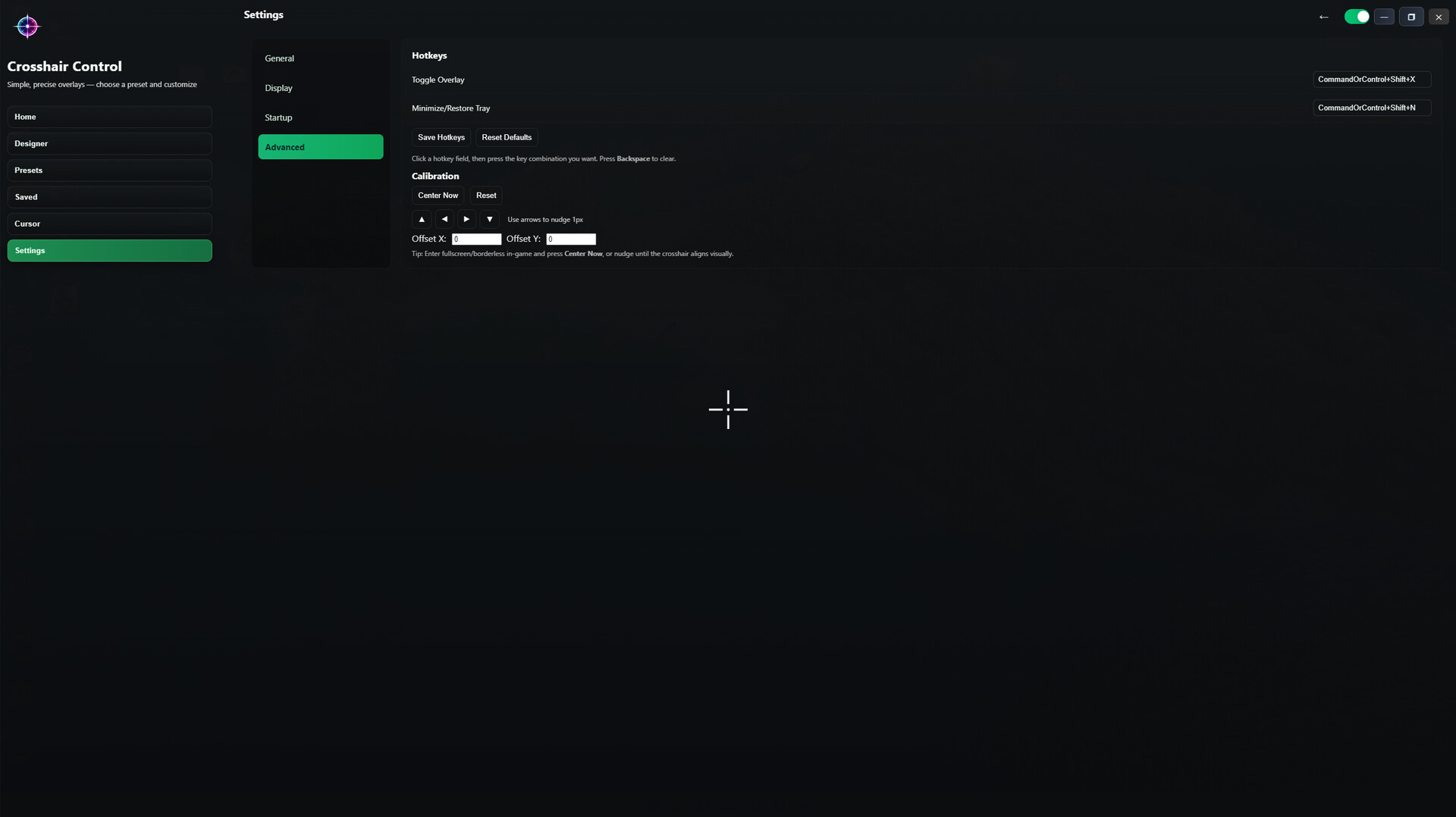
Built for speed and simplicity, Crosshair Control lets you quickly swap styles, save your favorites, and calibrate placement so your crosshair stays consistent across games.

Key Features

  • Full crosshair customization (size, thickness, gap, color, opacity, outline, dot)

  • Multiple crosshair styles (classic cross, dot, ring/circle, hybrid, plus, and more)

  • Preset browser with quick apply

  • Save your own crosshairs for instant switching

  • Advanced Designer mode to build custom crosshairs visually

  • Global preset color tools for fast color updates

  • Calibration controls (center, nudge, offset X/Y) for precise alignment

  • Always-on-top transparent overlay with minimal performance impact

  • Startup and tray behavior settings for quick access in-game

Use Cases

  • Improve visibility in games with weak or missing crosshair options

  • Keep a consistent aim reference across different titles

  • Practice recoil control, tracking, and hip-fire consistency

  • Accessibility aid for players who need higher contrast and clearer targeting

AI 생성 콘텐츠 사용 공개

개발사는 게임에서 AI 생성 콘텐츠를 사용하는 방법을 다음과 같이 설명합니다.

Portions of the visual artwork used in Crosshair Control — including logos, branding elements, and certain graphical assets — were created with the assistance of generative artificial intelligence tools.

All AI-generated assets were reviewed, edited, and approved by the developer before inclusion in the final product. The application does not use generative AI to create live or dynamic content for users. No AI systems are used during runtime.

시스템 요구 사항

    최소:
    • 운영 체제: Windows 10

Crosshair Control에 대한 사용자 평가 사용자 평가 정보 환경 설정

종합 평가:
사용자 평가 없음


특정 날짜 범위에 속하는 평가를 보려면, 위의 그래프에서 선택 항목을 클릭한 후 드래그하거나 원하는 바를 클릭하세요.


평가를 작성한 시점의 사용자 플레이 시간을 기준으로 평가를 필터링:


최소 시간 없음 ~ 최대 시간 없음

선택한 표시 순서로 평가 보기


자세한 정보
필터
게임과 관련없는 평가 활동 제외
플레이 시간:
주로 Steam Deck에서 플레이
운영 체제:
CPU:
GPU:
기기 유형: