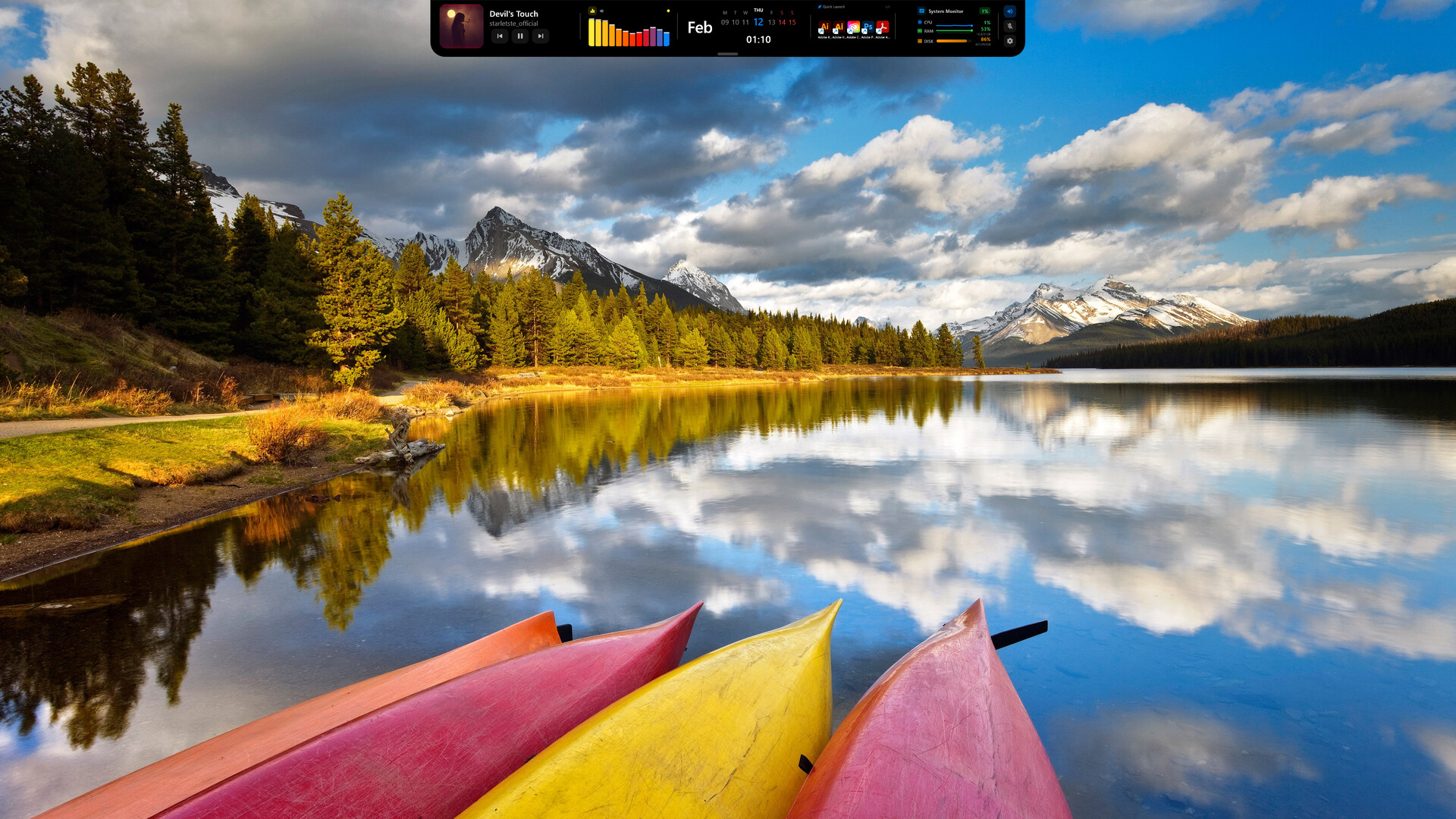
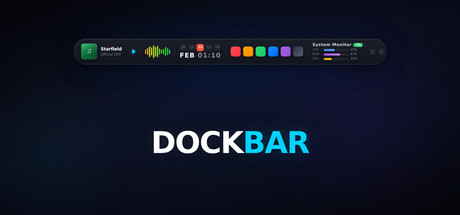
A smart control bar that sits on top of your screen. Music, system info, timers, notes, and quick launch — all in one sleek bar. Lightweight, always accessible, shows exactly what you need.
วันวางจำหน่าย:
เตรียมวางจำหน่าย
ผู้พัฒนา:
ผู้จัดจำหน่าย:
แท็ก

เข้าสู่ระบบ เพื่อเพิ่มผลิตภัณฑ์นี้ลงในสิ่งที่อยากได้ของคุณ ติดตาม หรือทำเครื่องหมายเป็นถูกละเว้น

ไม่รองรับภาษาไทย

ผลิตภัณฑ์นี้ไม่รองรับภาษาท้องถิ่นของคุณ โปรดตรวจสอบรายชื่อภาษาที่รองรับก่อนทำการสั่งซื้อ

เกมนี้ยังไม่พร้อมใช้งานบน Steam

เตรียมวางจำหน่าย

น่าสนใจ?
เพิ่มในสิ่งที่คุณอยากได้ และรับการแจ้งเตือนเมื่อผลิตภัณฑ์พร้อมใช้งาน
เพิ่มลงในสิ่งที่อยากได้ของคุณ
 

เกี่ยวกับซอฟต์แวร์นี้

One bar on top of your screen. An entire control center.

DockBar is a slim, elegant bar that lives at the top of your desktop. It has everything you need inside: music controls, system status, timers, notes, a to-do list, and a quick app launcher. No need to close any windows — everything at a glance.

10 Widgets, Endless Control

🎵 Media Player — Control Spotify, YouTube, and all system audio. Song title, album art, and progress bar update in real time.

📊 System Monitor — See CPU, RAM, and disk usage instantly. Always know how your machine is doing.

🎛️ Audio Visualizer — A live equalizer animation that reacts to your music. Your bar comes alive.

⏱️ Pomodoro & Stopwatch — Focus sessions or time tracking. Stay in control of your time while you work.

📝 Quick Notes — Jot down anything instantly. No need to open another app.

✅ To-Do List — Add tasks, check them off, stay on track. Simple and effective.

🚀 Quick Launcher — Access your most-used apps with a single click.

📅 Calendar — Keep track of your schedule without leaving your workflow.

🌐 9 Language Support — English, Turkish, German, French, Spanish, Portuguese, Russian, Japanese, and Korean.

Why DockBar?

Your desktop is already cluttered. The taskbar isn't enough, widget panels take up space. DockBar is different: it's like a thin line sitting at the very top of your screen. It's there, but never in your way. When you need it, everything is visible at a glance.

65–75 MB memory usage. Low CPU impact. Auto-hides during fullscreen apps and games. No compromise on performance.

Active Development

DockBar is constantly evolving. New widgets, new features, and improvements based on community feedback are released regularly. When you buy DockBar, you're not just getting today's product — you're getting every future update too.

From the Developer

A solo project I built from scratch. I made DockBar for myself — I wanted one place to reach everything I constantly need on my desktop. Then I thought, maybe others want that too. I read every piece of feedback and do my best to act on what makes sense. Thanks for the support.

ความต้องการระบบ

    ขั้นต่ำ:
    • ต้องการโปรเซสเซอร์และระบบปฏิบัติการแบบ 64 บิต
    • ระบบปฏิบัติการ: Windows 10 หรือ Windows 11
    • โปรเซสเซอร์: ดูอัลคอร์ 1.5 GHz
    • หน่วยความจำ: แรม 4 GB
    • กราฟิกส์: กราฟิกในตัว
    แนะนำ:
    • ต้องการโปรเซสเซอร์และระบบปฏิบัติการแบบ 64 บิต
ไม่พบบทวิจารณ์สำหรับผลิตภัณฑ์นี้

คุณสามารถเขียนบทวิจารณ์ของคุณเองสำหรับผลิตภัณฑ์นี้เพื่อแบ่งปันประสบการณ์ของคุณให้กับชุมชน ใช้พื้นที่ด้านบนของปุ่มซื้อในหน้านี้เพื่อเขียนบทวิจารณ์ของคุณ