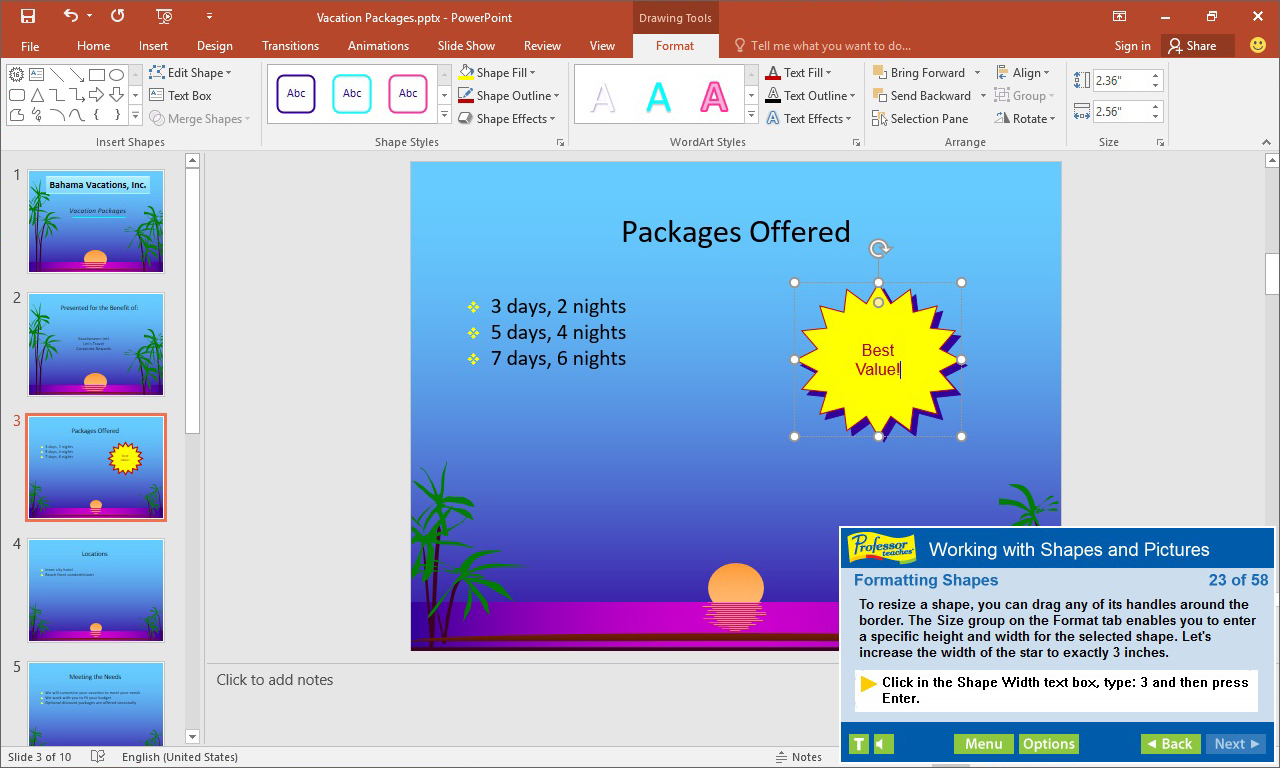
Professor Teaches PowerPoint 2016 is a computer training program designed by experts to teach you everything you need to know to about Microsoft PowerPoint. Learn how to create visually stunning presentations for work or school.

Впишете се, за да добавите този артикул към списъка си с желания, да го последвате или да го отбележите като игнориран

Български език не се поддържа

Този продукт не поддържа родния Ви език. Моля, прегледайте списъка с поддържани езици по-долу, преди да го купите

Закупуване на Professor Teaches PowerPoint 2016


Относно този софтуер

Professor Teaches PowerPoint 2016 is a computer training program designed by experts to teach you everything you need to know to about Microsoft PowerPoint. Learn how to create visually stunning presentations for work or school. Professor Teaches provides hours of course material and hands-on training in a realistic simulation of the actual software.

What is Microsoft PowerPoint 2016?
PowerPoint 2016 is software developed by Microsoft to help you create quality presentations. PowerPoint is used for business and academic applications as a fast and effective way to present information and ideas. PowerPoint 2016 is the latest version of the program and provides better collaboration tools and editing capabilities.

What Are the Benefits of Learning Microsoft PowerPoint 2016?
• Discover new ways to create professional-looking presentations quickly
• Learn how to publish to the web
• Learn how to create dynamic presentations using animation effects

PowerPoint 2016 – Over 60 Lessons!
Our extensive computer training course will cover the following topics:
• How to apply PowerPoint views
• How to use templates
• Using drawing tools
• Adding tables and charts
• How to apply selecting and grouping
• Adding images
• Using Grids and Guides
• Saving and Closing a Presentation
• Creating a New Presentation
• Using the Format Painter
• Working with Tabs
• Using Templates
• Changing a Slide Layout
• Customizing Templates
• Adding Headers and Footers
• Adding Speaker Notes
• Introduction to Drawing Tools
• Working with Shapes and Pictures
• Inserting and Formatting Picture Files
• Arranging Objects
• Adding Animation Effects
• Adding a Sound Clip
• Outlining, Proofing and Printing
• Delivering Your Presentation

Features of Professor Teaches PowerPoint 2016
• Practice in a Realistic Simulation of the Software
• Hundreds of Learning Topics
• 4 to 8 Hours of Training per Course
• Realistic Simulations
• Beginner to Advanced Topics
• Self-Paced Learning Objectives
• Introductions and Summaries
• Interactive Exercises
• Professional Voice Narration
• End-of-Chapter Quiz Questions
• Check marks for Completed Topics
• Glossary, Index, and Search
• Professor Answers for Instant Training

Системни изисквания

    Минимални:
    • ОС *: Windows 10, 8, 7, XP
    • Процесор: None
    • Памет: 150 MB памет
    • Звукова карта: None
* Считано от 01 януари 2024 Steam клиентът ще поддържа само Windows 10 и по-нови версии.

Рецензии от клиенти за Professor Teaches PowerPoint 2016 Относно потребителските рецензии Предпочитанията Ви

Общо рецензии:
1 потребителски рецензии (1 рецензии)


С цел да прегледате рецензии в даден времеви период, моля, кликнете и провлечете подбора на някоя графика по-горе или кликнете върху специфична лента.


Филтриране на рецензии по потребителското игрално време, когато рецензията е била написана:


Без минимум до Без максимум

Показване на рецензии в избрания ред за изобразяване


Научете още.
Филтри
Изключване на активността от рецензии извън темата
Игрално време:
Пускано основно на Steam Deck
Операционна система:
Процесор:
Видеокарта:
Тип устройство: