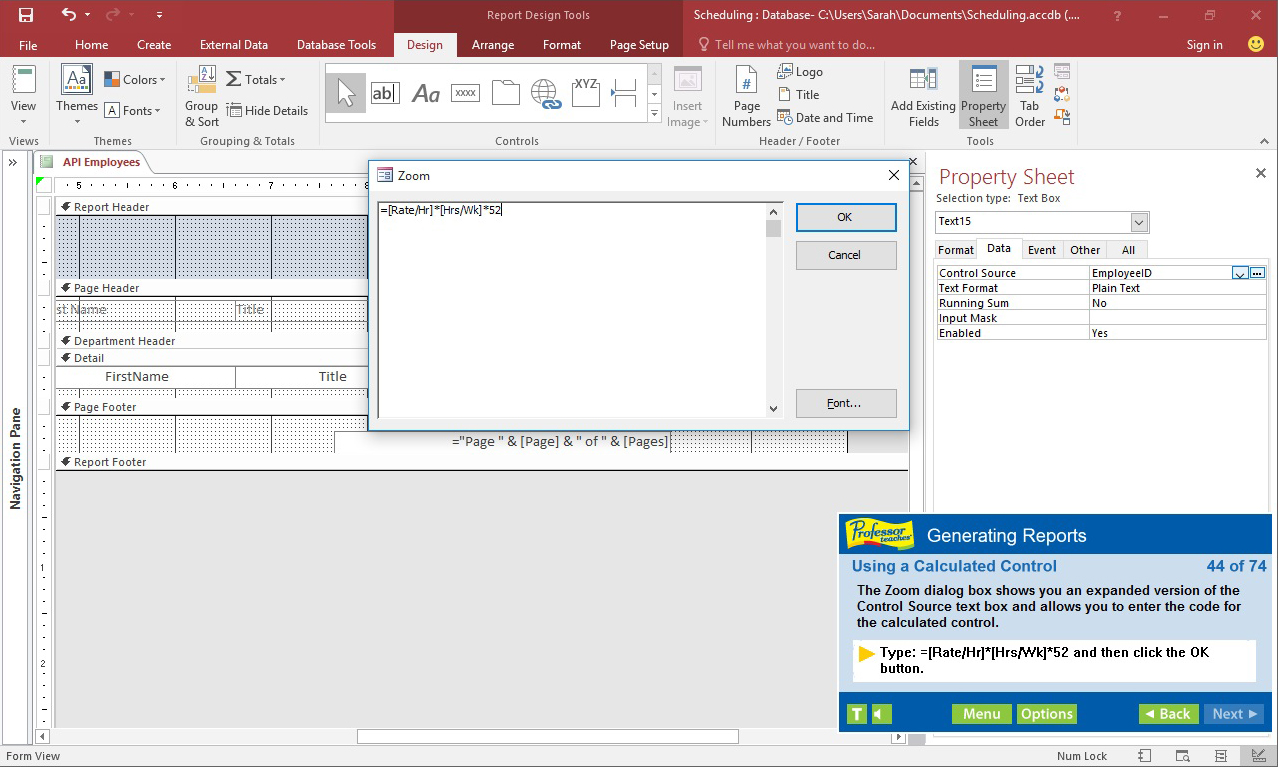
Professor Teaches, the leading brand of training, provides realistic, interactive, and complete training for Access 2016. Build your skills with Professor Teaches tutorials and learn everything you’ll need, from beginning to advanced lessons.

Conectează-te pentru a adăuga acest articol în lista ta de dorințe, a-l urmări sau a-l marca drept ignorat.

Nu este disponibil în limba: Română

Acest produs nu este disponibil în limba ta locală. Te rugăm să consulți lista de mai jos cu limbile în care jocul este disponibil înainte de achiziționare

Cumpără Professor Teaches Access 2016


Despre acest Software

Professor Teaches, the leading brand of training, provides realistic, interactive, and complete training for Access 2016. Build your skills with Professor Teaches tutorials and learn everything you’ll need, from beginning to advanced lessons. Each interactive tutorial is organized for fast and easy learning so you can practice and apply what you learn right away. Learn Microsoft Access 2016 with hours of interactive training lessons and exercises.

What is Microsoft Access 2016?
Microsoft Access is a database management system and is a part of Microsoft Office. Learn the features of the latest version of this powerful program that allows users to store and track large amounts of data, and analyze the data for various applications.

What Are the Benefits of Learning Microsoft Access 2016?
• Discover how to use database knowledge to track and analyze information
• Learn to create meaningful reports and share valuable information
• Learn to export information as a web page

Access 2016 – Over 60 Lessons!
Our extensive computer training course will cover the following topics:
• Creating a Database
• Exploring Office Backstage
• Exploring Database Objects
• Printing Database Objects
• Working with Tables
• Working with Datasheets
• Updating Records
• Sorting Records & Filtering Records
• Designing Tables
• Adding Tables & Fields to a Database
• Importing Data & Exporting Data
• Performing Database Maintenance
• Creating and Running Queries
• Creating Calculated Fields
• Using Aggregate Functions
• Understanding Query Properties
• Creating Multi-Table Select Queries
• Joining Tables
• Enforcing Referential Integrity
• Using Forms
• Creating a Form with the Form Wizard
• Generating Reports
• Working in the Cloud with Office 365
• Understanding the Cloud & OneDrive

Features of Professor Teaches Access 2016
Practice in a Realistic Simulation of the Software
Hundreds of Learning Topics
4 to 8 Hours of Training per Course
Realistic Simulations
Beginner to Advanced Topics
Self-Paced Learning Objectives
Introductions and Summaries
Interactive Exercises
Professional Voice Narration
End-of-Chapter Quiz Questions
Check marks for Completed Topics
Glossary, Index, and Search
Professor Answers for Instant Training

Cerințe de sistem

    Minim:
    • SO *: Windows 10, 8, 7, XP
    • Procesor: None
    • Memorie: 150 MB RAM
    • Placă audio: None
* Începând cu 1 ianuarie 2024, clientul Steam va fi compatibil numai cu Windows 10 și versiunile ulterioare.

Recenziile clienților pentru Professor Teaches Access 2016 Despre recenziile utilizatorilor Preferințele tale

Recenzii generale:
3 recenzii ale utilizatorilor (3 recenzii)


Pentru a vedea recenziile dintr-un anumit interval calendaristic, te rugăm să faci clic și să tragi o selecție pe un grafic de mai sus sau apasă pe o bară specifică.


Filtrează recenziile în funcție de timpul petrecut de recenzor în joc până la momentul scrierii acestora:


Niciun minimNiciun maxim

Arată recenziile în ordinea de afișare selectată


Află mai multe
Filtre
Se exclude activitatea cu recenzii irelevante
Timp petrecut:
Jucat în principal pe Steam Deck
Nu mai există recenzii care să se potrivească cu filtrele setate mai sus
Ajustează filtrele de mai sus pentru a vedea alte recenzii
Se încarcă recenzii...