Войдите, чтобы добавить этот продукт в список желаемого или скрыть его

Не поддерживается русский язык

Этот продукт не поддерживает ваш язык. Пожалуйста, перед покупкой ознакомьтесь со списком поддерживаемых языков.

Купить Merkava: The Sacred Armour of Meirav


Об этой игре

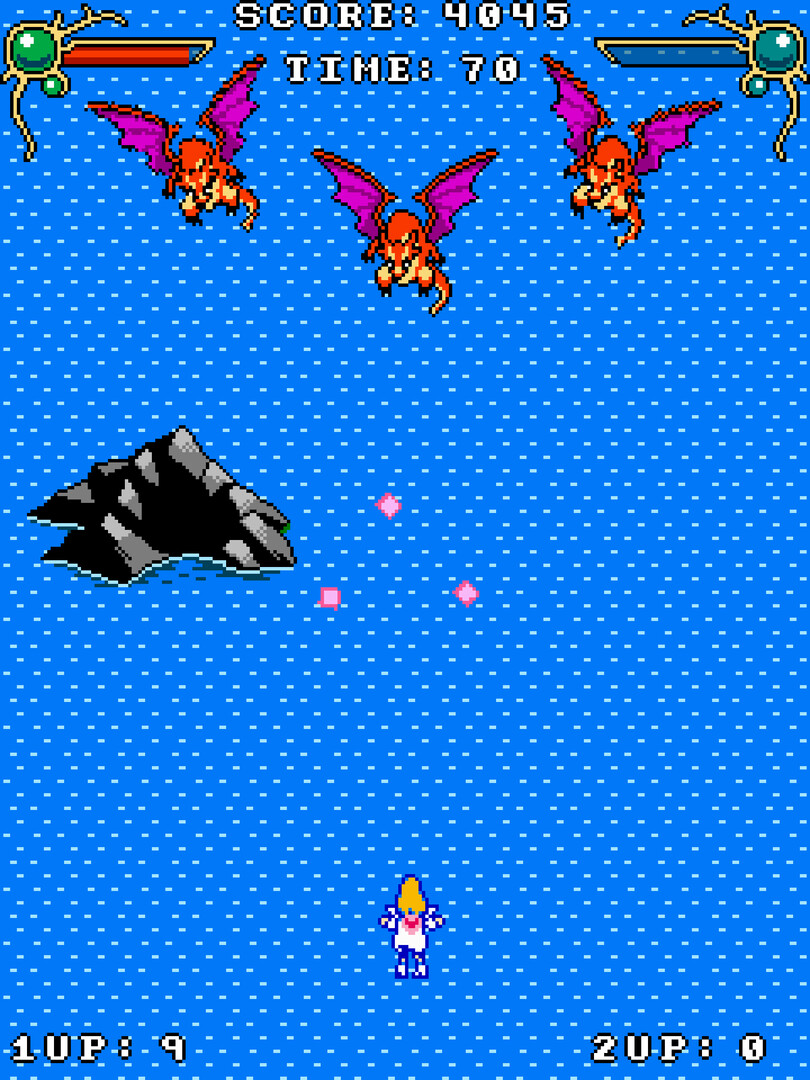
Simple lightweight shmup.

Save the world from Dinah's threat by defeating angels, demons, beasts, and aliens.

Game Info: Gamepad support | Approximately 50 minutes of playtime | Local co-op multiplayer | 4 stages | 3 game modes

Platform: PC (Linux 64-bit, Windows 10/11 64-bit)

Available Languages: English, Spanish

This game contains some flashing projectiles and enemies, which may be unsuitable for people with photosensitive conditions.

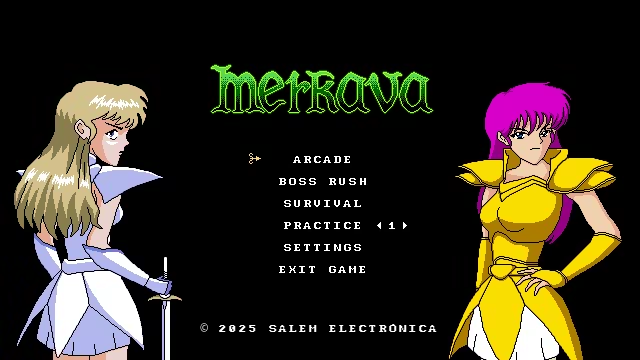
Game Modes 💥

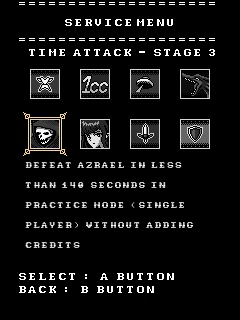
Arcade Mode: Blast through 4 action-packed stages, each with unique enemies and a powerful boss to defeat. Reach the final battle and stop the apocalypse. You can also go for a high score or race the clock in a Time Attack!
* Extra credits/lives can only be added in Arcade and Practice Modes.

Boss Rush Mode: Face off against all 4 bosses back-to-back in an intense Time Attack.

Survival Mode: How long can you last? Enemies spawn endlessly in this escalating challenge. The longer you survive, the more relentless they become. Push your reflexes to the limit!

Practice: Here you can practice in any of the four stages or fight directly against any of the five bosses. Perfect for mastering each boss’s attack patterns and every level's composition

Game Mechanics 🛠

Movement: Grants full directional control of your character. Diagonal movement incurs a speed penalty.

Rotation: Allows the player to adjust their firing angle by rotating the character independently of movement. You obtain this power-up after clearing Stage 3.

Autofire: Hold down the shoot button to fire automatically—you don’t need to press it repeatedly. Each shot deals 100 damage.

Focused Shooting: While holding the shoot button, your character's movement slows down so you can move more precisely. It's useful for aiming, but even more so for precise evasion.

Shield: This is Merkava’s main mechanic. It lets you reflect all blue-coloured projectiles . It can help offensively, but it's mainly a defensive tool. A reflected projectile deals increased damage and becomes harmless to the one who parried it.

Laser: Deals 1 point of damage per frame. Useful when facing groups of popcorn enemies. You obtain this power-up after clearing Stage 1.

Charge Beam: It has 3 charge levels. It deals 180 damage at level 1, 350 at level 2, and 750 at level 3. It doesn't disappear on contact, so it can destroy everything in its path. You obtain this power-up after clearing Stage 2.

Sword: Deals 350 damage and can be used with a very high attack rate, allowing for huge damage if you’re well-coordinated. You can use it once every 10 frames. You obtain this power-up after clearing Stage 3.

Controls 🎮

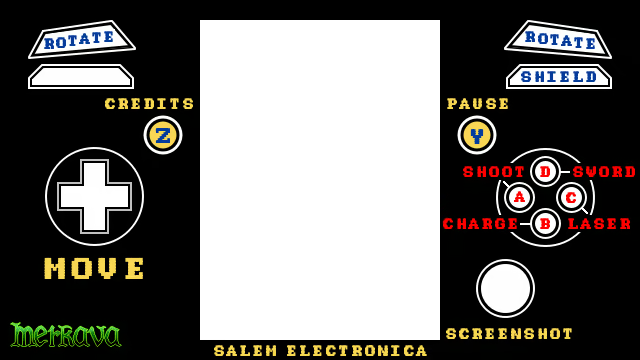
It is recommended to play with controllers, but you can also play with a keyboard. Both players share "the same" keyboard (even if you connect two keyboards, the game will treat them as the same one).

Player 1 - Keyboard:                 Player 2 - Keyboard:

Movement:  W, A, S, D             Numpad 8, 4, 5, 6

Pause:  Enter                               

Shoot and Select:  O                 C

Sword:  P                                        V

Laser:  U                                         Z

Charge:  H                                     Space

Shield:  I                                         X

Rotation:  Q, E                             Numpad 7, 9

Credits:   Backspace                 Numpad 1

Controller:

Settings ⚙️

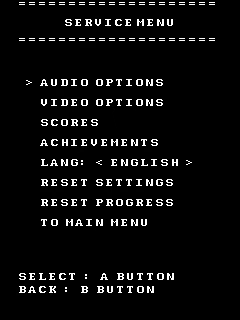
Audio and Video Options, 2 Languages (English / Spanish)

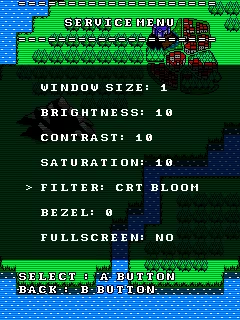
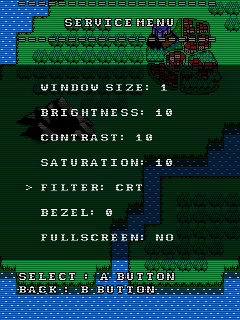
2 Filters 📸

Bezels

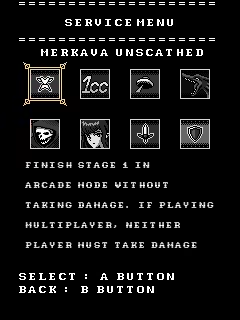
And Local Achievements

Tips ⭐️

You can take screenshots with the R3 button, they will be saved in

Linux: ~/.local/share/godot/app_userdata/Merkava - The Sacred Armour of Meirav/Screenshots

Windows: C:\Users\<YourUser>\AppData\Roaming\Godot\app_userdata\Merkava - The Sacred Armour of Meirav\Screenshots

You can close the game using the controller with the button combination C + D + L + R + LT + RT + D-Pad Left + D-Pad Up

You can soft reset the game using the controller with the button combination L + R + B + Z (Select)

Total Playtime and Enemies Defeated are saved when returning to the Main Menu or when exiting the game from any menu or via ControllerQuit

If for some reason your game stops working properly, it's most likely because the save file got corrupted. To fix this, simply delete the file named SaveFile.save

Save File Info: Your save file is called SaveFile.save and it's located...

On Linux: ~/.local/share/godot/app_userdata/Merkava - The Sacred Armour of Meirav/SaveFile.save

On Windows: C:\Users\<YourUser>\AppData\Roaming\Godot\app_userdata\Merkava - The Sacred Armour of Meirav\SaveFile.save

Enjoy the game. If you experience any issues, contact us and we'll fix them as soon as possible

Системные требования

Windows
SteamOS + Linux
    Минимальные:
    • 64-разрядные процессор и операционная система
    • ОС: Windows 10/11
    • Процессор: CPU dual-core
    • Оперативная память: 1 GB ОЗУ
    • Место на диске: 200 MB
    • Дополнительно: Keyboard or Gamepad
    Рекомендованные:
    • 64-разрядные процессор и операционная система
    Минимальные:
    • ОС: Linux 64 bits
    • Процессор: CPU dual-core
    • Оперативная память: 1 GB ОЗУ
    • Место на диске: 200 MB
    • Дополнительно: Keyboard or Gamepad
    Рекомендованные:

    Обзоры пользователей: Merkava: The Sacred Armour of Meirav О пользовательских обзорах Ваши настройки

    Все обзоры:
    Обзоров пользователей: 2 (всего 2)


    Чтобы посмотреть обзоры за определённое время, отметьте промежуток на графике или выберите одну из колонок.


    Фильтр обзоров пользователей по их времени в игре в момент написания обзора:


    Без минимумаБез максимума

    Показать обзоры в выбранном порядке


    Подробнее
    Фильтры
    Исключать обзоры не по теме
    Время в игре:
    В основном на Steam Deck
    Операционная система:
    CPU:
    GPU:
    Тип устройства: