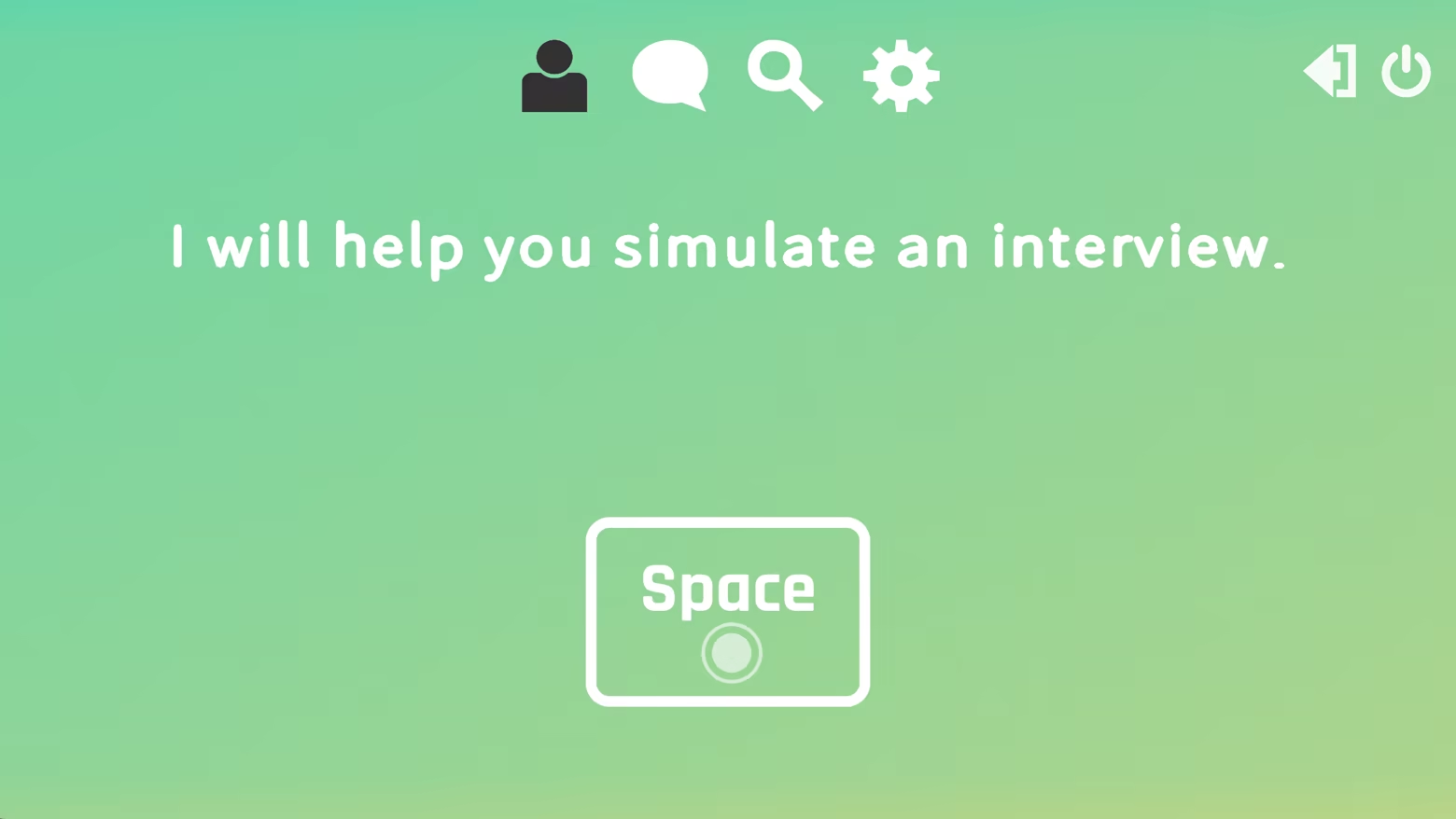
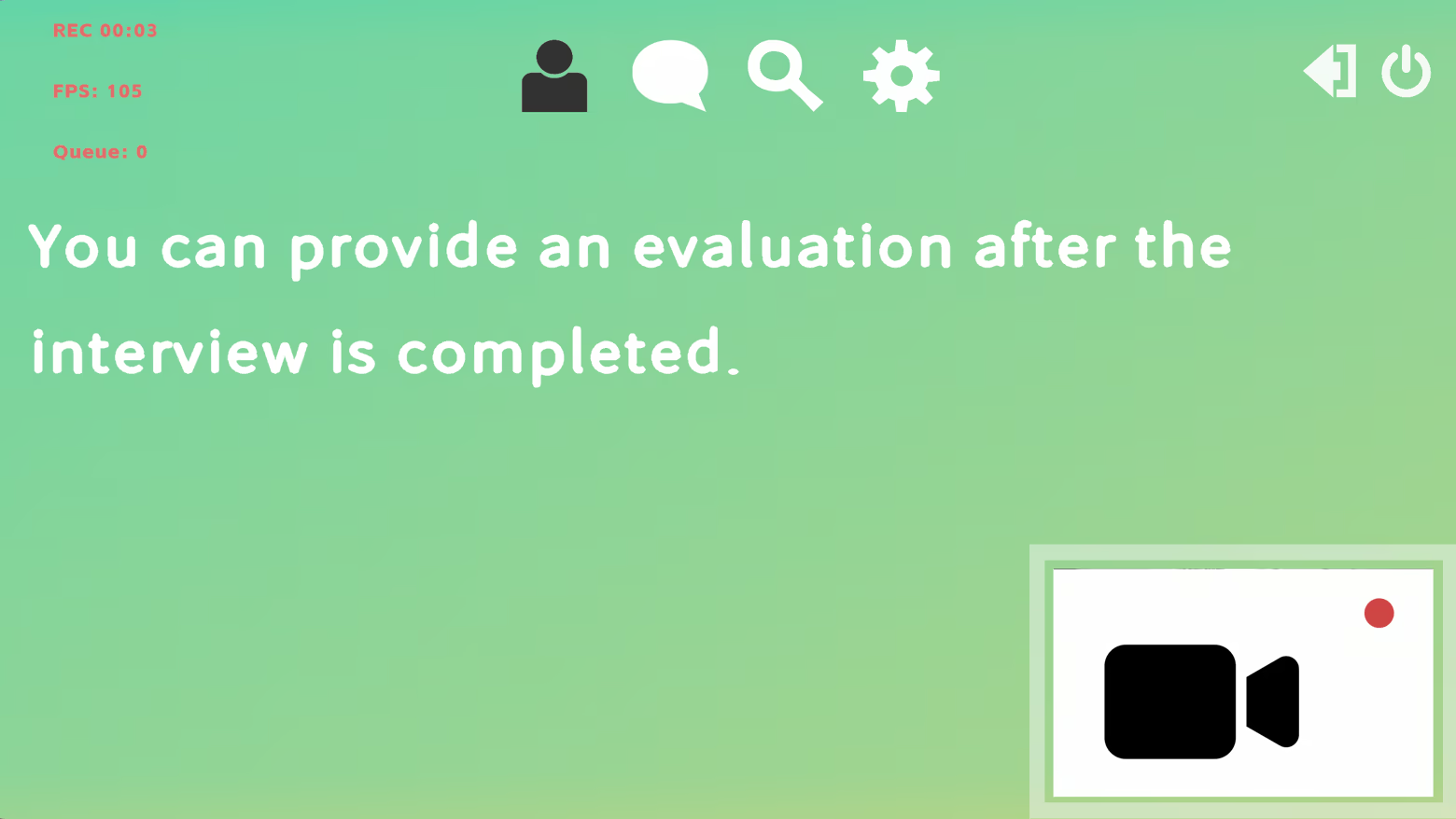
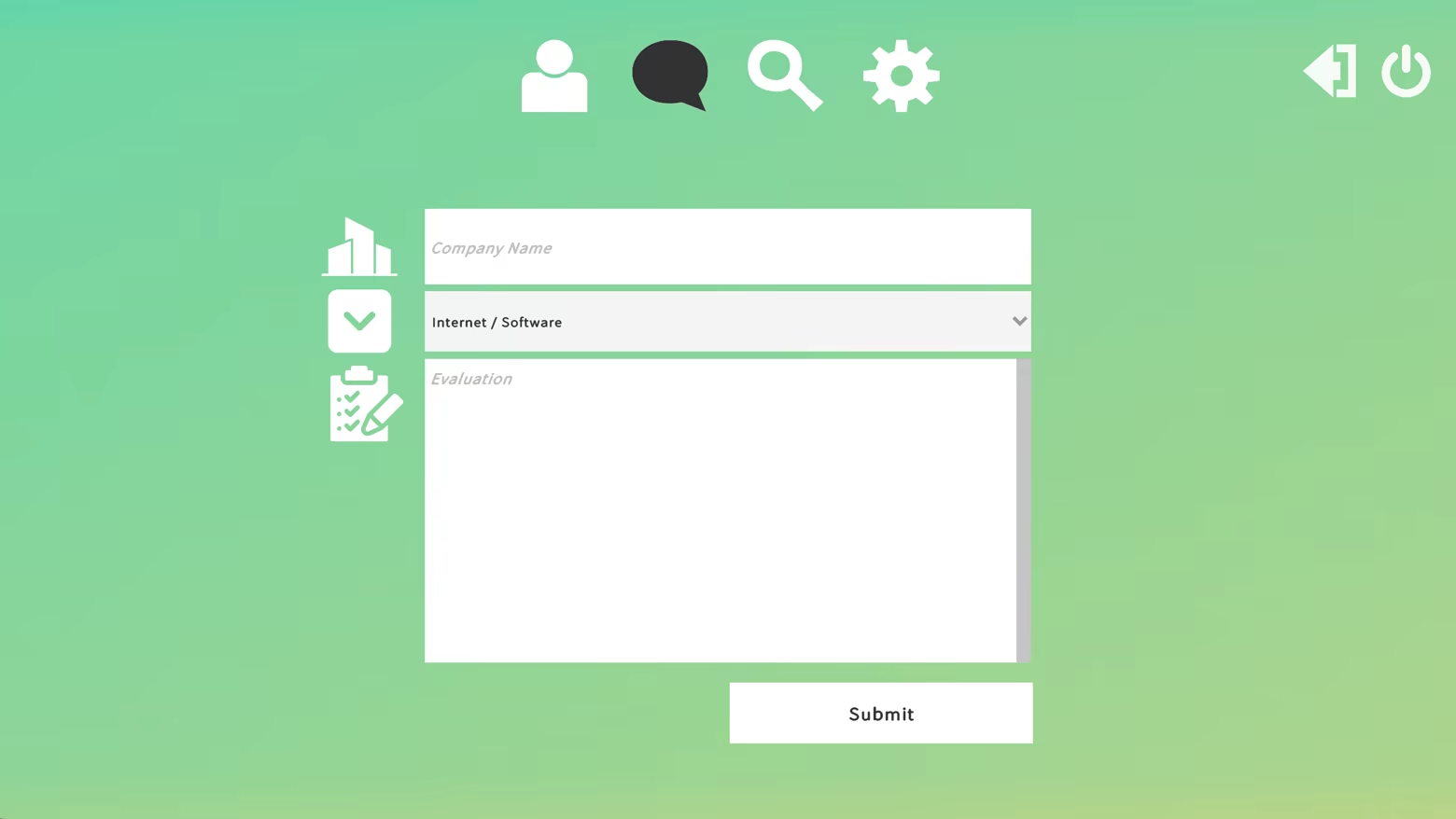
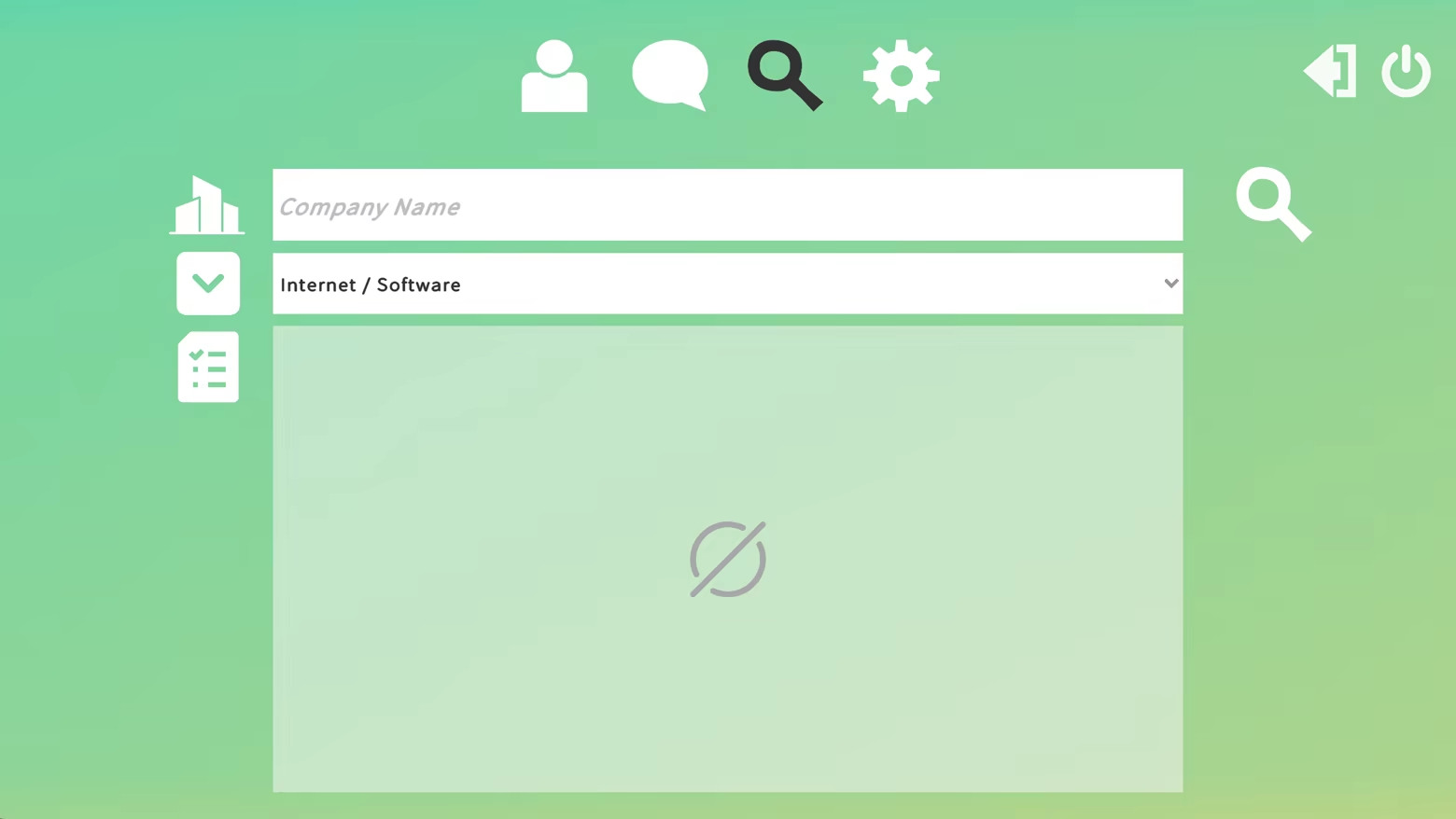
Use the camera to record interview sessions for later review. Users can review companies or search to see evaluations from other users. Each user can submit up to three valid reviews per day.
วันวางจำหน่าย:
ไตรมาสที่ 1 2026
ผู้พัฒนา:
ผู้จัดจำหน่าย:
แท็ก

เข้าสู่ระบบ เพื่อเพิ่มผลิตภัณฑ์นี้ลงในสิ่งที่อยากได้ของคุณ ติดตาม หรือทำเครื่องหมายเป็นถูกละเว้น

ไม่รองรับภาษาไทย

ผลิตภัณฑ์นี้ไม่รองรับภาษาท้องถิ่นของคุณ โปรดตรวจสอบรายชื่อภาษาที่รองรับก่อนทำการสั่งซื้อ

เกมนี้ยังไม่พร้อมใช้งานบน Steam

วันวางจำหน่ายที่วางแผนไว้: ไตรมาสที่ 1 2026

น่าสนใจ?
เพิ่มในสิ่งที่คุณอยากได้ และรับการแจ้งเตือนเมื่อผลิตภัณฑ์พร้อมใช้งาน
เพิ่มลงในสิ่งที่อยากได้ของคุณ
 

เกี่ยวกับซอฟต์แวร์นี้

This application is mainly divided into two parts. One part is designed to simulate real interview scenarios you may encounter, while the other focuses on reviewing related companies.

The interview section includes more than 40 common interview questions. During interviews, you can use your camera to record the session for later review. In addition, you can evaluate companies at any time and search for reviews related to specific companies.

When using this application for the first time, you are required to register and log in using a third-party account. This third-party service only uses your email address for user registration and authentication, and will not access or use any other personal information.

This application mainly consists of three core features: Interview, Review, and Search.

In the Interview tab, press the Space key to continue to the next line of dialogue.

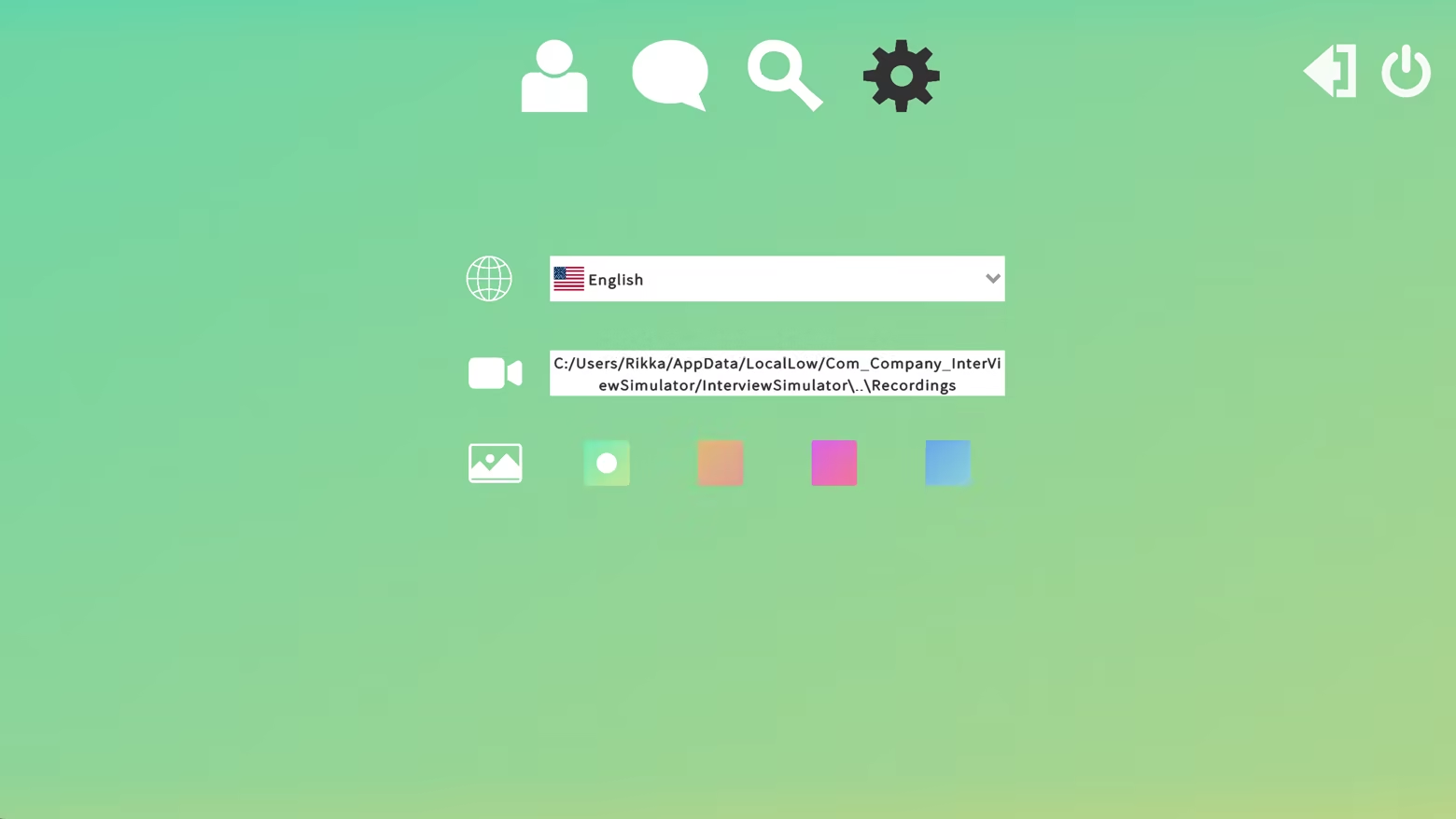
During this process, if the camera and microphone are available, they will be enabled automatically and shown in the bottom-right corner. However, no recording will take place at this stage. Recording of the screen and camera will only start after you press the R key. All recordings are processed and stored locally and will not be uploaded to the internet. You can change the video save location in the Settings page. By default, videos are saved to the C drive.

In the Review tab, each user can submit up to three valid reviews per day.

  • The first review has no cooldown.

  • The second review can be submitted after 5 minutes.

  • The third review can be submitted after 1 hour.
    After that, a 24-hour cooldown will apply.

In the Search tab, you can search by company name or industry. If available, all reviews related to the company will be displayed here. Only reviews are shown; no other company information is included.

Finally, in the Settings page, you can change the language, adjust the video save location, and configure background settings.

ความต้องการระบบ

    ขั้นต่ำ:
    • ระบบปฏิบัติการ: Windows 10
    • โปรเซสเซอร์: Intel i5
    • หน่วยความจำ: แรม 4 GB
    • กราฟิกส์: GTX 950
    • เครือข่าย: การเชื่อมต่ออินเทอร์เน็ตแบบบรอดแบนด์
    • พื้นที่จัดเก็บข้อมูล: พื้นที่ว่างที่พร้อมใช้งาน 1 GB
    แนะนำ:
    • ระบบปฏิบัติการ: Windows 10
    • โปรเซสเซอร์: Intel i5
    • หน่วยความจำ: แรม 8 GB
    • กราฟิกส์: GTX 1060
    • เครือข่าย: การเชื่อมต่ออินเทอร์เน็ตแบบบรอดแบนด์
    • พื้นที่จัดเก็บข้อมูล: พื้นที่ว่างที่พร้อมใช้งาน 2 GB
ไม่พบบทวิจารณ์สำหรับผลิตภัณฑ์นี้

คุณสามารถเขียนบทวิจารณ์ของคุณเองสำหรับผลิตภัณฑ์นี้เพื่อแบ่งปันประสบการณ์ของคุณให้กับชุมชน ใช้พื้นที่ด้านบนของปุ่มซื้อในหน้านี้เพื่อเขียนบทวิจารณ์ของคุณ