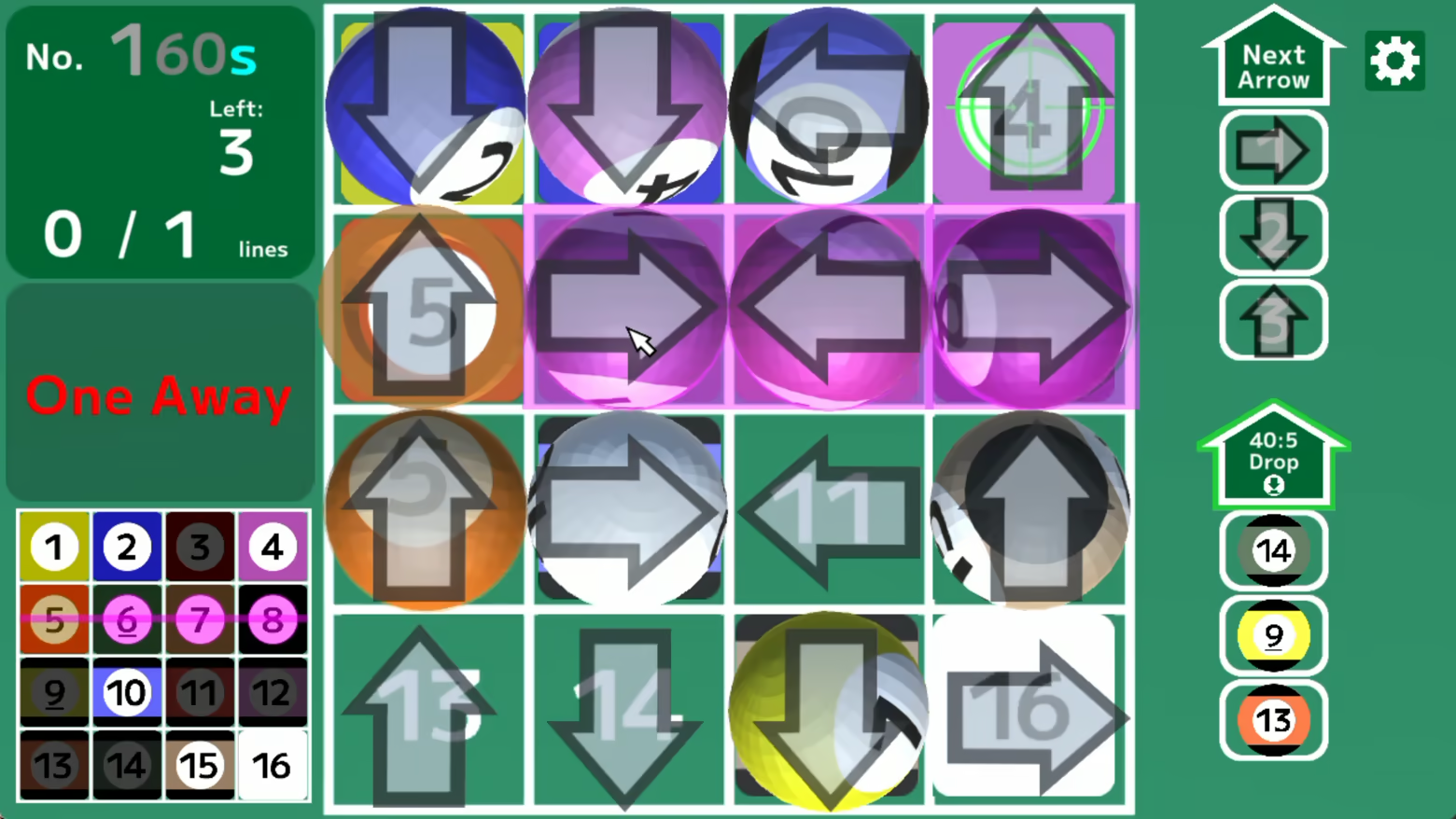
"Touch the arrow to slide the balls together, leading to One Away, then Bingo!" There are sheets on the floor marked with the same colors and numbers as the balls, and you move the balls to their matching sheets to reach the goal, line them up to get Bingo, and sink them.

Zaloguj się, aby dodać tę pozycję do listy życzeń, zacząć ją obserwować lub oznaczyć jako ignorowaną

Polski język nie jest obsługiwany

Ten produkt nie obsługuje twojego lokalnego języka. Przed zakupem zapoznaj się z listą obsługiwanych języków, która znajduje się poniżej.

Kup Arrow Bingo


O tej grze

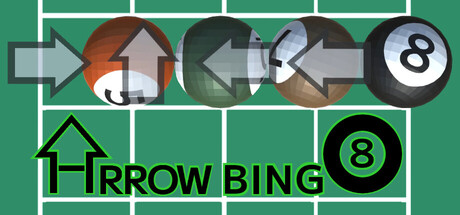
"Touch the arrow to slide the balls together, leading to One Away, then Bingo!"

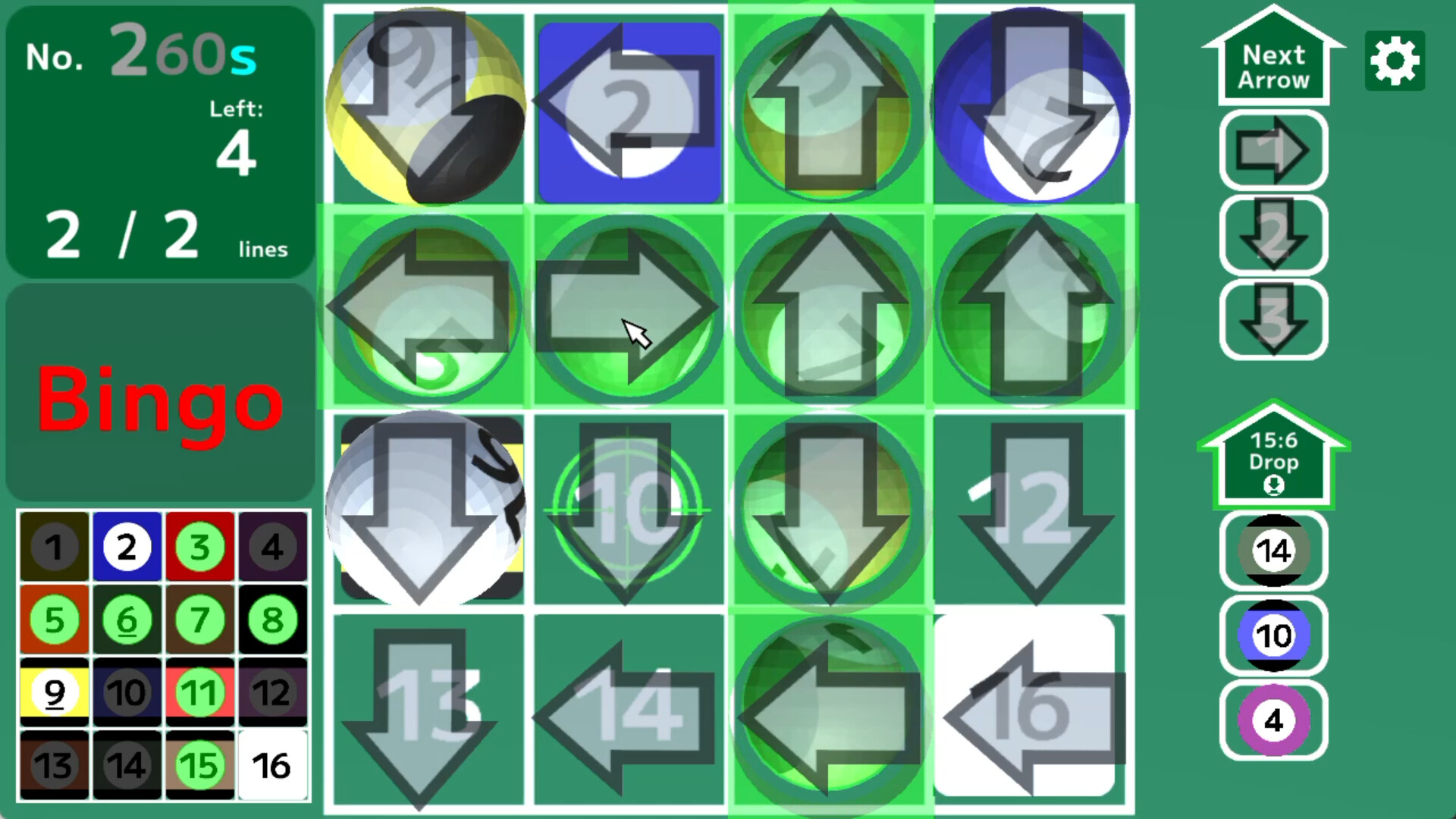
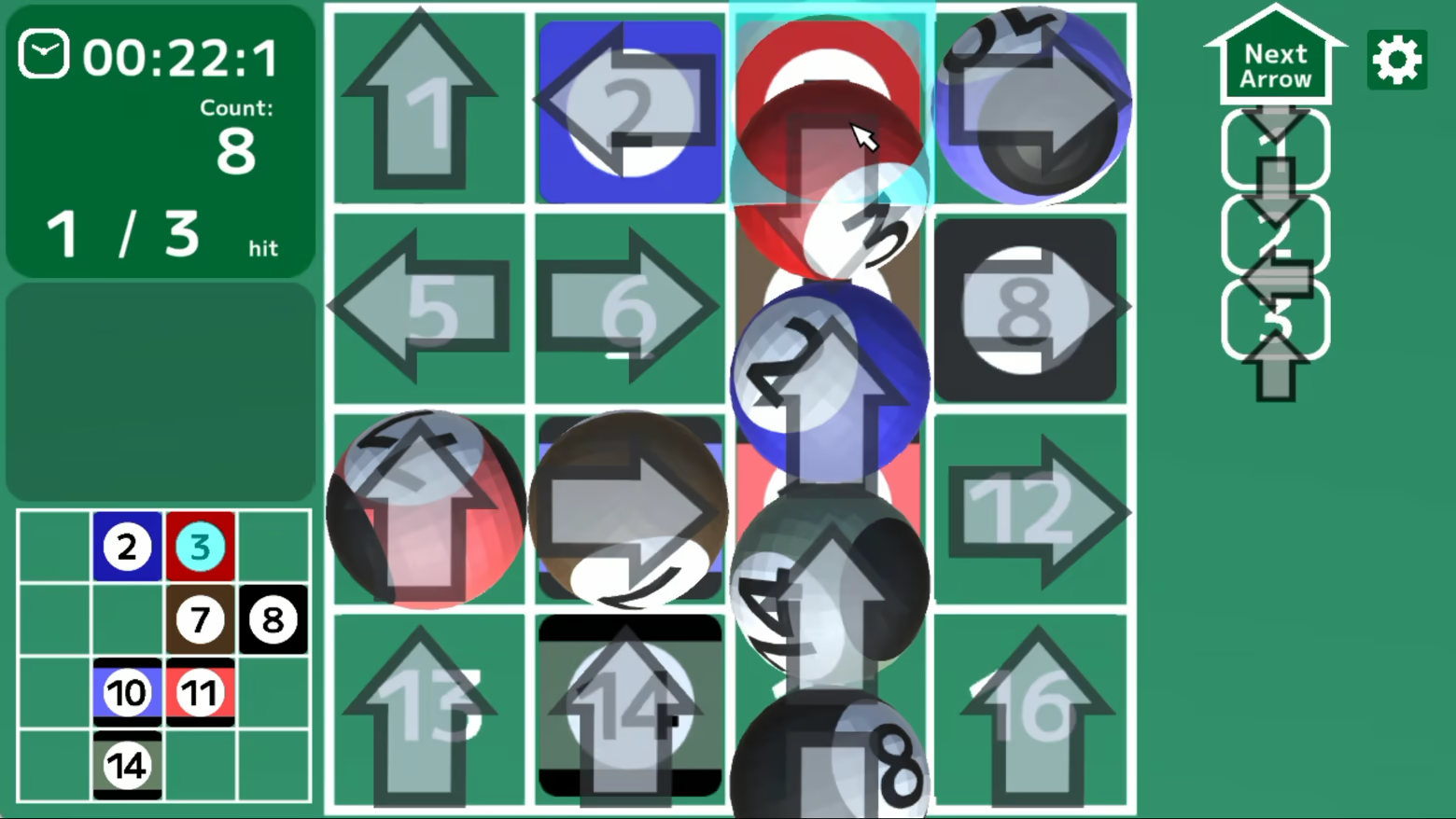
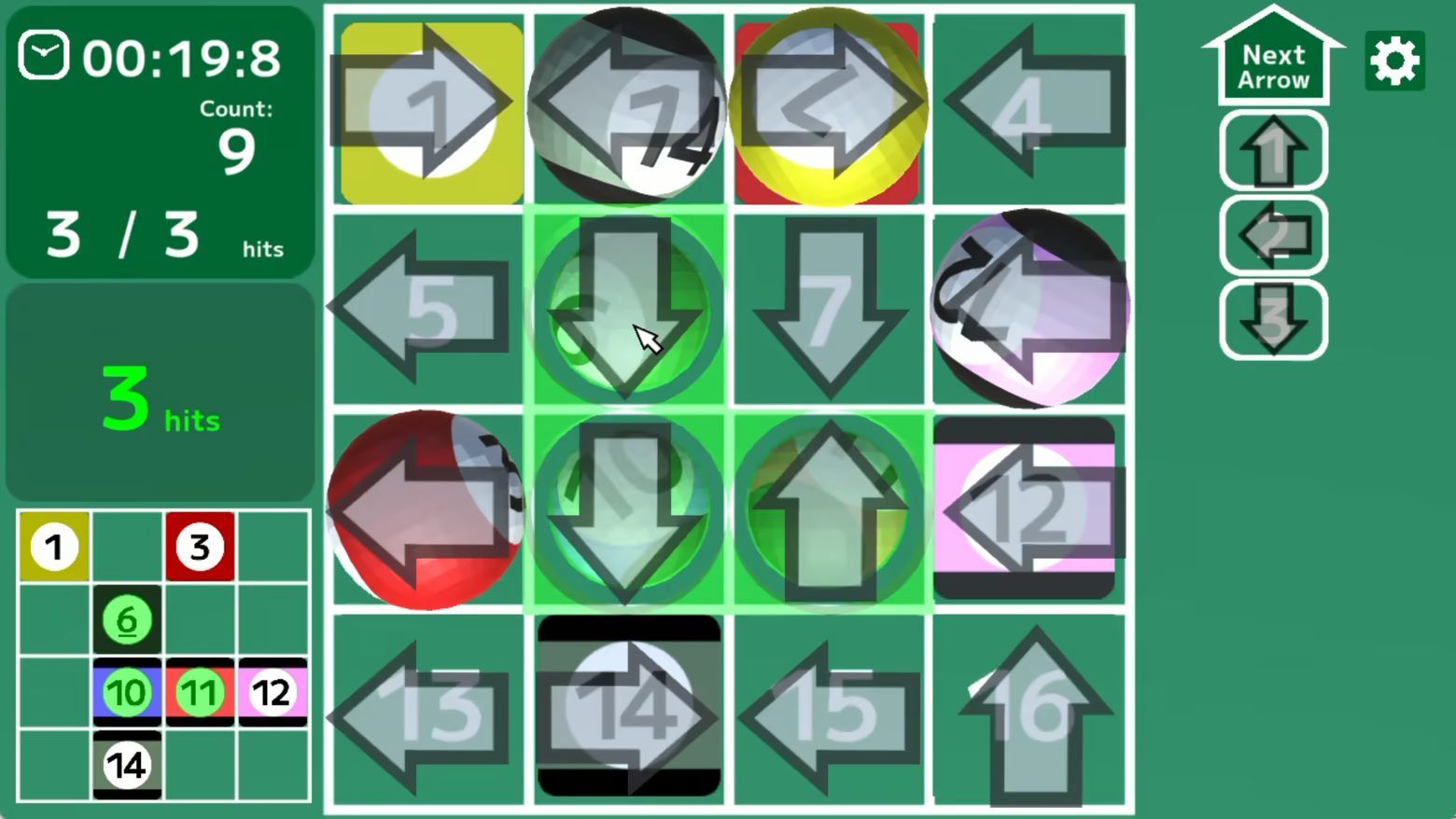
Touch the arrow to slide an entire line in its direction.

There are sheets on the floor marked with the same colors and numbers as the balls, and you move the balls to their matching sheets to reach the goal, line them up to get Bingo, and sink them.

By moving the balls together at once, the situation can quickly improve, or it can lead to unexpected movements that make things worse.

Look at the entire field and planning ahead, let's clear the puzzle!

"16Puzzle"Mode (Warm-Up)

A ball that reaches the goal is considered a “hit,” and you move the balls while keeping those hits, aiming for the target hit count.

Pay attention to the interaction of multiple balls while sliding the arrows and balls.

"Bingo"Mode

When you line up the balls that have reached the goal, you get Bingo and your line count increases.

Use various techniques, such as moving balls that block the way in advance or swapping arrows without changing the board, to complete multiple lines of Bingo.

"Collection"Mode

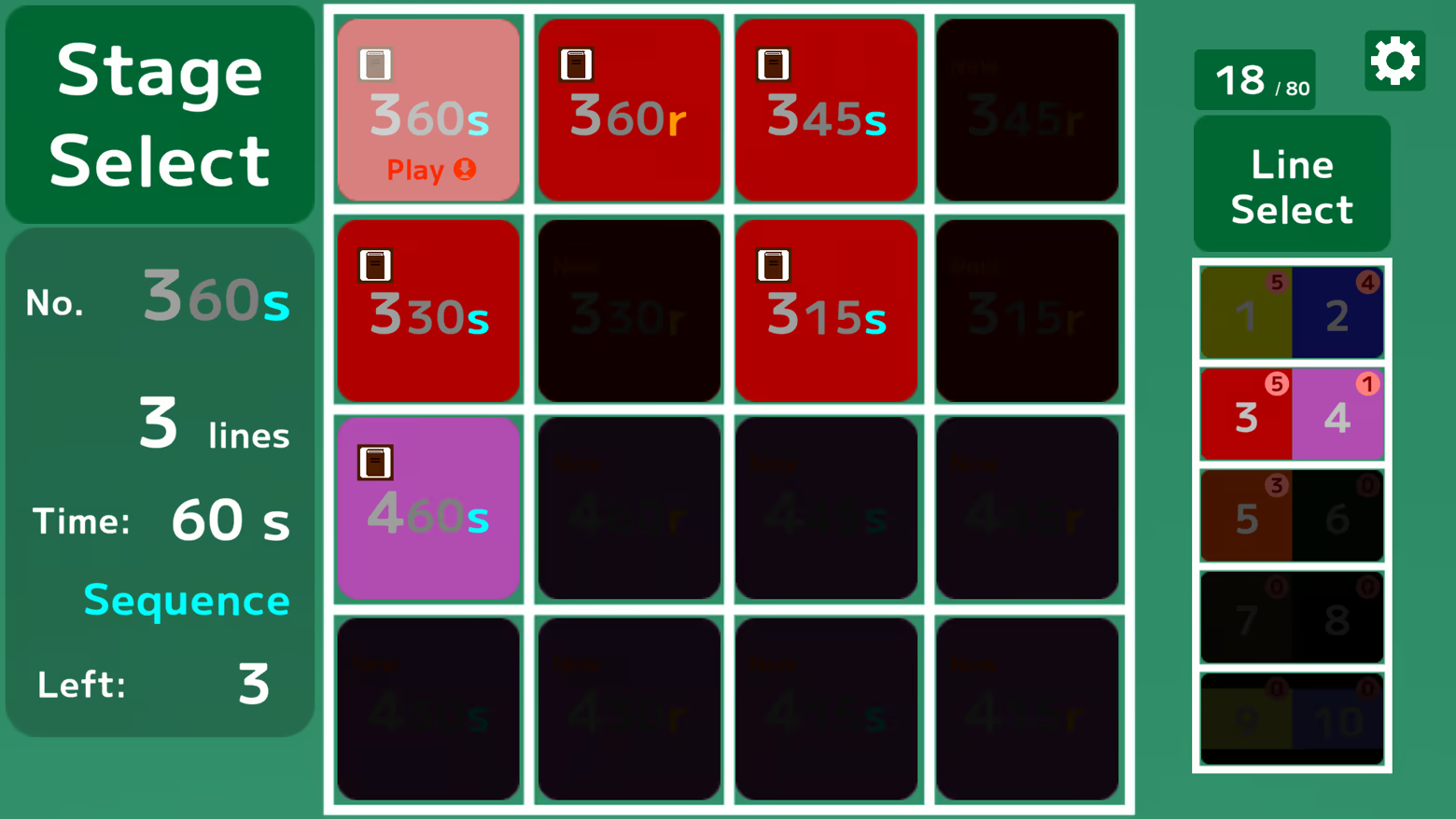
Clearing a new stage in "Bingo" mode unlocks a stage in "Collection" mode.

Practice the completed stages in the ”Collection” mode, and let’s challenge the new stages in ”Bingo” mode!

Wymagania systemowe

    Konfiguracja minimalna:
    • System operacyjny: Windows 10
    • Pamięć: 4 GB RAM
    • Miejsce na dysku: 1 GB dostępnej przestrzeni
Brak recenzji dla tego produktu

Możesz napisać swoją własną recenzję dla tego produktu, żeby podzielić się swoimi wrażeniami ze społecznością. Użyj obszaru, który znajduje się na tej stronie nad przyciskiem zakupu, żeby napisać swoją recenzję.